
 Saludos, el nuevo Update 2 para Veeam Backup & Replication ya se encuentra disponible. Como siempre Veeam recomienda actualizar todos los entornos lo antes posible para beneficiarse de todas las correcciones de este nuevo paquete de actualizaciones.
Veeam Backup & Replication 9.0 Update 2
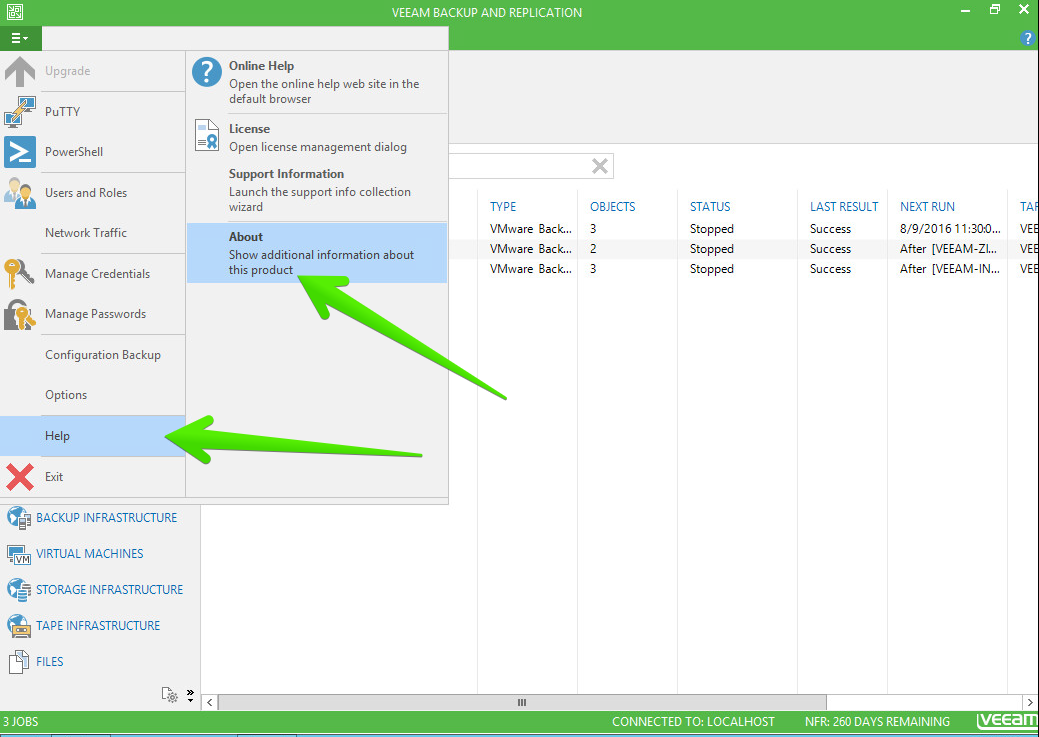
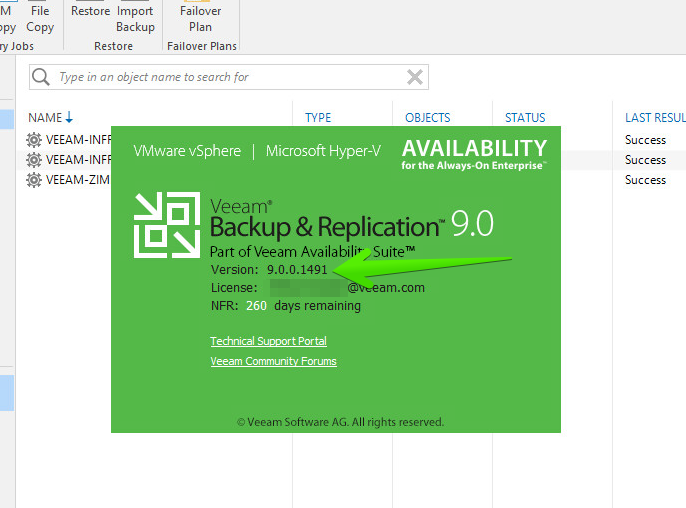
Antes de instalar el nuevo Update 2, debemos comprobar que estamos ejecutando la versión 9.0.0.902 o 9.0.0.1491 desde la consola en Veeam Backup & Replication – Help | About
A su vez, Veeam nos recomienda realizar un reinicio del servidor, o servidores, de Veeam antes de realizar el Update, de esta manera no tendremos ningún fichero bloqueado por Veeam.
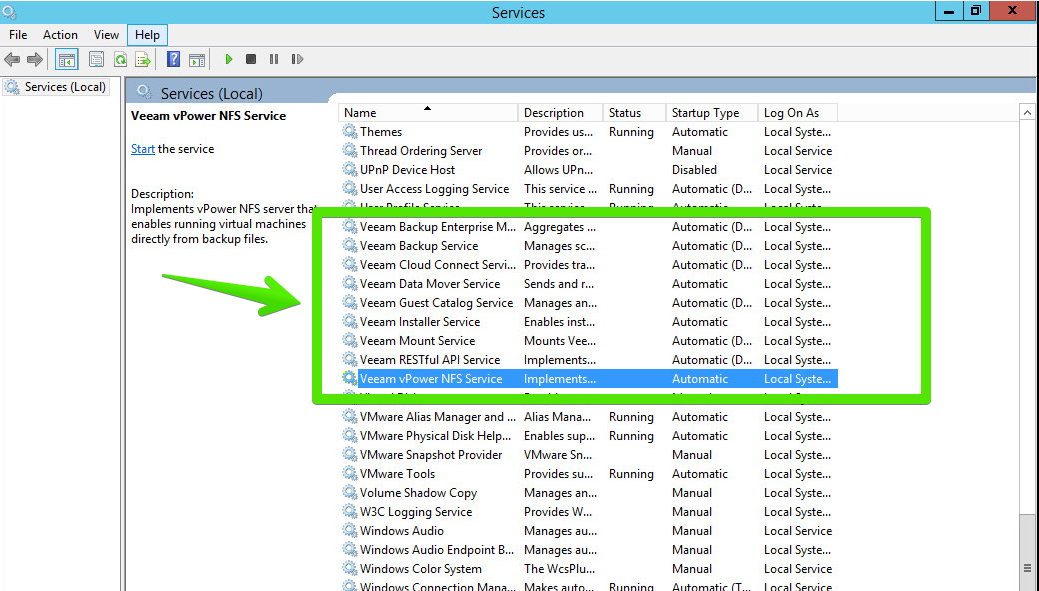
Una vez reiniciado, Veeam recomienda parar todos los servicios de Veeam de manera manual antes de instalar el Update 2.
[button url=”https://www.veeam.com/kb2147″ style=”green”]DESCARGAR AHORA[/button]
Proceso de actualización
Ya podremos empezar con la instalación, el cual es muy sencillo y realiza primero un Backup de los ficheros instalados para posteriormente realizar la instalación
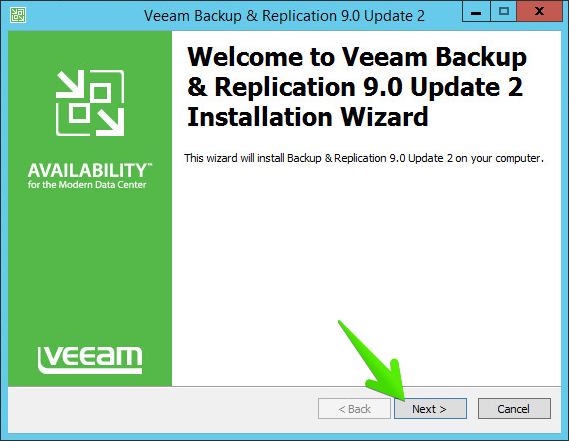
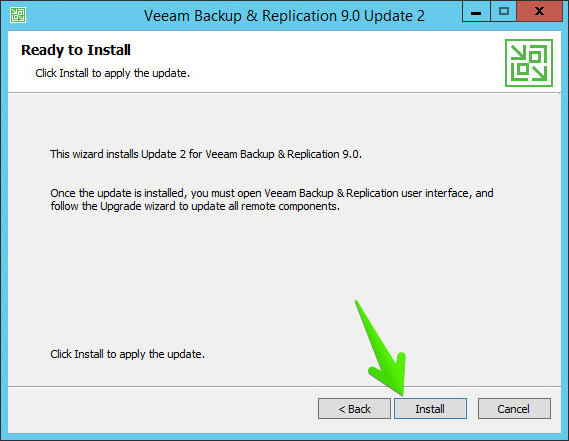
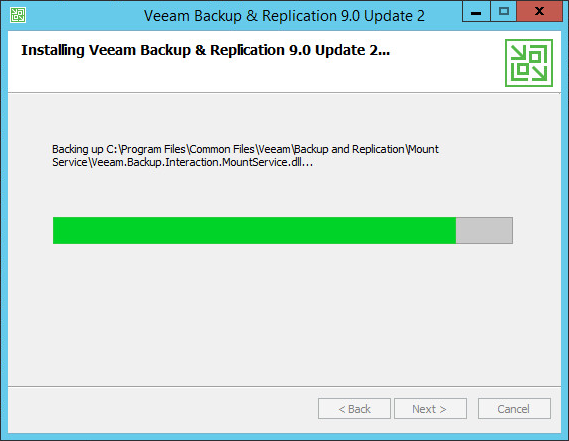

Y pasados unos minutos ya tendremos nuestro server actualizado
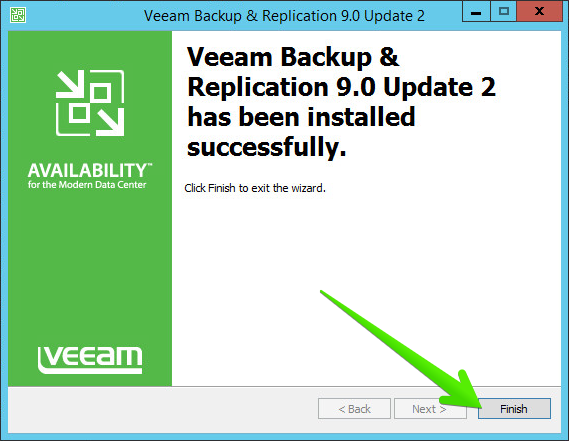
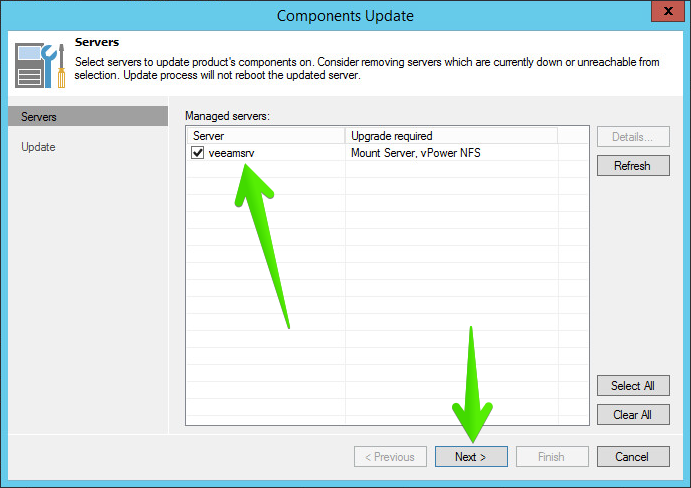
Al ejecutar de nuevo Veeam Backup & Replication, nos pedirá actualizar los componentes necesarios, pulsaremos Next
Y pasados unos segundos ya estarán todos los componentes actualizados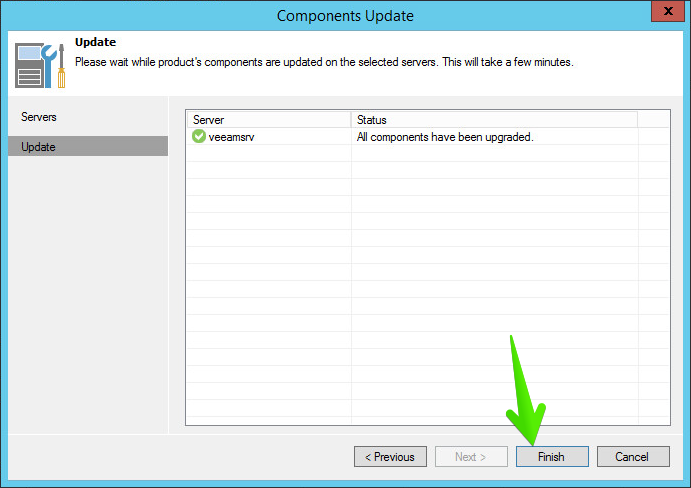
Ya podemos ver que disponemos de la última versión

Release Notes de Veeam Backup & Replication 9.0 Update 2
Solution
Como resultado del continuo esfuerzo del equipo de desarrollo de Veeam, Veeam nos presenta este Update 2, con más de 300 mejoras, aquí una lista de las más significativas, en Inglés:
New platform support
- Cisco HyperFlex HX-Series support for Direct NFS backup mode.
- EMC Unity support for Backup from Storage Snapshots and Veeam Explorer for Storage Snapshots functionality.
- EMC Data Domain DD OS 5.7 support for DD Boost integration.
- ExaGrid 4.8.0.351.P28 is now the minimal ExaGrid firmware version supported.
- NetApp Data ONTAP 8.3.2 support.
- VMware vCloud Director 8.10 support.
- VMware VSAN 6.2 support.
Engine
- Backported a number of isolated Enterprise Scalability enhancements from 9.5 code branch to improve transaction log backup, tape backup and user interface performance.
- Updated OpenSSH client to version 7.2 to enable out of the box support for modern Linux distributions.
- Improved iSCSI target performance (iSCSI target is used to mount backup remotely in certain file-level and item-level recovery scenarios).
- iSCSI mount operations are now retried automatically to workaround occasion “The device is not ready” errors which happen when mount operation takes too long. By default, the mount is retried 6 times every 10 seconds. To change the number of retries, create IscsiMountFsCheckRetriesCount (DWORD) registry value under HKLM\SOFTWARE\Veeam\Veeam Backup and Replication key on the backup server.
Backup Copy
- To reduce backup server load, Backup Copy jobs targeting shared folder or deduplicating appliance backed repositories with the gateway server setting set to Automatic selection will now start data moves on the mount server associated with the backup repository (as opposed to the backup server). In cases when the mount server is unavailable, the data mover will be started on the backup server as before.
- Backup Copy performance should now be more consistent due to preserving backup files cache when the job is switching to idle mode.
- Minor reliability improvements in GFS full backup creation algorithm.
Microsoft Hyper-V
- Find-VBRHvEntity cmdlet performance has been improved significantly when used against Hyper-V cluster.
- Backup infrastructure resource scheduler should schedule Guest Interaction Proxy resource dramatically faster in large infrastructures (for example, 5 seconds instead of 15 minutes).
Microsoft SQL Server
- Improved performance and reduced resource consumption of Microsoft SQL Server transaction log backups.
Microsoft Exchange
- Added ability to force CAS server for Veeam Explorer for Microsoft Exchange (instead of automatically detecting one) via DefaultCASServer (DWORD) registry value under HKLM\SOFTWARE\Veeam\Veeam Backup and Replication key on the backup server.
- Added ability to change the order of Exchange autodiscovery policies for Veeam Explorer for Exchange (support only setting).
Oracle
- Added ability to restore Oracle databases while preserving certain parameters which are critical to RMAN in scenarios such as database name change via new <Parameter Name=”diagnostic_dest” StartupPath=”true”/> parameter in PFileParameters.xml file of Veeam Explorer for Oracle.
Cloud Connect Replication
- Support for Planned Failover functionality with cloud replicas. You can now perform planned failover to achieve zero data loss, for example when a natural disaster can be predicted in advance.
Veeam Cloud & Service Provider Partners
- Update 2 introduces important changes and fixes around rental licensing, including a pilot functionality of usage reporting directly from the user interface. For additional information, as well as the list of other service provider specific enhancements and bug fixes included in this update, please refer to the issue tracking topic in the private VCSP forum. If you are VCSP but don’t have access, please apply to Cloud & Service Providers group using Veeam forum’s User Control Panel.
Buenas, este parche tambien arreglaba un fallo que estaba dando bastantes veces: Veeam.Backup.AgentProvider.AgentClosedException, un error generico.
Saludos y gracias por la info
Fantastico Gorka, no encuentro el Changelog entero, pero si lo encuentro lo añado, un saludo