
 Saludos, cada día que pasa, o mejor, semana o ciclo de dos semanas vSphere Web Client mejora y podemos ver un producto cada vez más maduro, os dejo una captura de pantalla de la última Release 3.36, que ya luce genial.
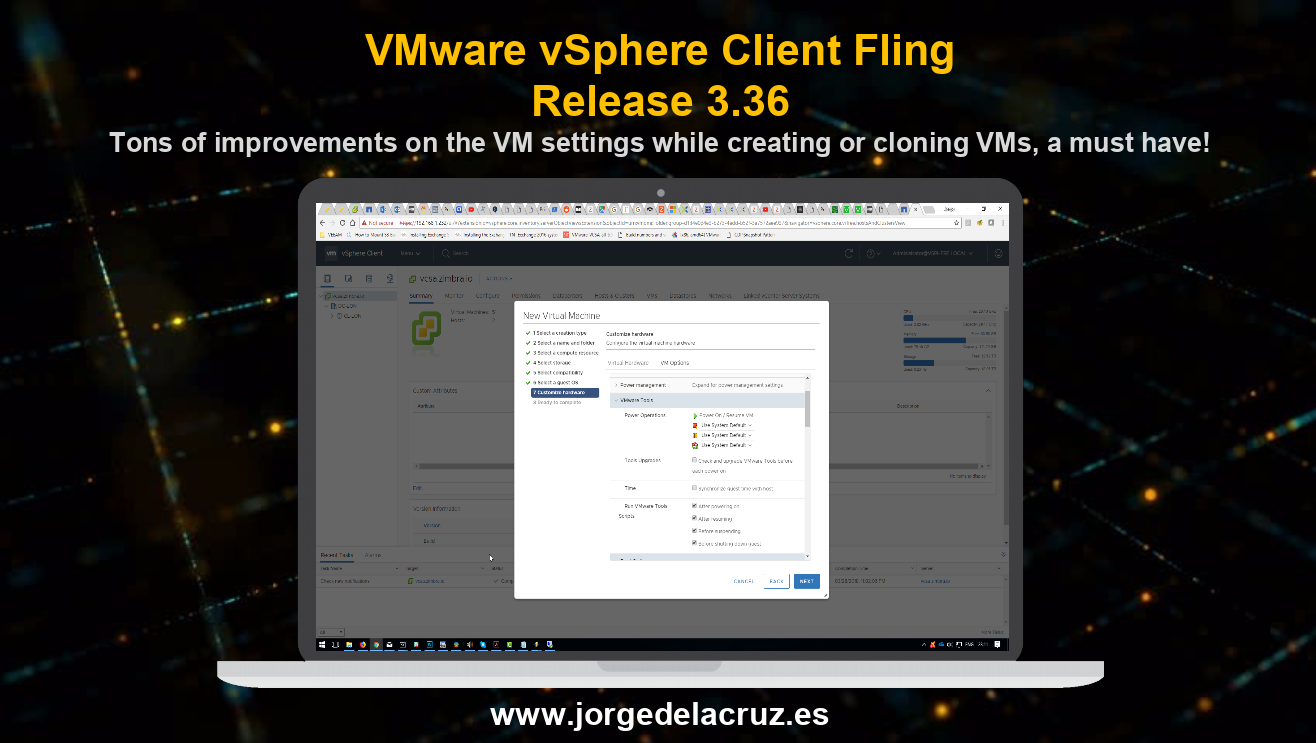
ACTUALIZADO – Proceso de actualización a Release 3.36 – Build 8111348
Vamos a ver los pasos para actualizar a la última versión, que podemos tener en pocos minutos, otra de las mejoras de este nuevo vSphere Web Client.
Lo primero que haremos será detener el servicio actual de vSphere Web Client:
 wget https://download3.vmware.com/software/vmw-tools/vsphere_html_client/installer-3.36.0.bsx --no-check-certificate
--2018-03-28 21:42:54--  https://download3.vmware.com/software/vmw-tools/vsphere_html_client/installer-3.36.0.bsx
Resolving download3.vmware.com (download3.vmware.com)... 23.43.34.149, 2a02:26f0:d3:488::2ef, 2a02:26f0:d3:4a5::2ef
Connecting to download3.vmware.com (download3.vmware.com)|23.43.34.149|:443... connected.
WARNING: cannot verify download3.vmware.com's certificate, issued by ‘/C=US/O=Symantec Corporation/OU=Symantec Trust Network/CN=Symantec Class 3 Secure Server CA - G4’:
  Unable to locally verify the issuer's authority.
HTTP request sent, awaiting response... 200 OK
Length: 148840748 (142M) [application/x-octet-stream]
Saving to: ‘installer-3.36.0.bsx’

100%[=============================================>] 148,840,748 6.10MB/s   in 26s

2018-03-28 21:43:21 (5.48 MB/s) - ‘installer-3.36.0.bsx’ saved [148840748/148840748]
Aplicaremos permisos de ejecución al fichero
chmod +x installer-3.36.0.bsx
Y lanzaremos la instalación
./installer-3.36.0.bsx

Self Extracting installer

vsphere-client-config-ui-1.0.0.0-6365410.noarch.rpm
vsphere-h5-client-3.36.0-8111348.noarch.rpm
Preparing...                          ################################# [100%]
        package vsphere-client-config-ui-1.0.0.0-6365410.noarch is already installed
Preparing...                          ################################# [100%]
Updating / installing...
   1:vsphere-h5-client-3.36.0-8111348 ################################# [ 50%]
h5-client rpm post-install scripts. Logs are available in: /usr/lib/vmware-vsphere-client/server/vsphere-client-rpm.log
Cleaning up / removing...
   2:vsphere-h5-client-3.35.0-7914771 ################################# [100%]
/root
Es hora de arrancar el servicio
/etc/init.d/vsphere-client start
vSphere Client Web Server application is being initialized
Y pasados unos minutos ya podremos acceder vía web al nuevo vSphere Web Client, actualizado a la última Release
Nuevas funcionalidades por cada Release
Fling 3.36 – Build 8111348
New Features
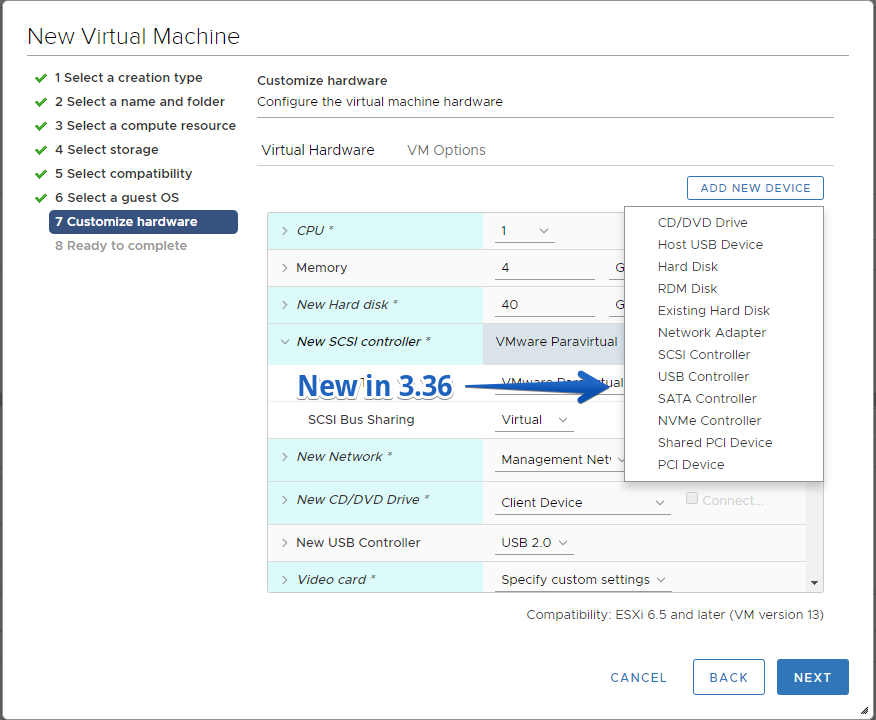
- Customize additional hardware devices/options during VM creation or cloning:
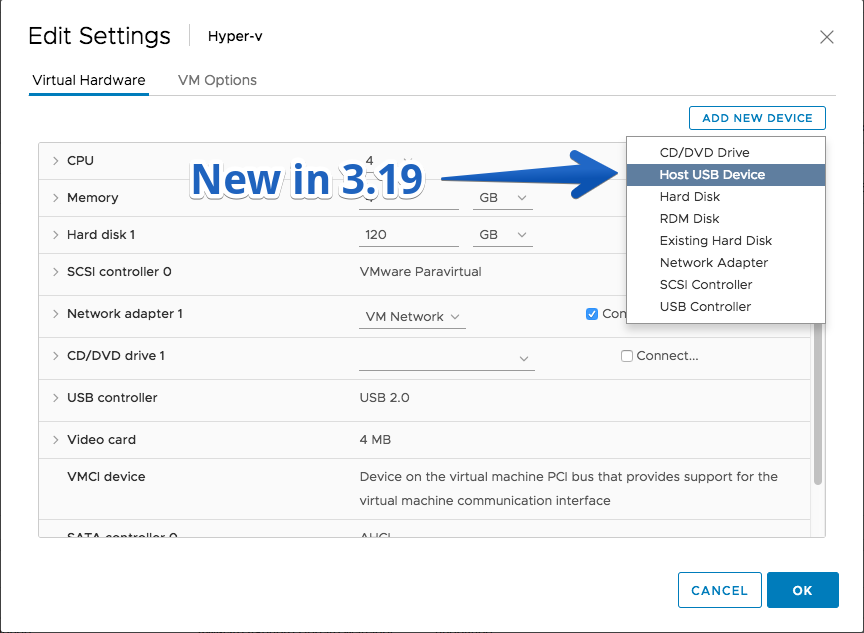
- Host USB device
- SCSI controller
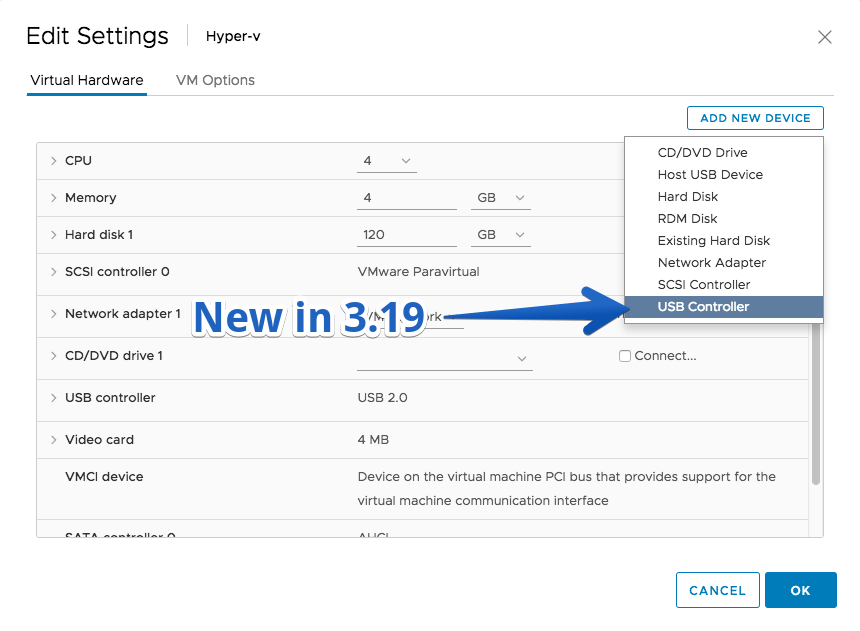
- USB controller
- SATA controller
-
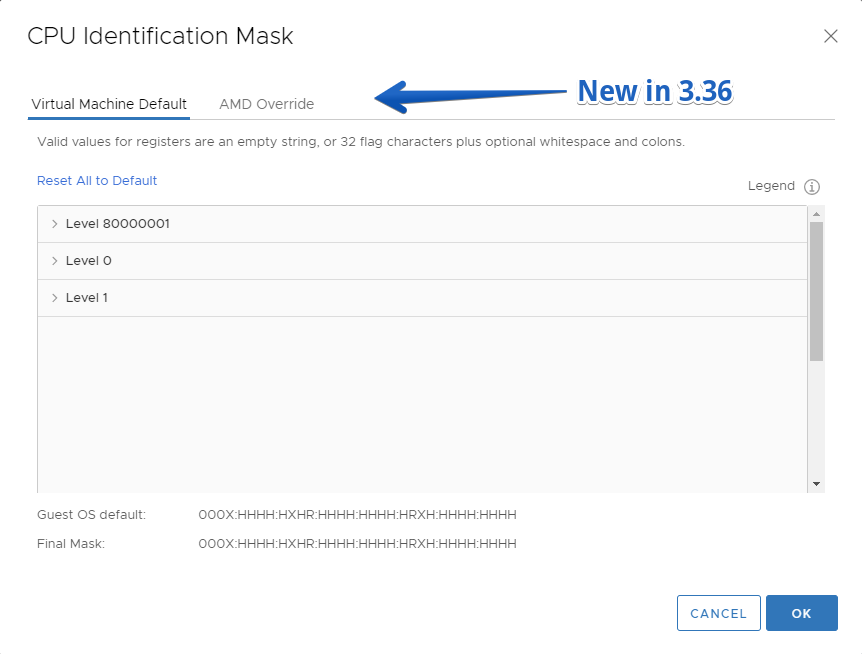
- CPU > CPUID Mask > Advanced
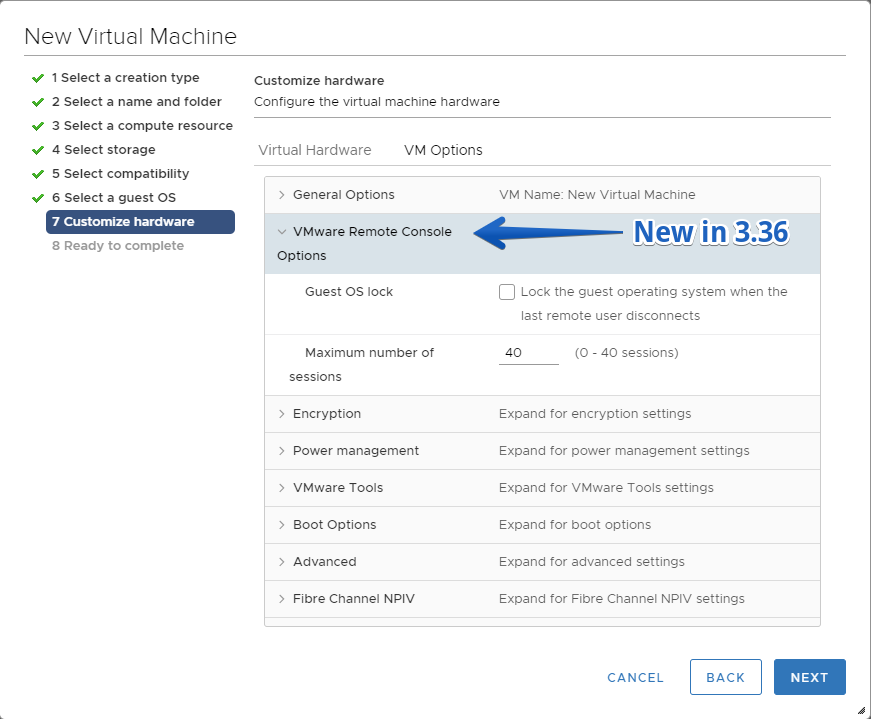
- VM Options > VMRC options
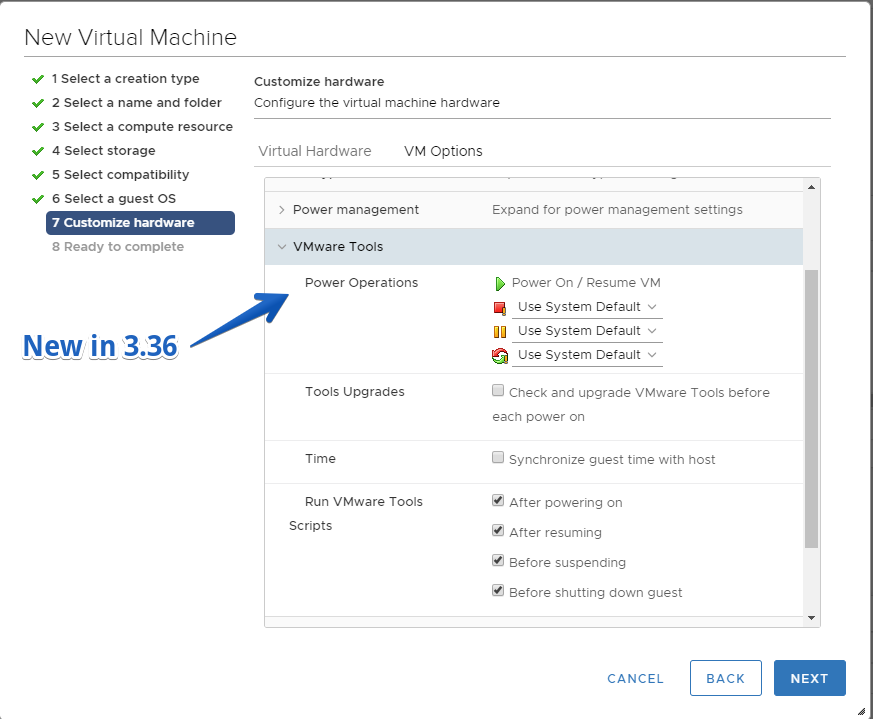
- VM Options > VMware Tools > Power Operations
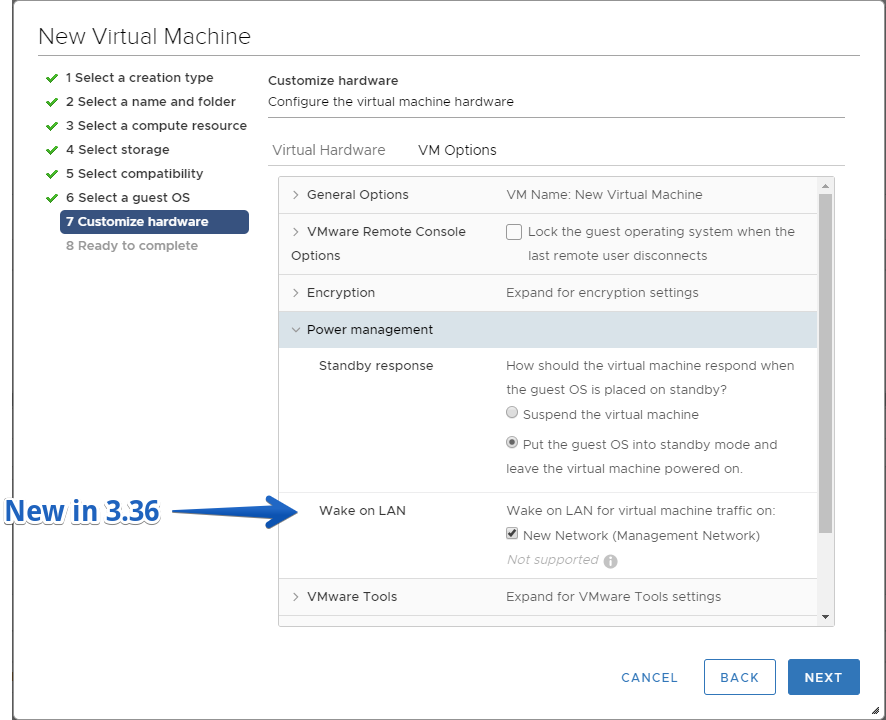
- VM Options > Power Management > Wake up on LAN
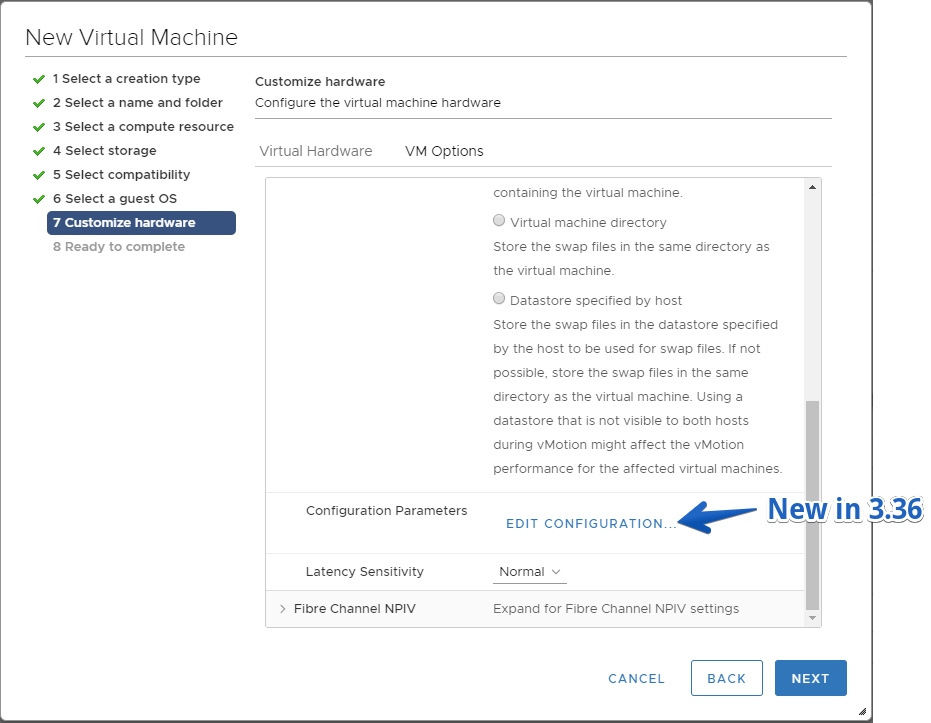
- VM Options > Advanced Configuration Parameters
- VM Options > Fibre Channel NPIV
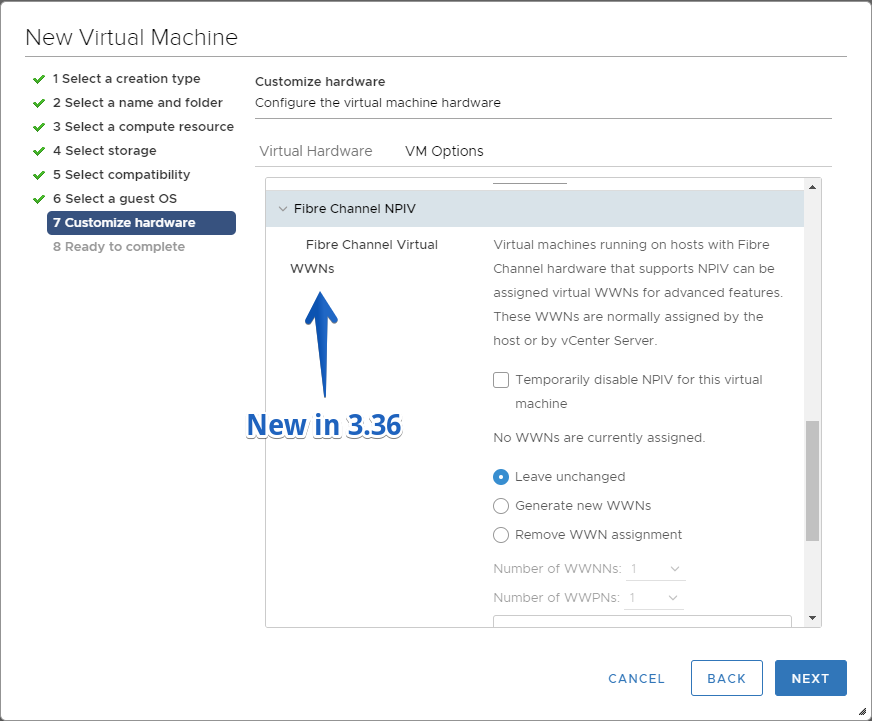
- Warn when about to perform an operation on VM template(s) managed by a solution
Fling 3.35 – Build 7914771
Improvements
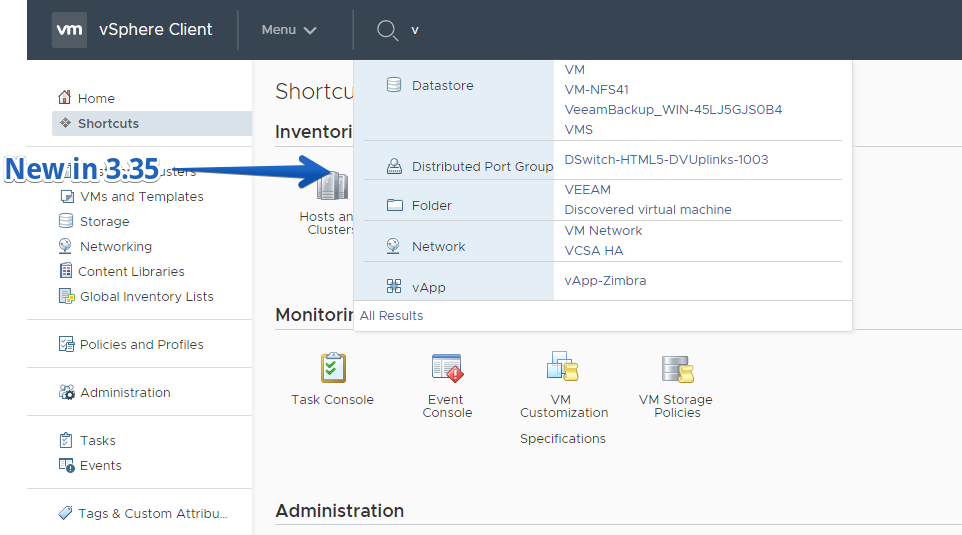
- UI improvements on Quick search including
- Search dropdown design is changed to show the top 10 results
- View all results page design is modified to show grouping in the object navigator and the results in the right pane
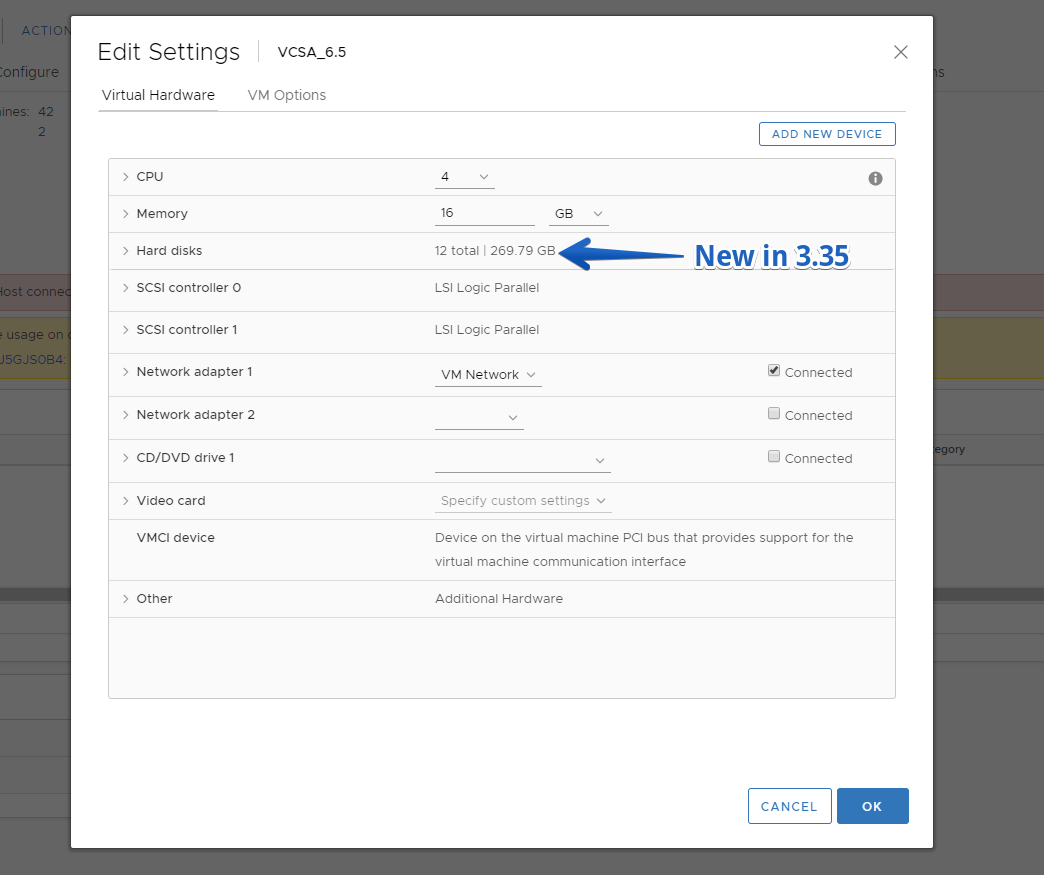
- UI improvements in grouping of hard disks in Edit Settings and VM Summary. If there are more than 4 harddisks for a VM, you will see them grouped in Edit settings. This enhancements will improve the performance of the VM Edit Settings.
Fling 3.34 – Build 7758187
New Features
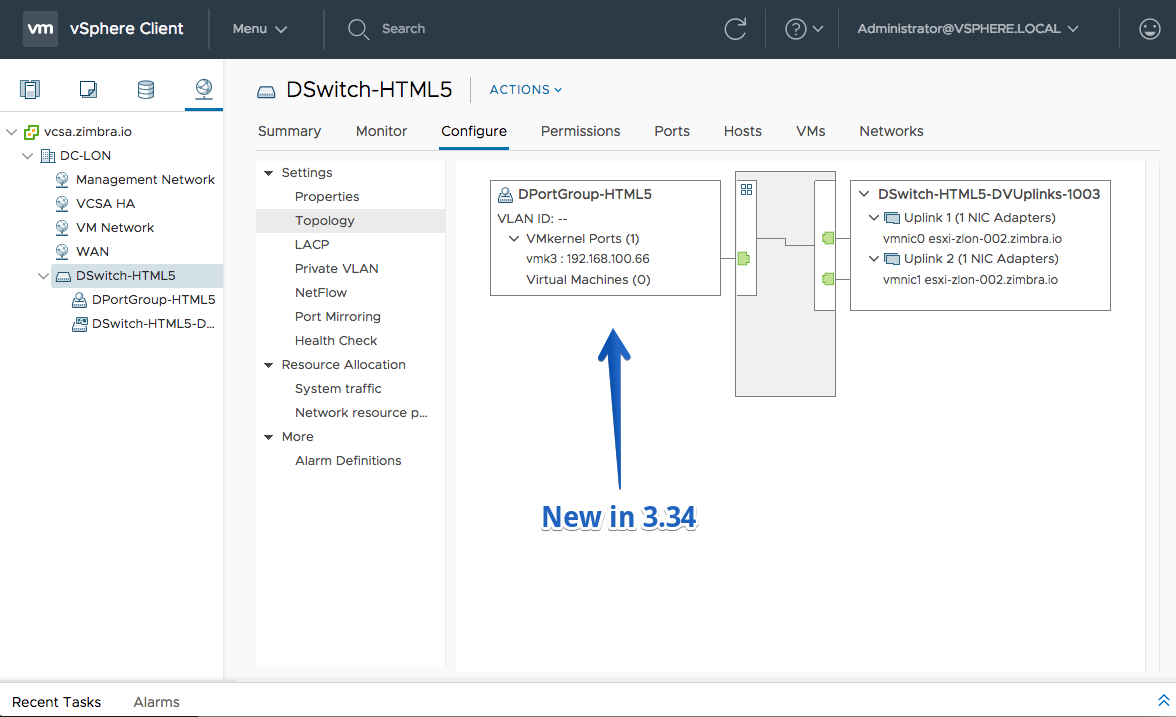
- Distributed switch topology diagram
- Batch creation of VMkernel network adapters on a distributed port group
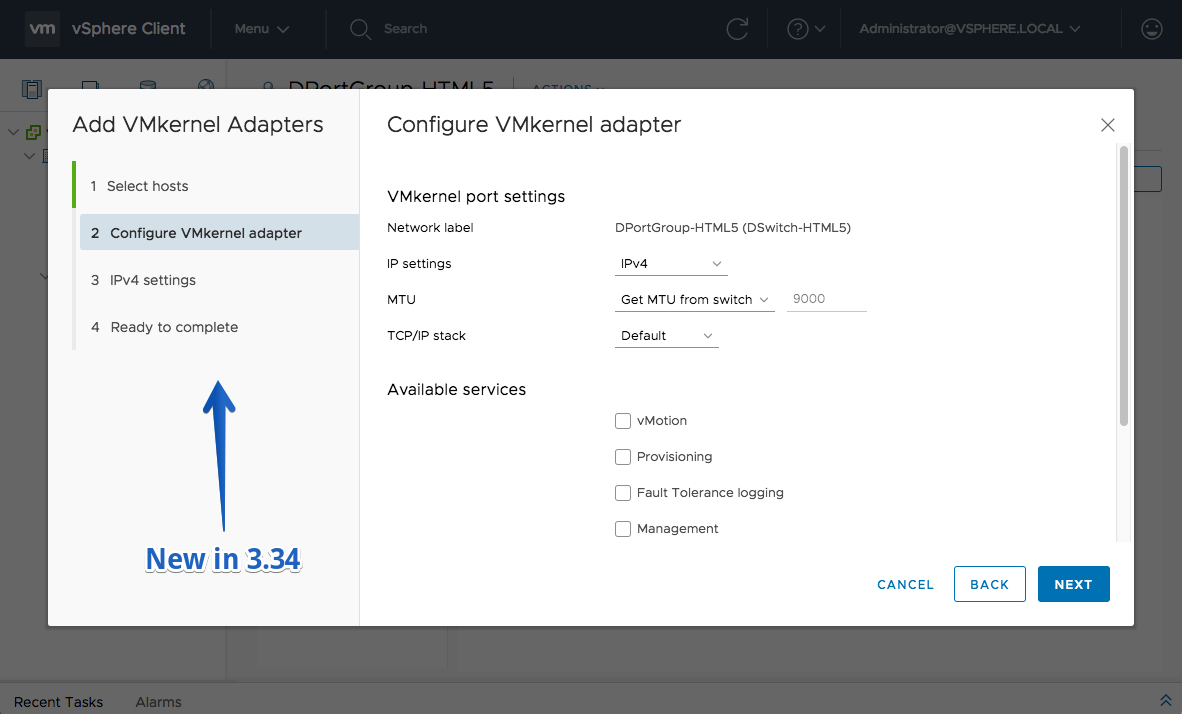
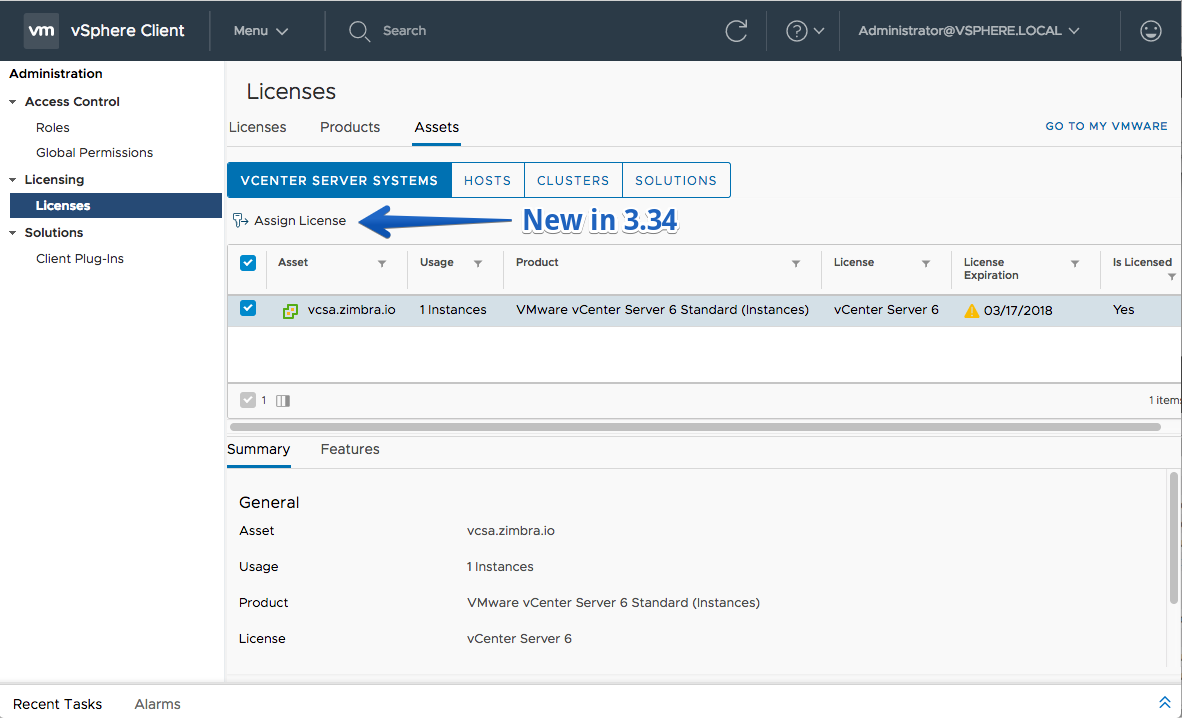
- Assign License action on the License Assets tabs
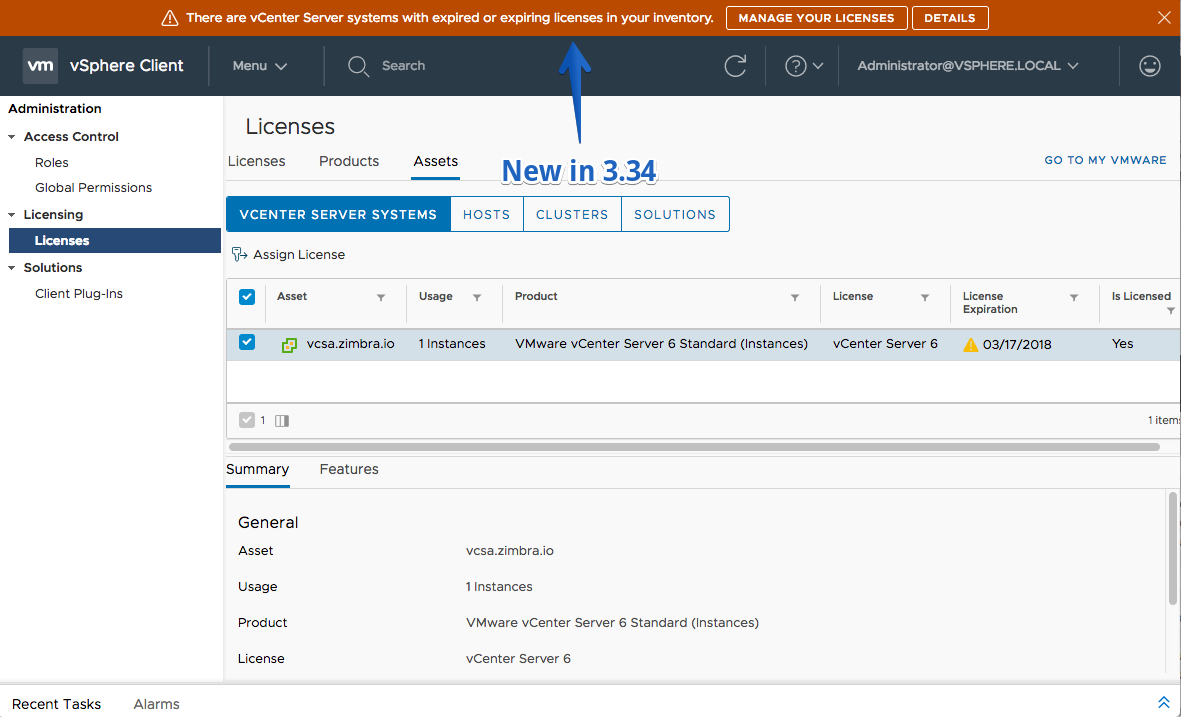
- Notification message for expiring VC licenses
- Edit vApp settings
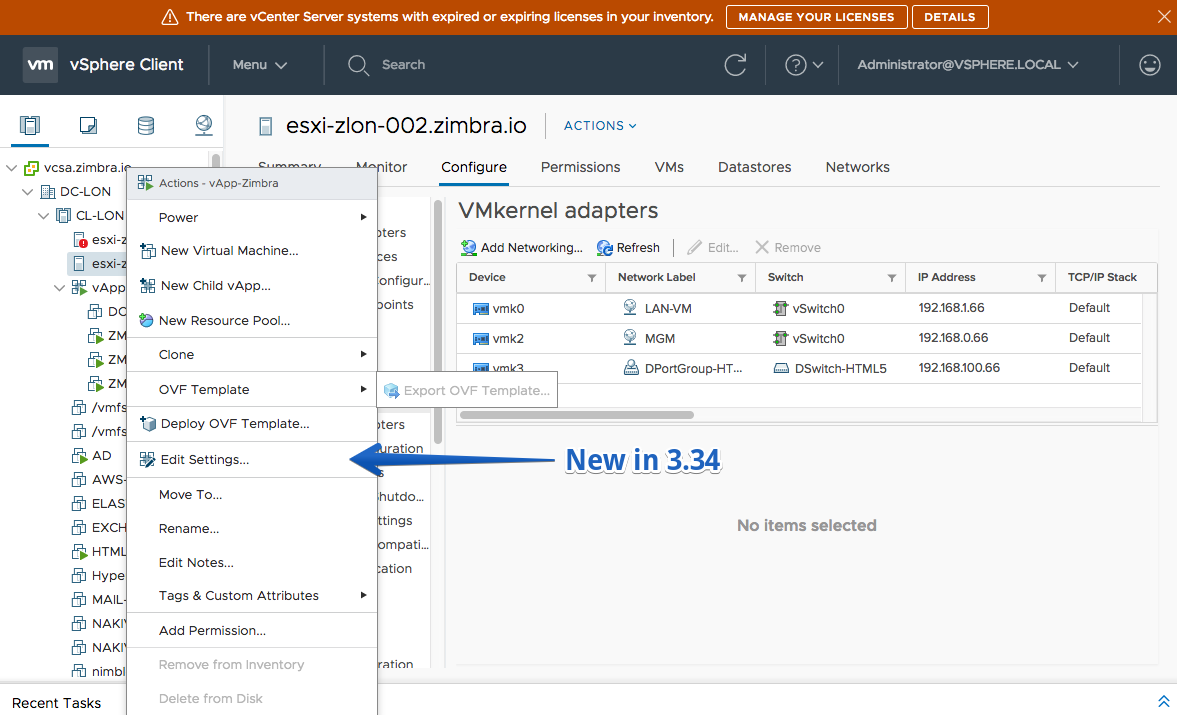
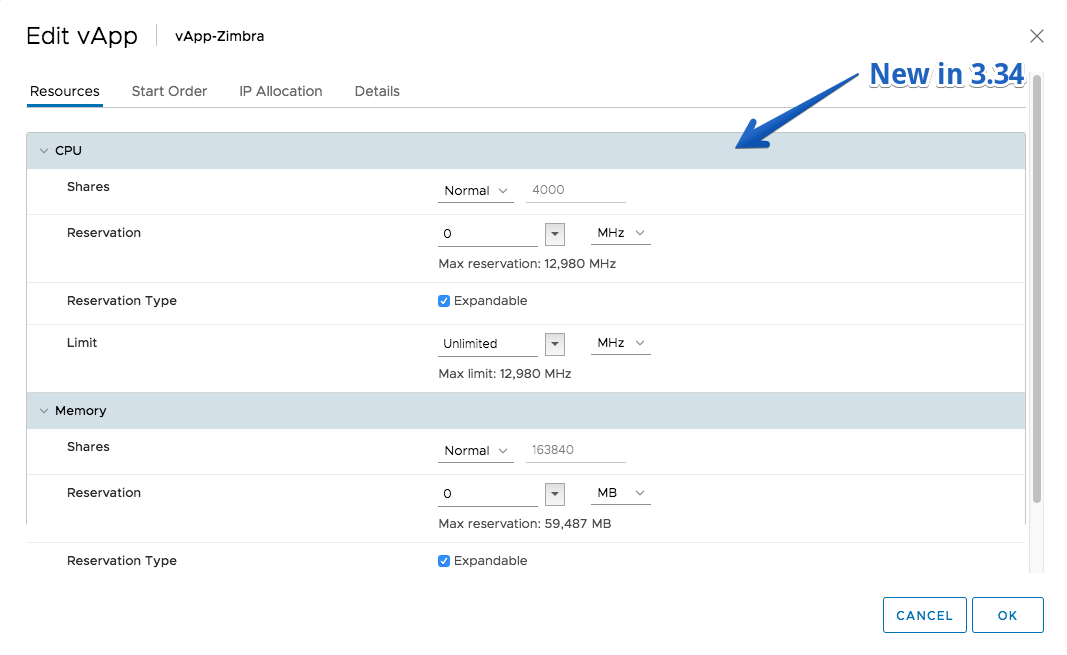
- Enable and edit vApp options on a VM
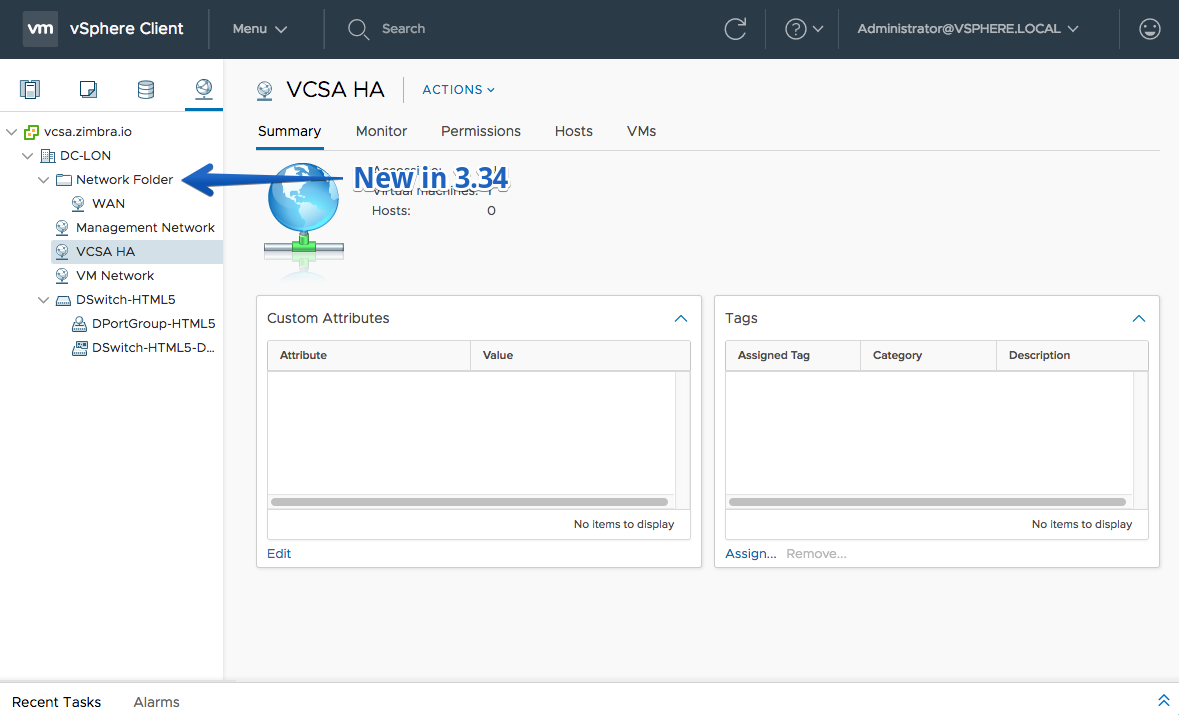
- Move networks and distributed switches to network folders
Fling 3.33 – Build 7616394
New Features
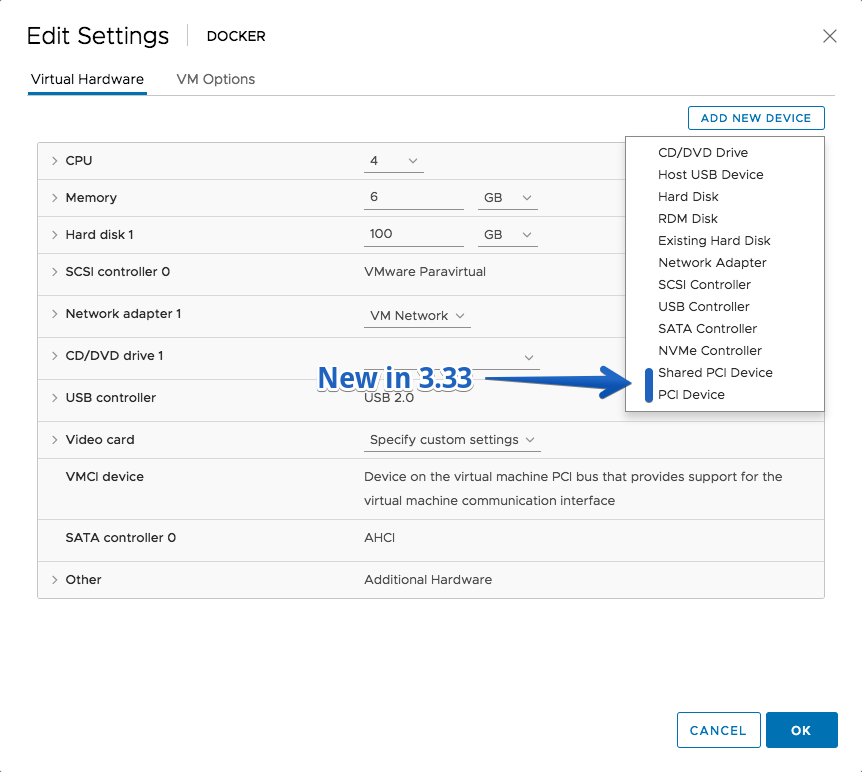
- Support for PCI and Shared PCI devices for a VM
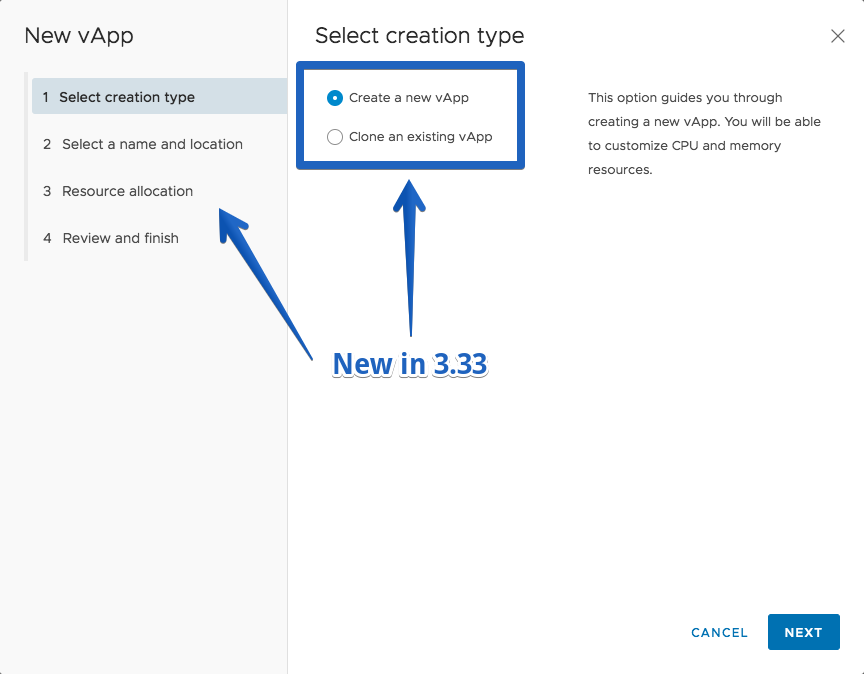
- Create vApp wizard
- Clone vApp wizard
- vApp move to Host & Cluster
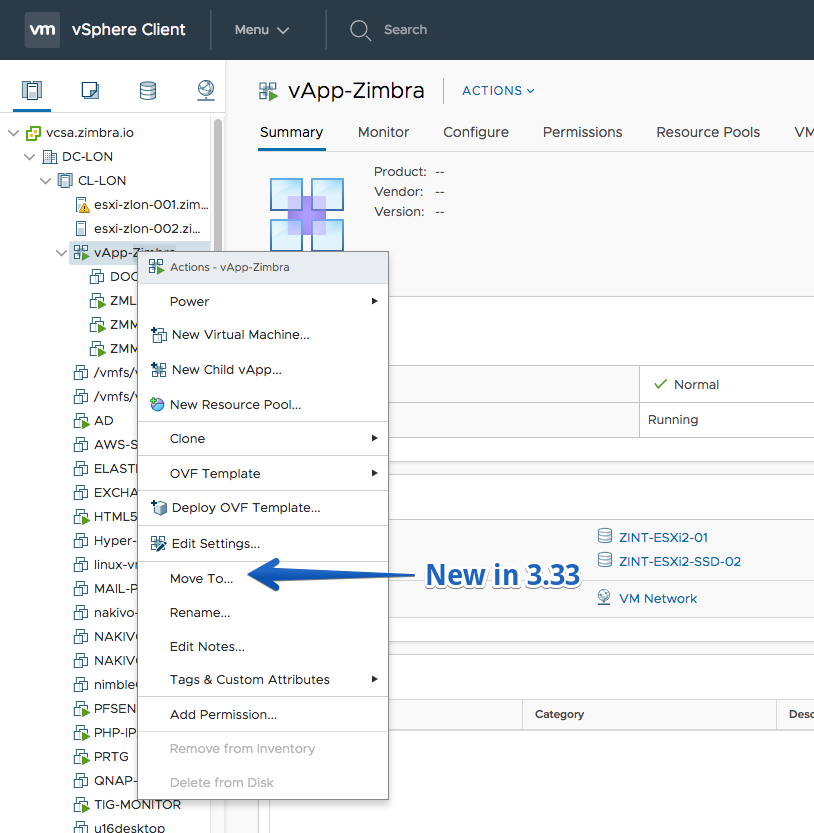
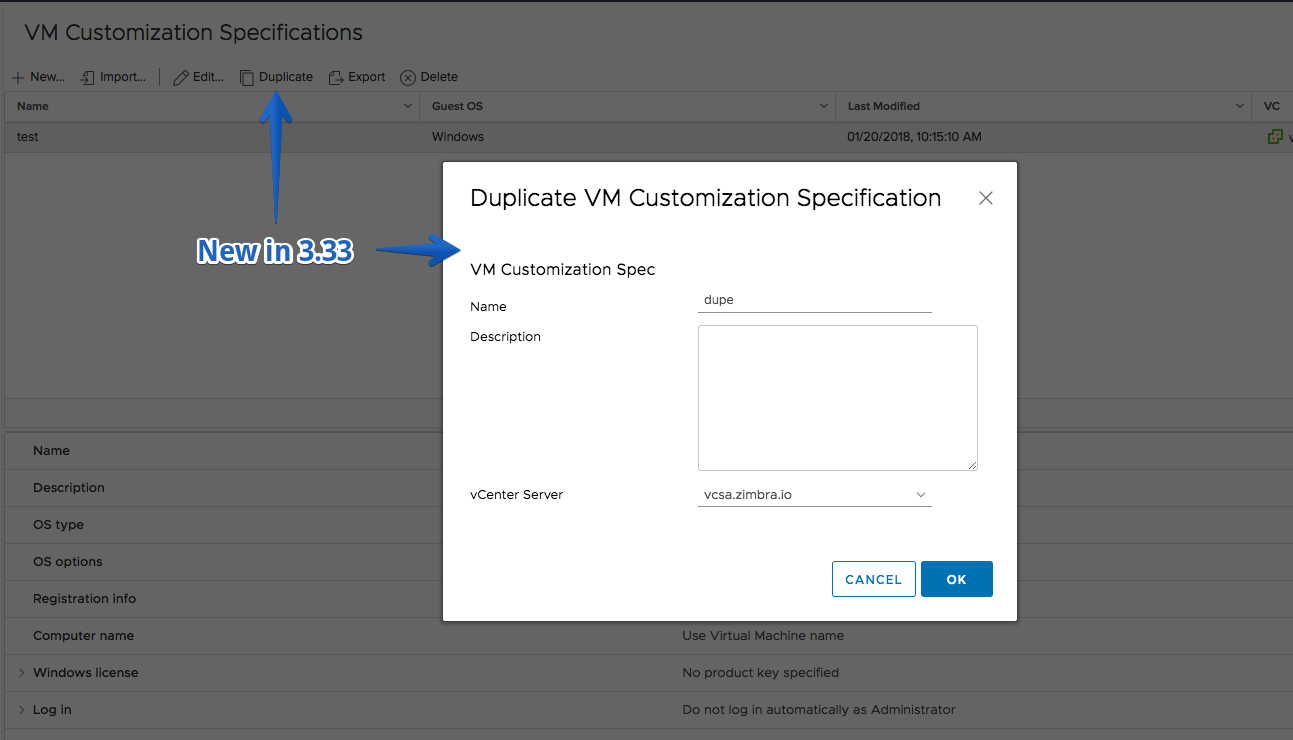
- Duplicate a VM customization specification to another VC and with custom name/description
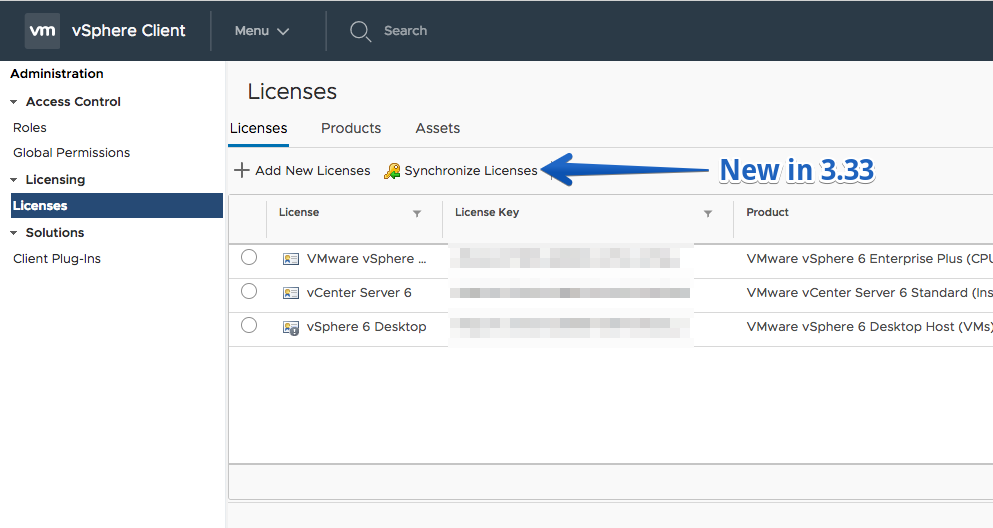
- Synchronize Licenses action (former Import License Keys Data)
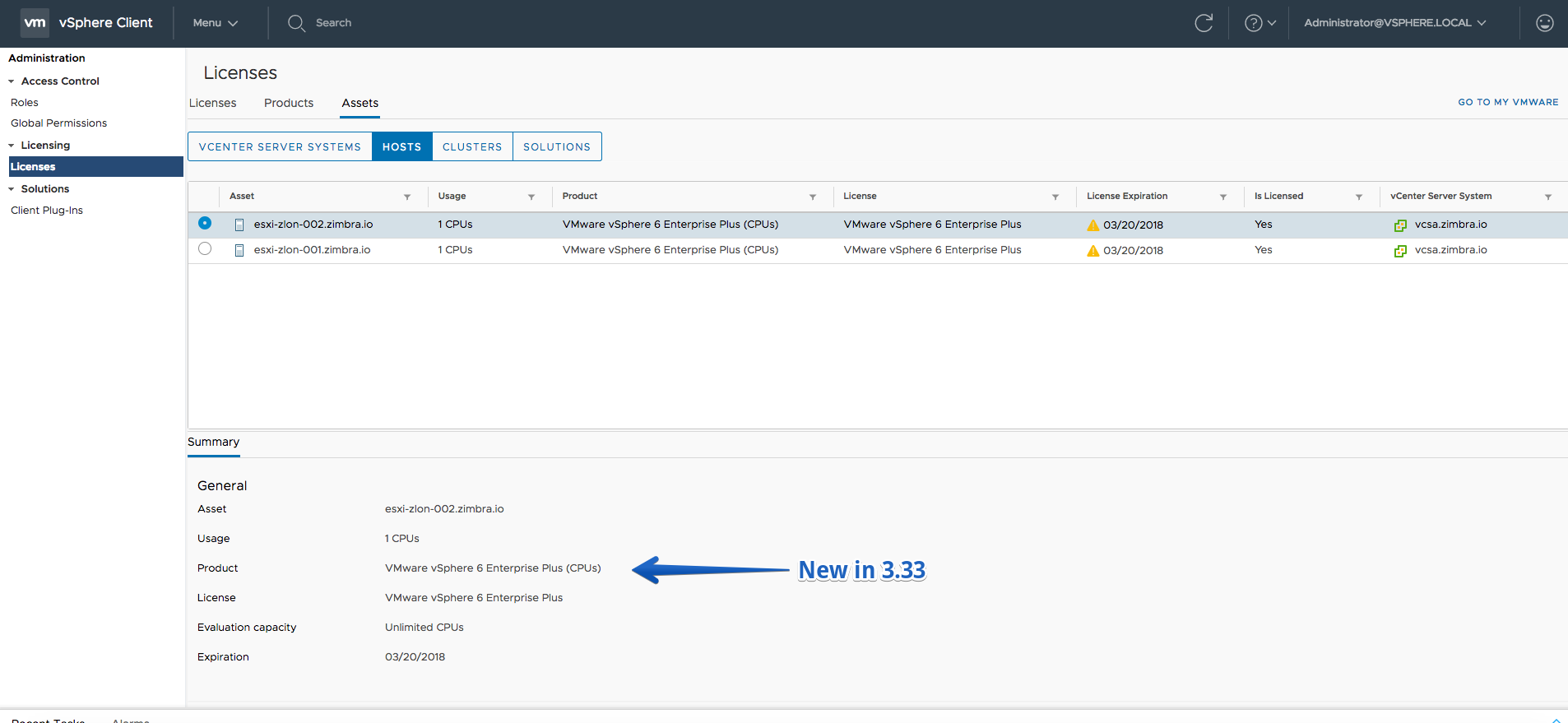
- Assets’ details
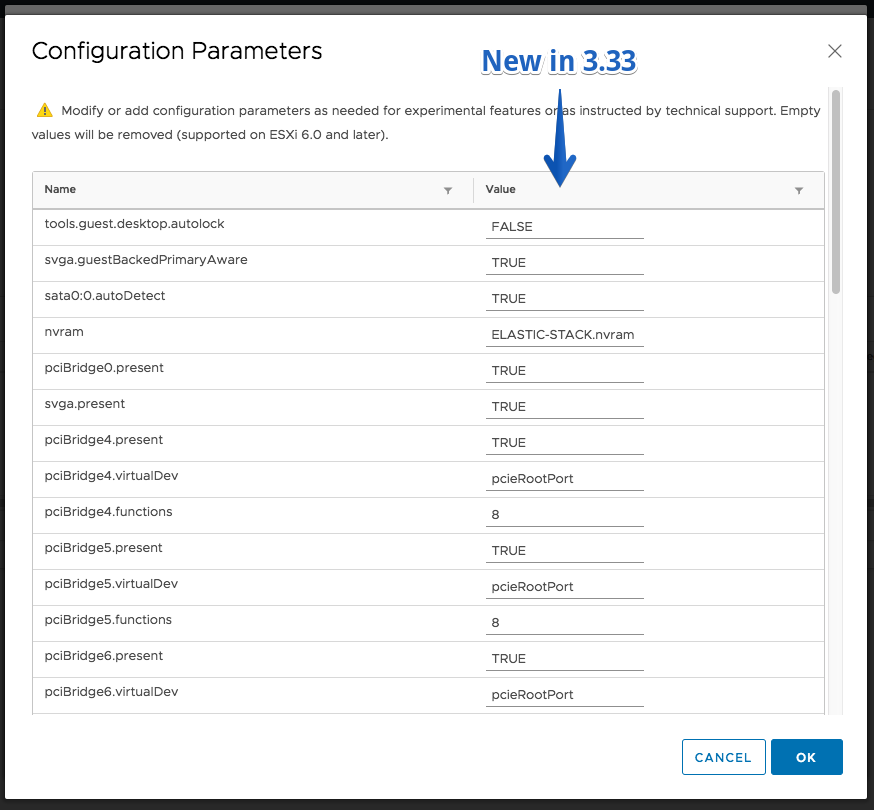
- Ability to edit VM Advanced configurations in Edit Settings of the VM
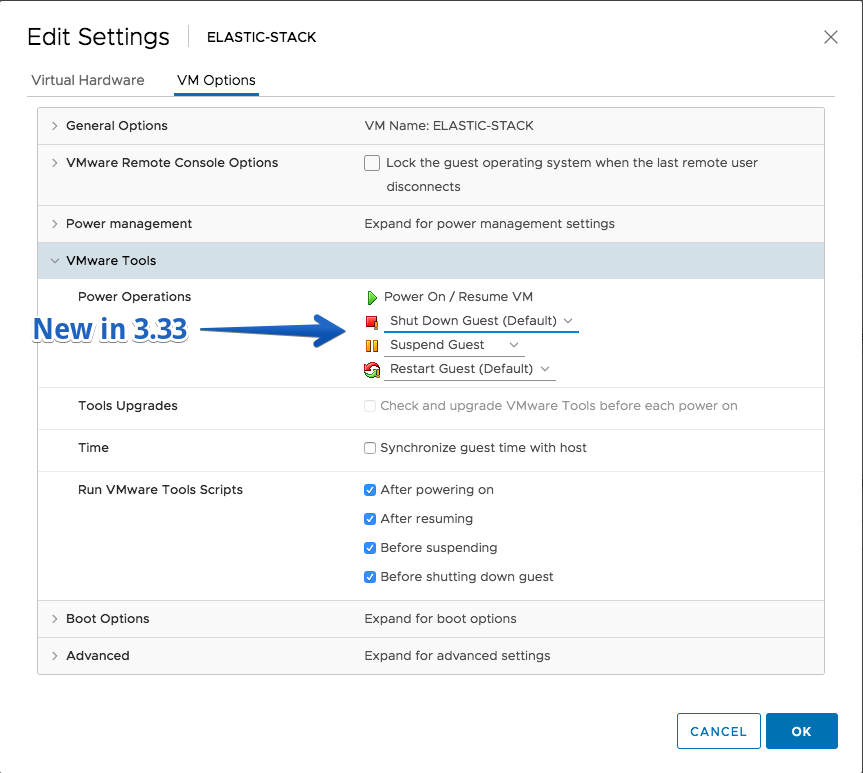
- Change the shortcuts for Power Operations in VMware tools section in the Edit Settings of the VM
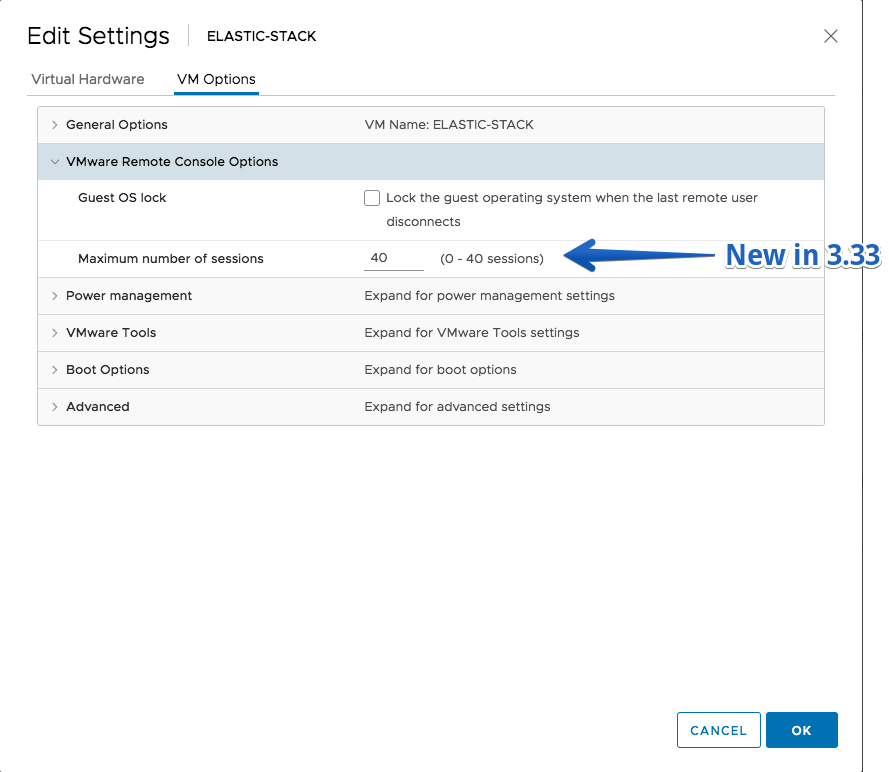
- Change the maximum concurrent VMRC sessions for a VM in the Edit Settings
Fling 3.32 – Build 7496117
New Features
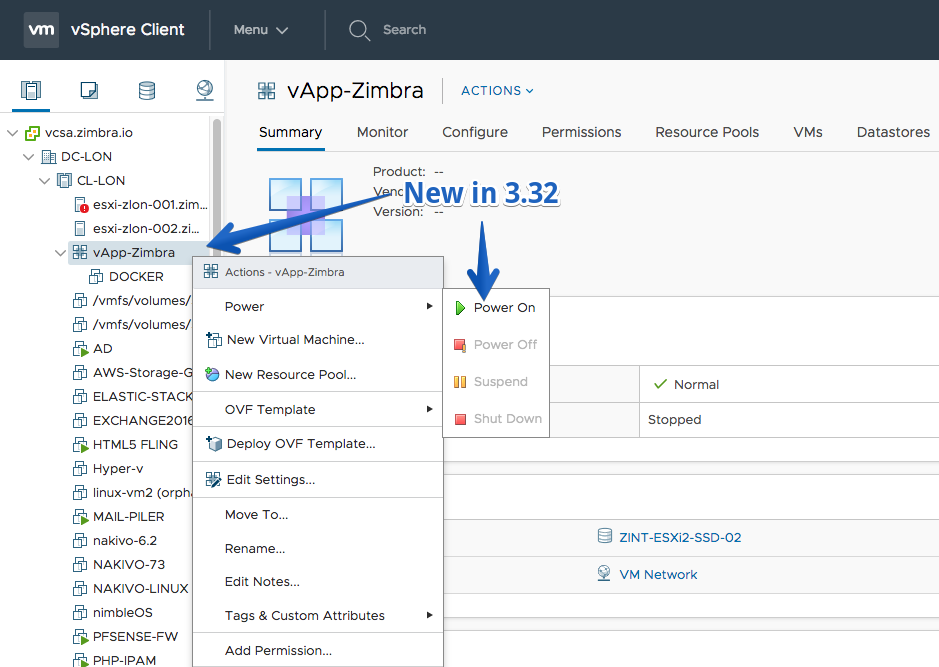
- vApp power operations
- vApp move to operation to folder operation
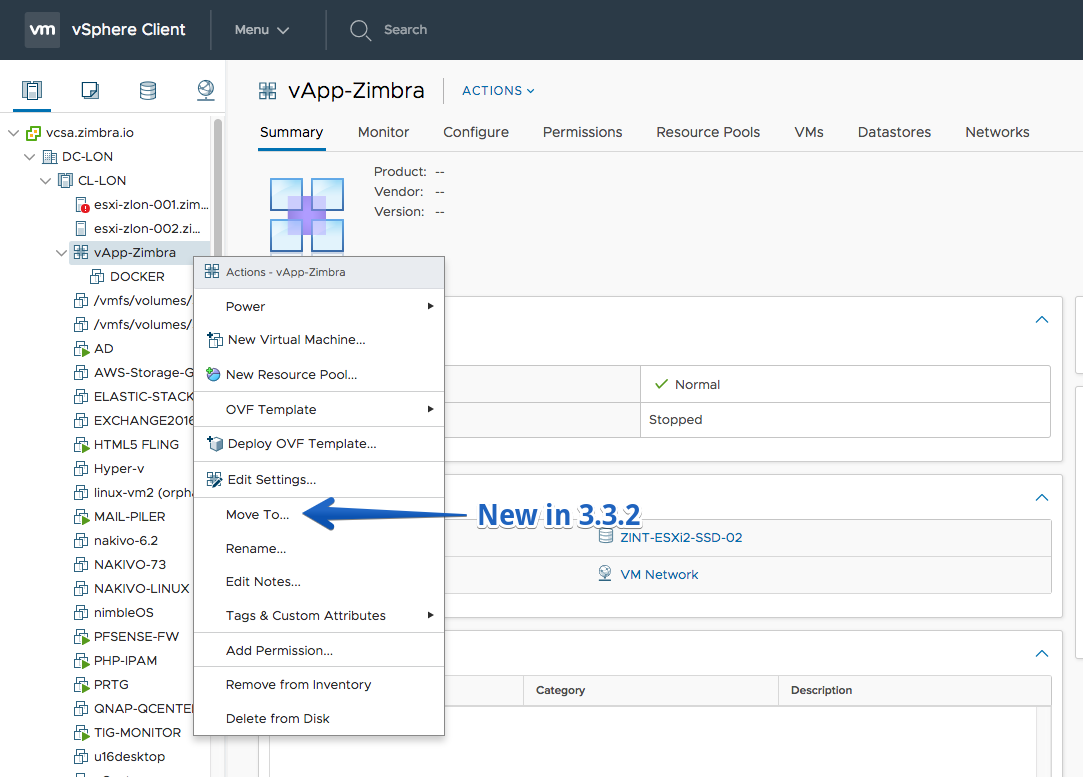
- vApp rename operation
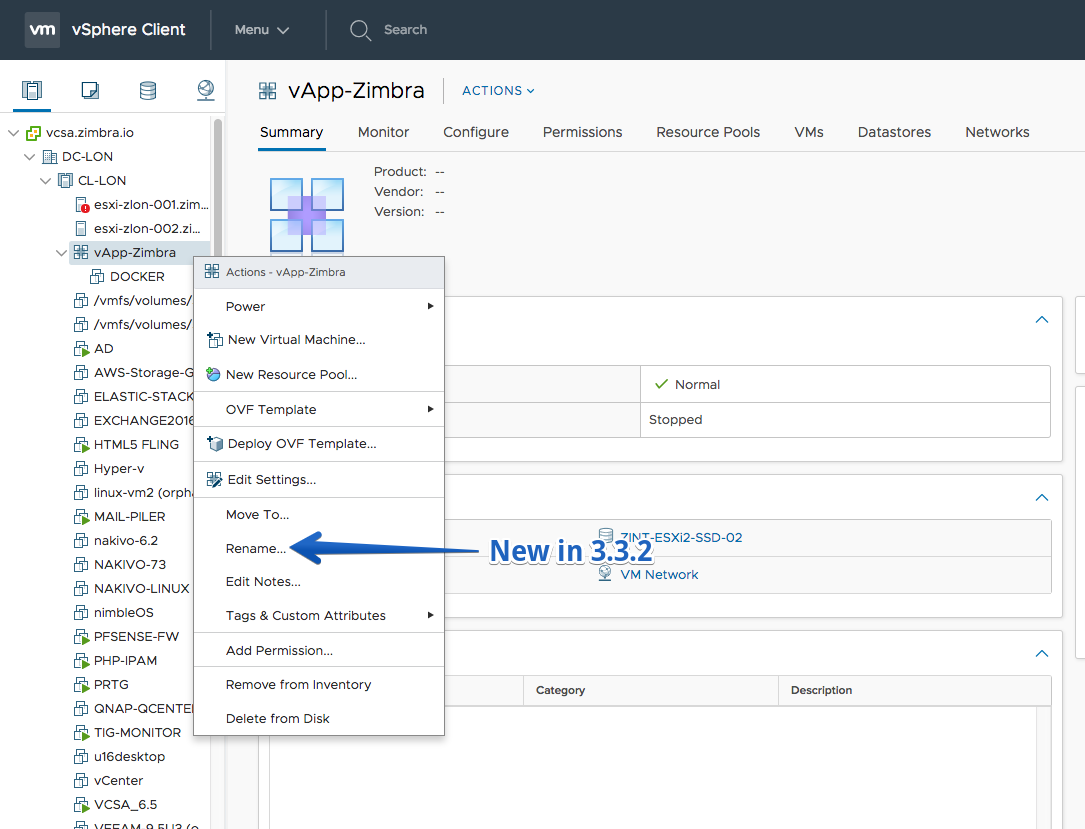
- vApp delete operation
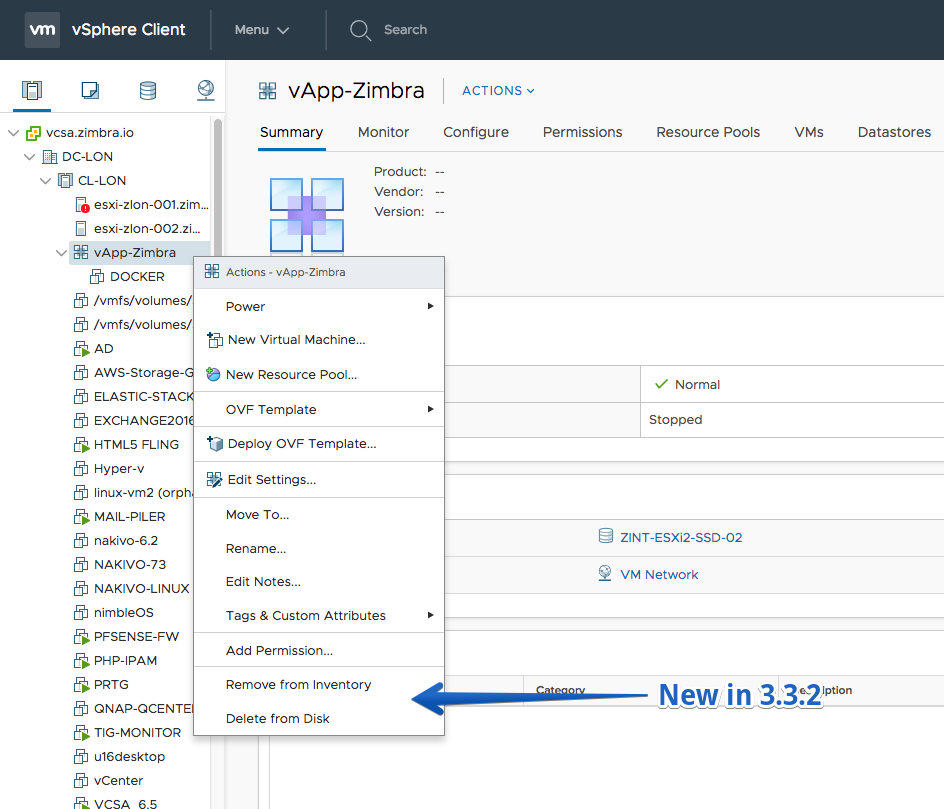
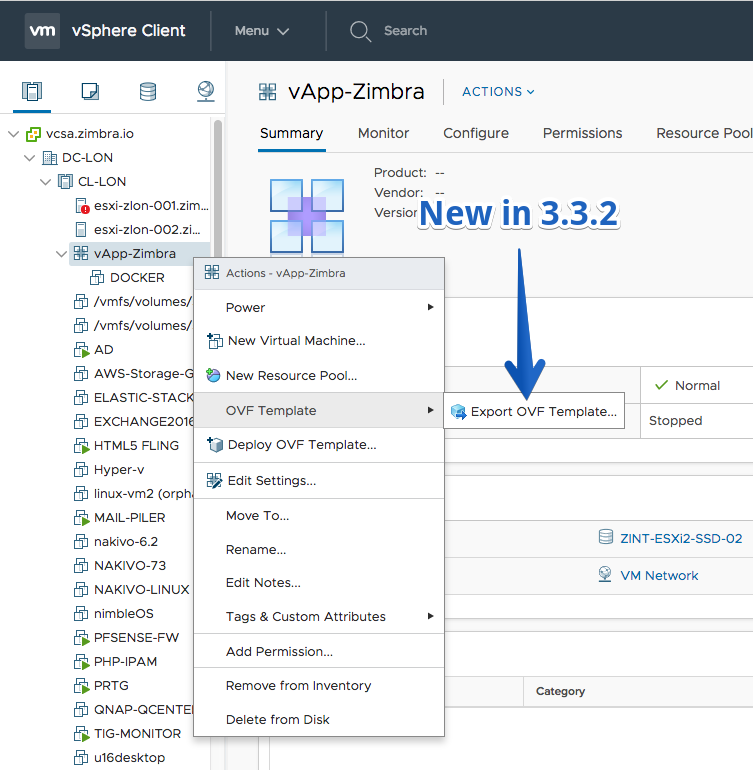
- vApp export to OVF template
Improvements
- vApp related VMs tab, datatastore tab and networking
- Add Permission action on VM templates
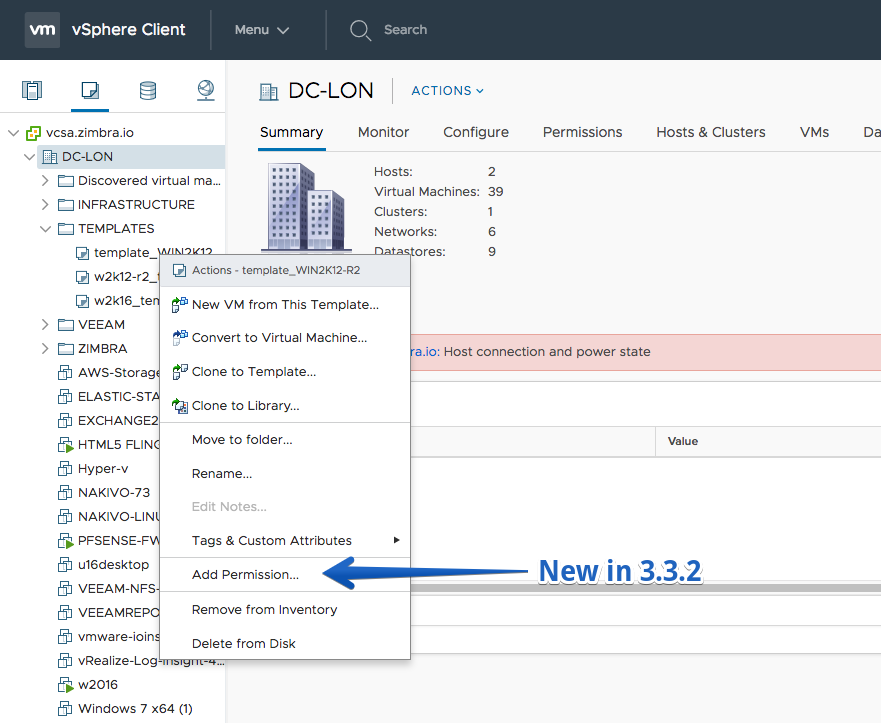
Fling 3.31 – Build 7343373
New Features
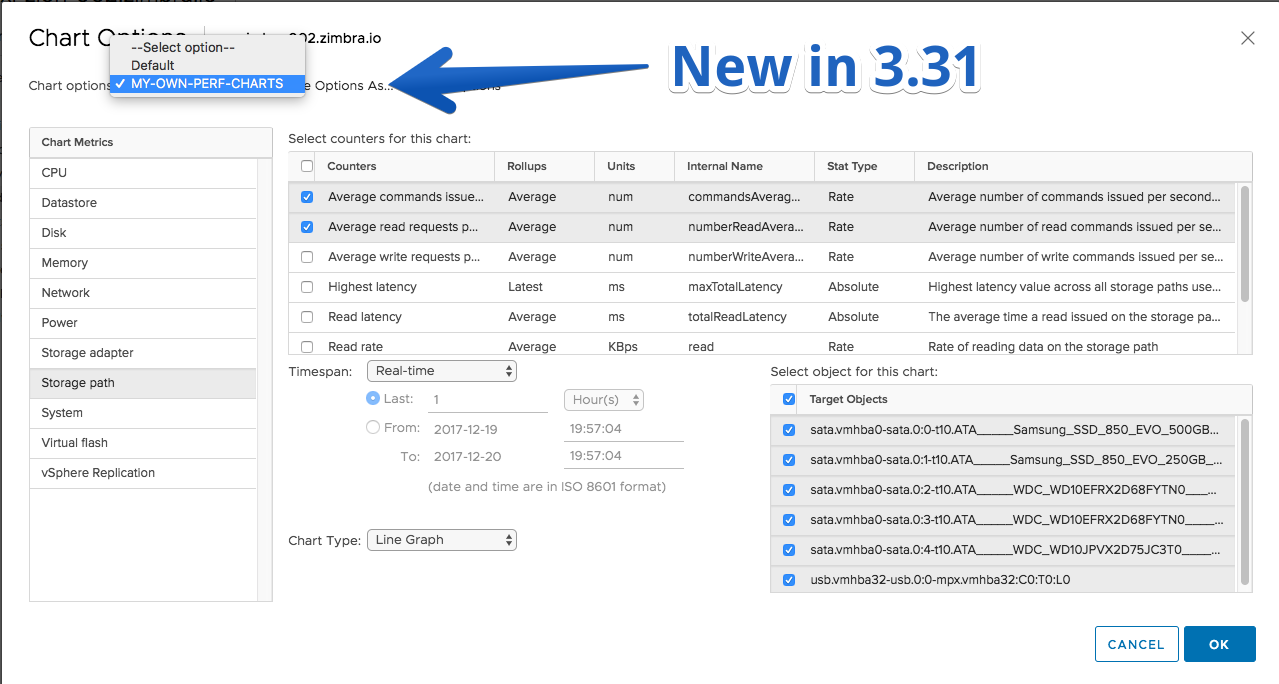
- Performance charts counter selection can be persisted. The counter selection are persisted per object type. The data is persisted in browser local storage.
Bug Fixes
- Resume fault tolerance in manual DRS cluster will show DRS recommendations.
Fling 3.30 – Build 7271216
New Features
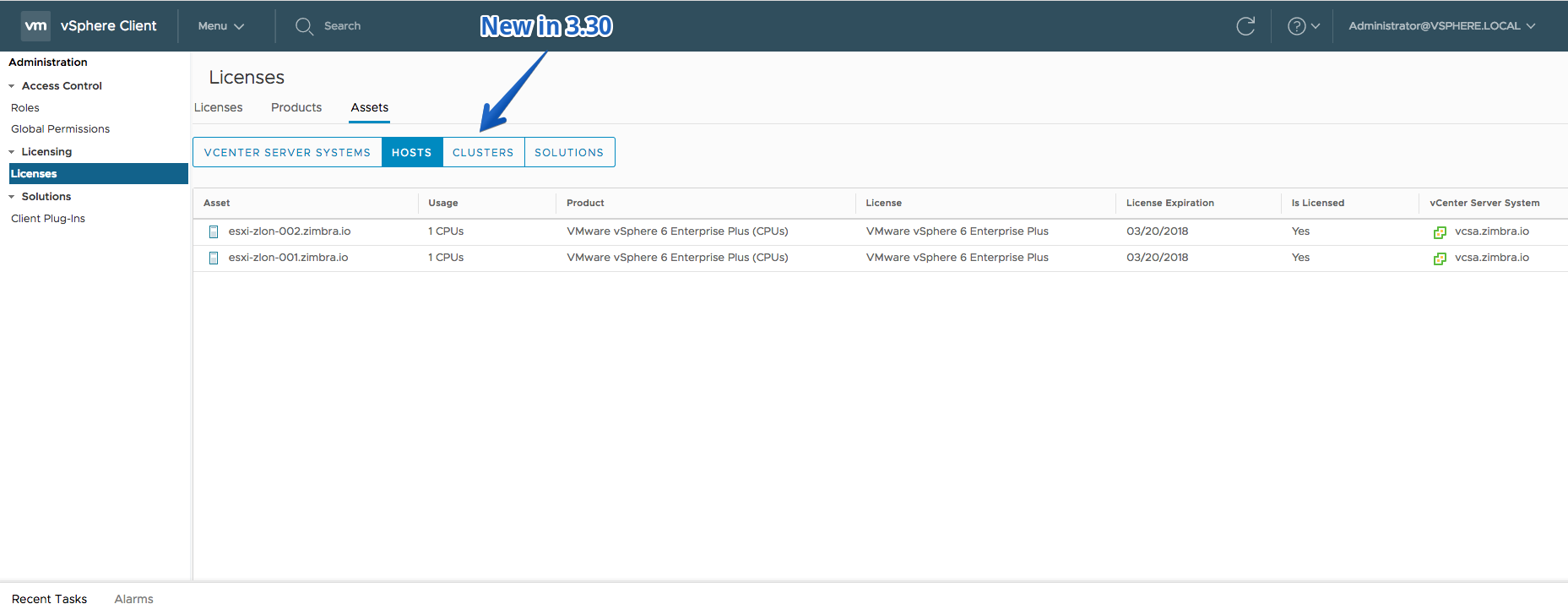
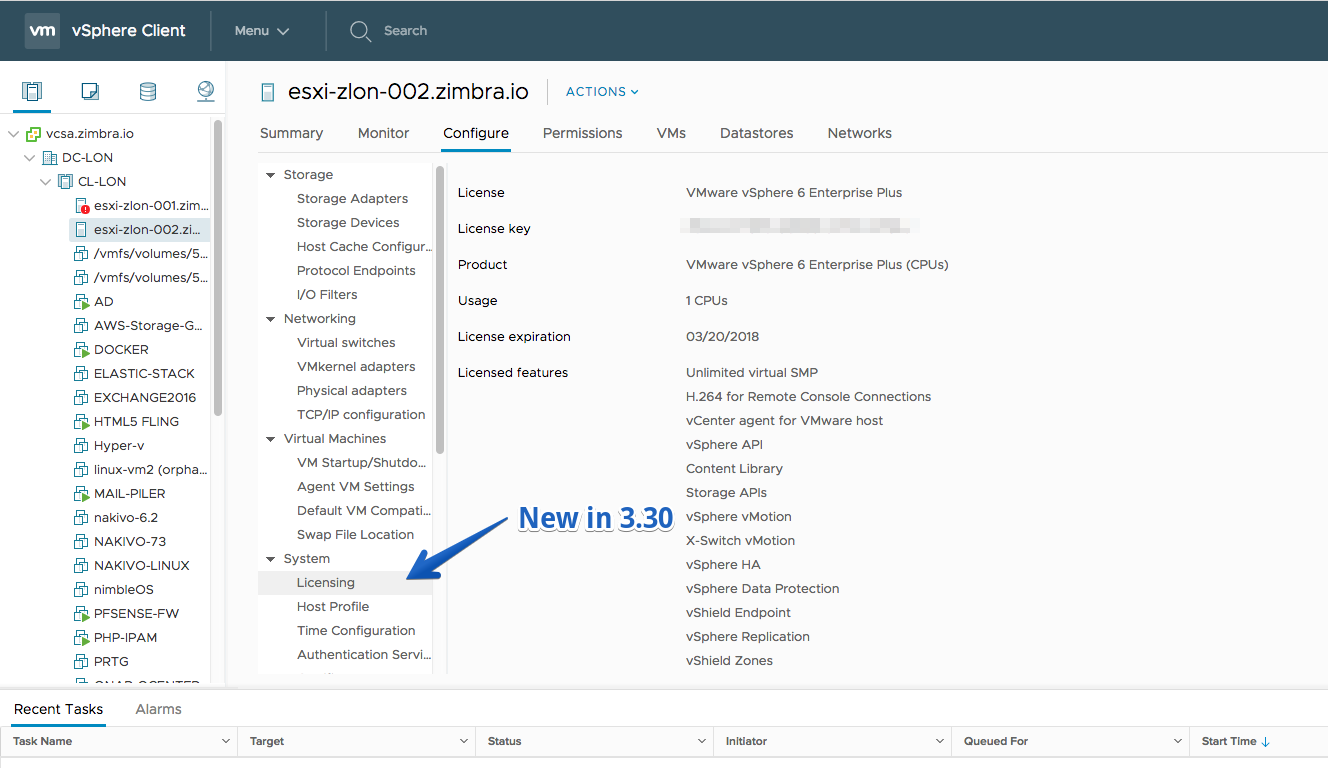
- View License assets (Host/Cluster/Solutions)(Read-only)
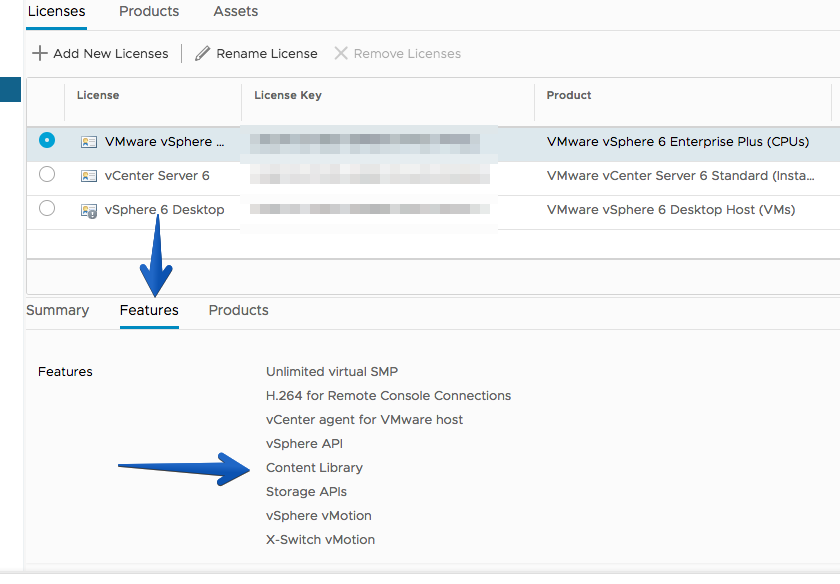
- License and Products features details
- VC and Host License details (Configure > Licensing)
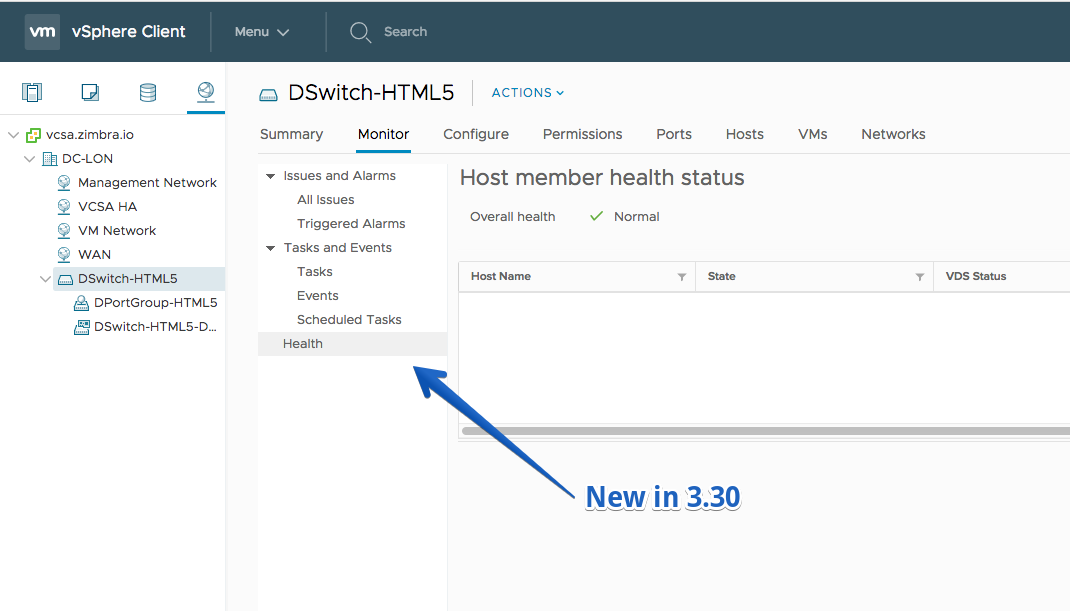
- VDS health checks
Improvements
- Warning dialog when the file download is blocked by the Browser’s Pop-up blocker
Fling 3.29 – Build 7157335
New Features
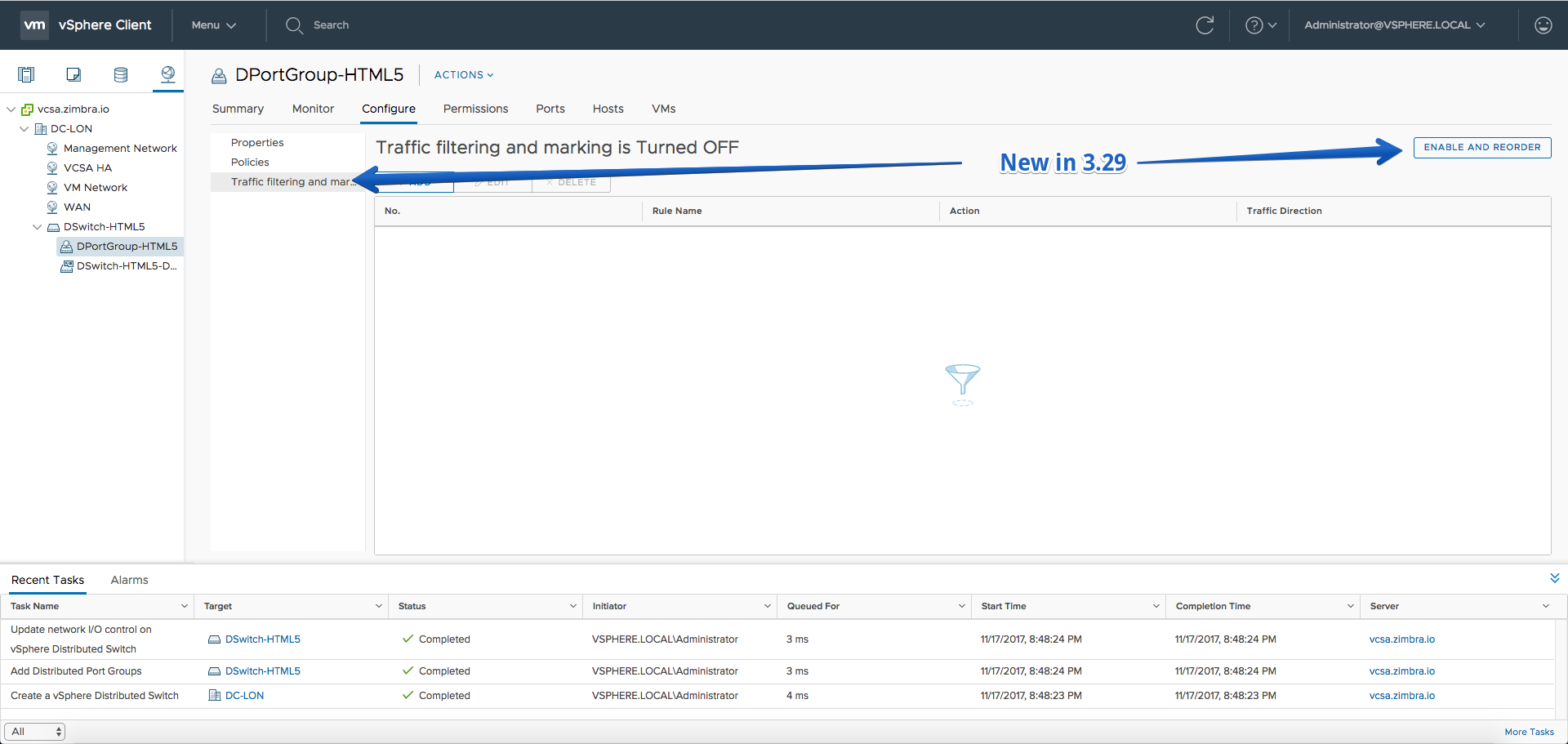
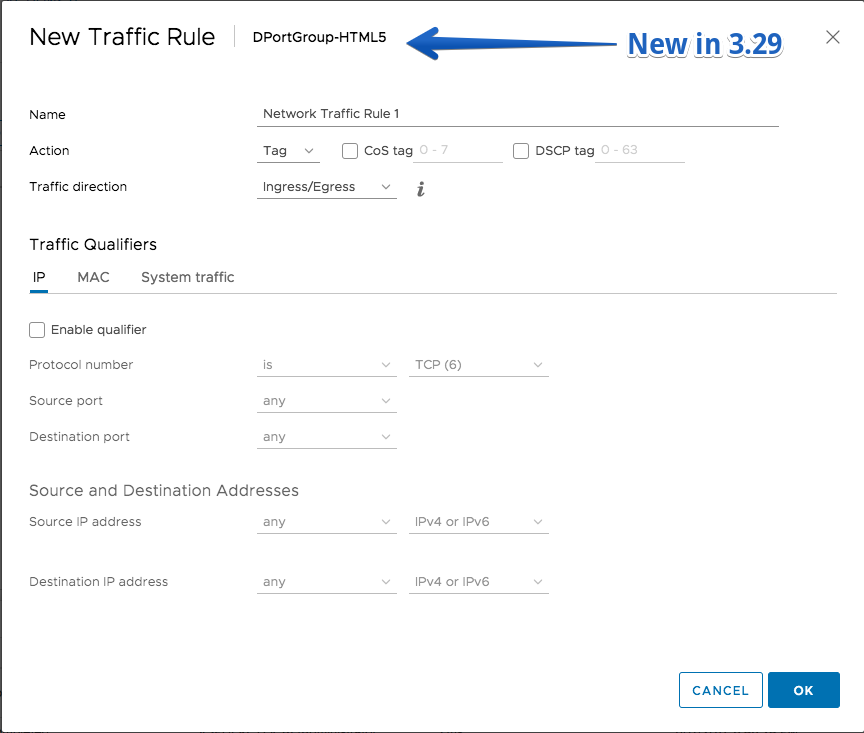
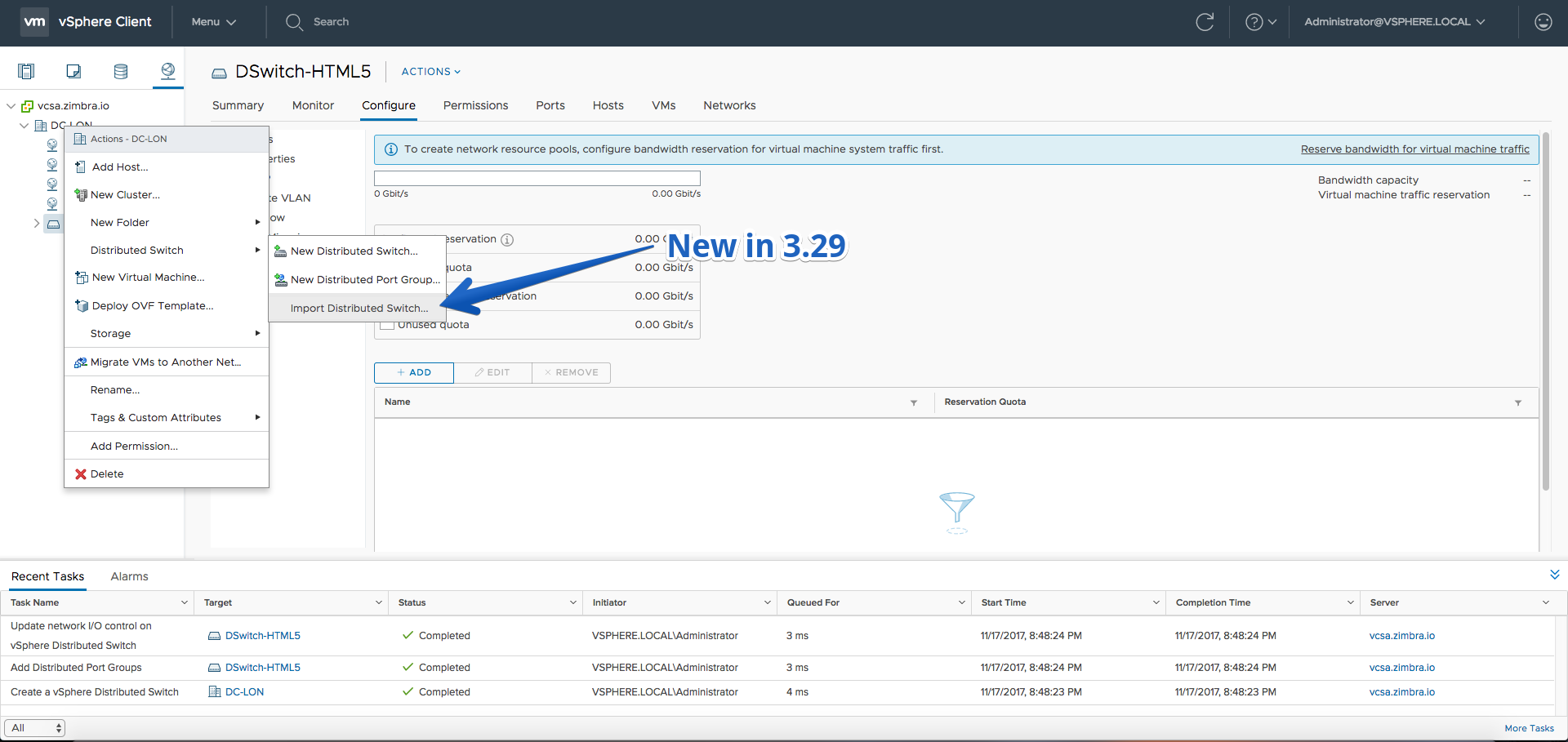
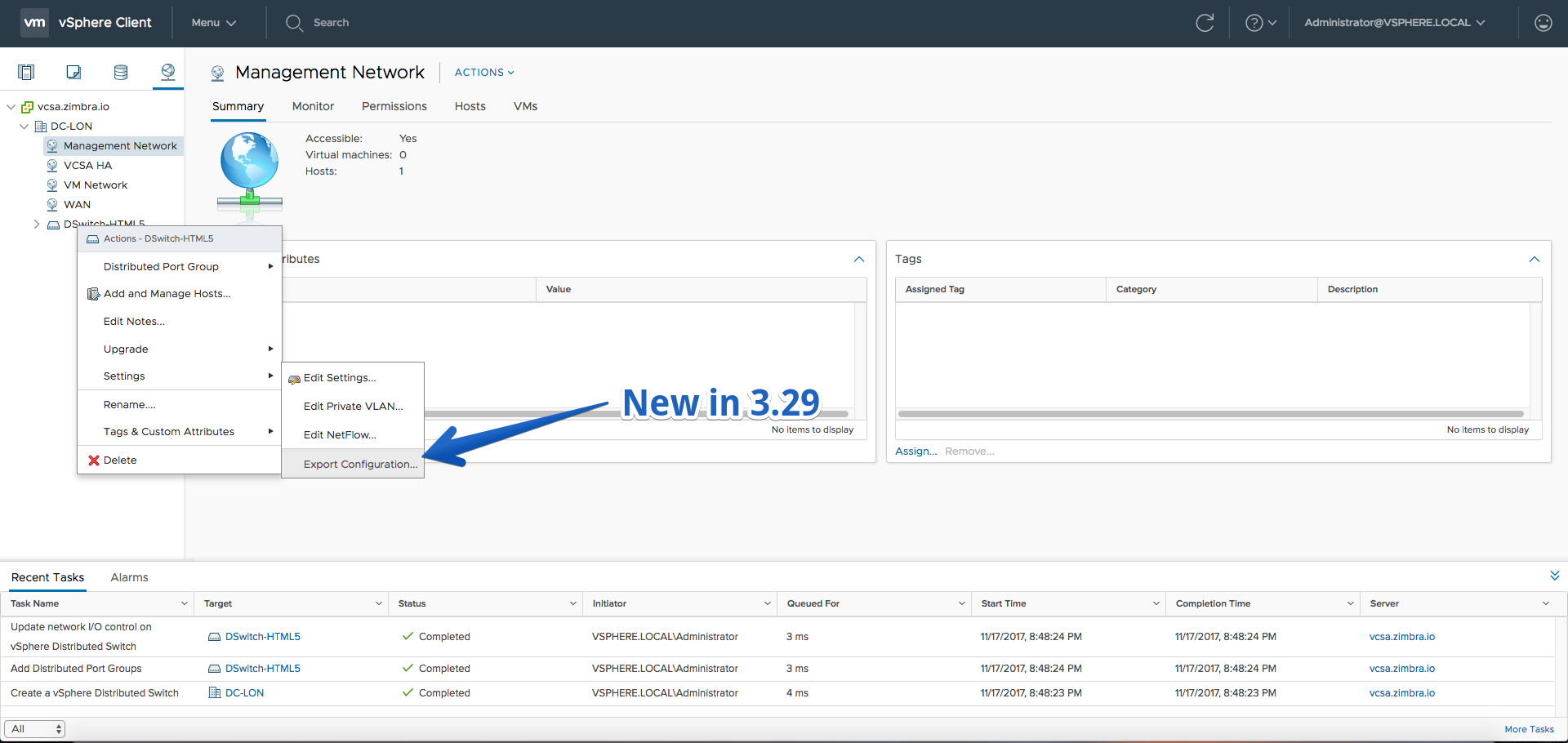
- Configure traffic filtering and marking rules on distributed port groups
- Export and import distributed switches and distributed port groups
Improvements
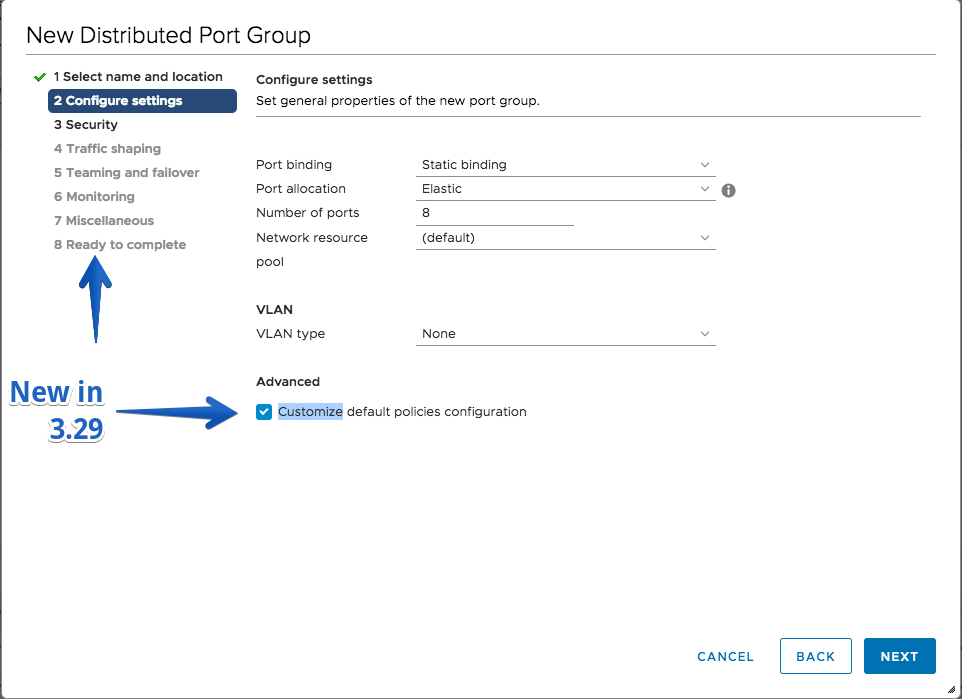
- Configure the policies of distributed port groups inside the New Distributed Port Group wizard
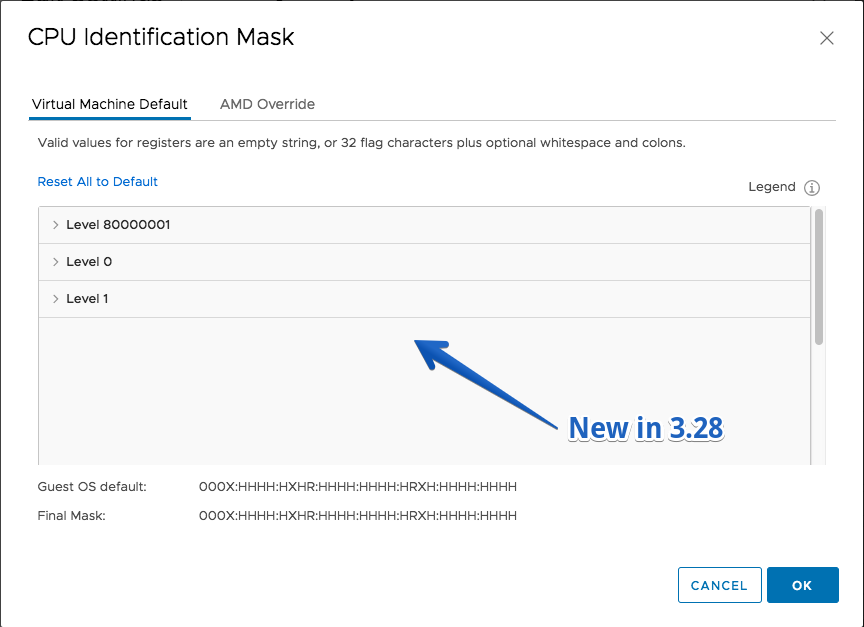
Fling 3.28 – Build 7110681
New Features
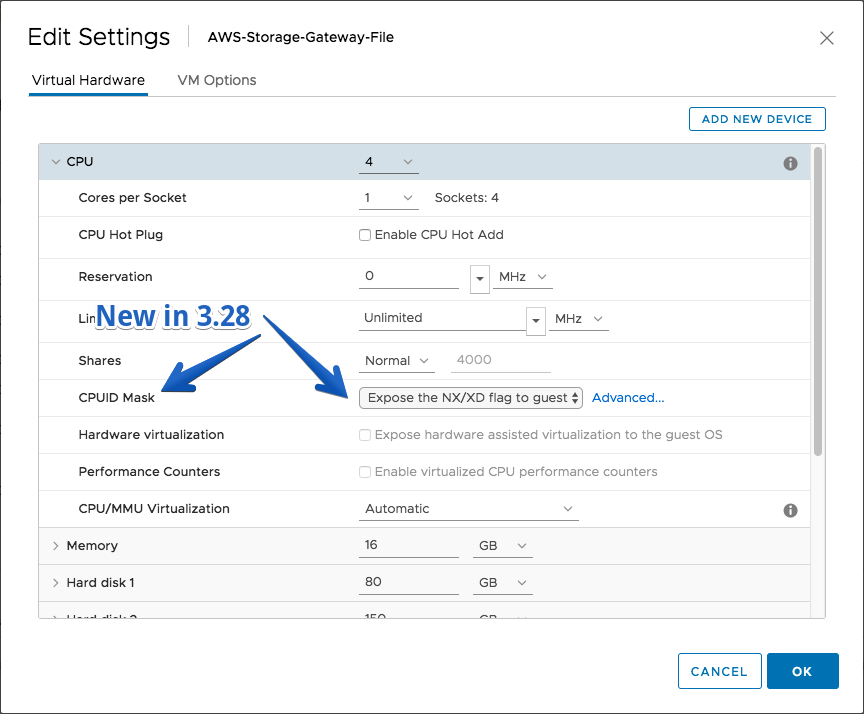
- Configure advanced CPU Identification Mask
- Select PVRDMA adapter type for a VM network
Improvements
- Thanks to the fling users who gave the steps to replace the certificates for FAMI UI running at port 5490, added these instructions to v4 of “Create a new certificate for a HTML5 client fling” document
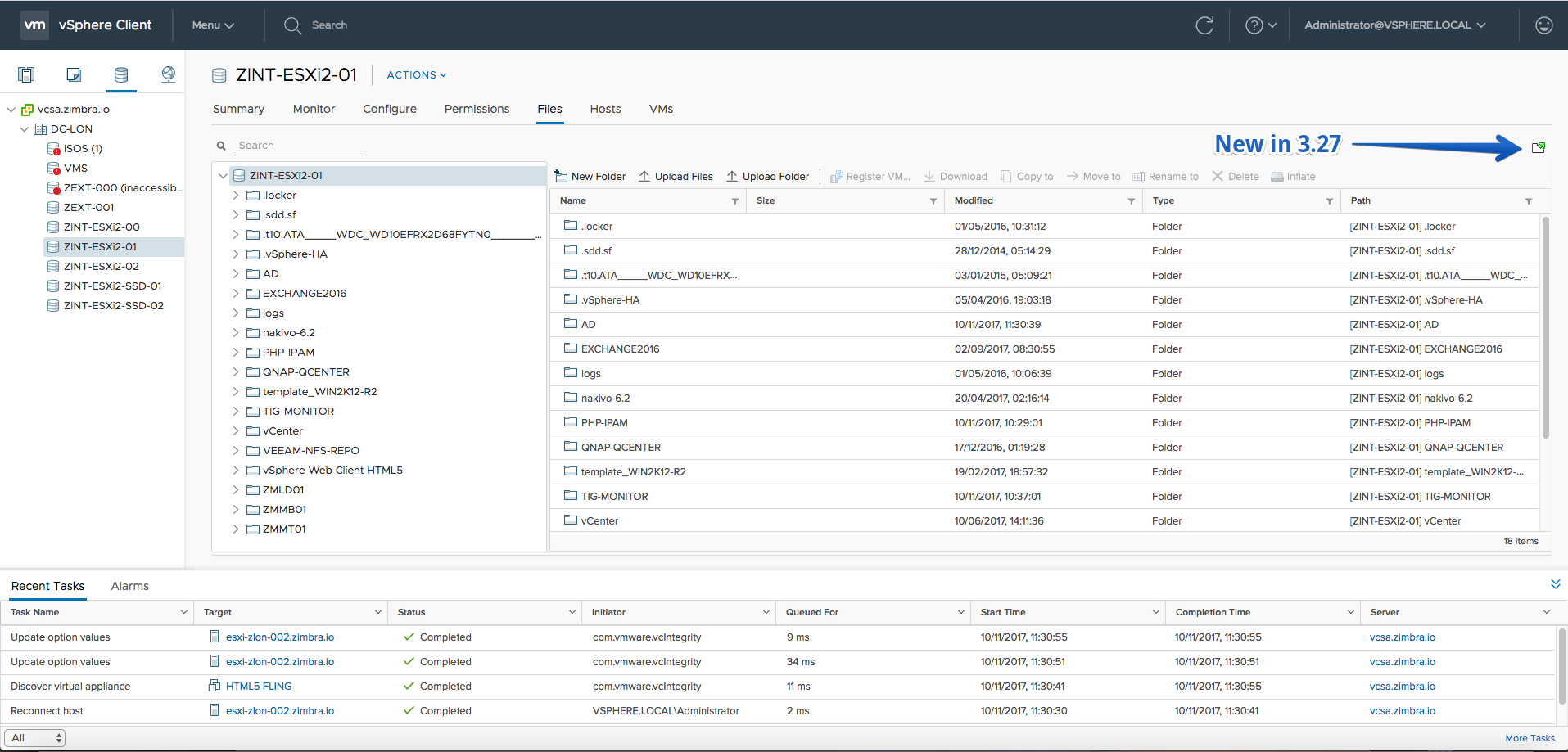
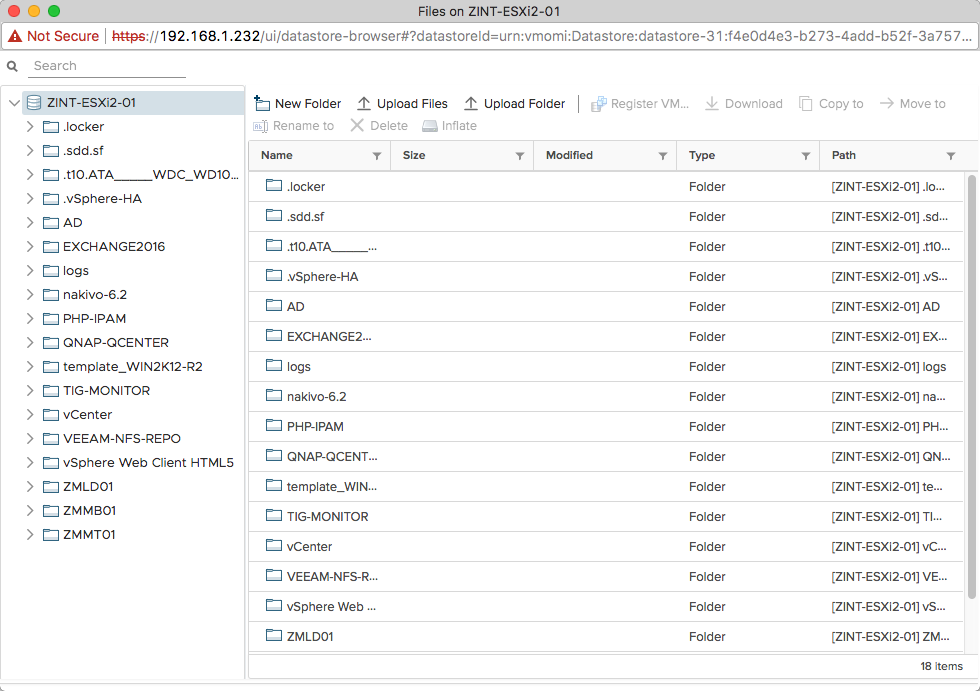
Fling 3.27 – Build 7055108
New Features
- Popout the Datastore File browser
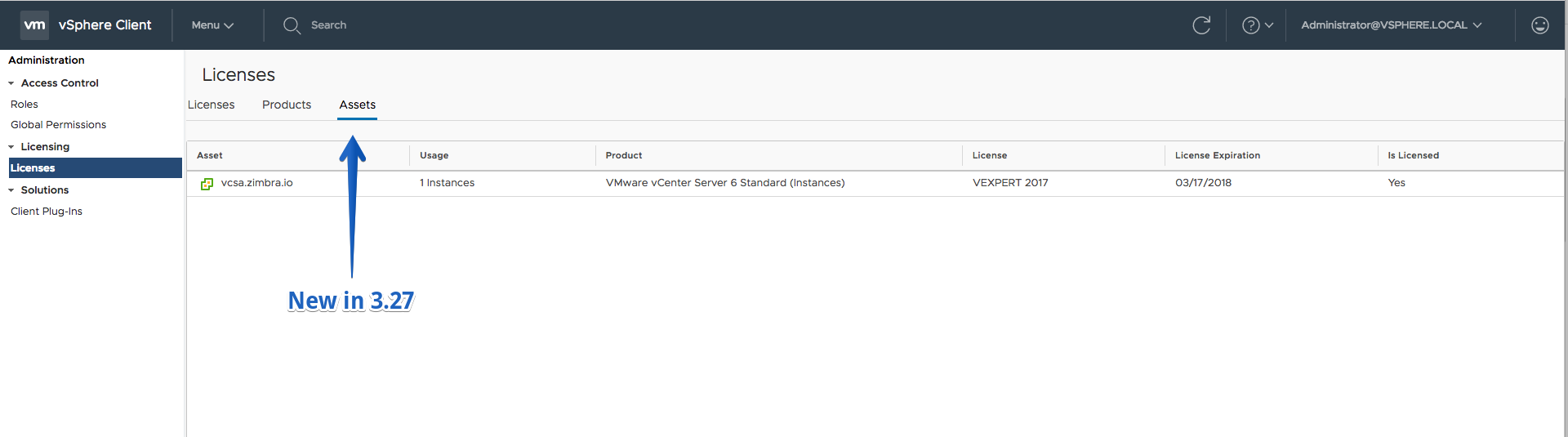
- License Details
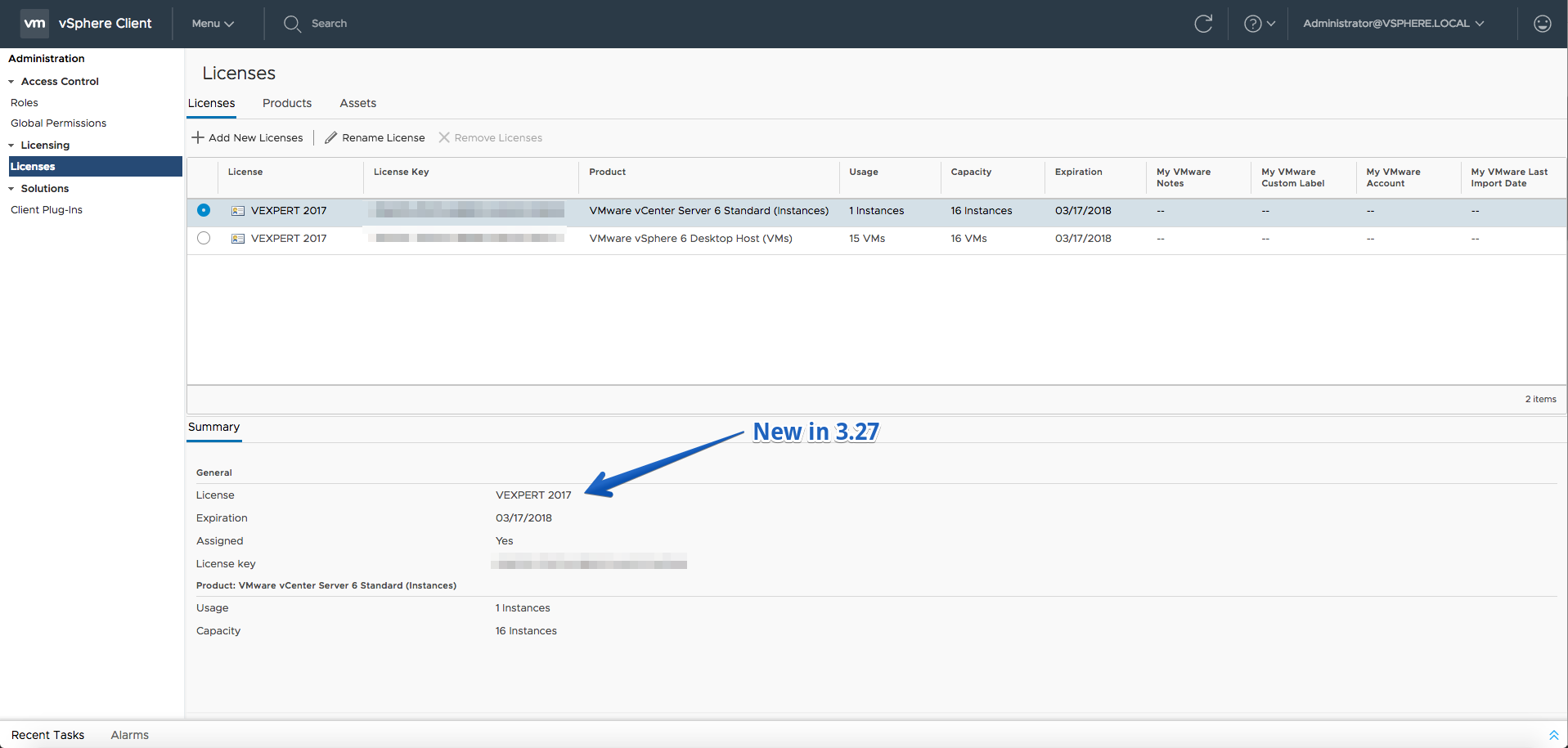
- View License VC assets (Read-only)
Improvements
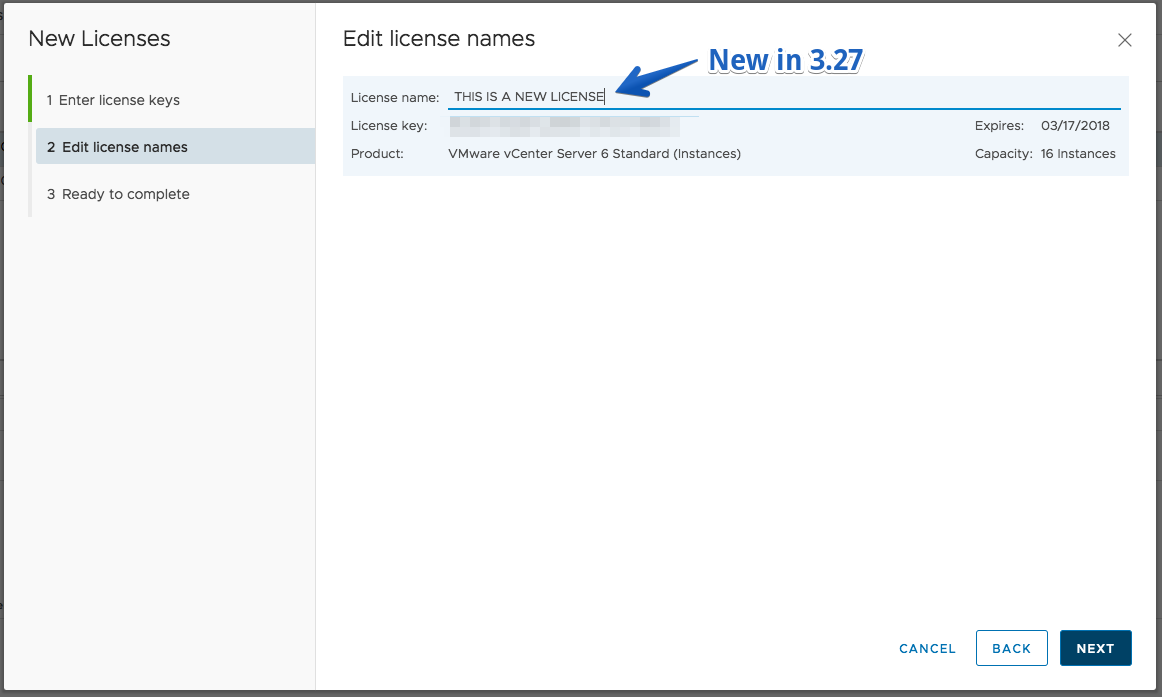
- Set license name in the Add License workflow
Fling 3.26 – Build 6984758
New Features
- License Products Details
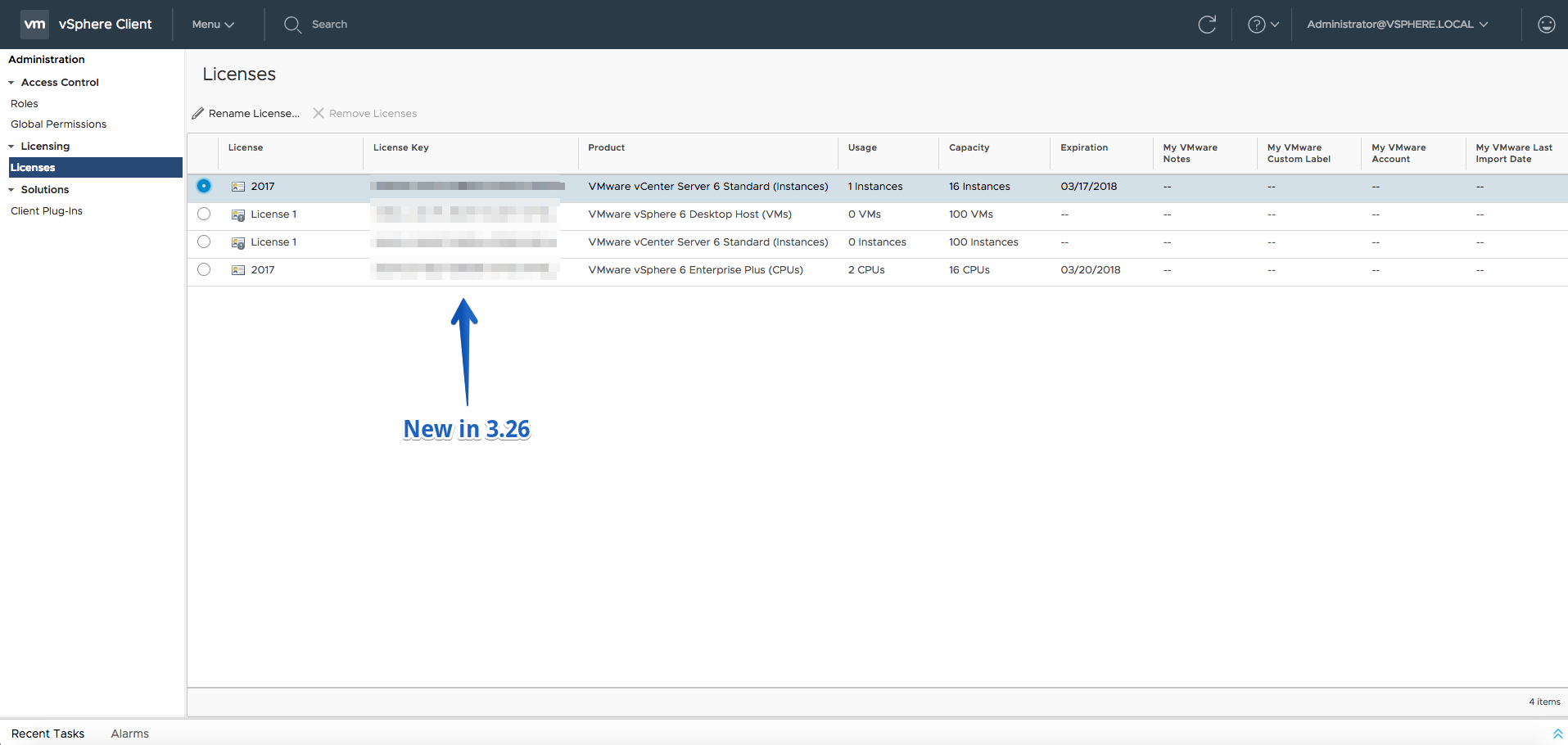
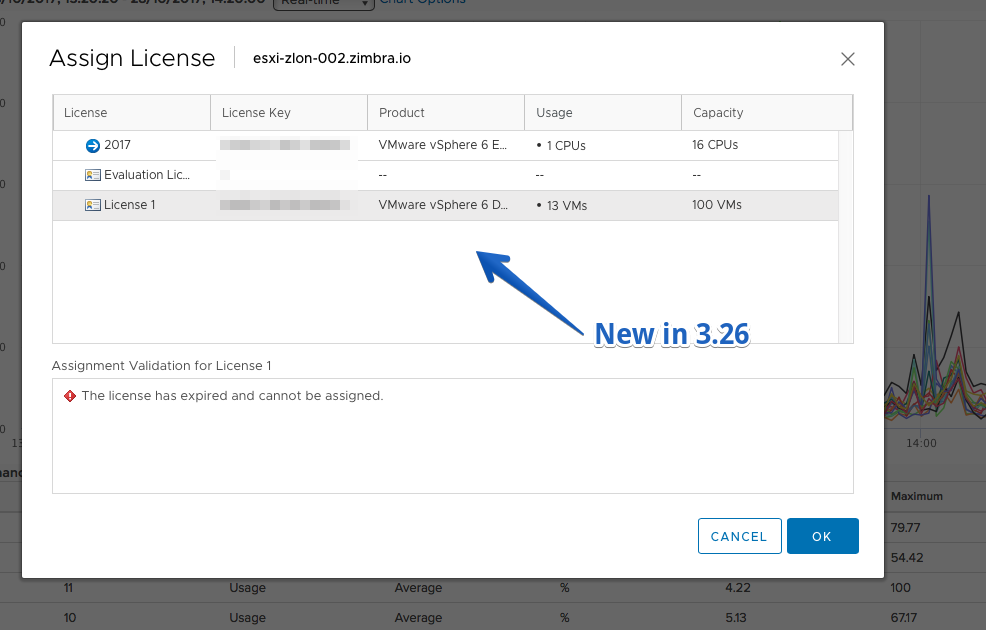
- Add New License action
Improvements
- Enhanced the performance of the Datastore File Browser
Fling 3.25 – Build 6929189
New Features
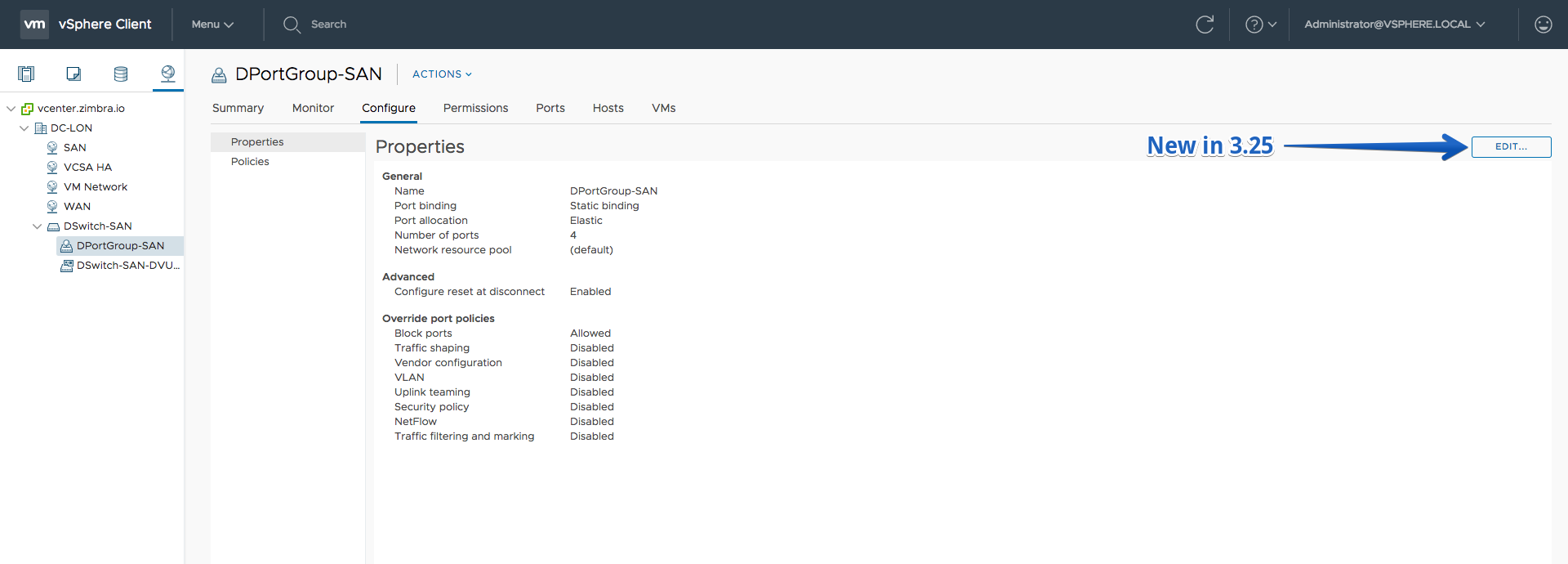
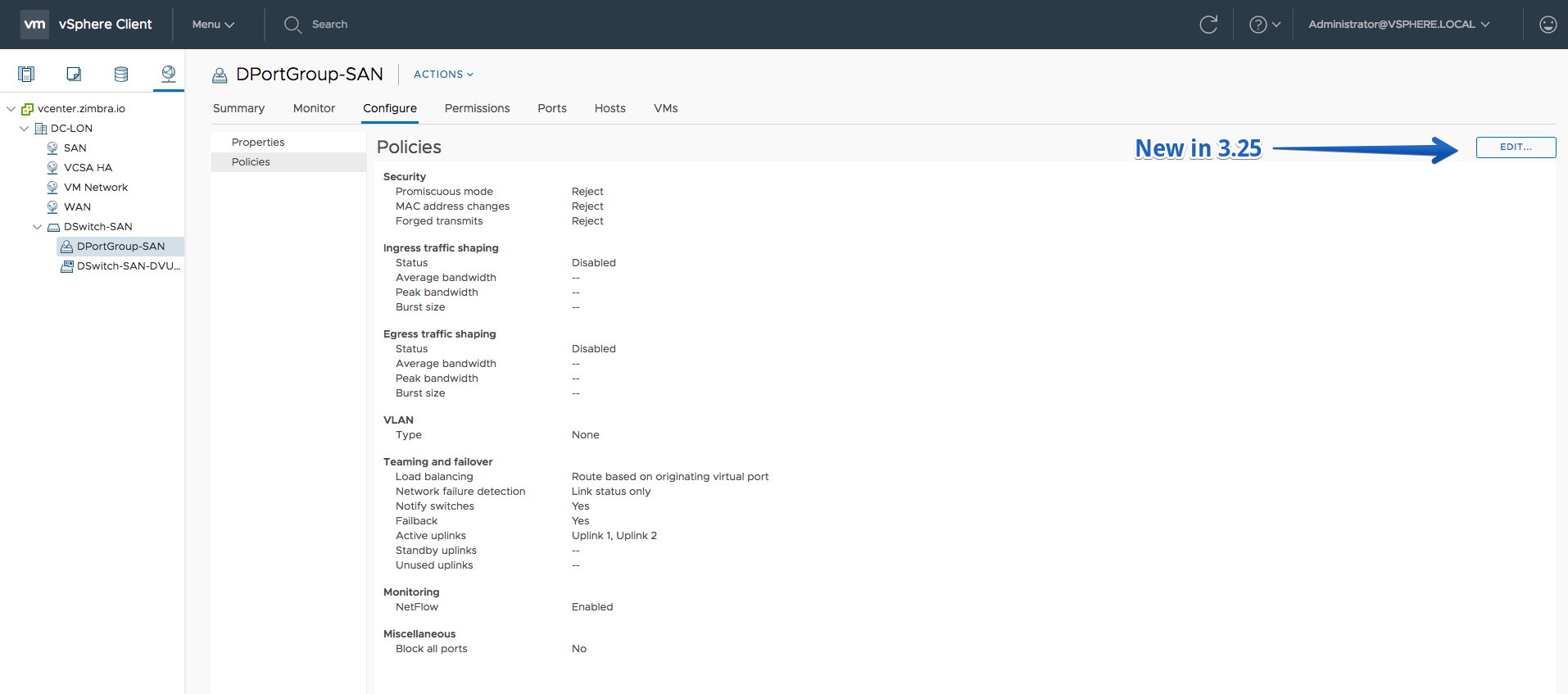
- Edit the properties and policies of distributed ports
- Licenses list
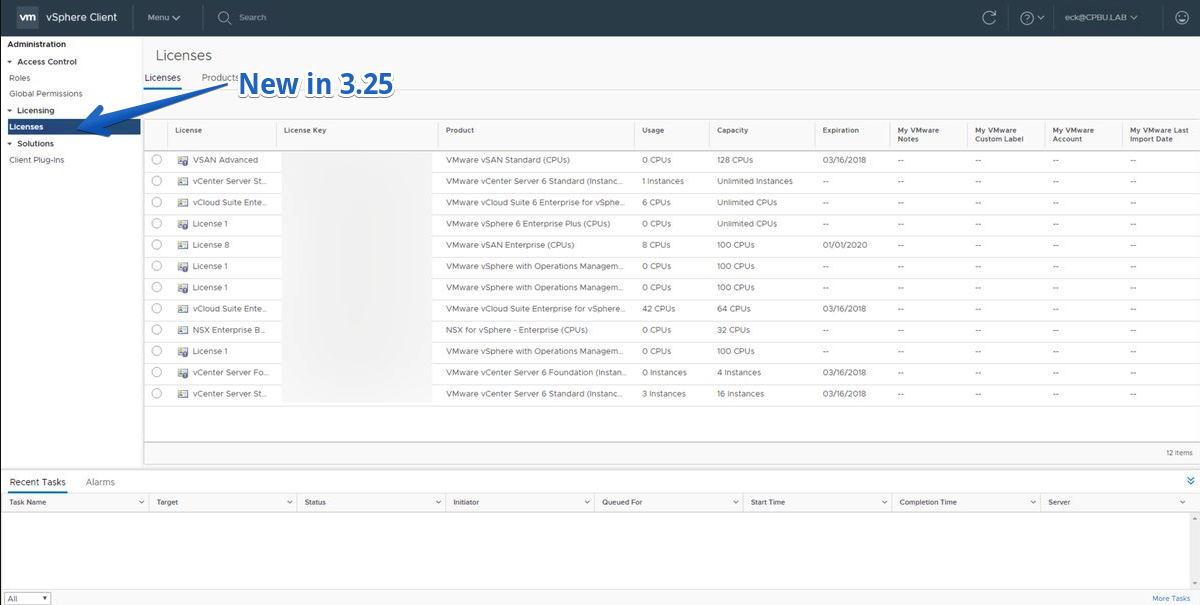
- License Products list (Read-only)
- Rename and Remove License action
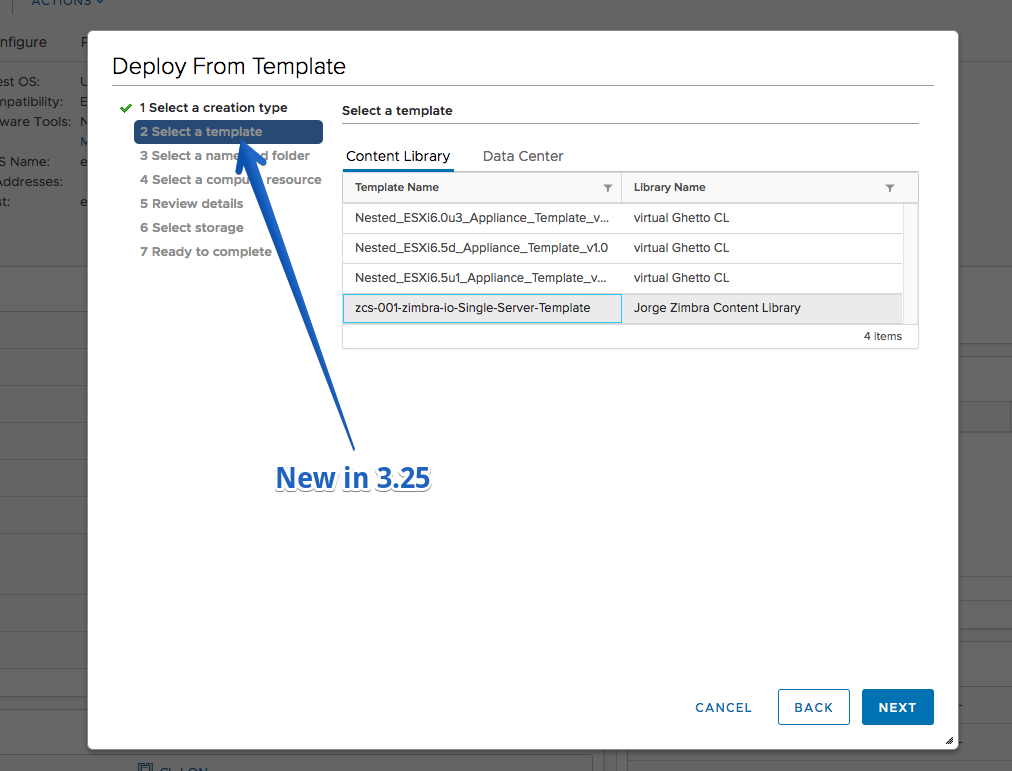
- You can now deploy VM from a VM template by choosing New VM wizard > Deploy from template > Data center tab
Improvements
- Rescan storage action is done in parallel when is executed on Cluster or Datacenter level
- Replication groups can be managed through Edit VM Storage Policy action
- Showing the number of pending upload sessions and size uploaded in Datastore File Browser
Fling 3.24 – Build 6862396
New Features
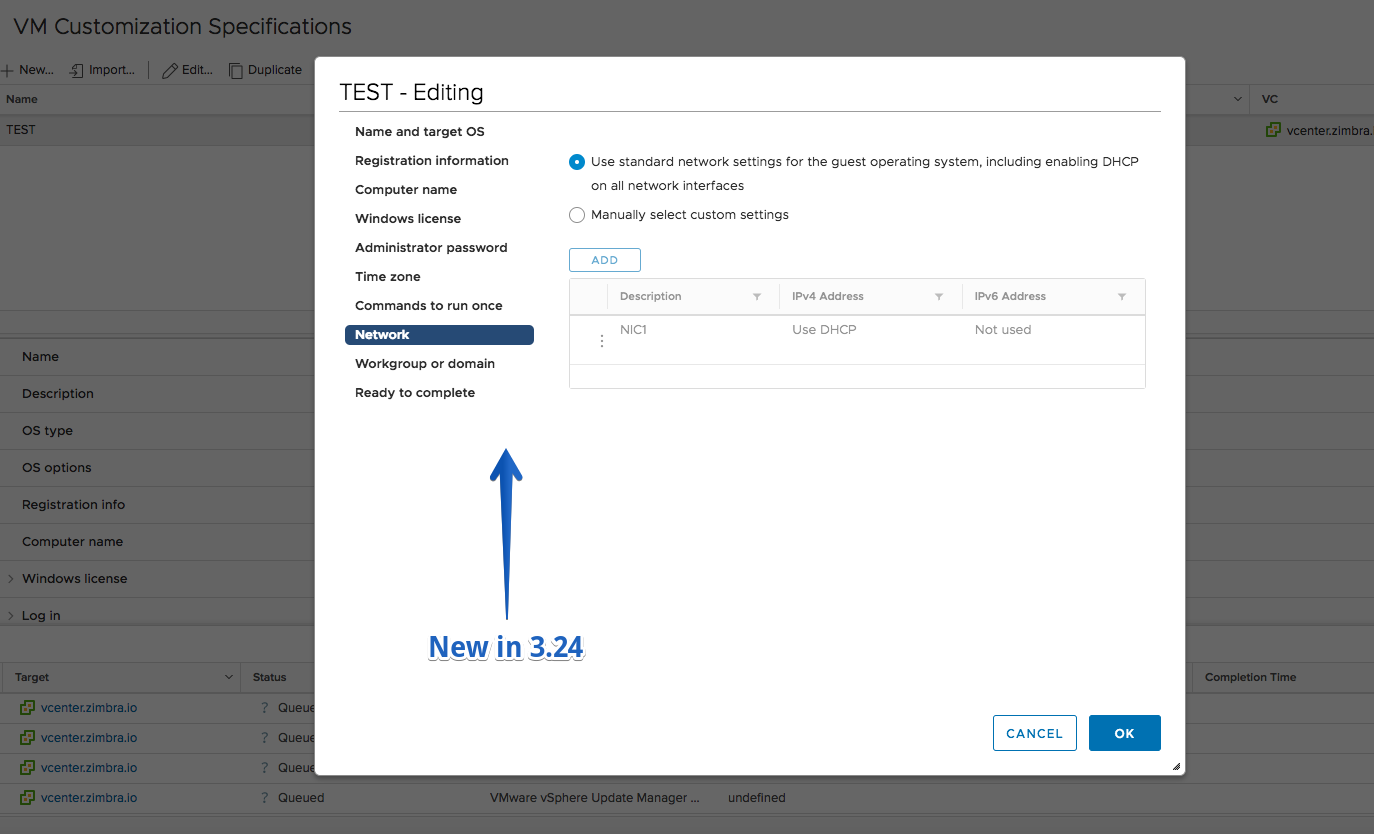
- Ability to customize all network properties, incl. default gateways, when applying GOS customization spec to a VM (during cloning or customizing GOS on existing VM)
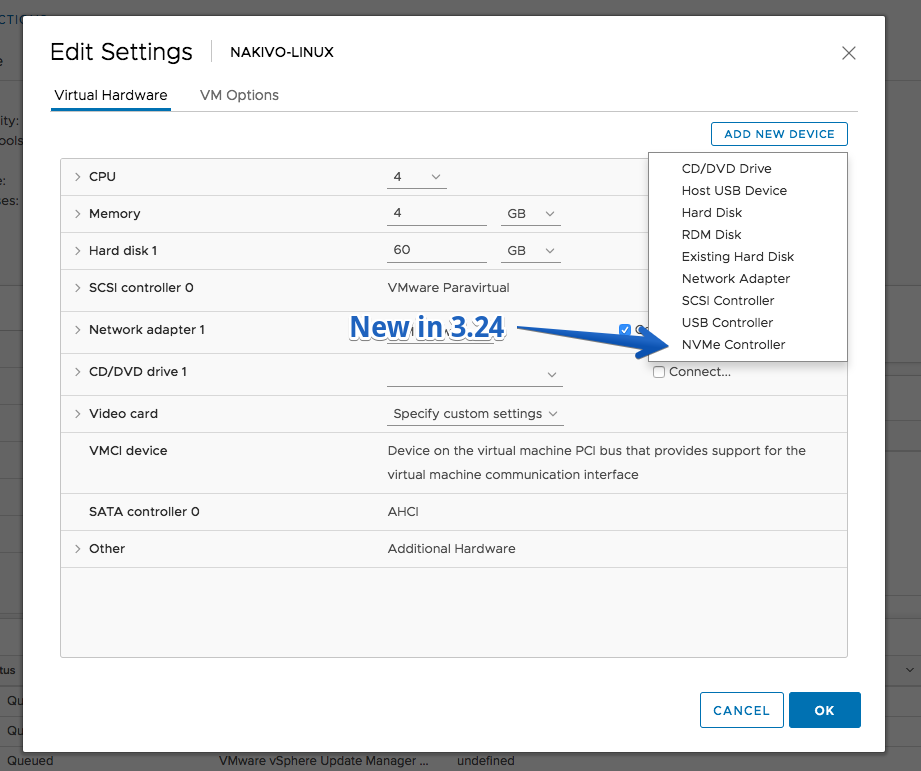
- Add NVMe controller for an existing VM or for a new VM
Improvements
- Enhanced Compatibility details view in VM provisioning wizards
Fling 3.23 – Build 6682372
New Features
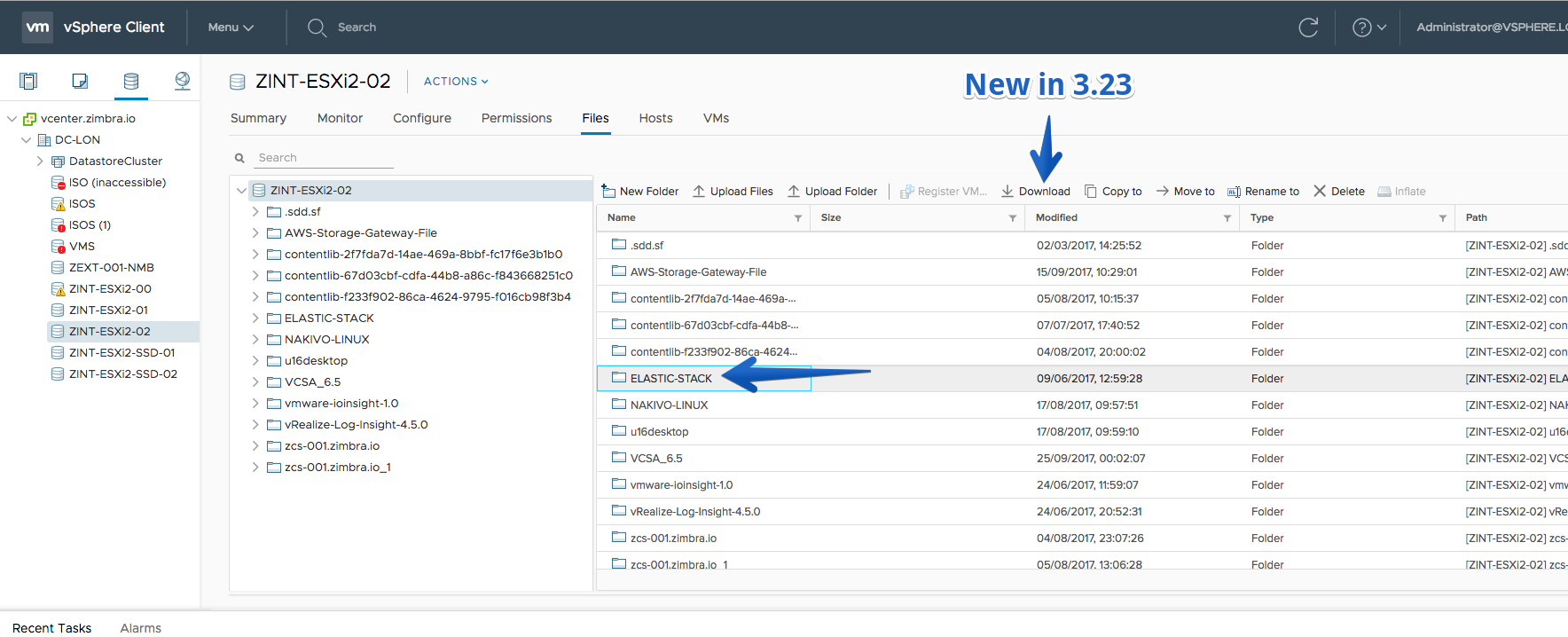
- Download folder from the File Browser
Improvements
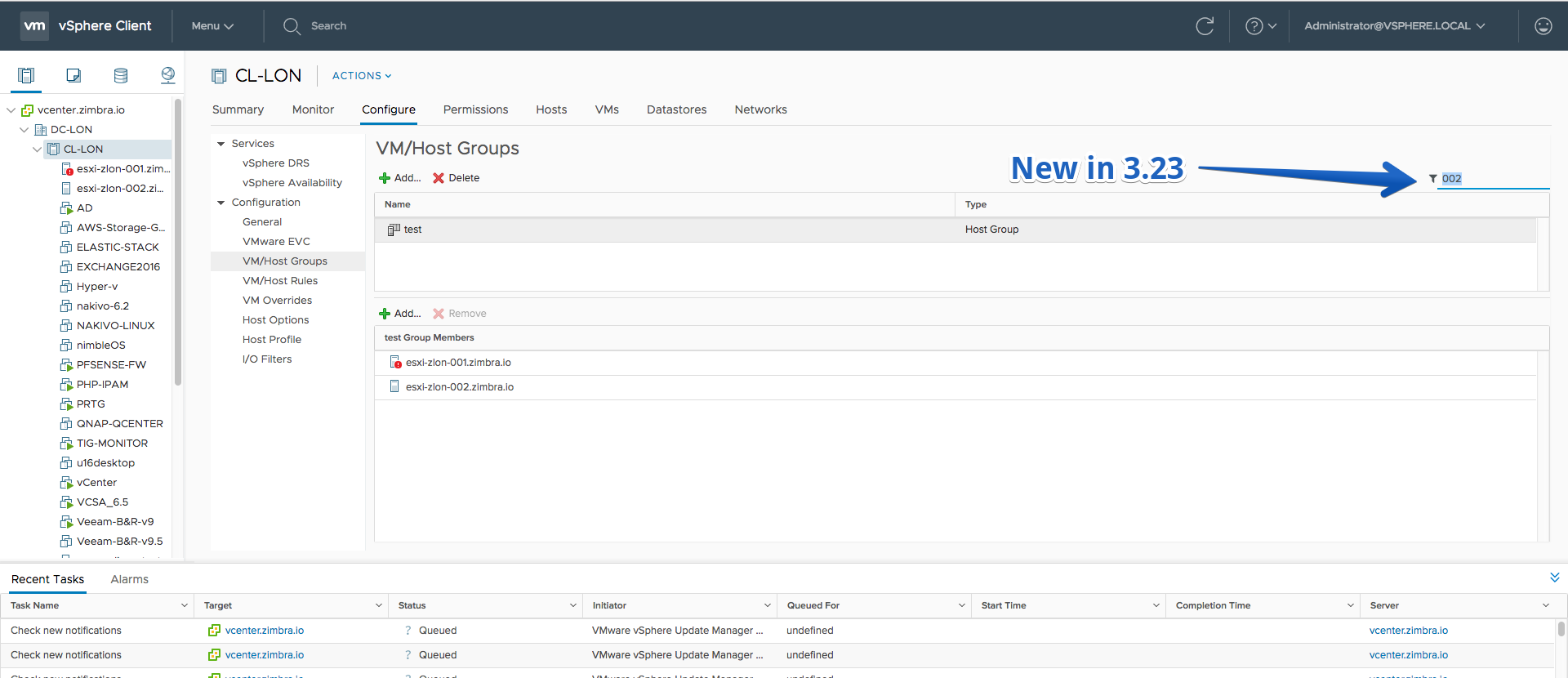
- DRS groups can be filtered by member.
- Replication group are shown on the VM Storage Policy portlet
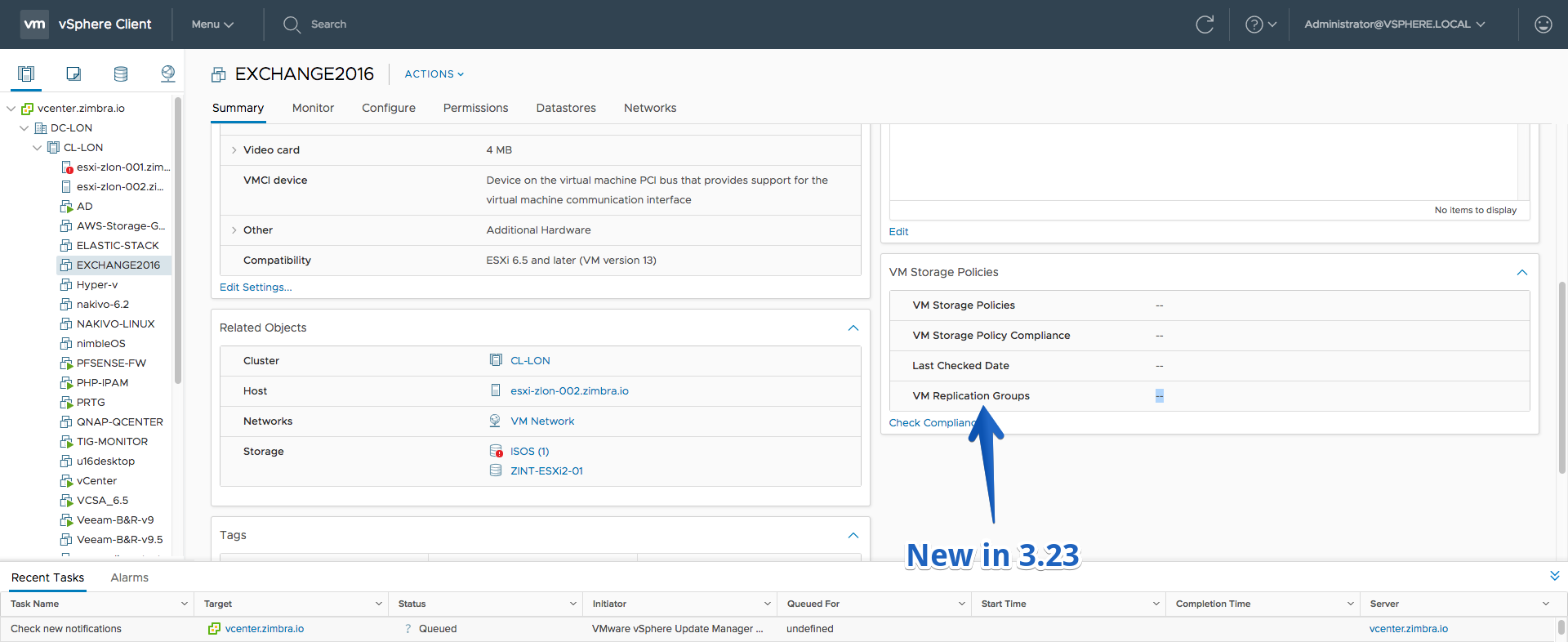
Fling 3.22 – Build 6613965
New Features
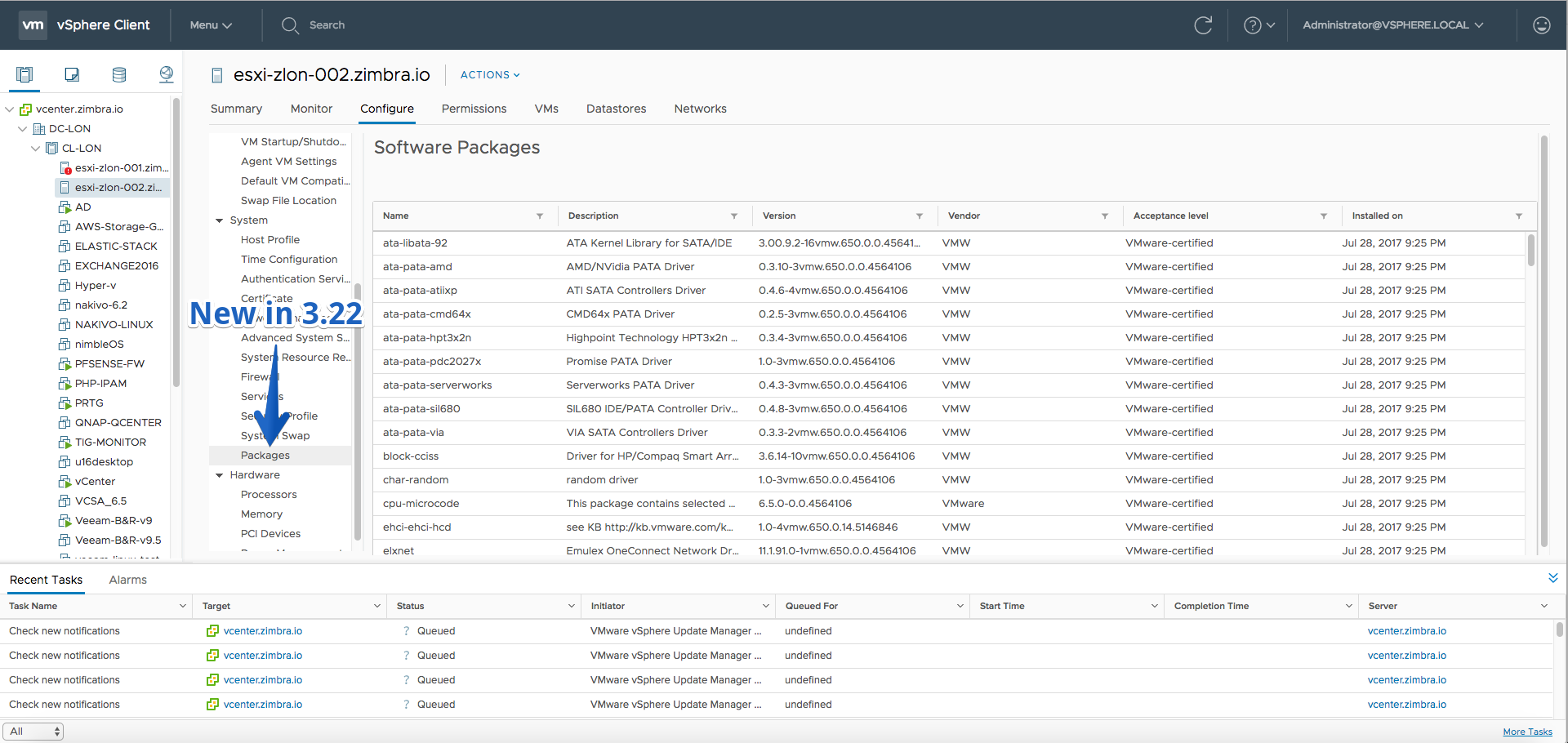
- The list of software packages installed on a host can be viewed (for ESXi version 6.5)
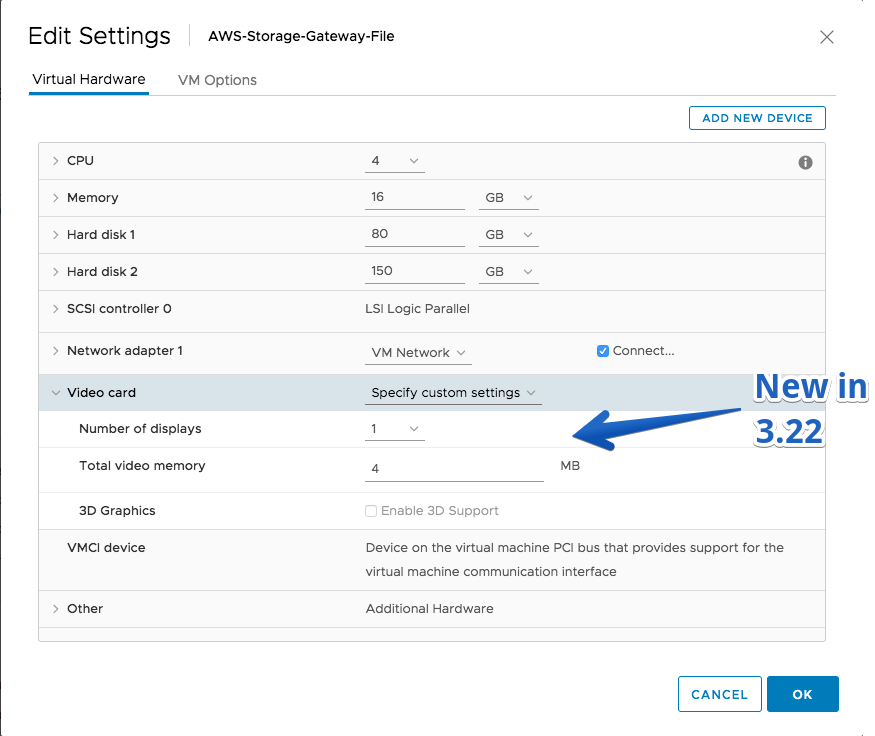
- Edit Video Card information for a VM
Fling 3.21 – Build 6555866
New Features
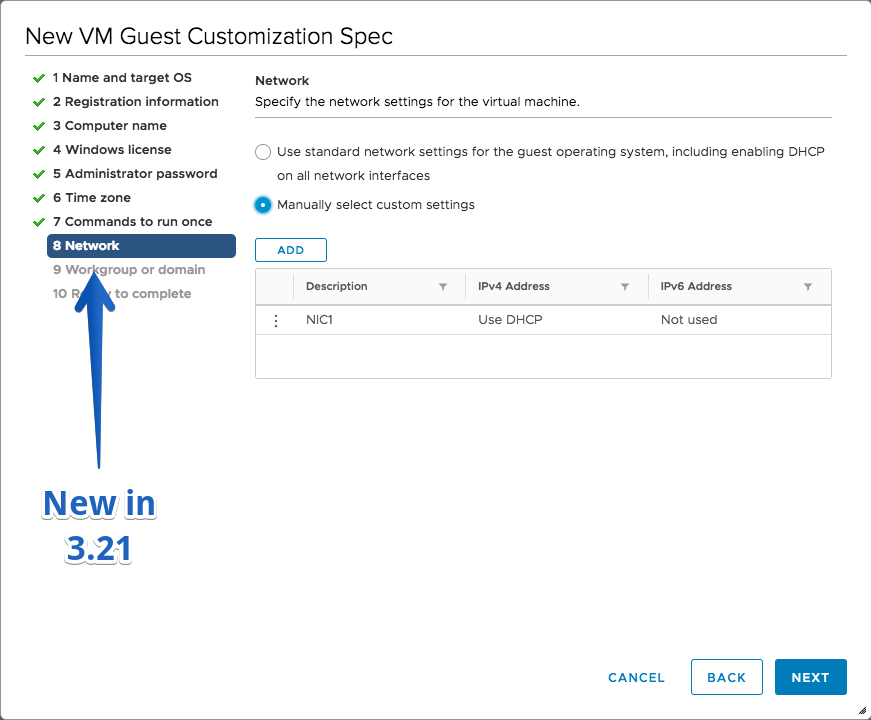
- Create and edit VM customization specifications with custom network configurations
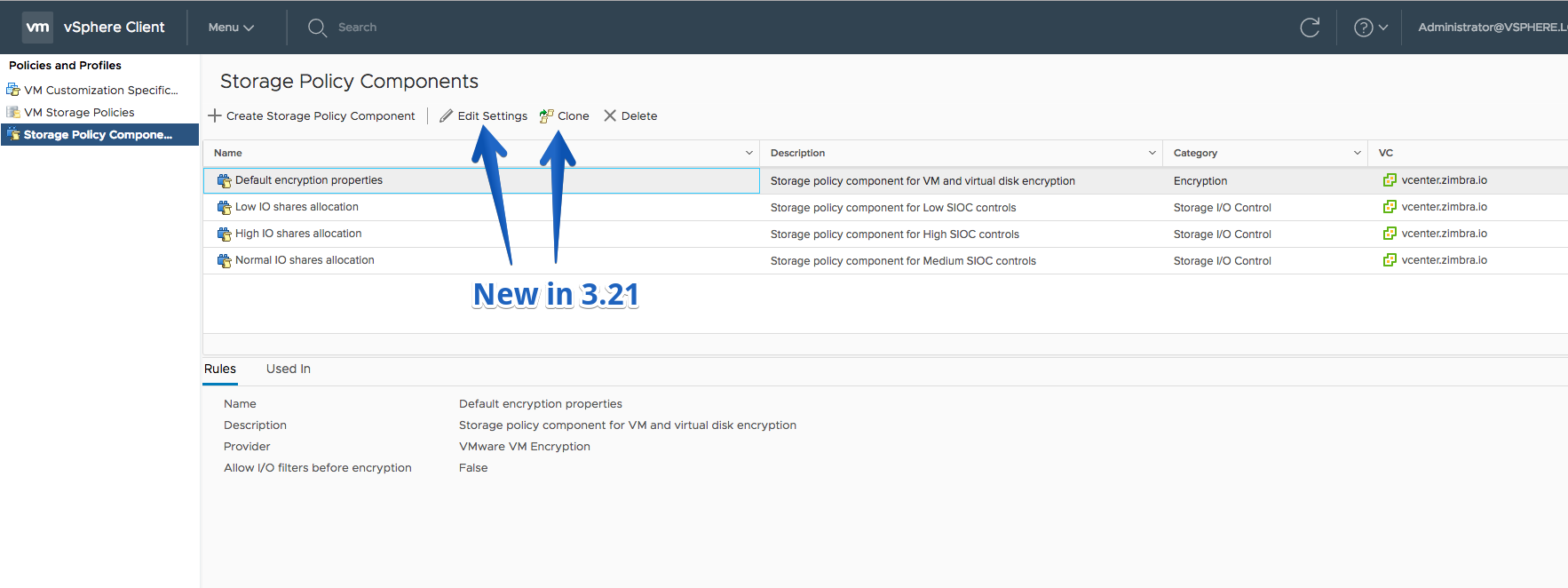
- Edit/Clone Storage Policy Component
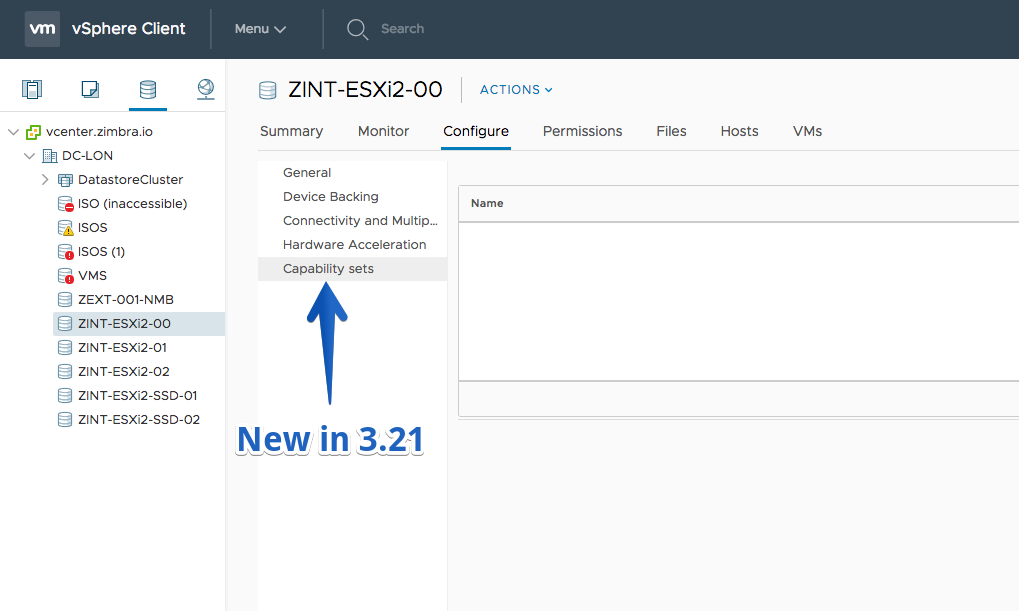
- Datastore capability sets (Datastore > Configure > Capability sets)
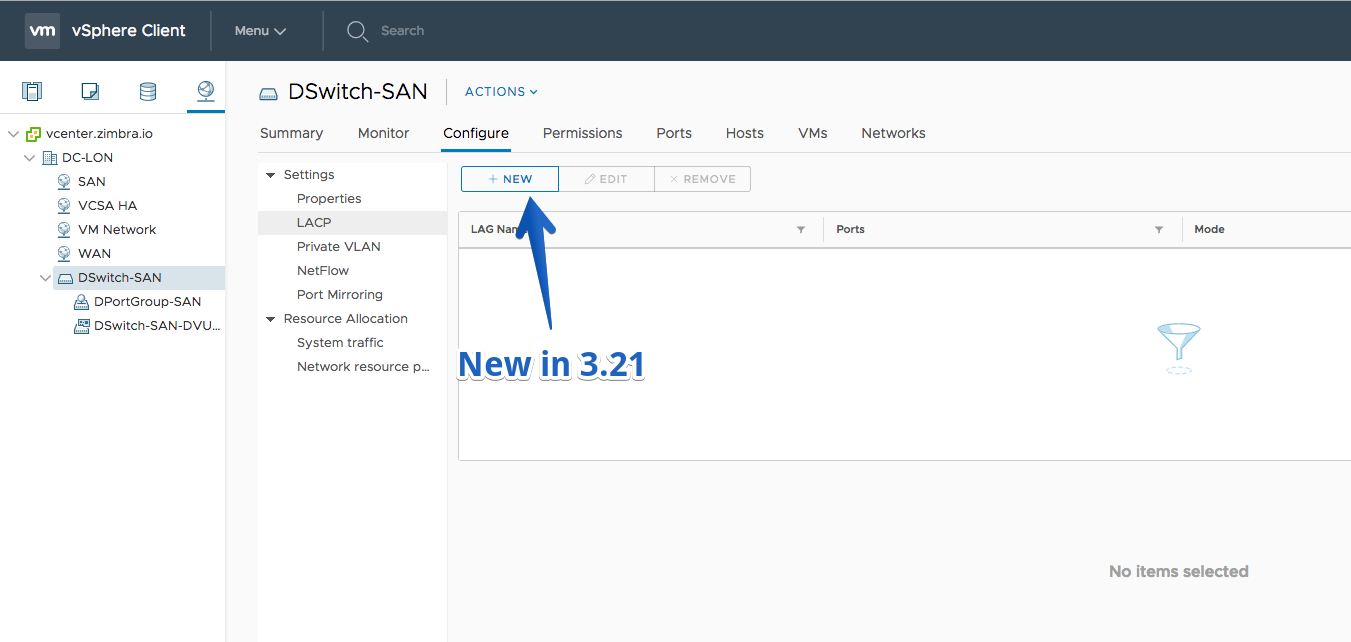
- Create, edit and delete Link Aggregation Groups on Distributed Switches
Improvements
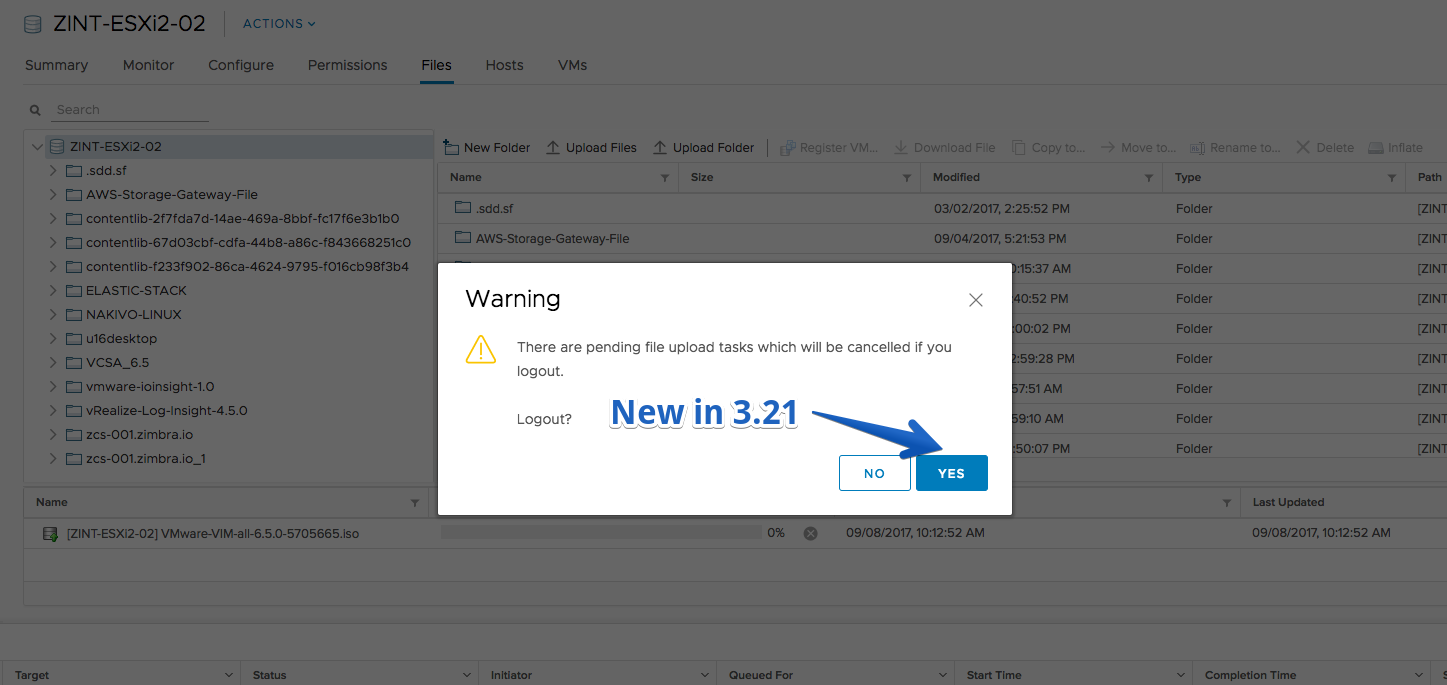
- Confirmation on logout when there is upload file task in progress
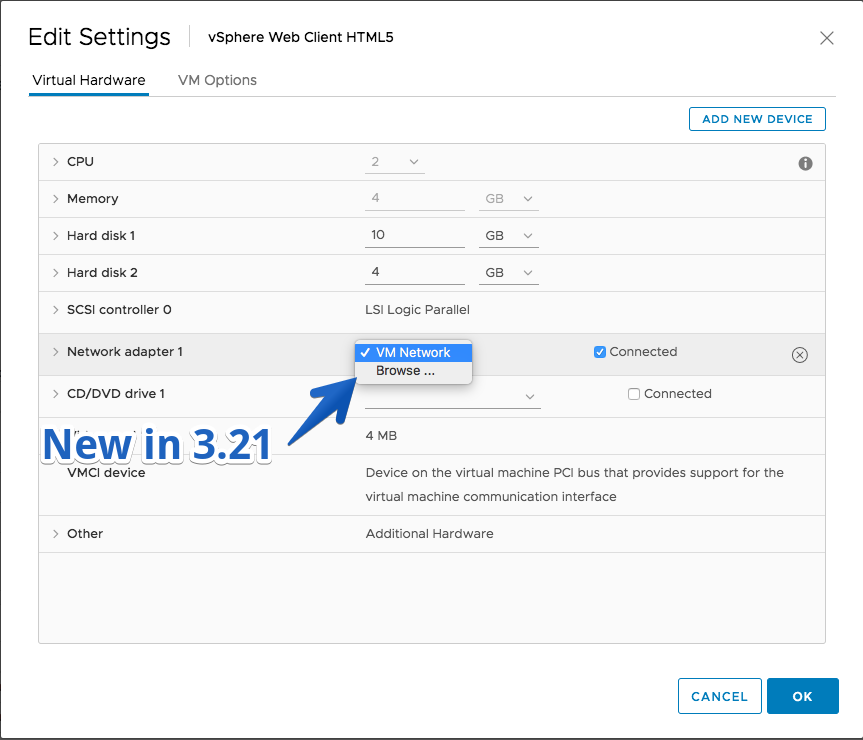
- Quick filter is introduced in the network selection dialog at Edit VM Settings > Network Adapter > Browse. It replaces the per-column filtering.
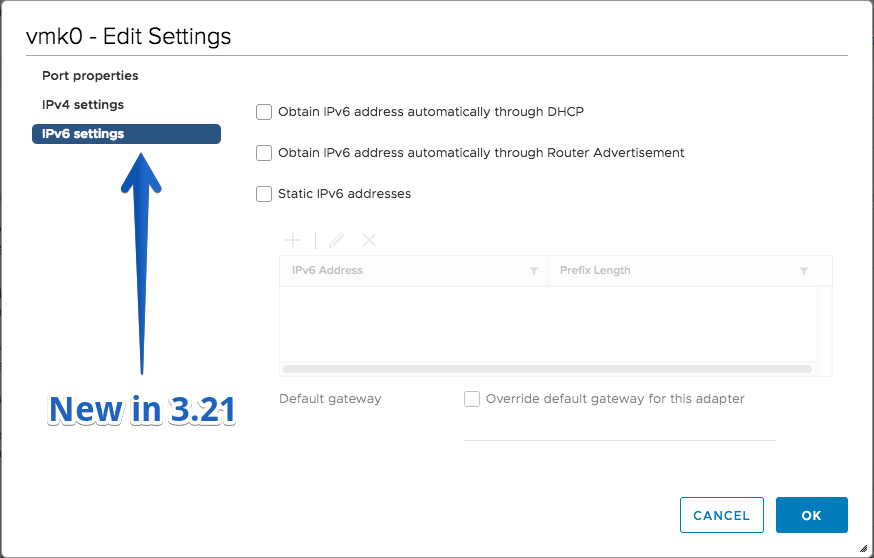
- Enable/disable IPv6 on ESXi hosts.
- Shares information is now available on Resource Allocation views for clusters and resource pools.
- ESXi hardware health: when deployed against 6.5 vCenter, timestamps for sensor readings are displayed.
Fling 3.20 – Build 6433743
New Features
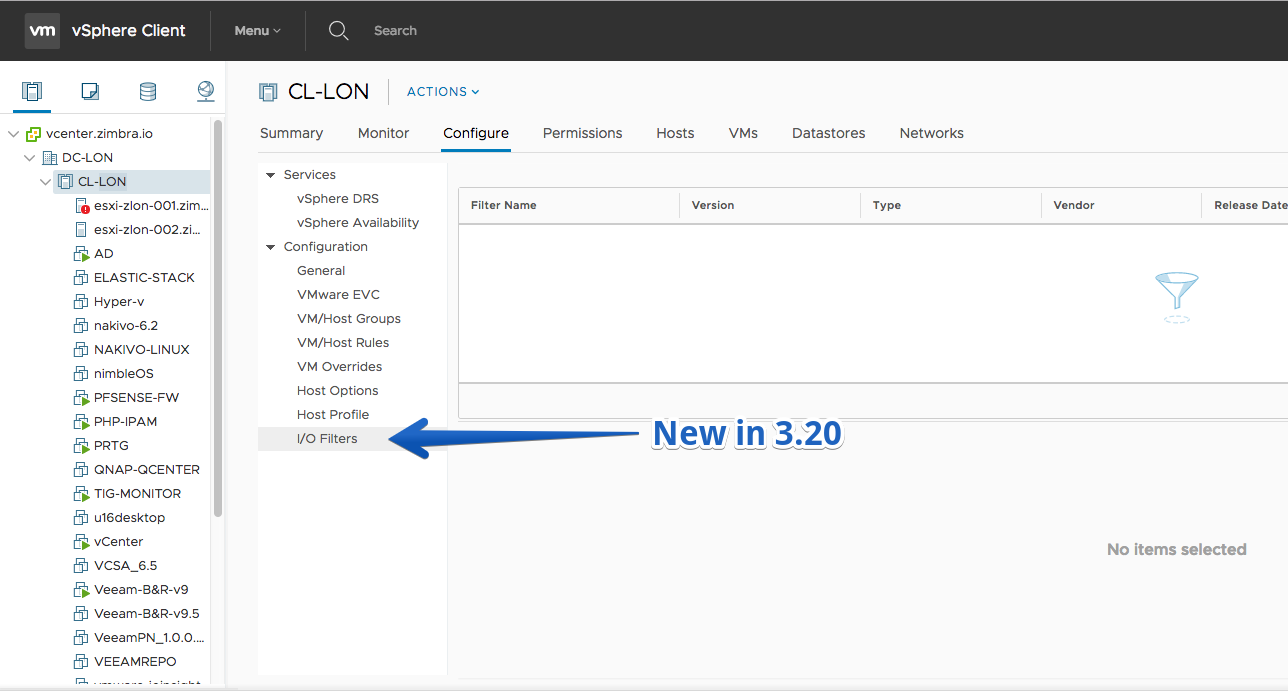
- Installed I/O Filters for Cluster and Host
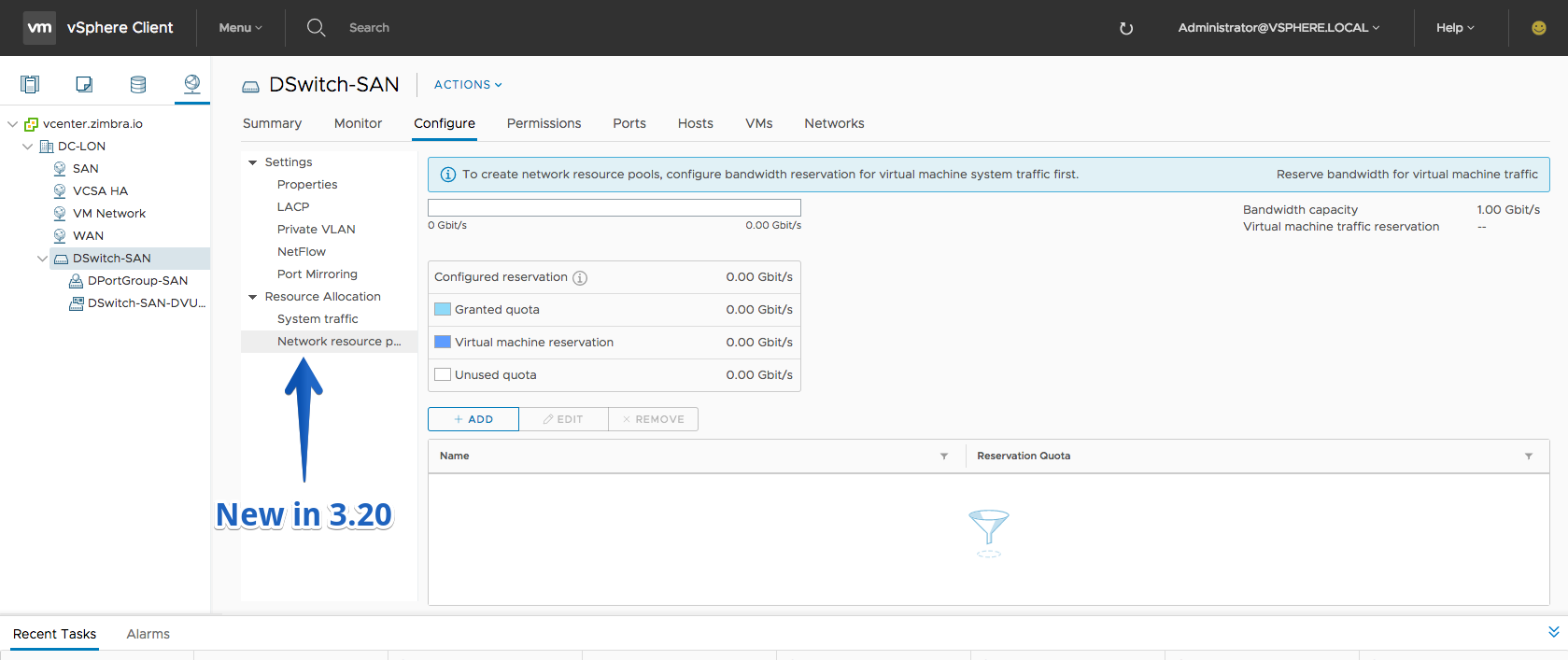
- Create and configure network resource pools in Network I/O Control v3
Fling 3.19 – Build 6365405
New Features
- Add host and client USB device to a VM
- Add USB controller
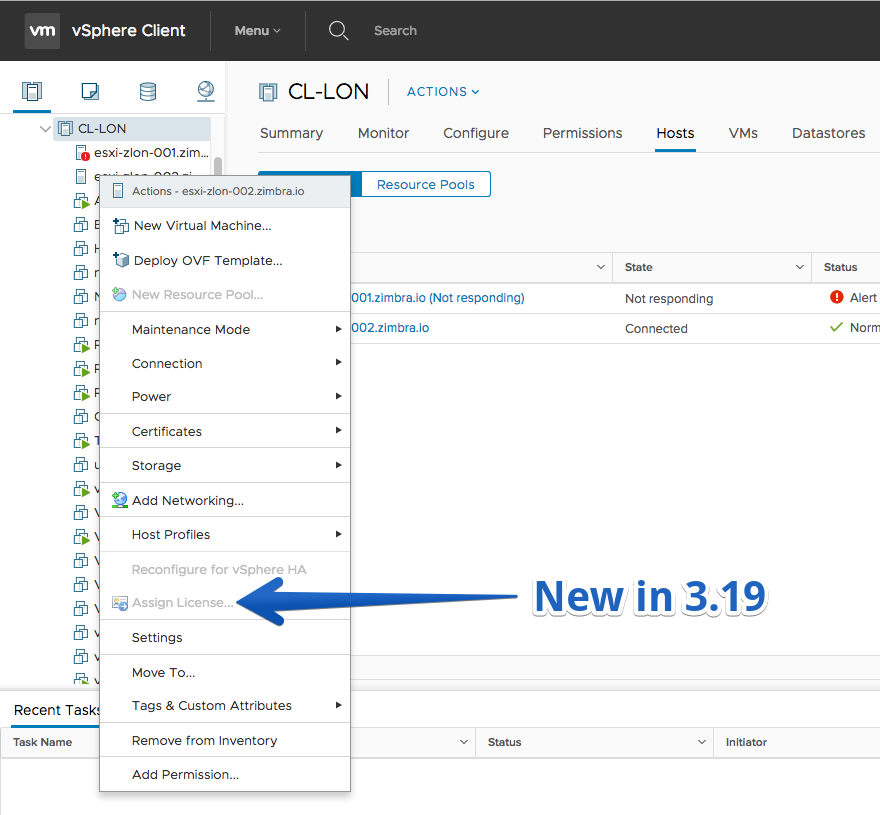
- Assign License action on VC/Cluster/Host
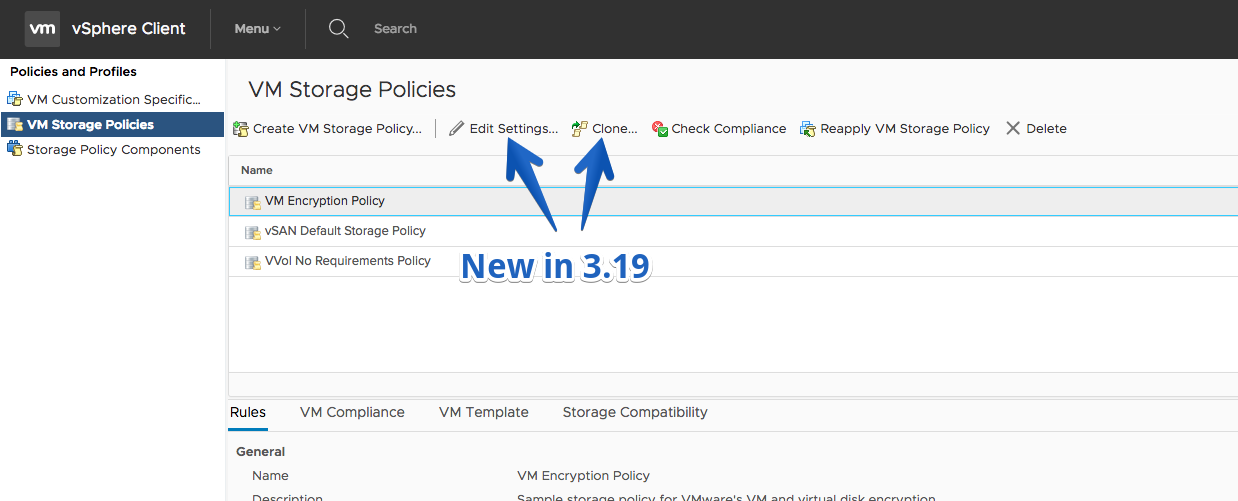
- Edit/Clone VM Storage Policy
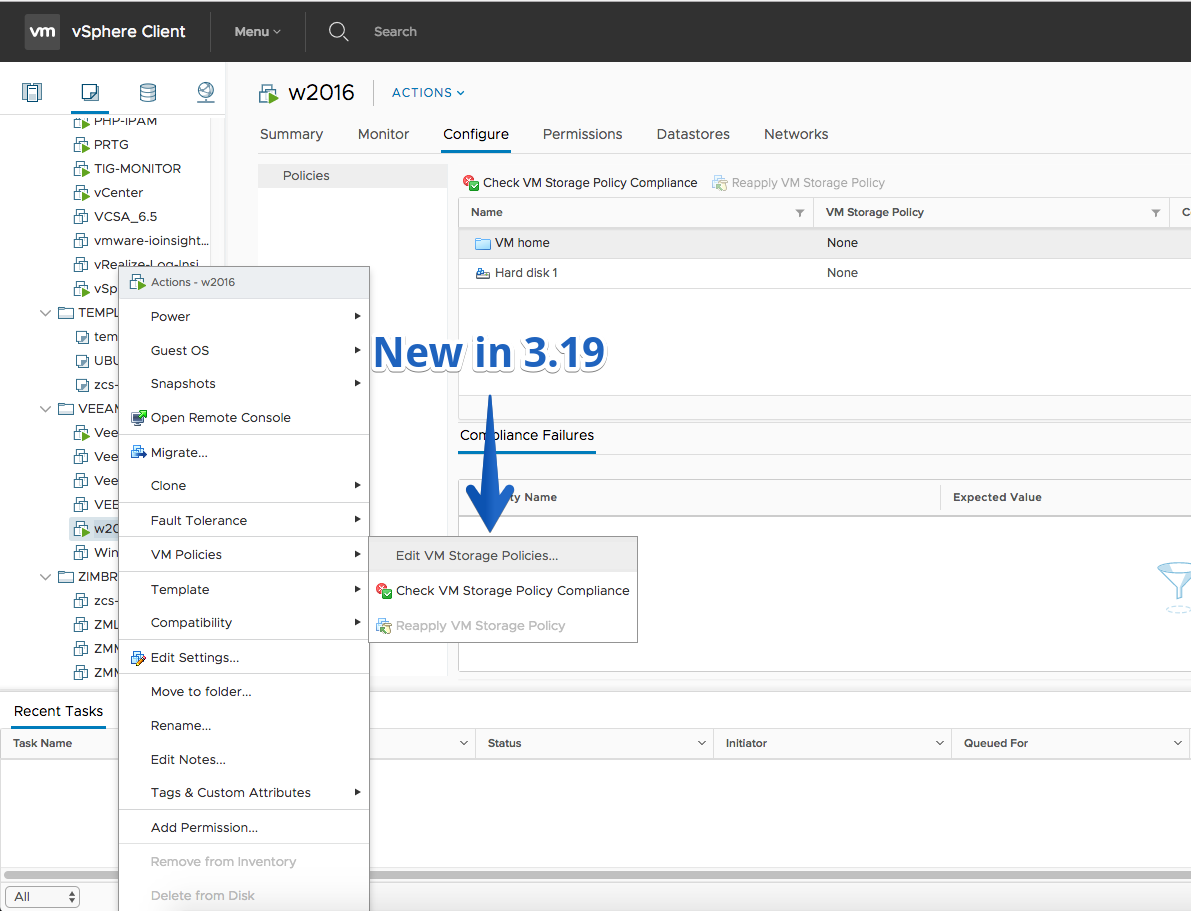
- Edit Storage Policies of a VM (Actions > VM Policies > Edit VM Storage Policies…)
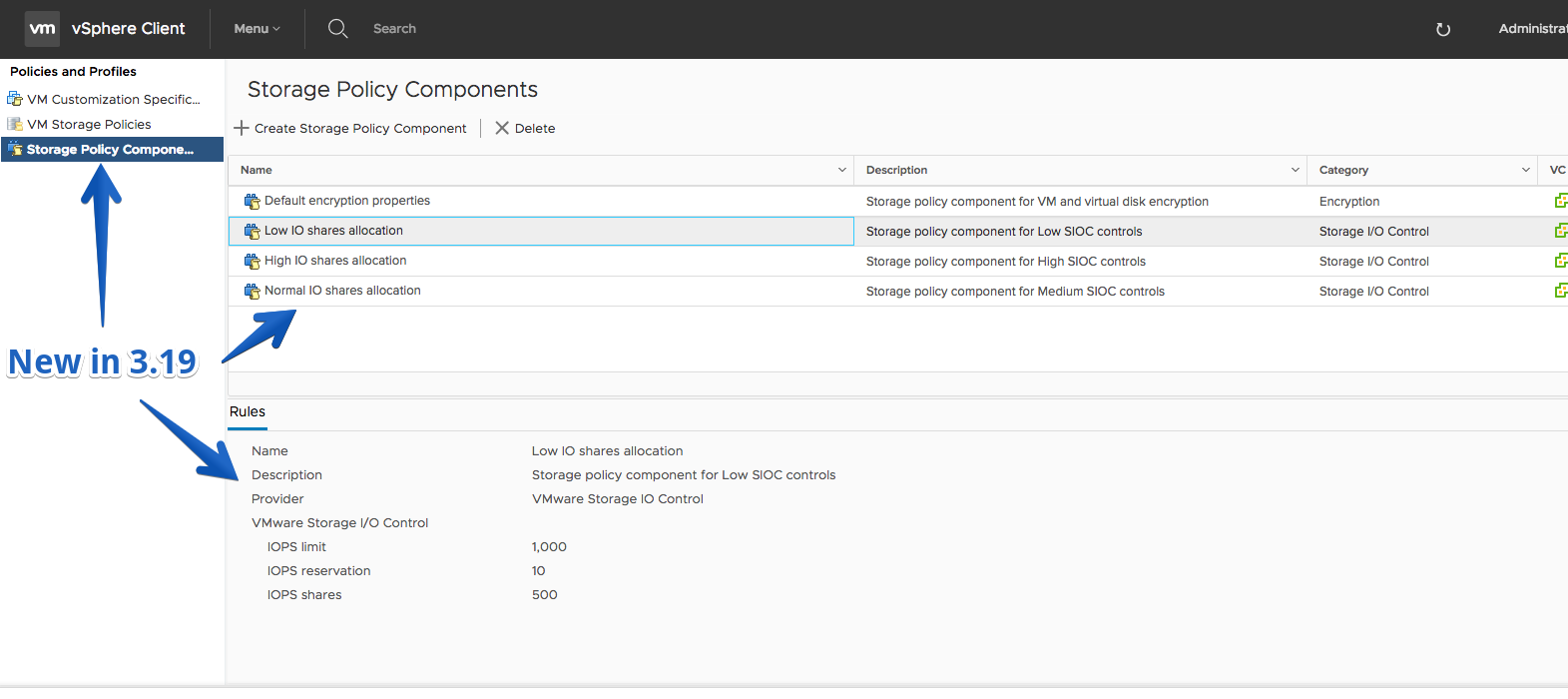
- Storage Policy components view
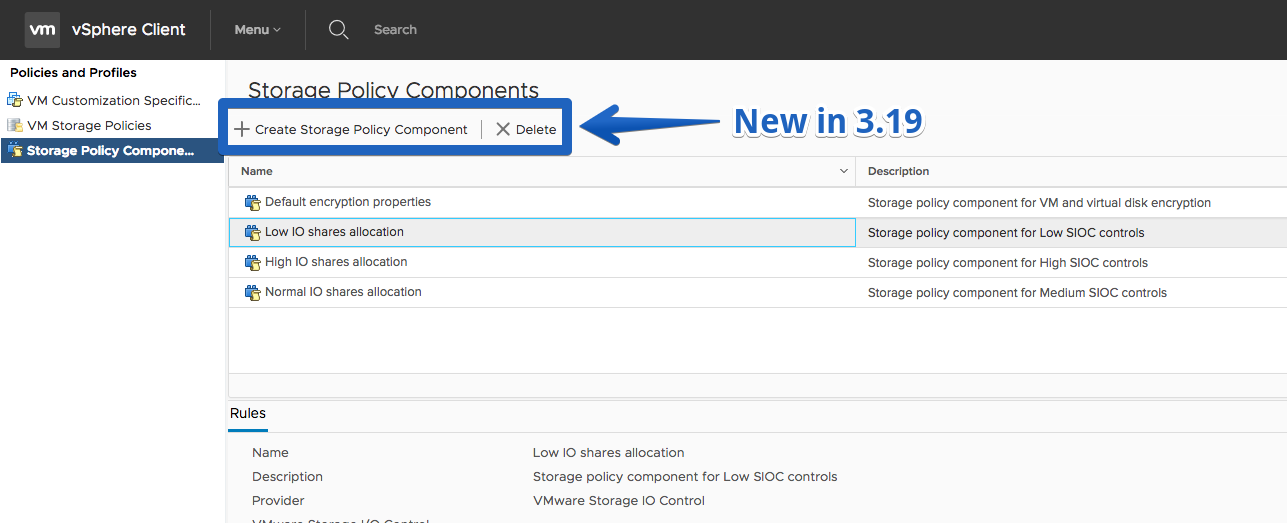
- Create/Delete Storage Policy components
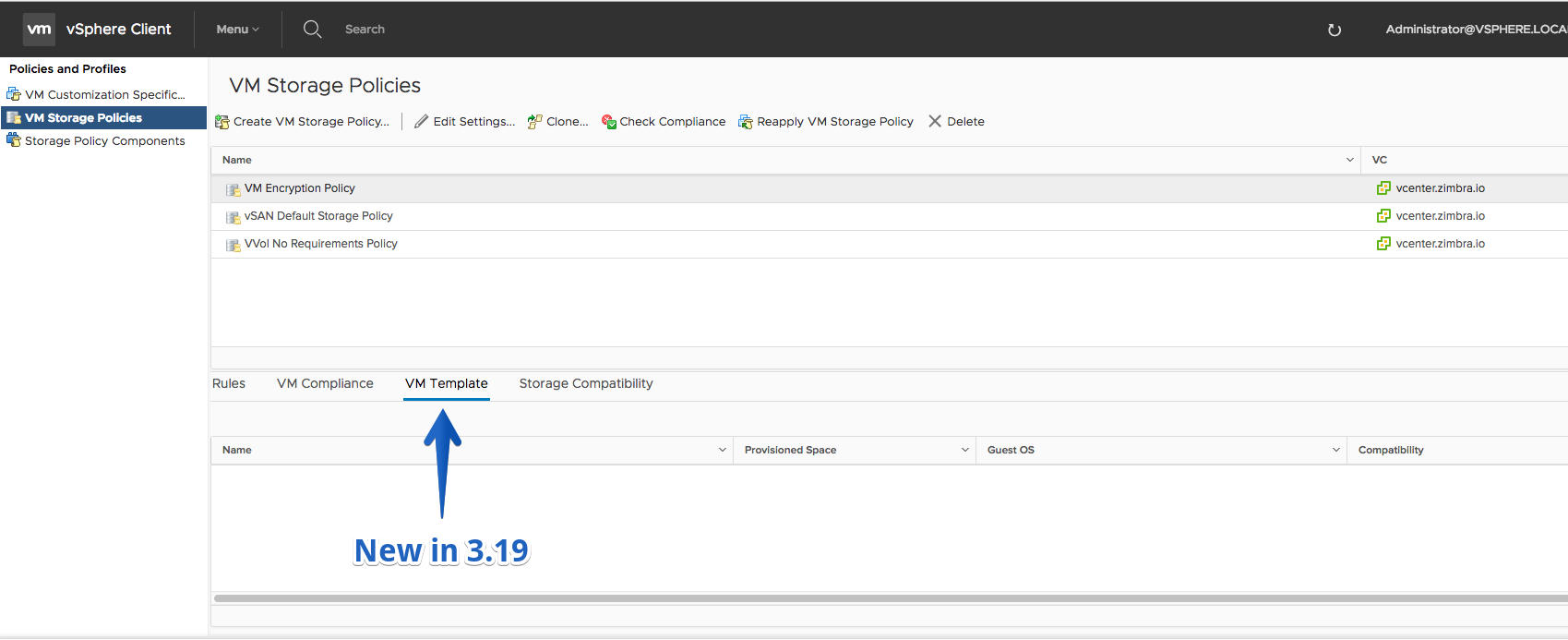
- Related VM Templates view for a Storage Policy
- Mount VVOL datastore action
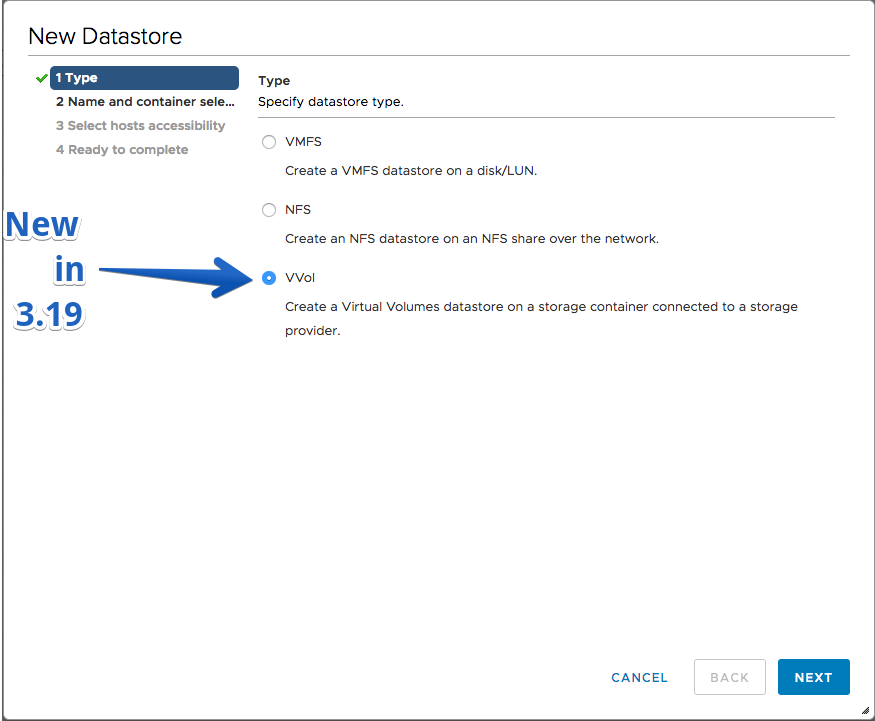
- VVOL Capability Profiles Capacity portlet
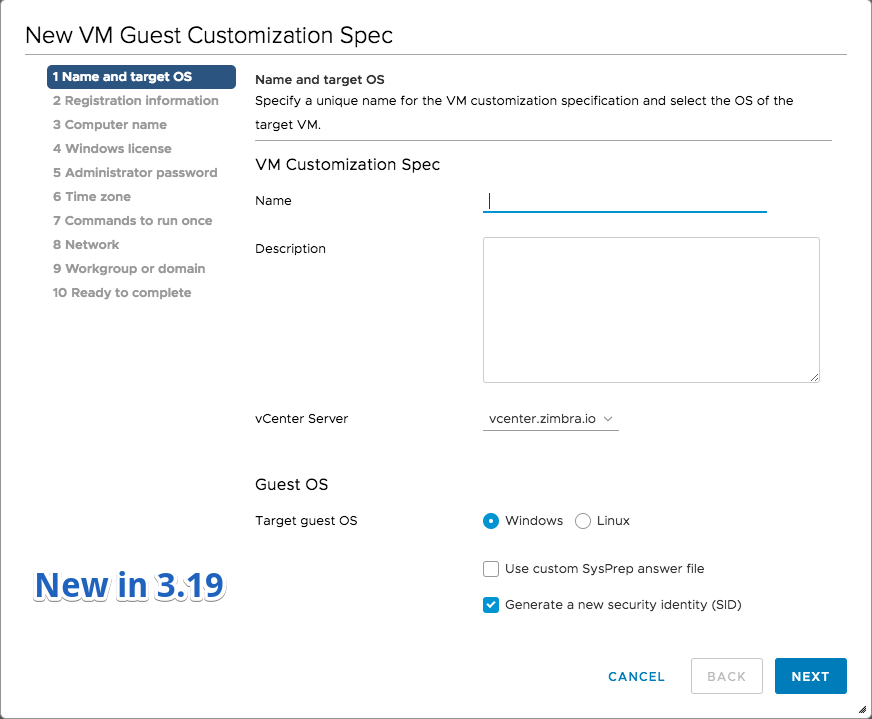
- Create and edit VM customization specifications (without custom network configurations)
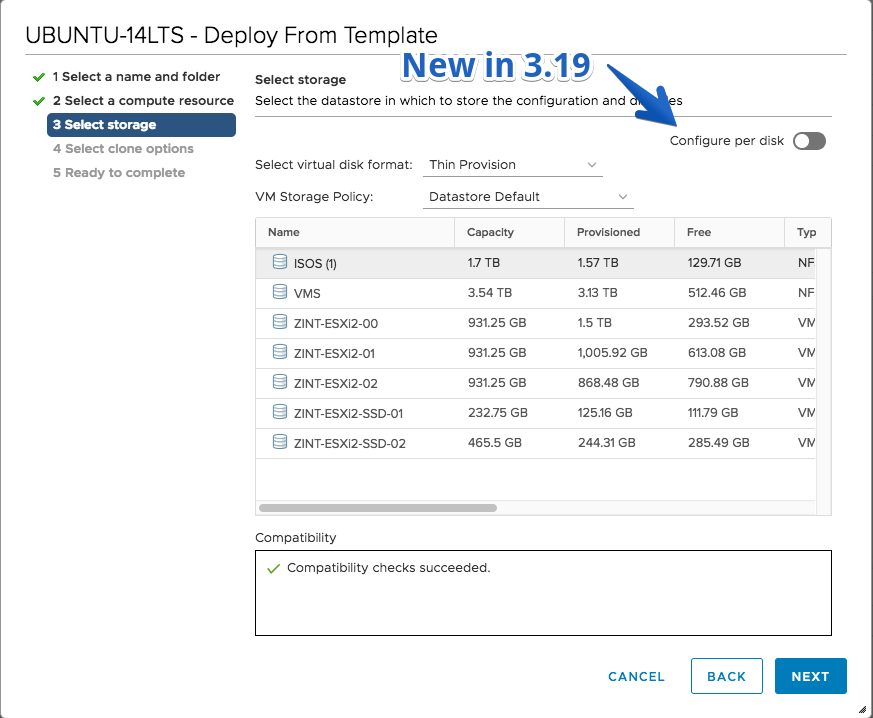
- Configure per disk option on Select storage page when cloning VM/template
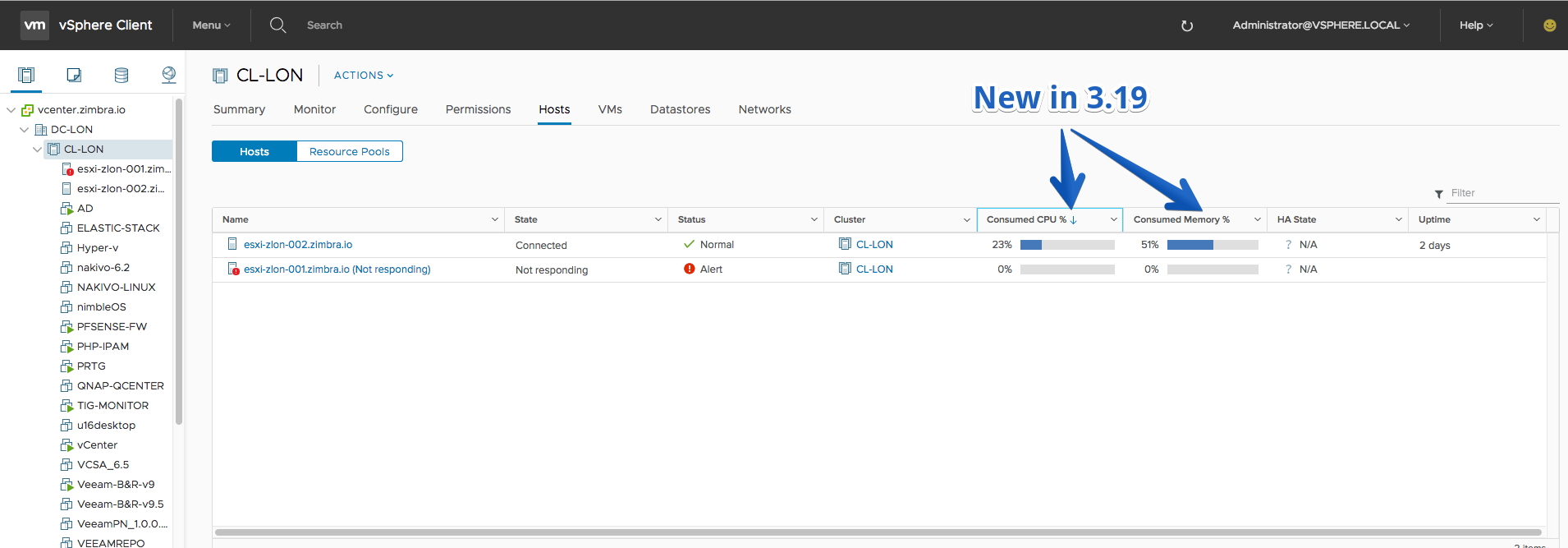
- Host lists can be sorted by consumed CPU and memory
- Monitoring DRS memory utilization for clusters allows switching between active and consumed memory for the charts
- Updated UI of the compatibility issues dialog in the migrate wizard – ability to sort the compatibility by VM, host or compatibility issue
Fling 3.18 – Build 6163115
Improvements
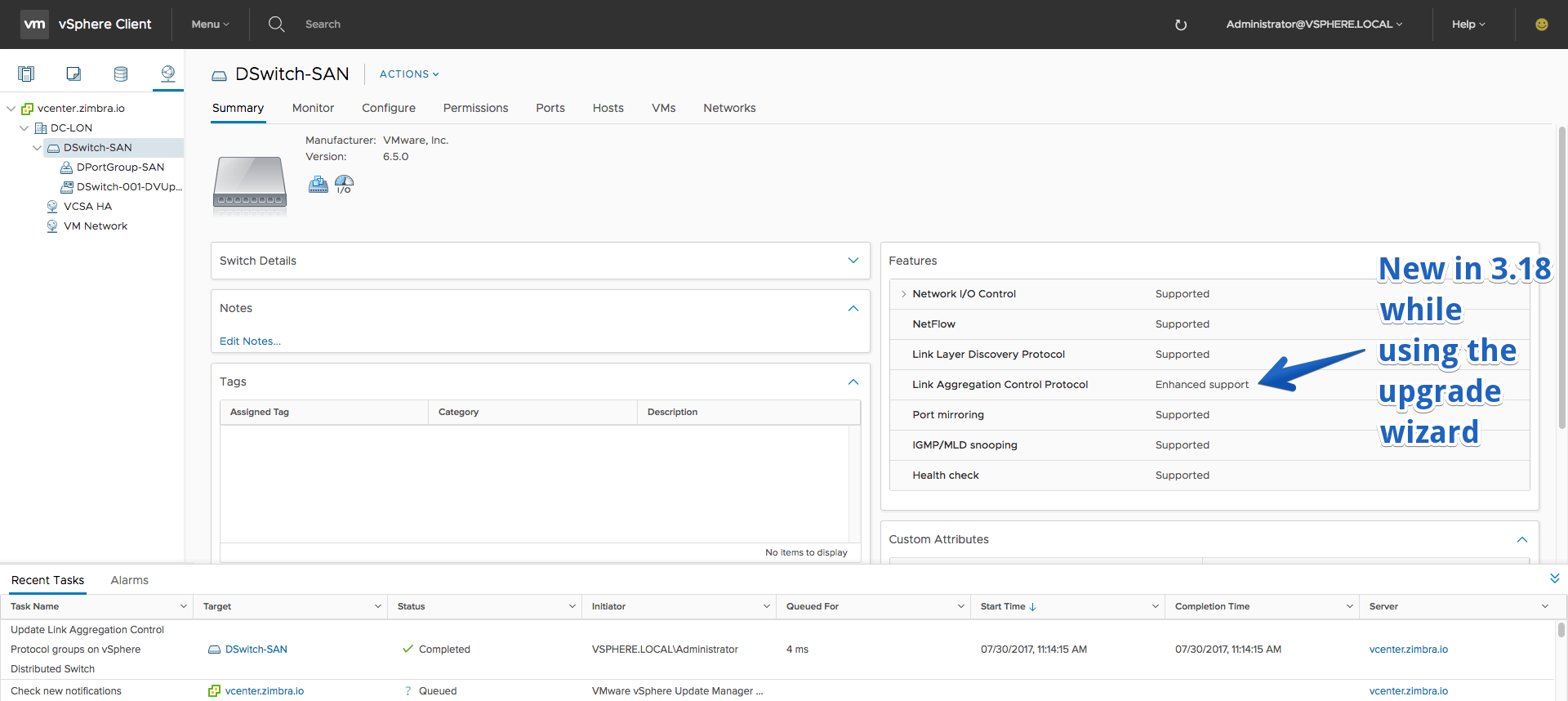
- Upgrade distributed switch wizard now supports the upgrade of LACP to Enhanced mode and the upgrade of Network I/O Control to version 3.
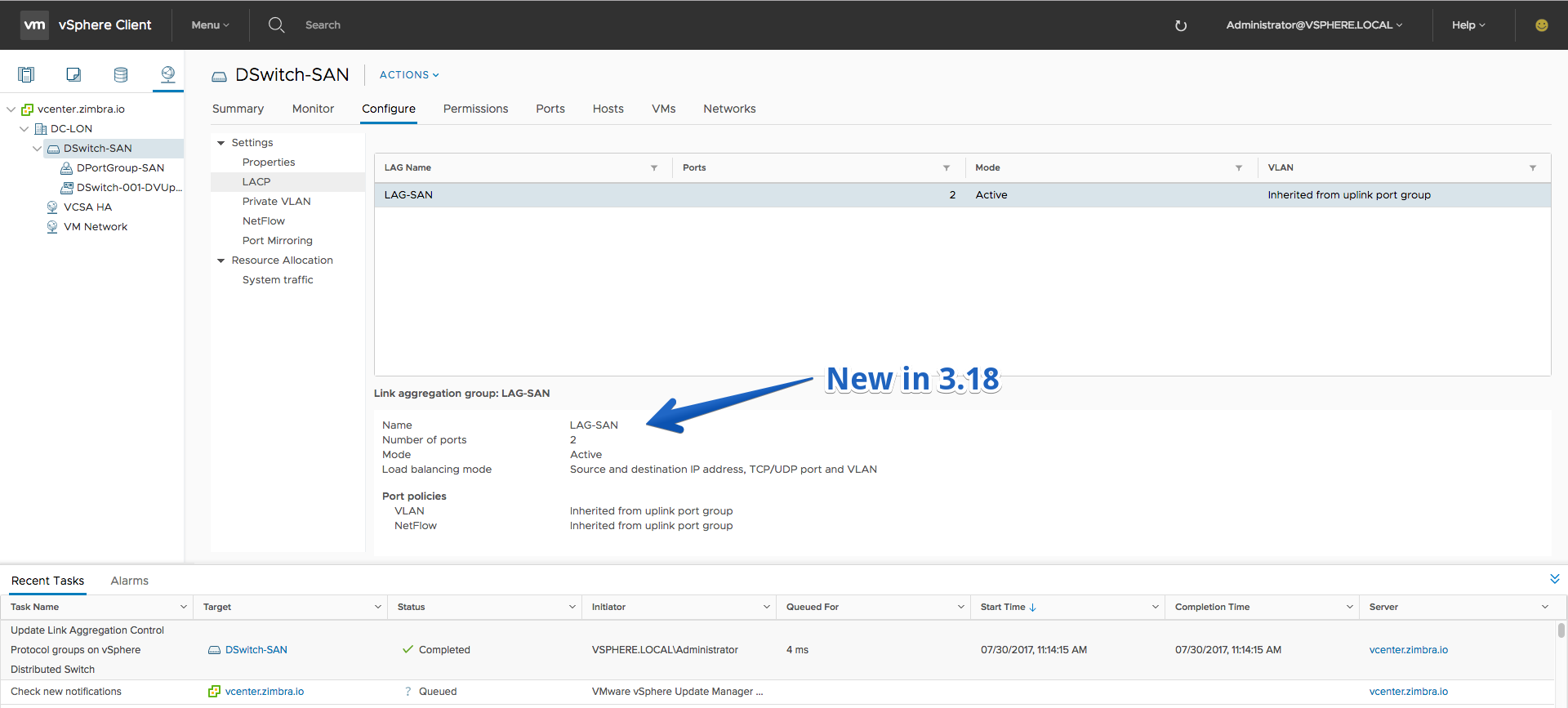
- View settings of link aggregation groups on a distributed switch
Fling 3.17 – Build 6088028
New Features
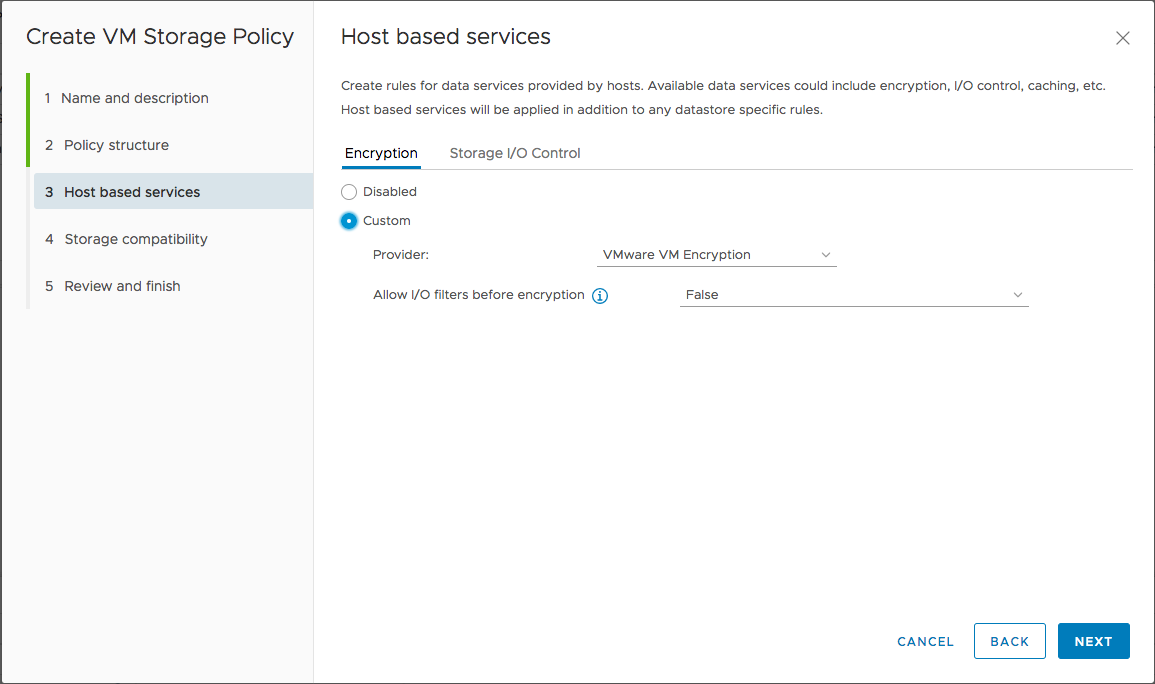
- Create VM Storage Policy (limited)
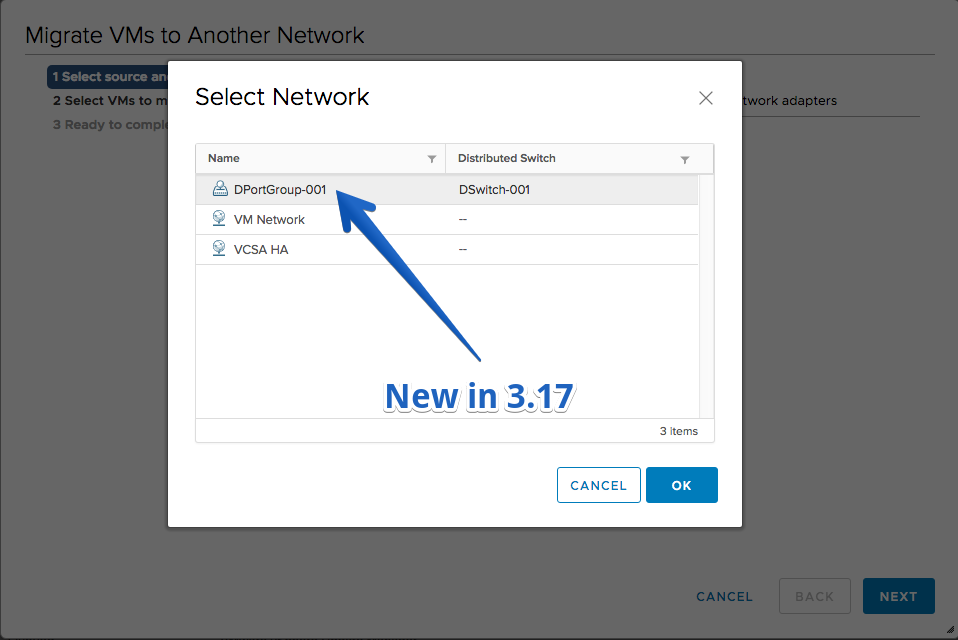
- Migrate Host Networking to a Distributed Switch
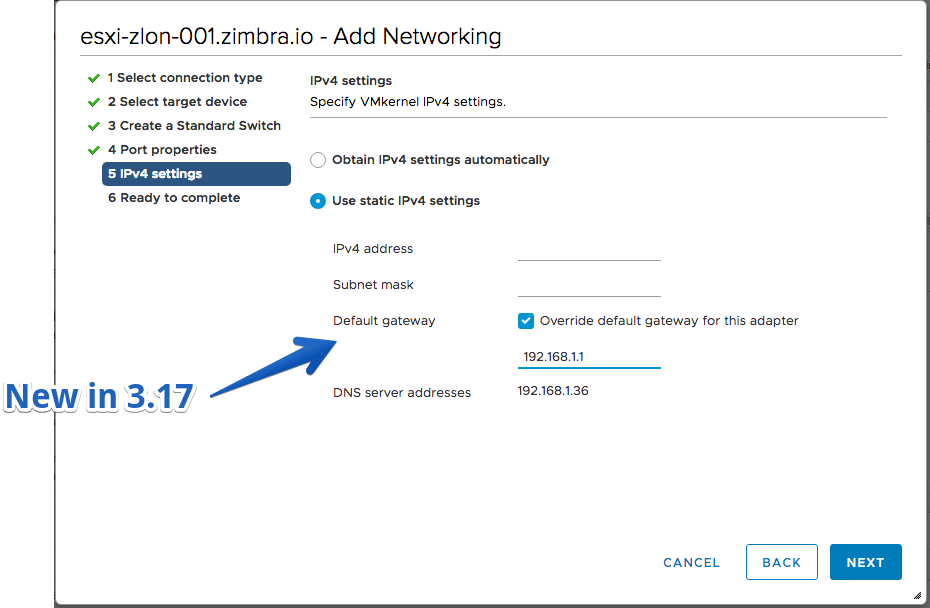
- Configure default gateway address on VMkernel adapters (ESX 6.5 only)
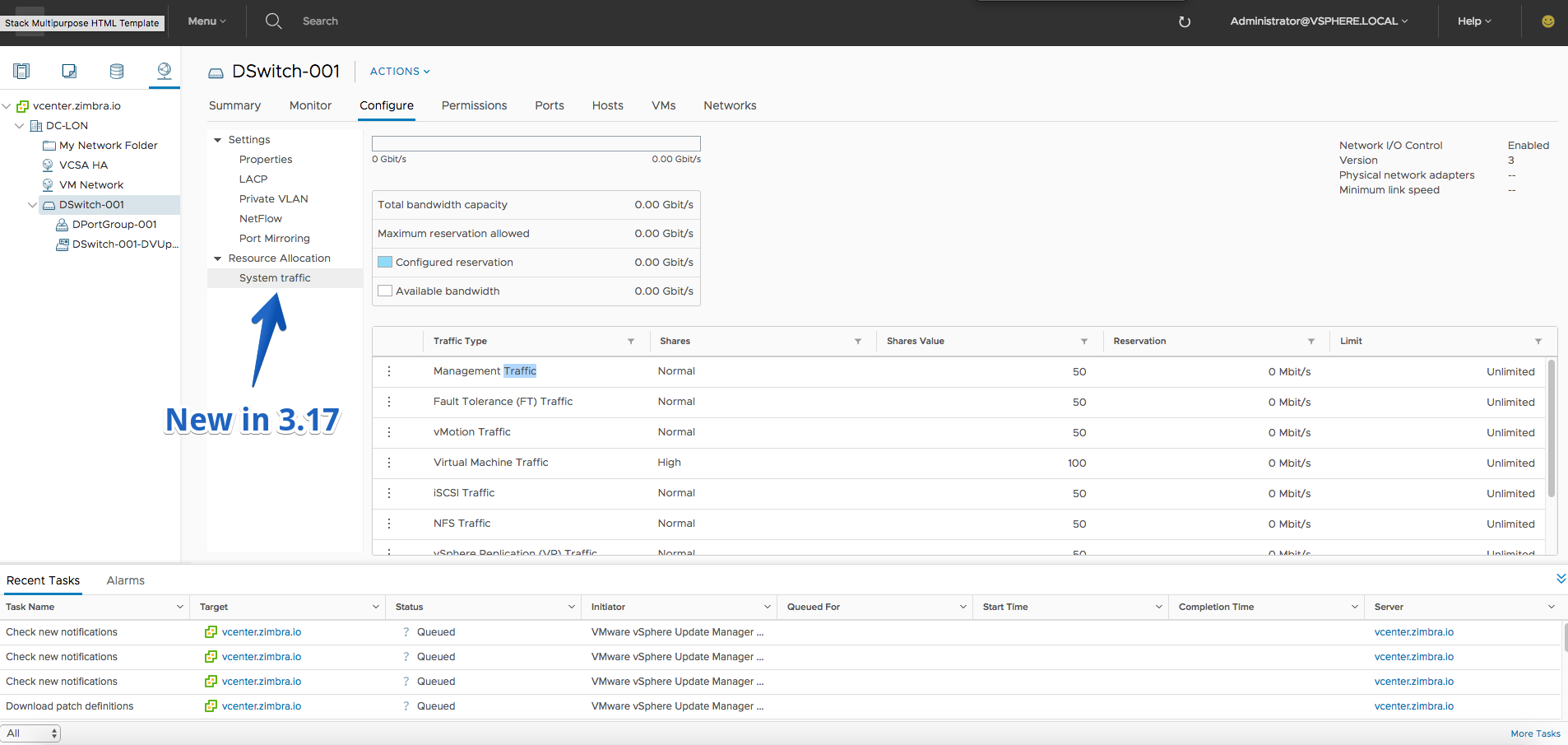
- Network I/O Control v3 – configure shares, reservation and limit for the different types of system traffic
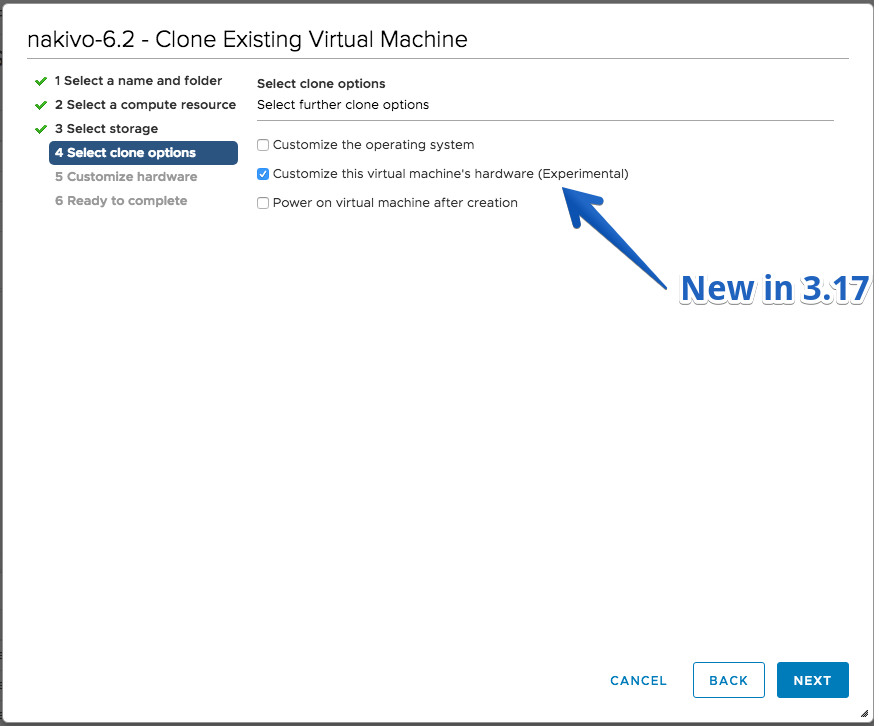
- Customize hardware options when cloning VM or deploying VM from template
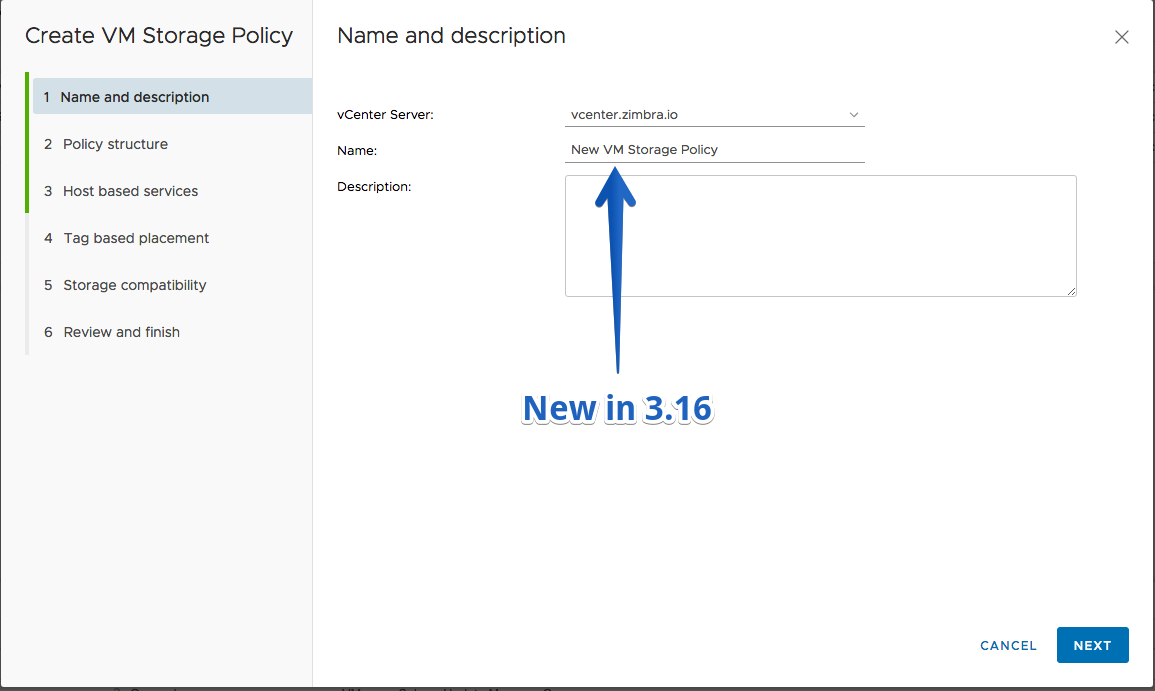
- Create VVol Storage Policies
Improvements
- Warn when about to edit the settings or perform snapshot operations on VM managed by a solution
- Warning message when uploading files bigger than the datastore free space
Fling 3.16 – Build 5956761
New Features
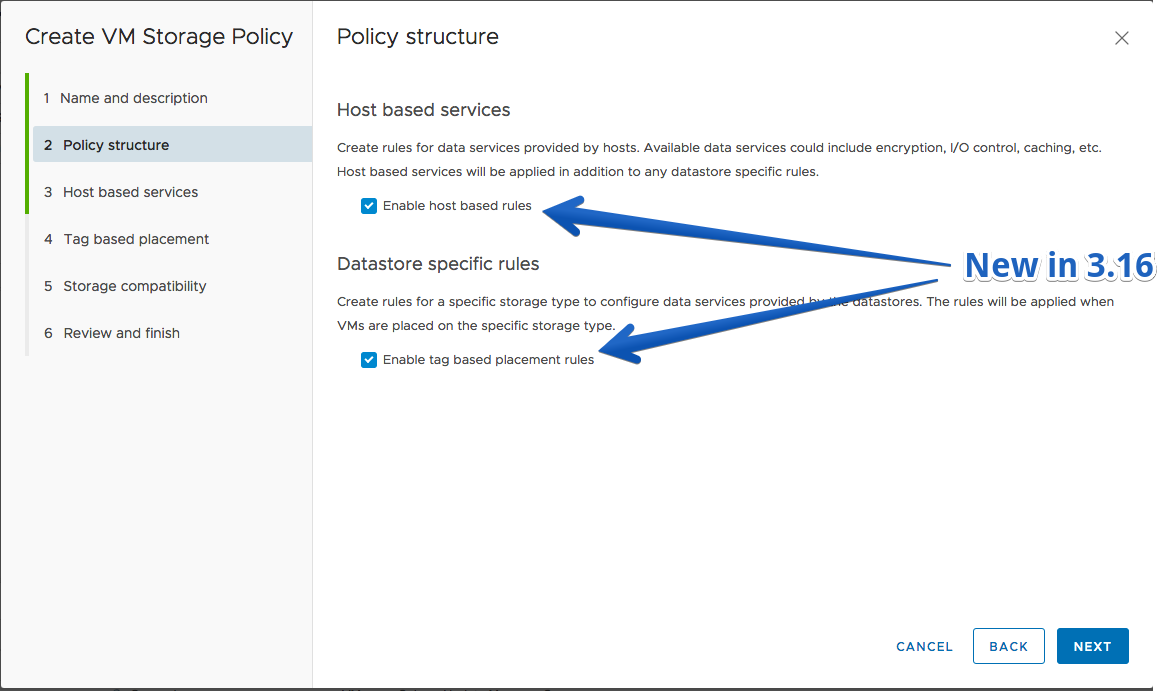
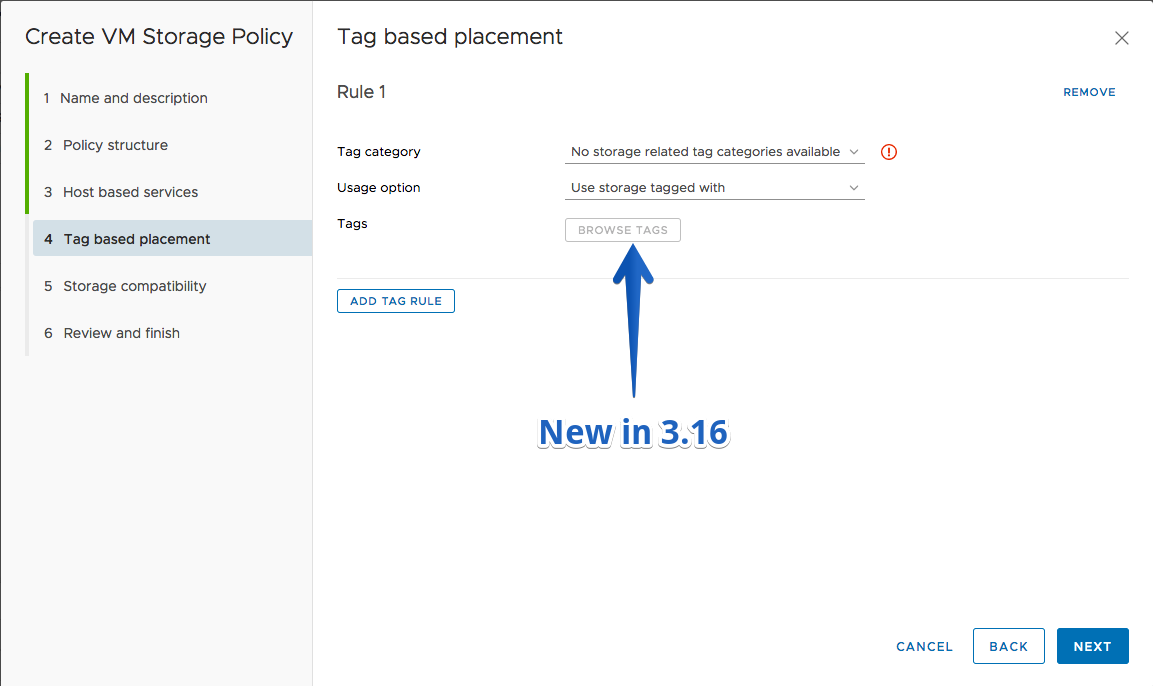
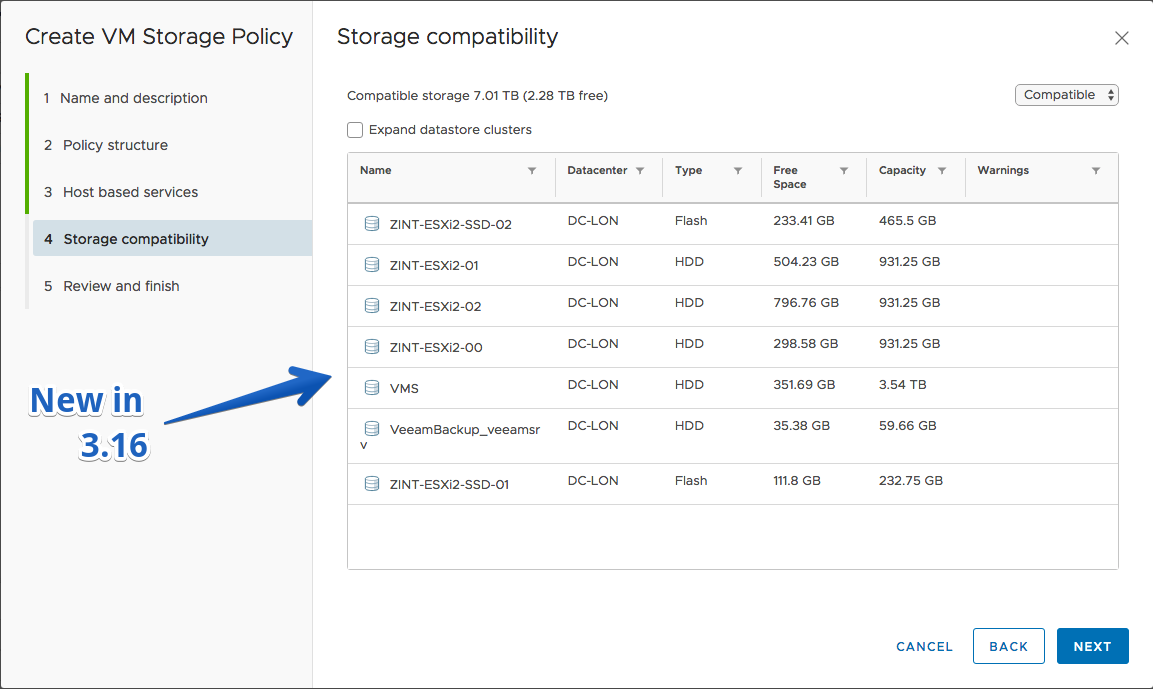
- Create VM Storage Policy (limited)
- Create vSAN Policy (without Tags)
- Create Policy with Tags and Common rules
- Distributed Switch
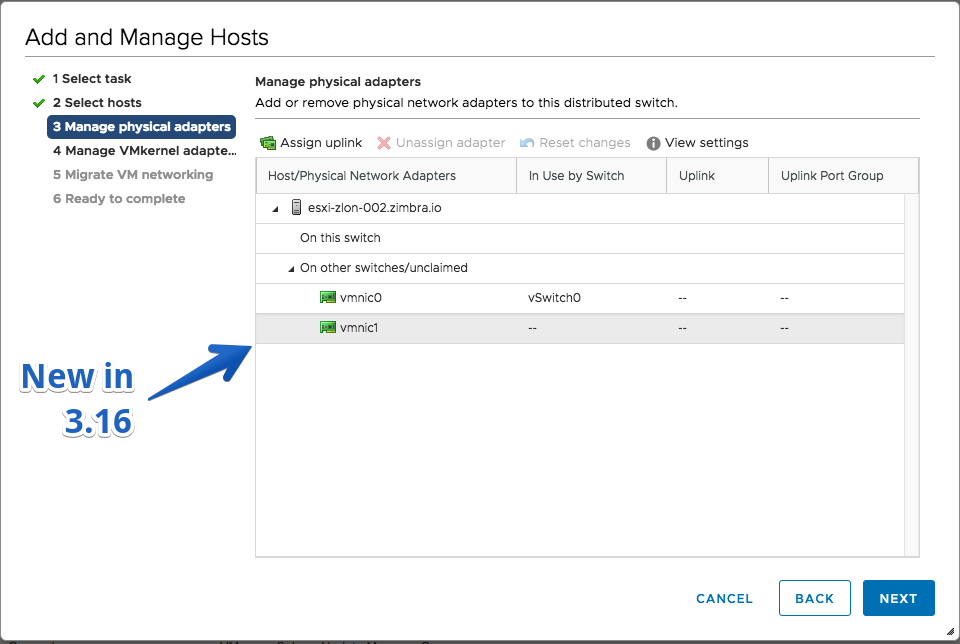
- Manage physical network adapters at the host level
- LACP support – view the link aggregation groups created on a distributed switch
- Upgrade distributed switch wizard
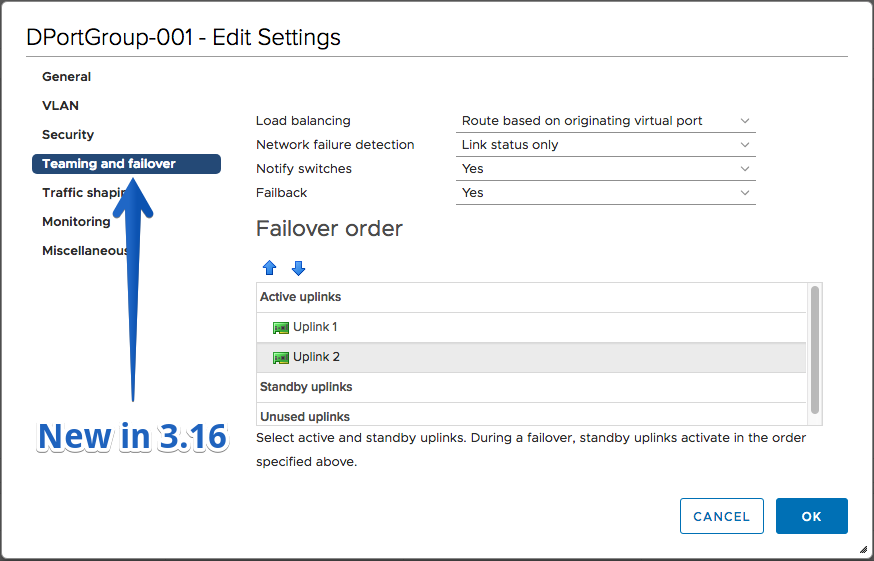
- SR-IOV support – enable/disable SR-IOV on physical network adapters that support it
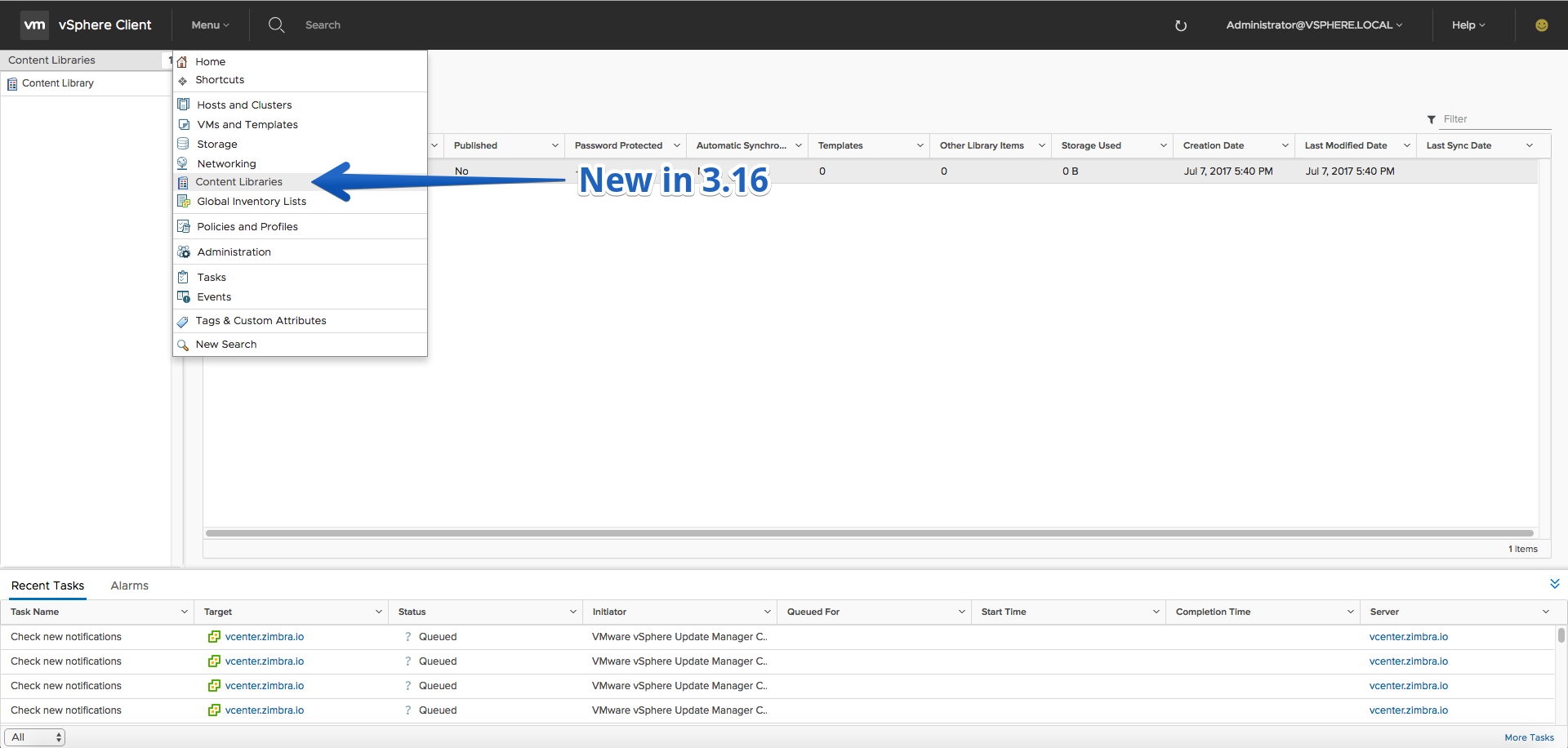
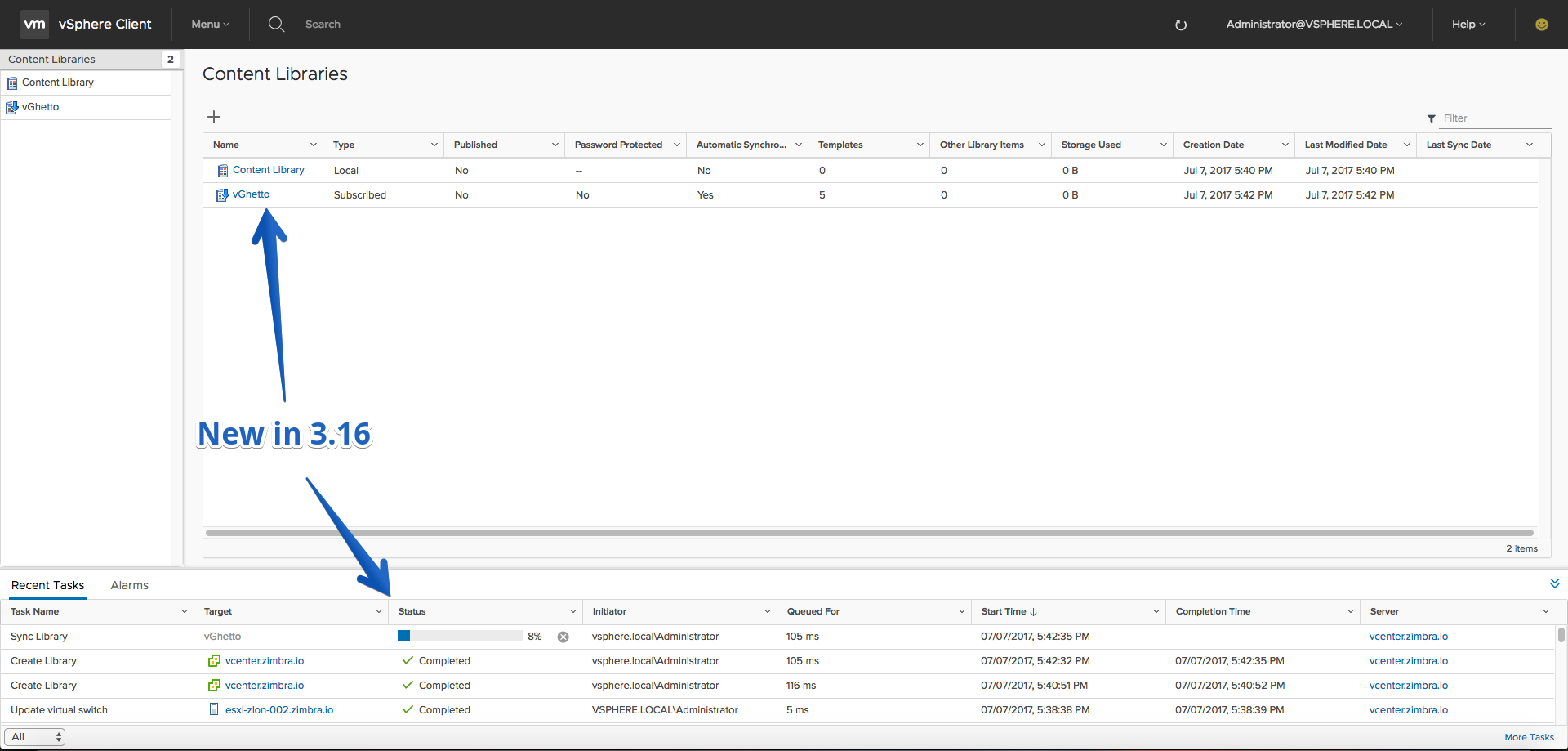
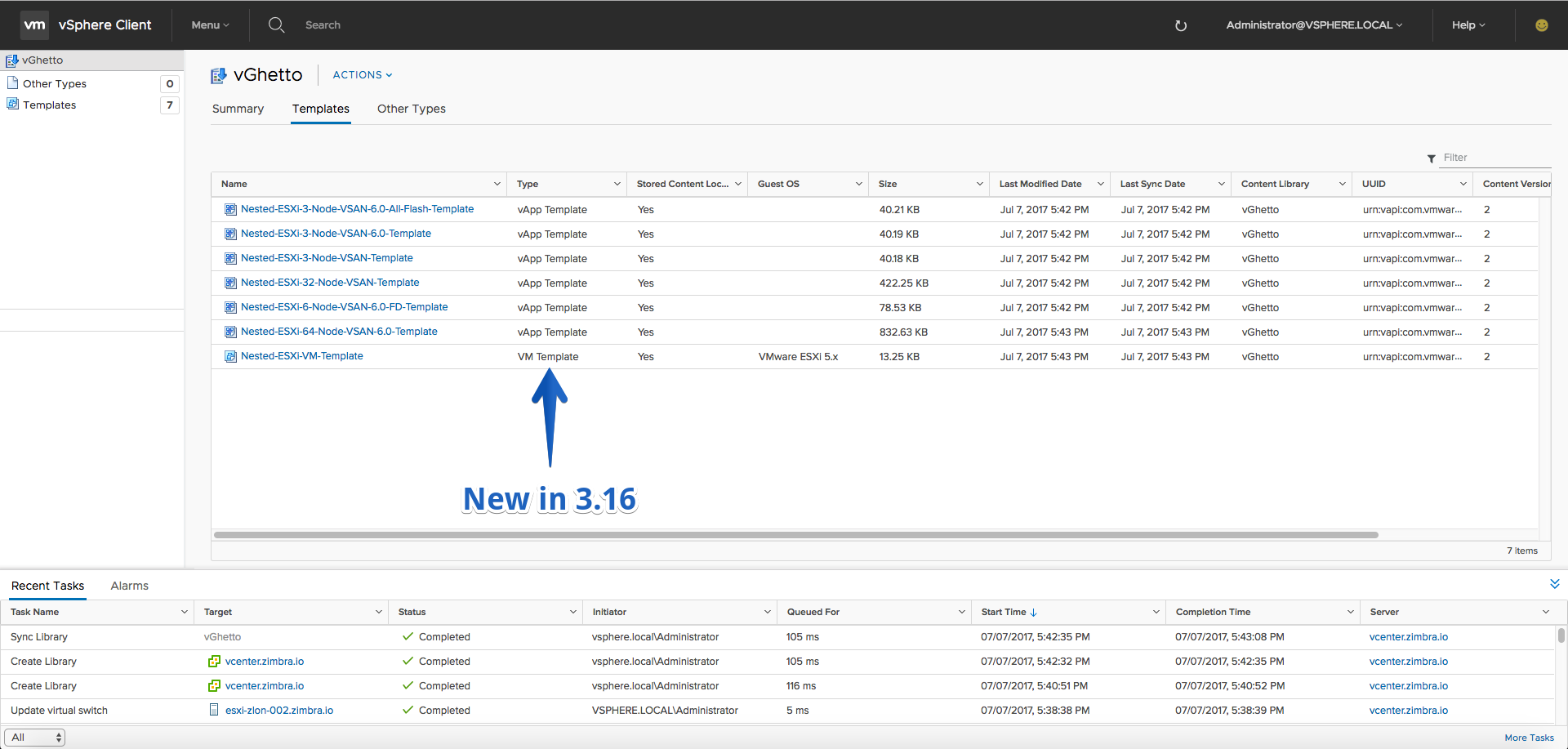
- Content Library
- Tags, notes, subscription/Publication portlet
- Edit settings on the content library
- Delete Content Library
- Synchronize Library
Improvements
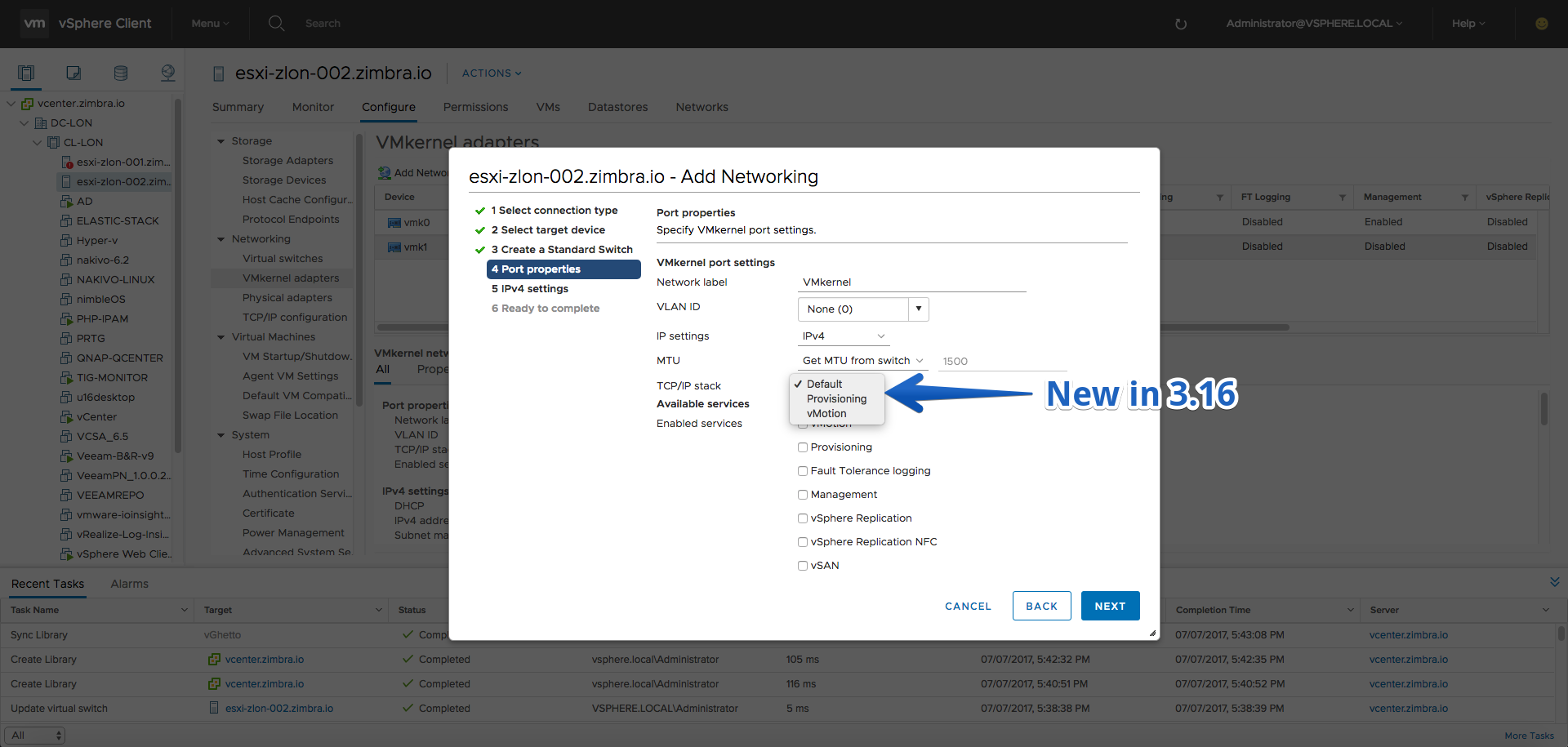
- Select TCP/IP stack while creating new VMkernel network adapter
Fling 3.15 – Build 5702473
New Features
- Create VM with existing hard disk (vmdk)
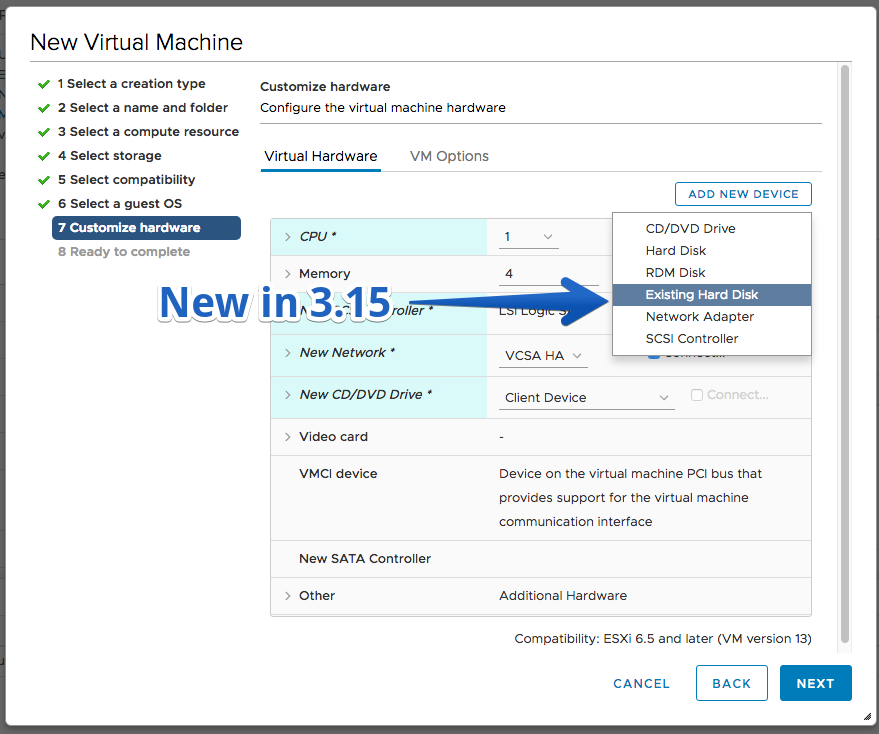
- Create VM with RDM disk

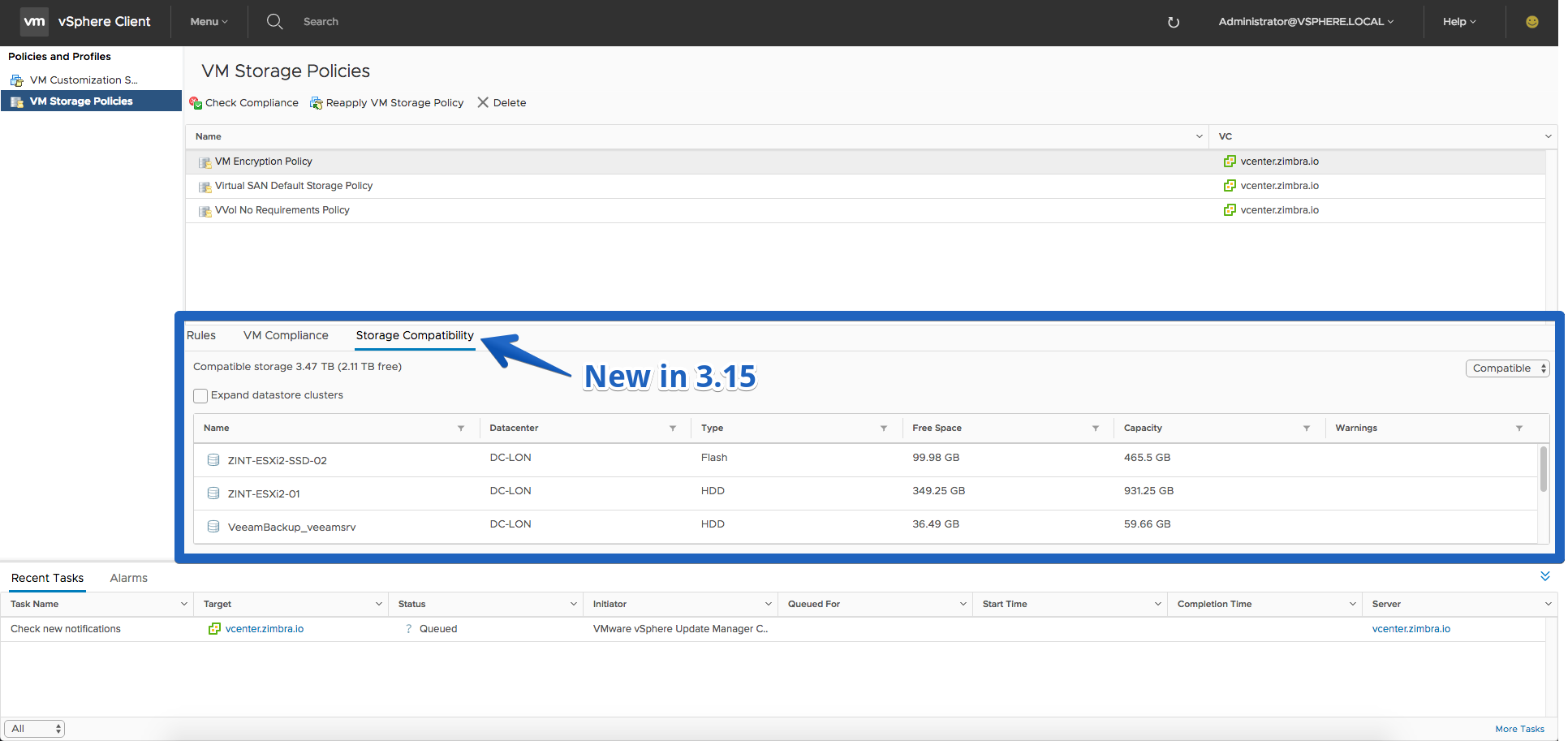
- Storage Policy’s Storage Compatibility
Improvements
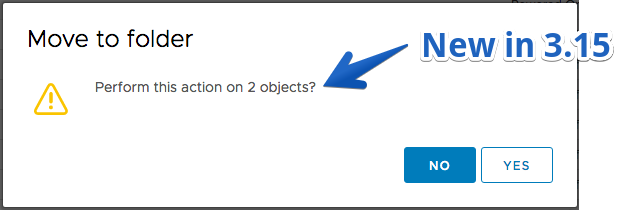
- Warn when about to perform an operation on single/multiple VMs managed by a solution (currently supported for most VM operations)
- Added Managed By info on VM Summary tab to indicate that the VM is managed by a solution
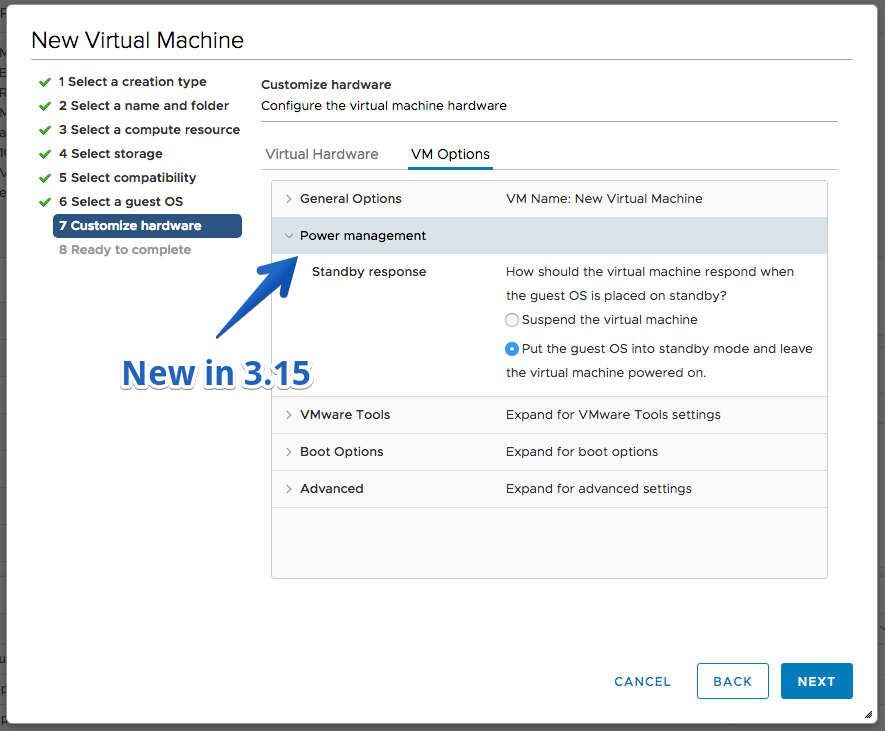
- Create VM with custom Power Management options set on Customize Hardware > VM Options page
Fling 3.14 – Build 5578293
New Features
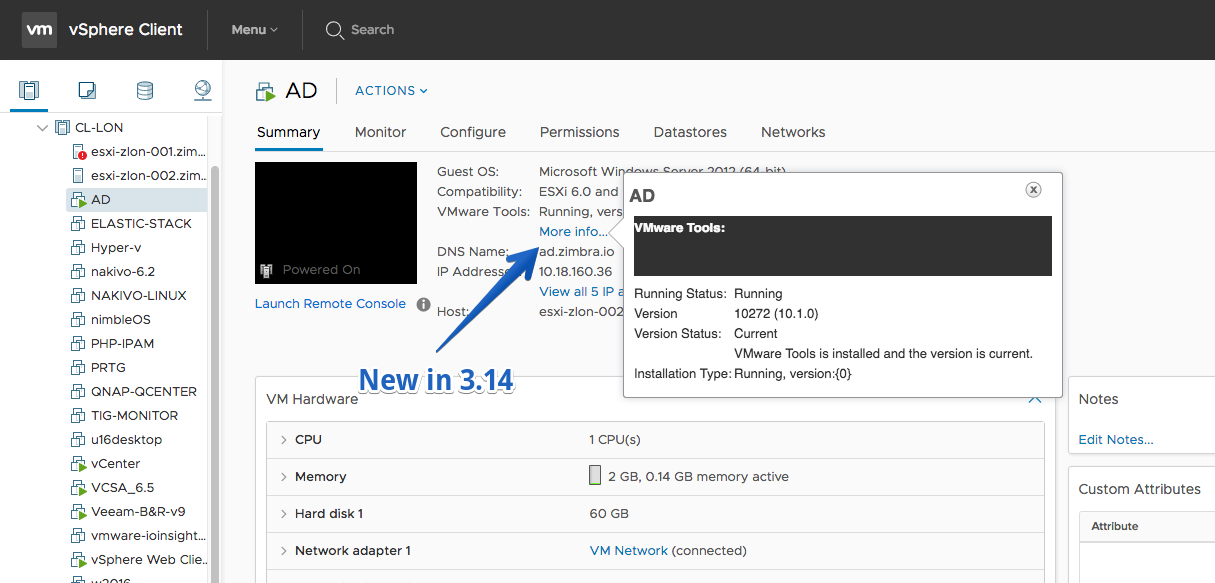
- VMware Tools ‘More info…’ link on VM Summary page
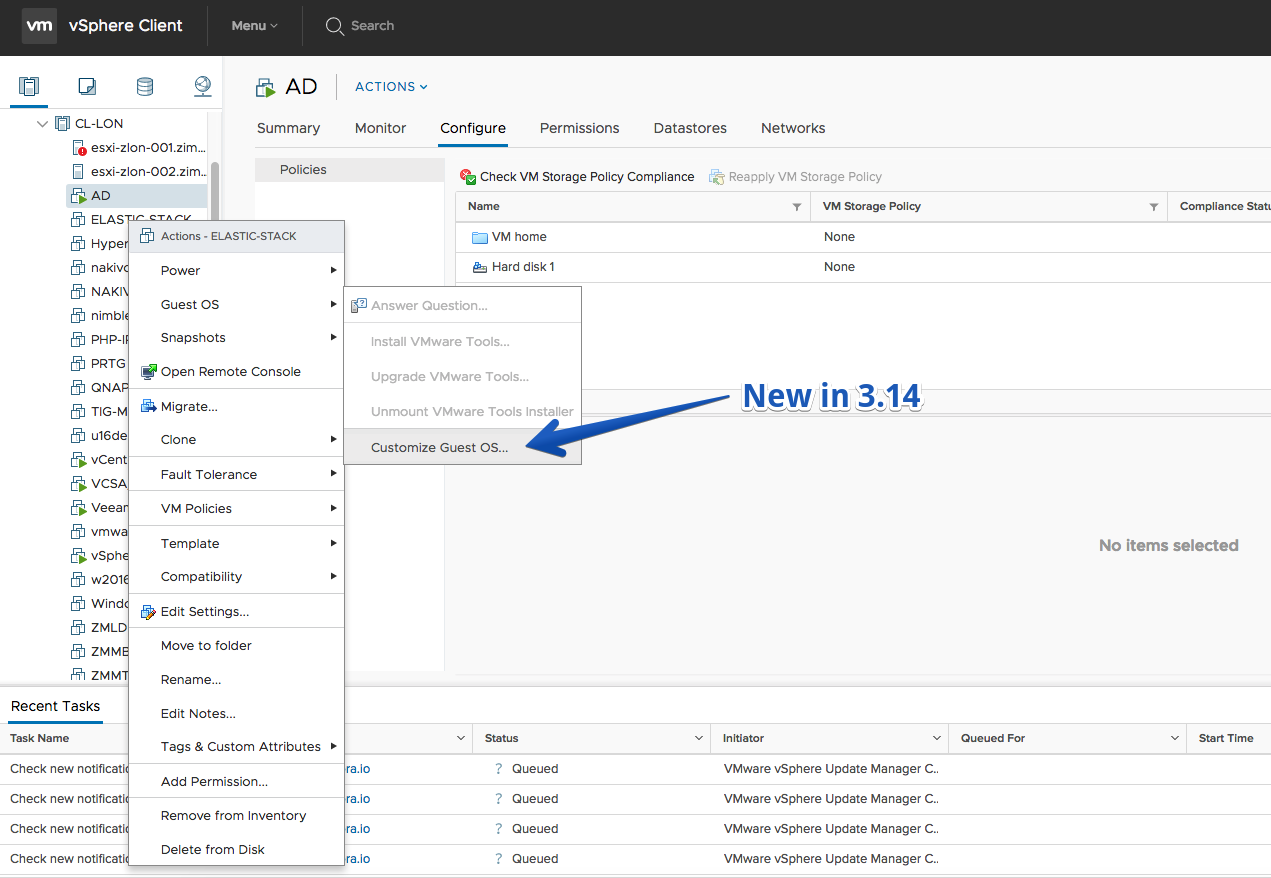
- ‘Customize Guest OS’ action on VMs
- Delete VM Storage Policy
Improvements
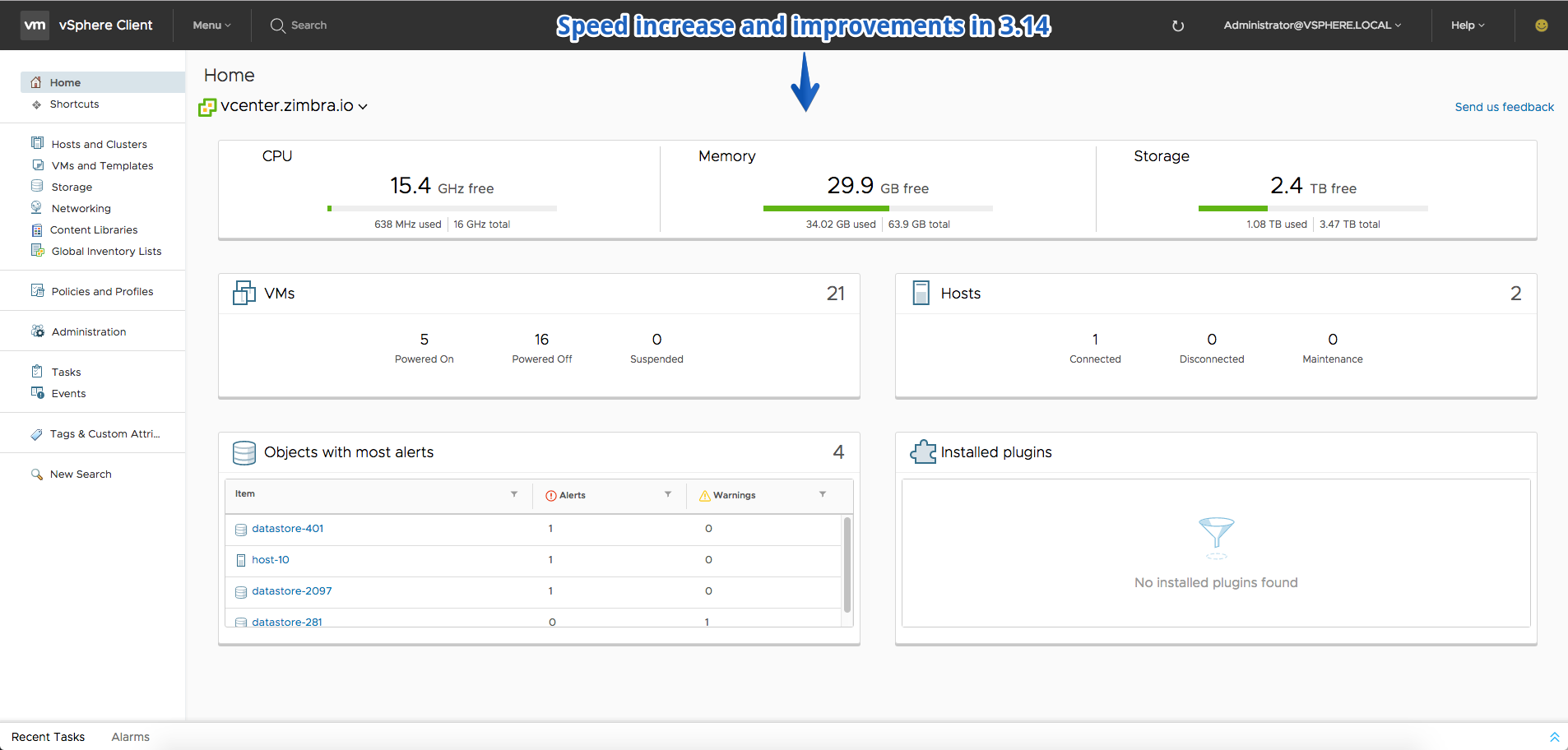
- Dashboard: performance and browser compatibility updates. Let us know if you notice the improvements!
- All validation/permission checks on ‘Customize Guest OS’ page of Clone/Deploy VM wizards are in place
Fling 3.13 – Build 5476635
New Features
- VDRS and SDRS overrides can be configured
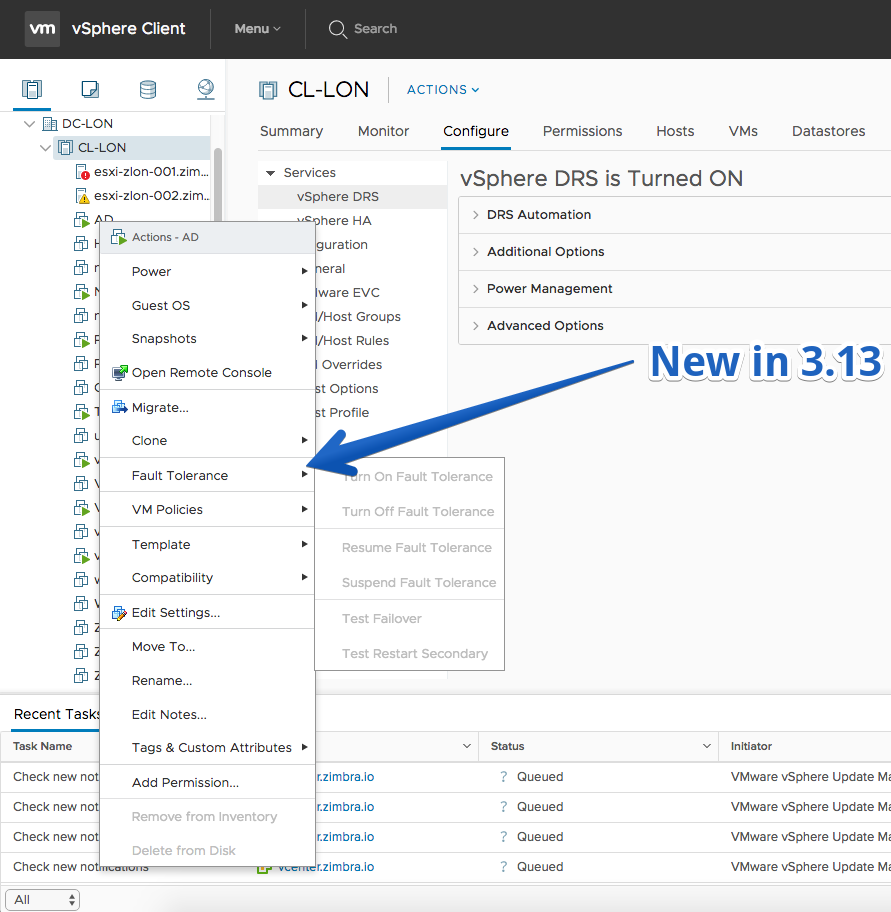
- Fault tolerance configuration for VMs
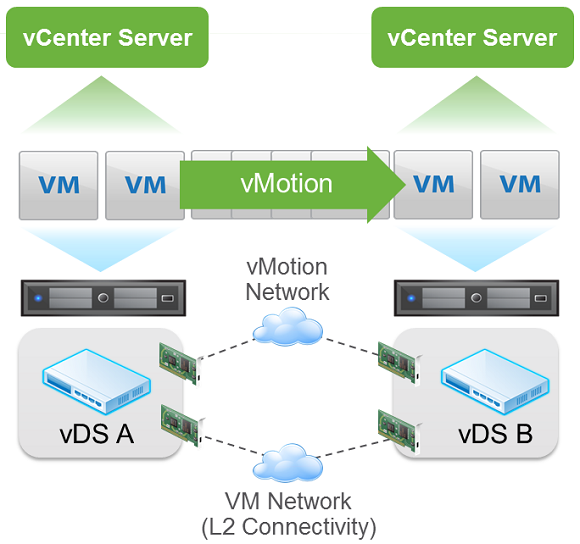
- Cross vCenter Server vMotion
Improvements
- ESXi version field can be chosen in host lists (not displayed by default).
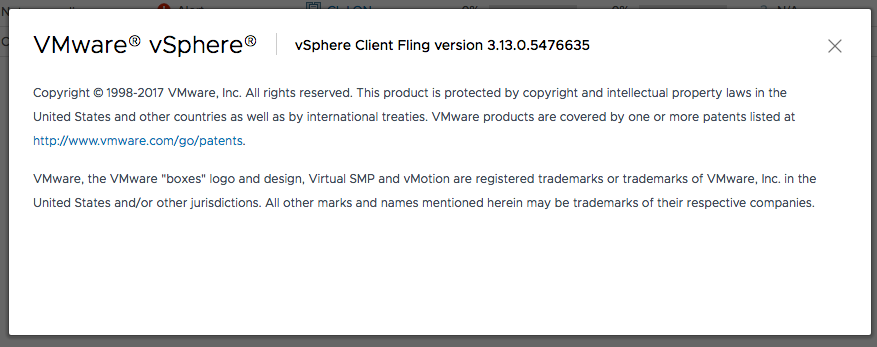
- Fling appliance build number is visible in Help -> About VMware vSphere
Fling 3.12 – Build 5414421
New Features
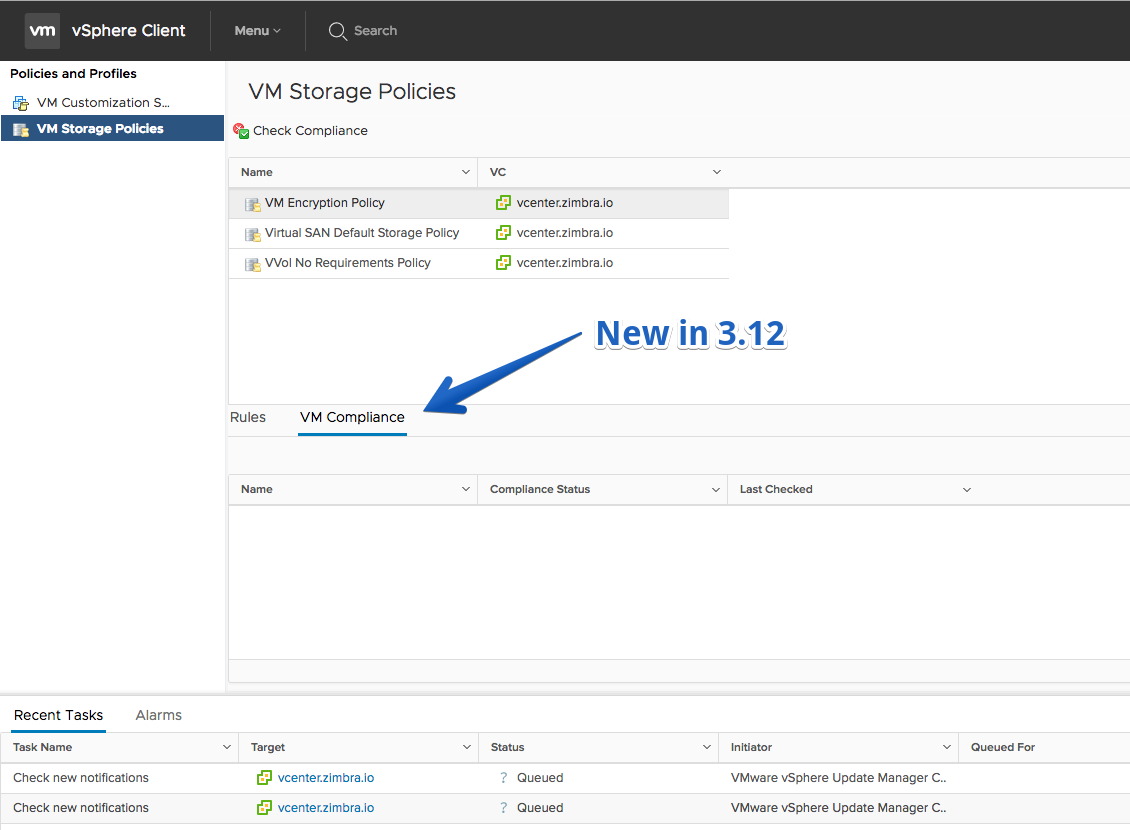
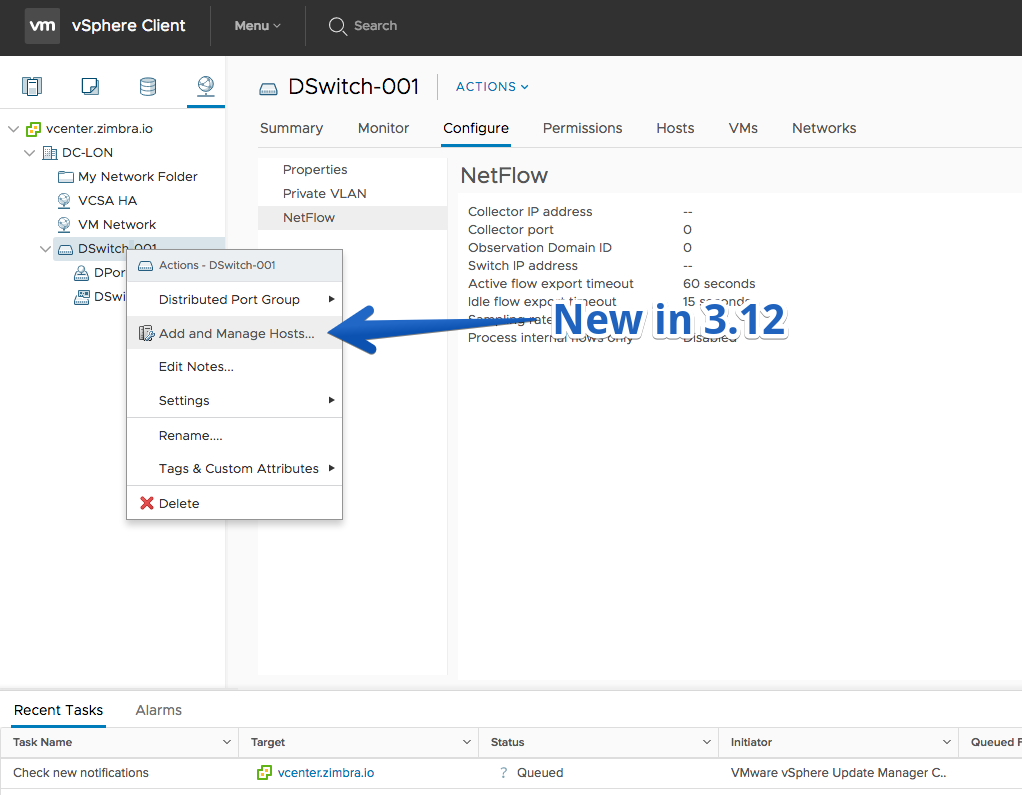
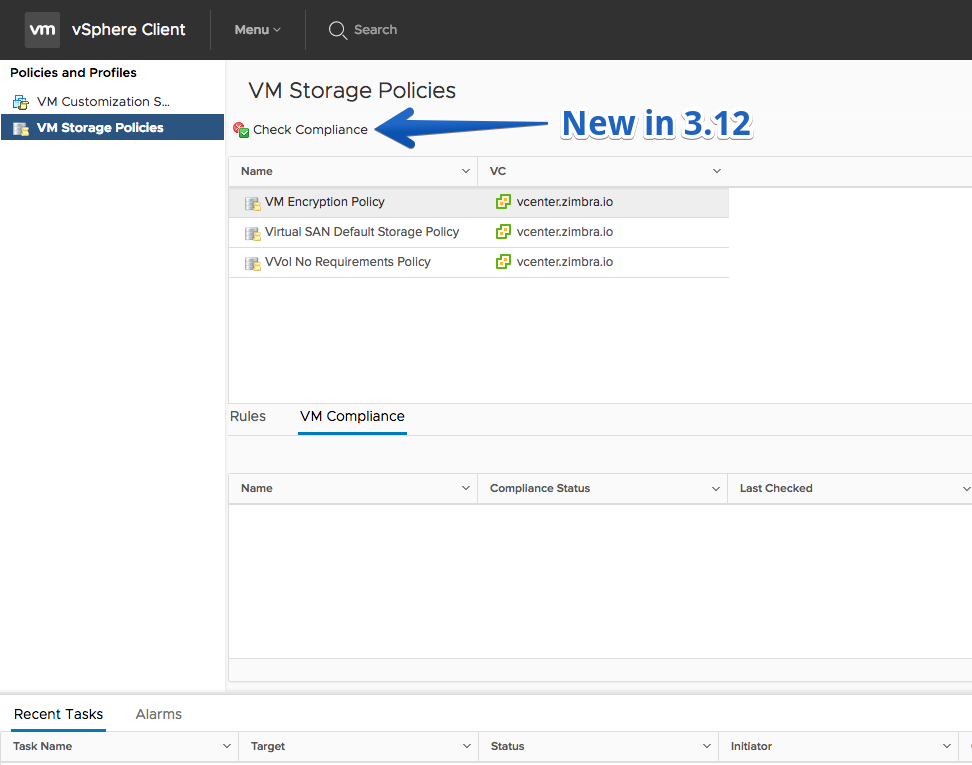
- VMs’ Compliance for Storage Policy
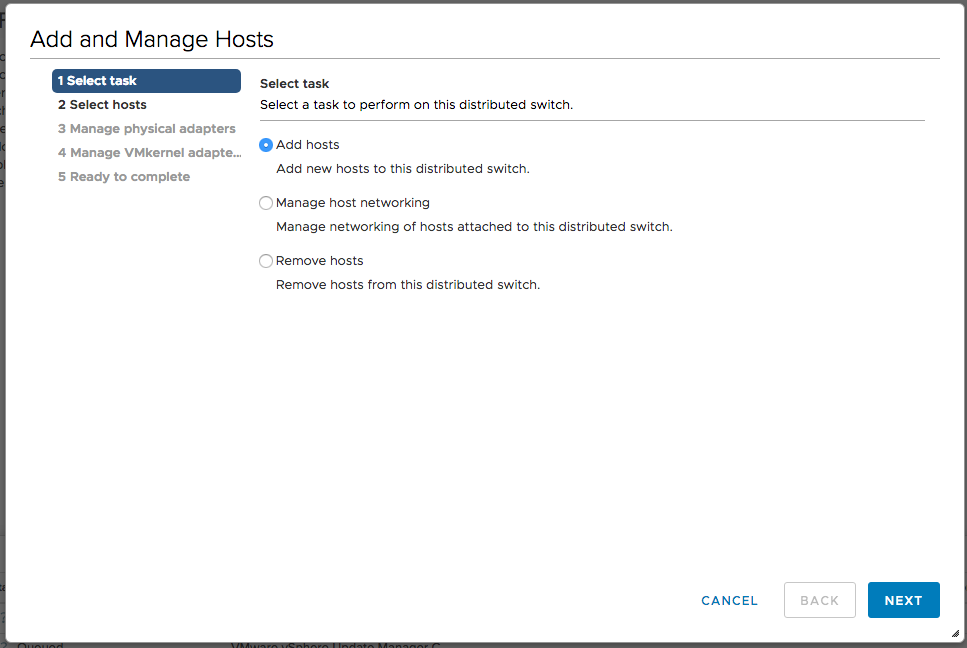
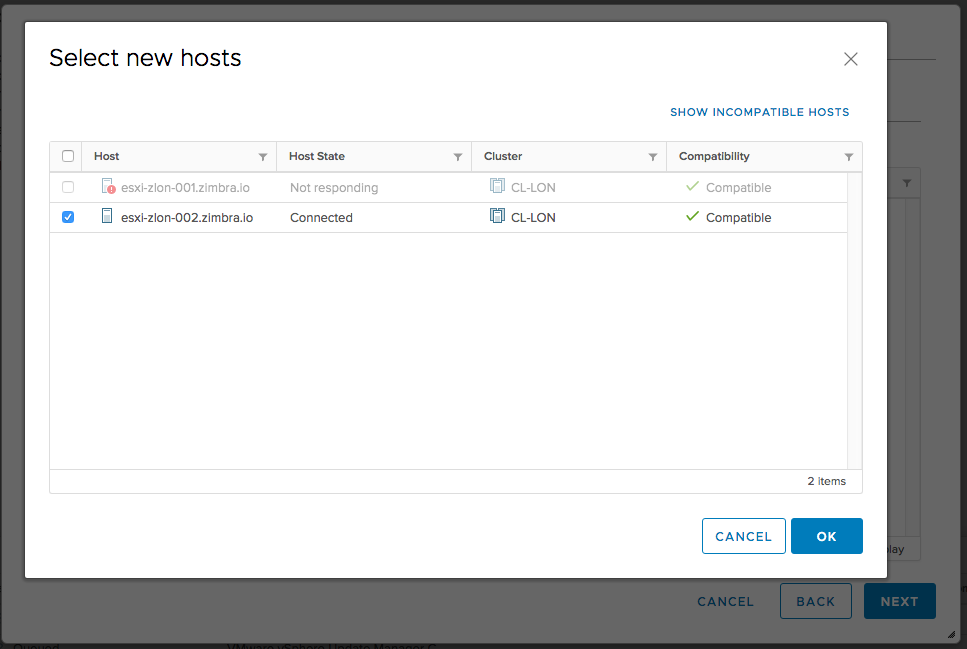
- Distributed Switch – Add and Manage Hosts
- Check Policy compliance action for VM Storage Policy
Improvements
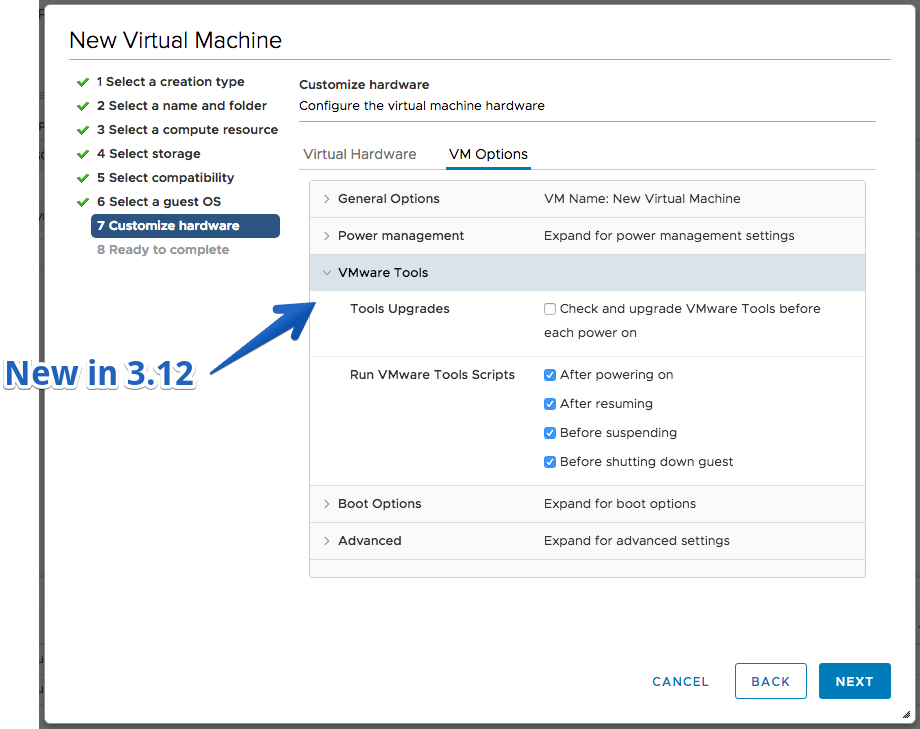
- Create new VM with custom VMware Tools and boot options set on Customize Hardware > VM Options page
- Limited Permission user enhancements for VM configuration
Fling 3.11 – Build 5349438
New Features
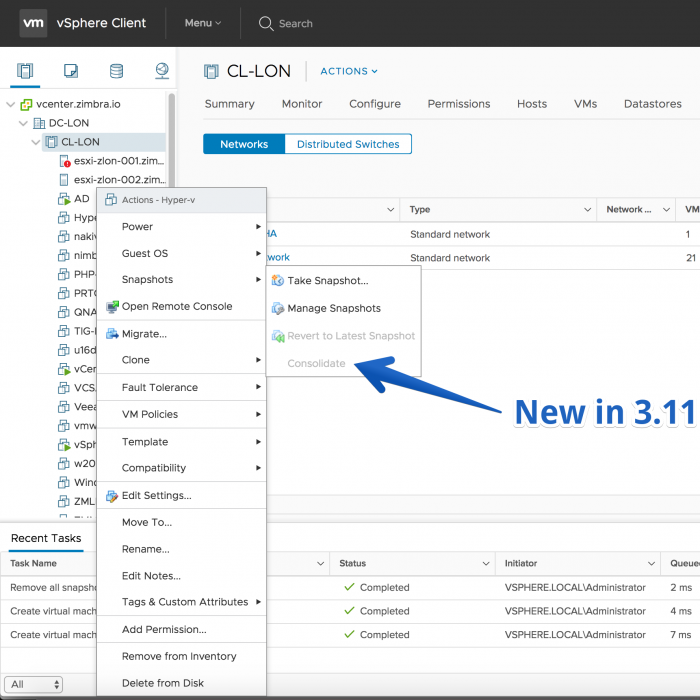
- Consolidate disk snapshots
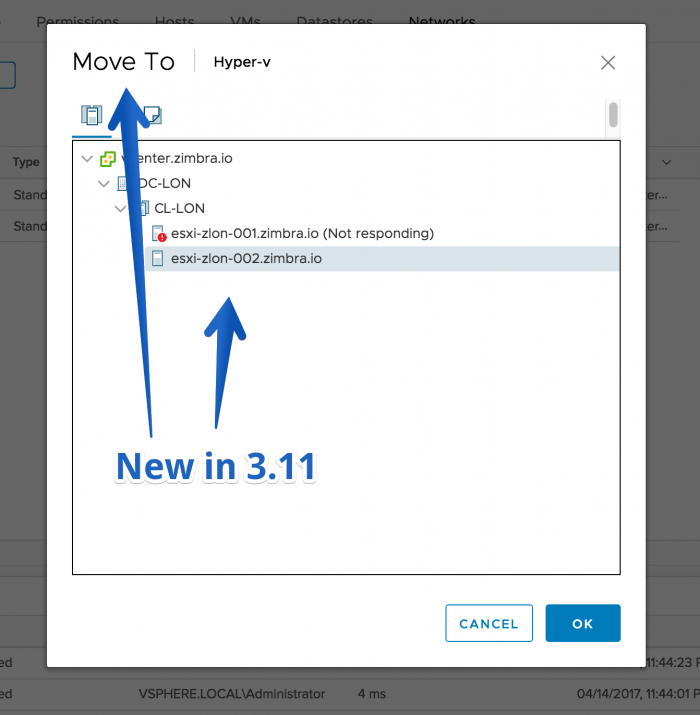
- Move VM to Host & cluster
- Drag and drop VM to datastore and datastore cluster
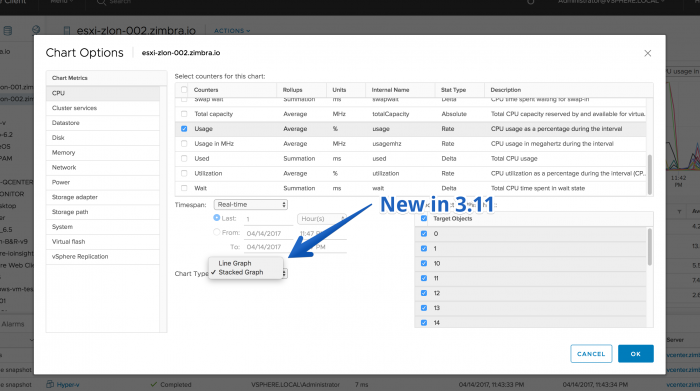
- Advanced performance charts can be displayed as a stacked graph
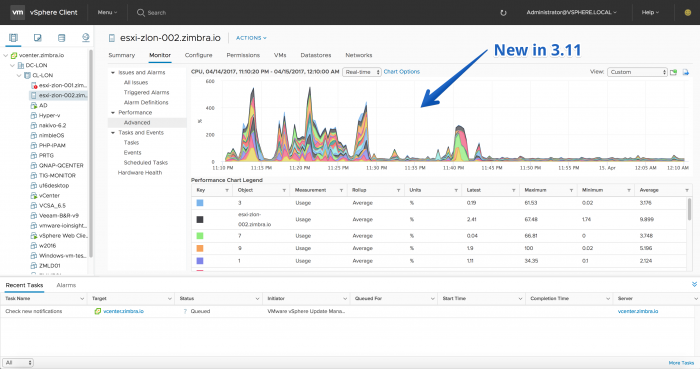
- VM Storage Policy content
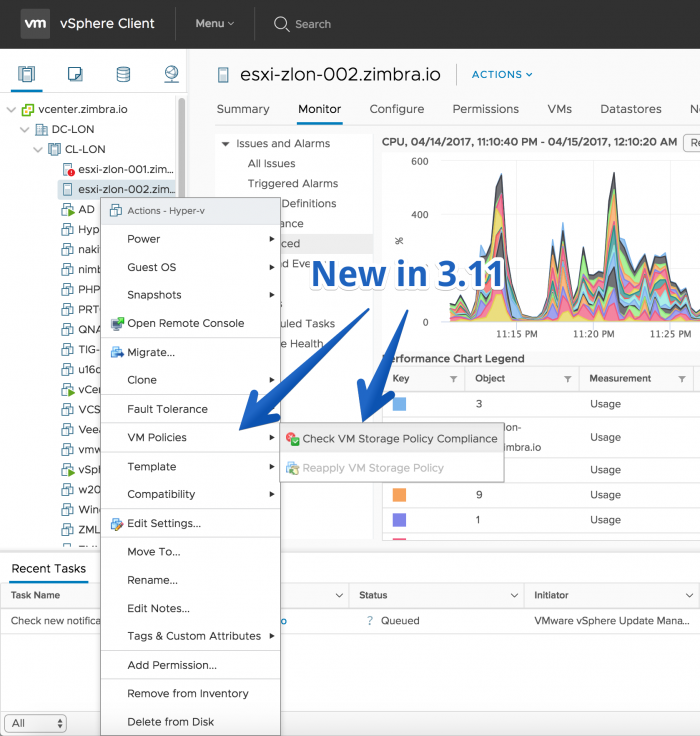
- Import, export, duplicate and delete a VM customization specification
Improvements
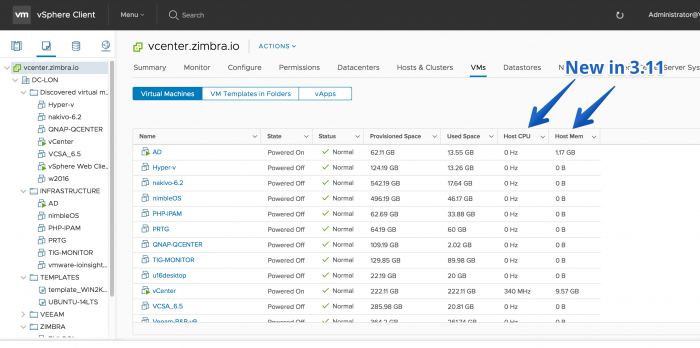
- Host CPU and Host Memory bars in the vm list
- Clone VMs or templates across VCs to a datastore part of datastore cluster