
Saludos amigos, VeeamON 2017 está a la vuelta de la esquina: en menos de dos semanas estaremos en el evento más importante del año sobre Backup y Replicación y Disponibilidad del Data Center. Y es por ello que he decidido crear una lista con las sesionas recomendadas para mi gusto.
Hay diferentes tipos de sesiones que se pueden dividir en las siguientes categorías, dependiendo de lo que queramos atender y más se ciña a nuestras necesidades
- Technical (200-level / High level)
- Technical (300-level / Architecture)
- Technical (400-level / Internals)
- Business
- Alliance Partner
- Veeam ProPartner
- Cloud (Programs and Technologies)
Listado de sesiones recomendadas
Voy a poneros la lista de sesiones por día, de tal manera que podéis añadirlo a vuestro calendario en la aplicación móvil de Veeam.
Martes 16 de Mayo
Veeam and VMware vCloud Air Network: Building a successful cloud service
Tuesday, May 16 | 11:15-12:15
Globally, service providers are enthusiastically embracing hybrid cloud as both a way of reducing costs and improving the quality of service they provide to end customers. To achieve this, service providers are looking to VMware vCloud Air Network and Veeam to help them build a scalable cost effect cloud solution. In this session, we will get into the details of the technology. We’ll focus on how these solutions are architected and what that implies in real-life implementations. A participant in this session will leave with a technical understanding of how to leverage technology from Veeam and VMware to provide a successful cloud based storage service.
Speakers
Anthony Spiteri
Technical Evangelist
Veeam Software
David Hill
Solutions Architect
VMware
Veeam Availability Console and the Agents: Introduction and Technical Demo
Tuesday, May 16 | 16:10-17:10
This session focuses on the new and expanded business opportunities with these Veeam solutions. Get into the weeds with the technical aspects of the products with live demos and information on how the features will impact you and your customer’s business.
Speakers
Sam Nicholls
Global Product Marketing Manager
Veeam Software
Clint Wyckoff
Technical Evangelist
Veeam Software
Miercoles 17 de Mayo
Veeam Virtual Labs: Beginner to Advanced
Wednesday, May 17 | 11:15-12:15
The Veeam Virtual Lab has come a long way over the years. Whether it is the ability to go into production changes completely confident, testing upgrades of multi-tiered applications or security testing without risk; the virtual lab is the right tool for the job. In this breakout, learn some expert tips and use cases on how to use the virtual lab from backups, replicas and storage snapshots for the highest levels of Availability.
Speakers
Joe Gremillion
Solutions Architect
Veeam Software
Joe Marton
Senior Systems Engineer
Veeam Software
You Probably Didn’t Know You Could Do This
Wednesday, May 17 | 13:30-14:30
Walk through some of the ways Veeam products are used that are outside of the box, focusing on vPower® NFS technologies, such as performing an Instant VM Recovery® and attaching a single disk back to a production virtual machine (VM) for file-level recovery or fast single disk recovery, adding replicas or instant recoveries to a SureBackup® job, managing hardware snapshots for file shares, etc.
Speakers
Lisa Kuznetsova
Senior Customer Support Engineer Tier 3
Veeam Software
Cody Ault
Solutions Architect
Veeam Software
How We’re Scaling Veeam Backup & Replication
Wednesday, May 17 | 14:50-15:50
Veeam has grown a lot in the last few years with Veeam Backup & Replication™ now being used by a lot of enterprise customers all around the world. This growth requires us to pay a lot of attention to how well Veeam Backup & Replication scales and performs when protecting thousands of virtual machines (VMs) and hundreds of terabytes of data. Attend this session to learn how we work on scalability and what we’re doing to make Veeam Backup & Replication 9.5 stable and fast even in the largest enterprise environments. We’ll discuss 9.5 enhancements, such as broker service, increased backup and replication jobs throughput and SQL back-end optimizations. We’ll also take a look at the tools that can help evaluate the backup infrastructure, such as Veeam ONE™ reports and tools used by Veeam systems engineers to evaluate and size Veeam Backup & Replication.
Speakers
Alexander Shelemin
Developer, R&D
Veeam Software
Anton Tkachenko
Project Leader, R&D
Veeam Software
What’s New with Veeam Availability Console 2.0
Wednesday, May 17 | 14:50-15:50
Struggling to manage all your workloads that are spread across multiple locations? Whether you’re an existing Veeam® Cloud & Service Provider (VCSP) partner, a reseller looking to offer managed services or an enterprise with a distributed environment, you’re likely all facing the same difficulties. NEW Veeam Availability Console — a cloud enabled platform — has been built from the ground up to manage all these workloads. Join technical evangelist, Clint Wyckoff, and director of product management, Vitaliy Safarov, and see first-hand how you can benefit from all-in-one management and visibility of all your Veeam-powered workloads — whether they’re virtual, physical or cloud-based, on or off premises — in a single console. NEW Veeam Availability Console allows you the ability to easily maintain Availability for you and your customers / tenants, regardless of where the workload is deployed! Attend this session and you will leave with a clear understanding of how the Veeam Availability Console will:
- Consolidate all workloads into a single, easy-to-use console
- Centrally manage and monitor all your Veeam-powered backups and replicas
- Perform network discovery of devices and easily deploy Veeam Agents
- Deliver complete visibility of tenant and departmental backup usage, including billing
- And more!
Speakers
Vitaliy Safarov
Director Product Management
Veeam Software
Clint Wyckoff
Technical Evangelist
Veeam Software
Jueves 18 de Mayo
¡El jueves es el día en el que veremos el esperado Veeam v10! Por lo tanto no nos podemos perder la siguiente sesión:
What’s New in v10: A Deeper Dive
Thursday, May 18 | 11:15-12:15
The v10 embargo has been lifted! Join Anton Gostev for a deeper dive into the new Veeam Availability Suite™ v10 functionality announced at the key note to learn additional details — and to ask your questions!
Speakers
Anton Gostev
VP of Product Management
Veeam Software
How to Back Up and Restore VMware vCenter Server Appliance (vCSA) and Platform Controllers Properly
Thursday, May 18 | 13:30-14:30
There is some complexity to properly backing up vCenter and properly restoring it, especially when there are external components like databases and platform controllers. However, using Veeam and with some important knowledge, it is possible. vCenter is critically important in virtual infrastructures due to things like view and vRealize Automation, so it is very important that it is always available. If you lose some or all of the vCenter infrastructure, it is very important that you know how to recover it.
Speakers
Michael White
Technical Evangelist
Veeam Software
Emad Younis
Technical Marketing Engineer
VMware
VMware Backup Best Practices: 2017 Edition
Wednesday, May 17 | 16:10-17:10
Are you looking for the best way to back up your vSphere environment? Attend the 2017 edition of the most viewed VeeamON session to learn the latest and greatest strategies for VMware backup with Veeam, now enhanced with big data analysis! Get recommendations on the best way to deploy and size your backup server and other components — and hear what are the most typical configurations based on our support log mining! Learn the pros and cons of different VDDK-based transport modes, and how Veeam Availability Suite™ 9.5 completely changes previous recommendations on transport mode usage. And if your company wants to stay on the cutting edge, bring them back some backup and recovery considerations around new VMware storage technologies (vSAN, VVols and encrypted virtual machines) — those you won’t see mentioned in marketing papers.
Speakers
Anton Gostev
VP of Product Management
Veeam Software
What’s New in Veeam Backup for Microsoft Office 365 vNext
Thursday, May 18 | 14:50-15:50
This session will focus entirely on bringing you what will be new in Veeam Backup for Microsoft Office 365 vNext. However, it won’t be just a session where we will state what is new. We will go into details about the new functionality and prepare you for when the beta comes out. If you love our v1, and you want to know more about the details of vNext, then this is the session you can’t miss!
Speakers
Mike Resseler
Director of Product Management
Veeam Software
Kostya Yasyuk
Project Manager, R&D
Veeam Software
What’s New with Veeam Agent for Windows 2.0
Thursday, May 18 | 16:10-17:10
Are you running applications in the cloud? Do you still have some remaining physical servers? Do you struggle to ensure Availability of your mobile workforce? Join Veeam technical evangelist Clint Wyckoff and Dmitry Popov from product management as they dive deep into the installation, management and recovery options that the Veeam Agent for Microsoft Windows provide. After this session, you will have the knowledge and skills required to manually install, automate the installation and configuration deployment. You will also have the knowledge to manage and perform advanced recovery utilizing Veeam.
Speakers
Dmitry Popov
Senior Analyst
Veeam Software
Clint Wyckoff
Technical Evangelist
Veeam Software
Conclusión:
Hay mucho más qué hacer durante el VeeamON 2017, como puede ser Networking, asistir a eventos de Partners y fabricantes, etc. Una de las cosas que más ganas tengo es de encontrarme de nuevo con la Comunidad de Veeam Vanguard, que este año ha crecido, y poder compartir con ellos comentarios y consejos sobre Veeam, VMware, Hyper-V, Correo, y mucho más.
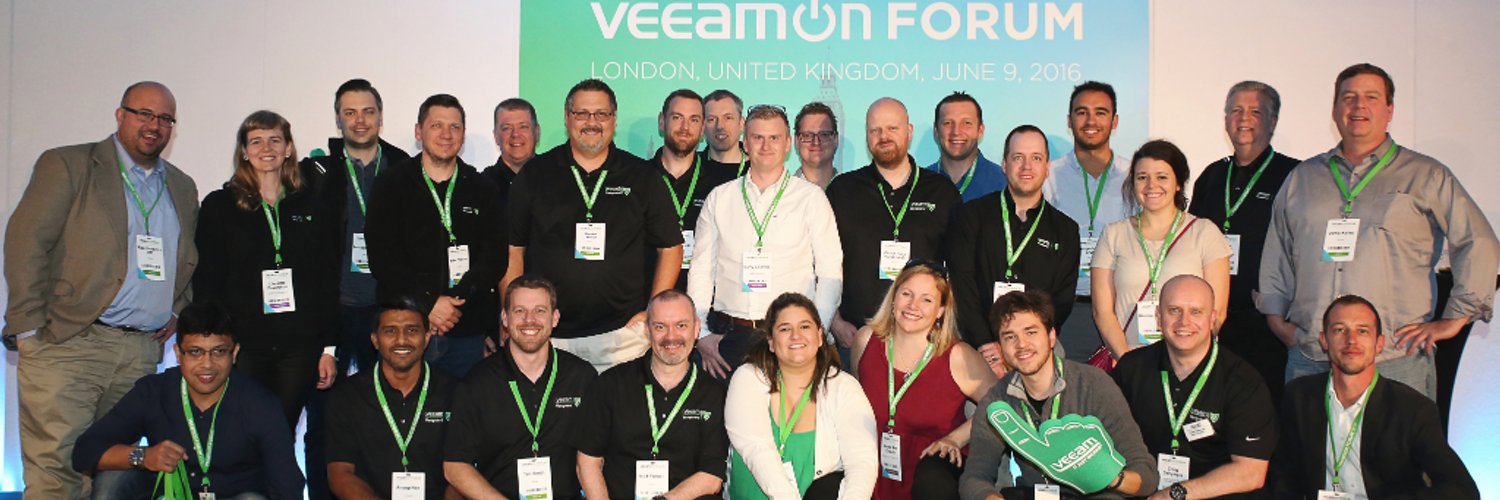 Os esperamos en New Orleans en el VeeamON 2017
Leave a Reply