
 Saludos, cada día que pasa, o mejor, semana o ciclo de dos semanas vSphere Web Client mejora y podemos ver un producto cada vez más maduro. Este es el Changelog de la versión v3.10 e inferior.
Fling 3.10 – Build 5267018
New Features
- Add an existing harddisk(vmdk) as a new disk for a VM

- Change the default storage policy action
- Performance charts can be exported to images and CSV

Fling 3.9 – Build 5234189
New Features
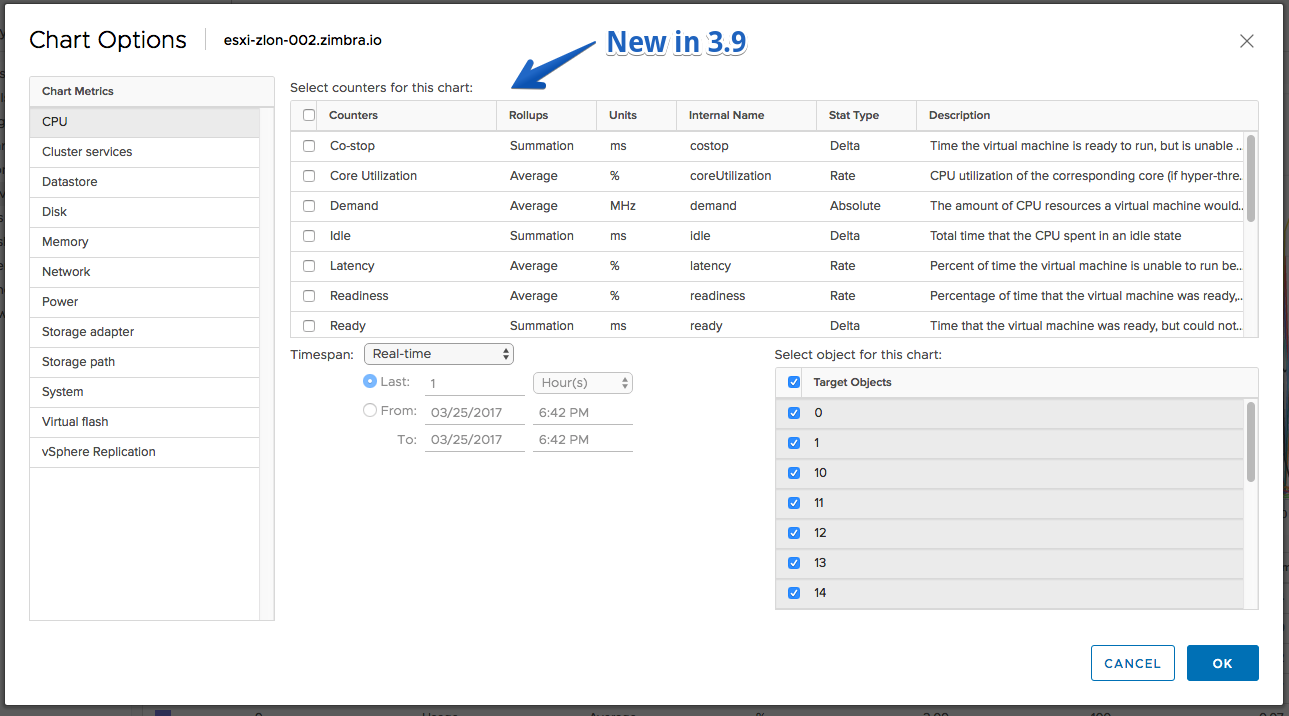
- Advanced performance charts: objects and counters can be selected
- Turn On/Off disk LED for Host Storage Devices
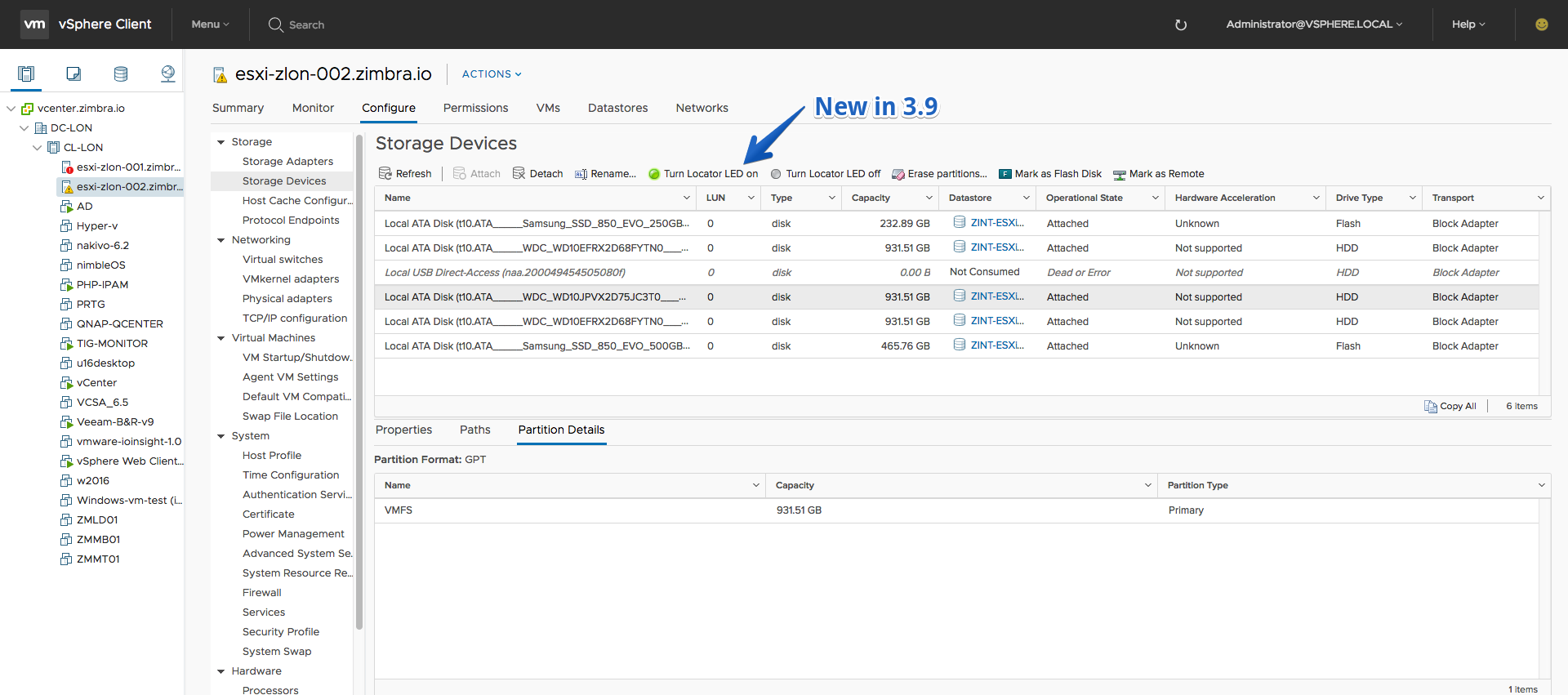
- Mark disk as Remote/Local action from Host Storage Device view

- Monitoring the Storage Providers for VVol Datastores
- Migrate VMs from one Network to another

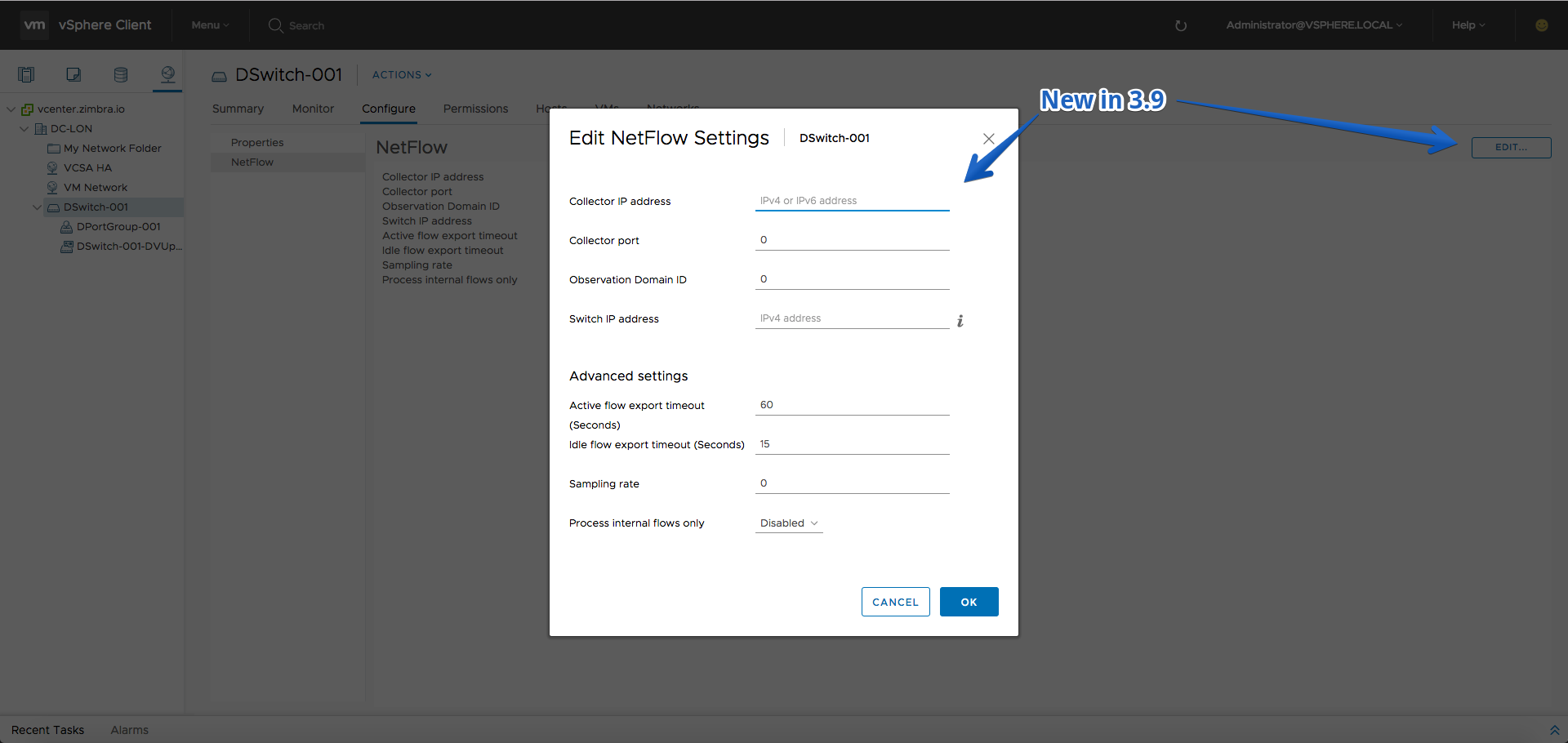
- Edit NetFlow settings on a Distributed Switch
- Content Library (read only view of libraries, templates and other types)
- Delete a Content Library
- Create a Subscribed Library on the content library page
Fling 3.8 – Build 5204615
New Features
- Erase device’s partitions action from Host Storage Devices view
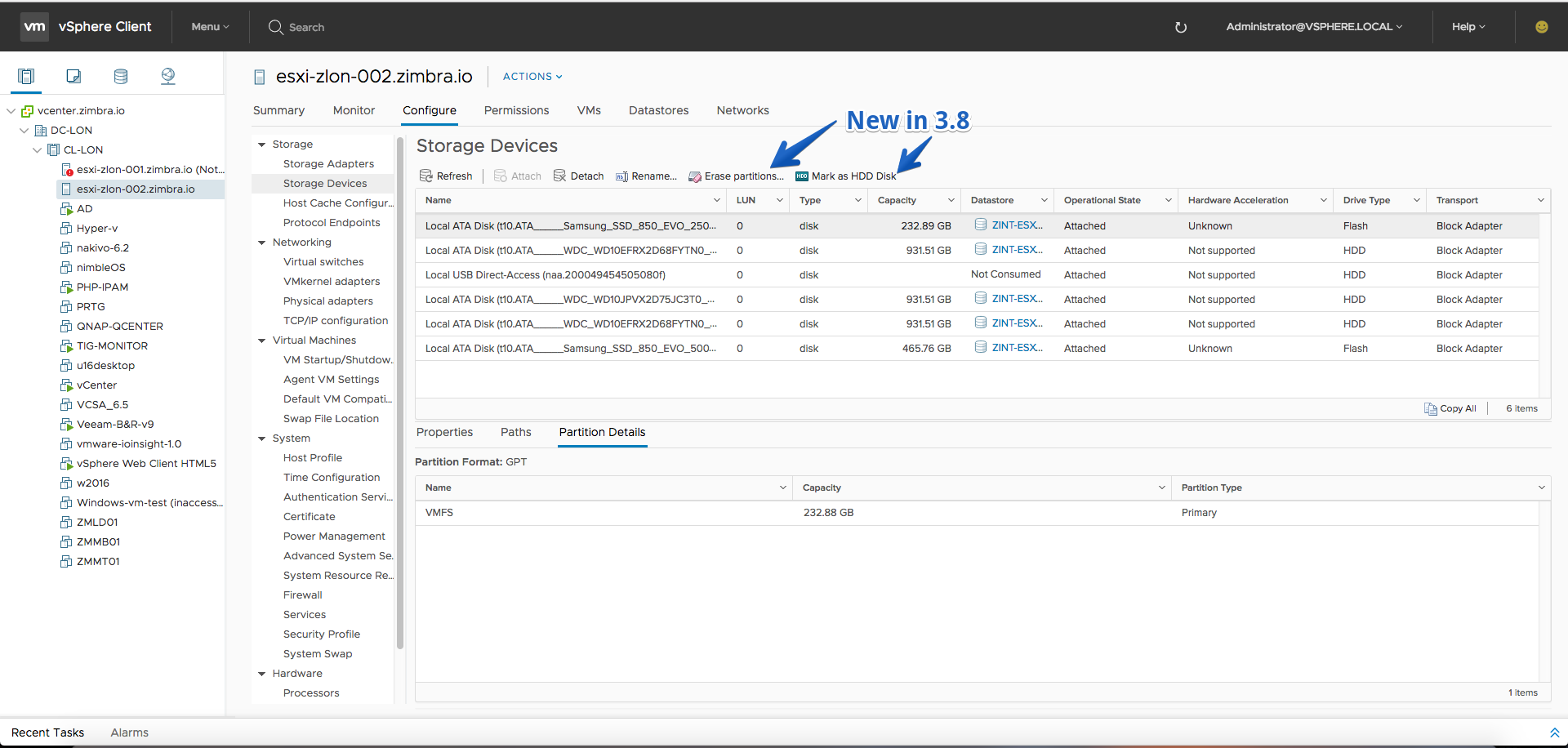
- Mark as Flash/HDD disk actions from Host Storage Devices view
- Create new NFS4.1 datastore with Kerberos authentication
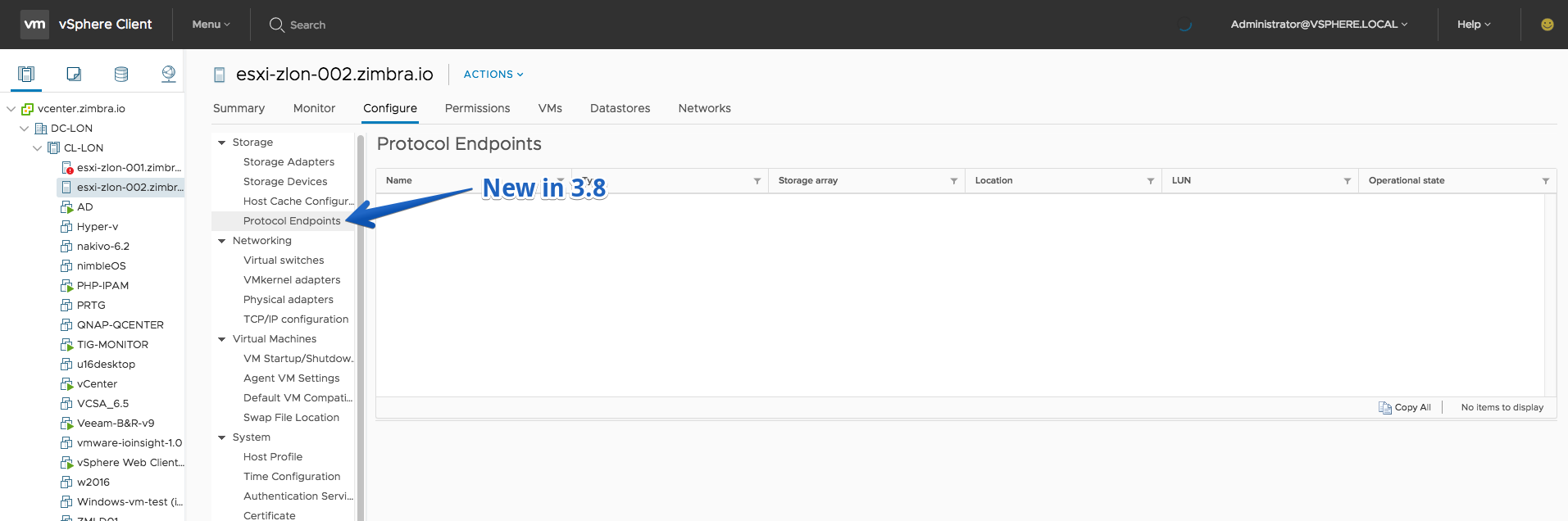
- Protocol endpoints for hosts and datastores
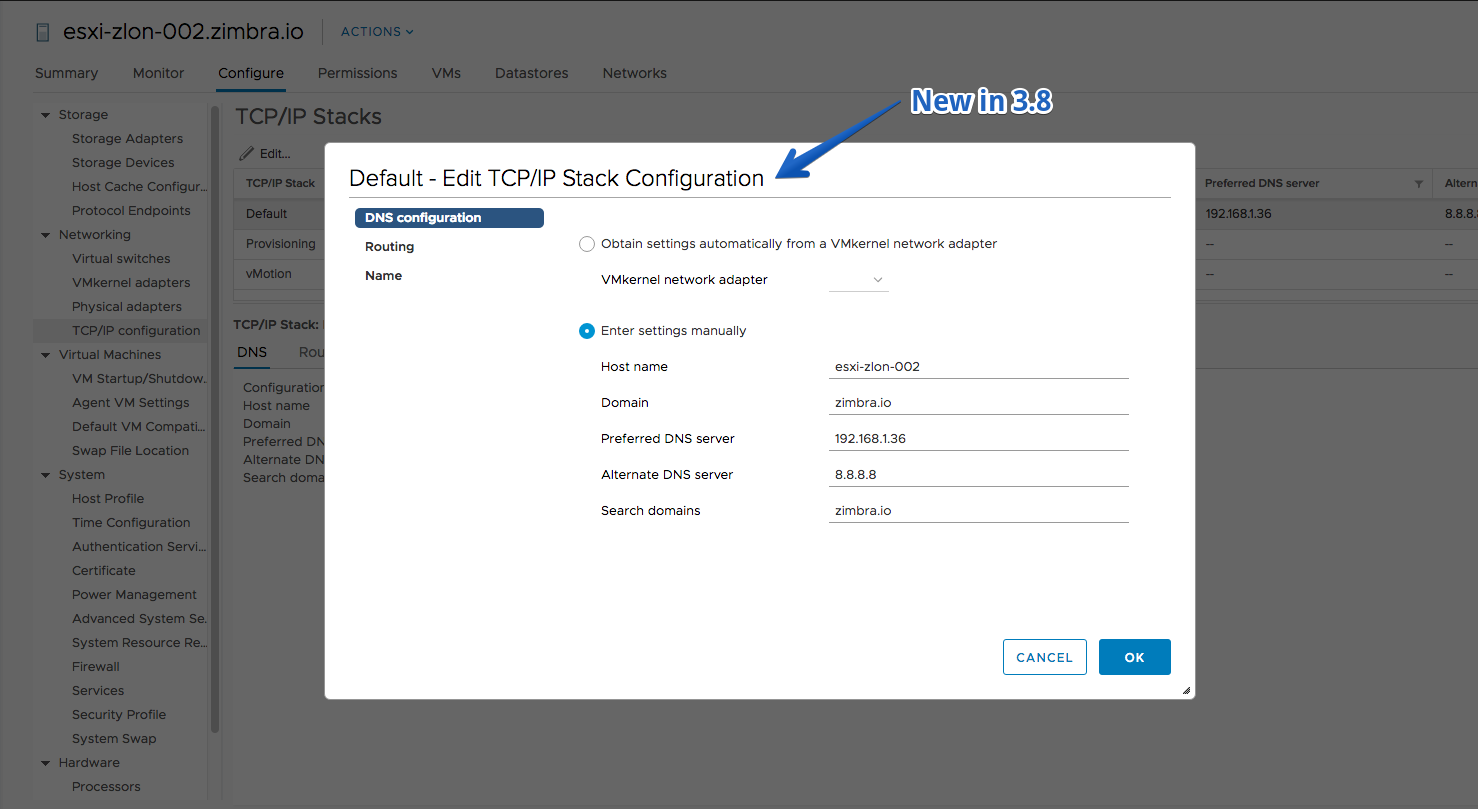
- Edit TCP/IP Stack Configuration
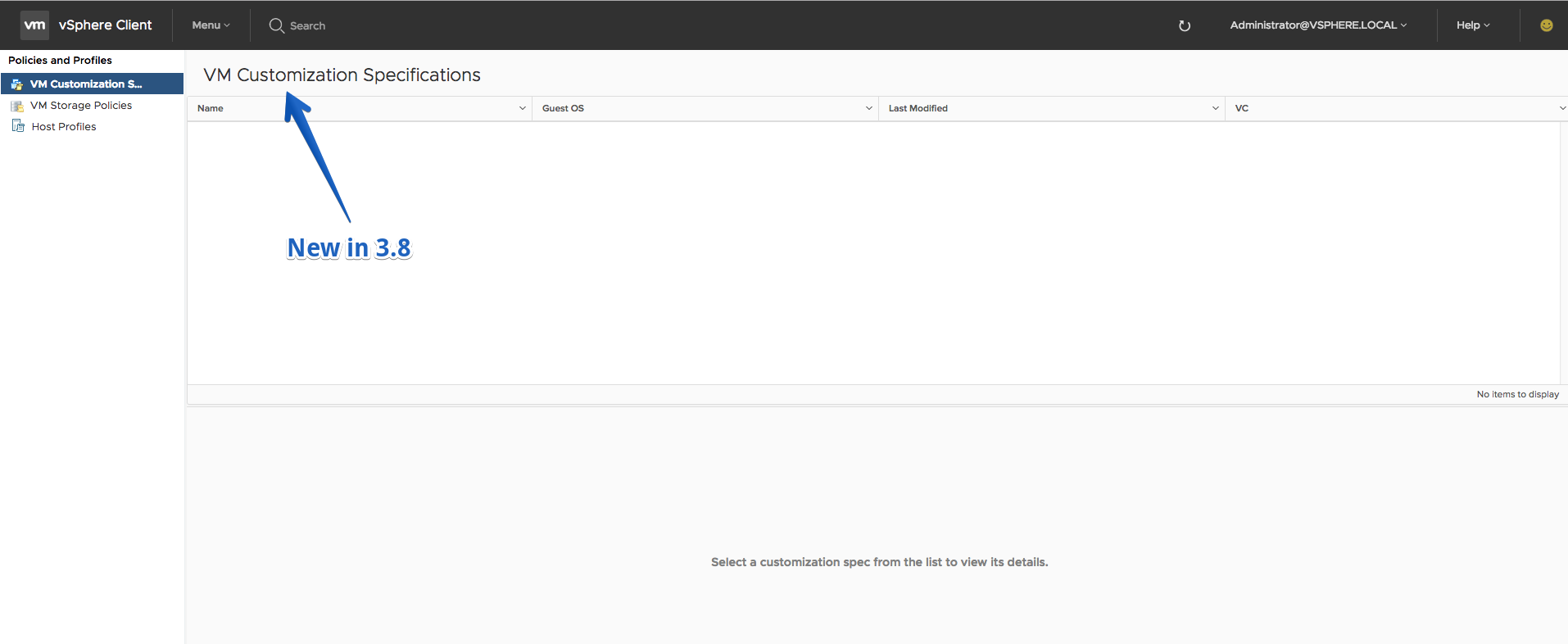
- VM Customization Specifications view under ‘Policies and Profiles’
Fling 3.7 – Build 5168275
New Features
- vSphere Client (HTML5) application went through a series of upgrades in this Fling starting from using latest Angular Javascript framework (Angular 4) to latest Clarity. There will likely be many minor changes in appearance (spacing, text, etc), but if you see any that are issues, please report any such anomalies using the Feedback tool (please include the tag “#DESIGN:” at the front of your comment)
- Create new VVol datastore via “New datastore” wizard
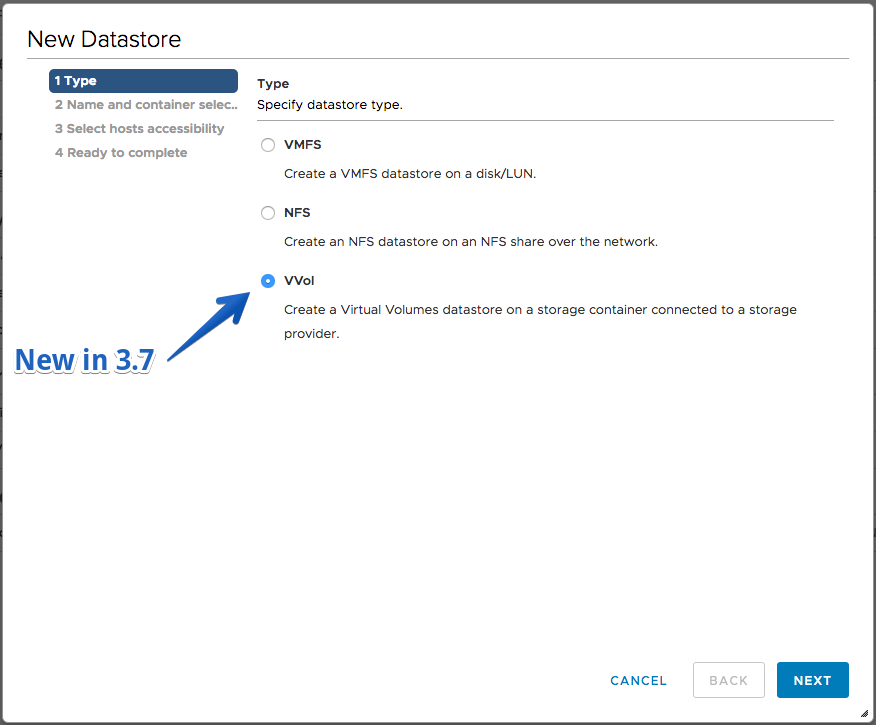
- Unmount VVol datastore from hosts
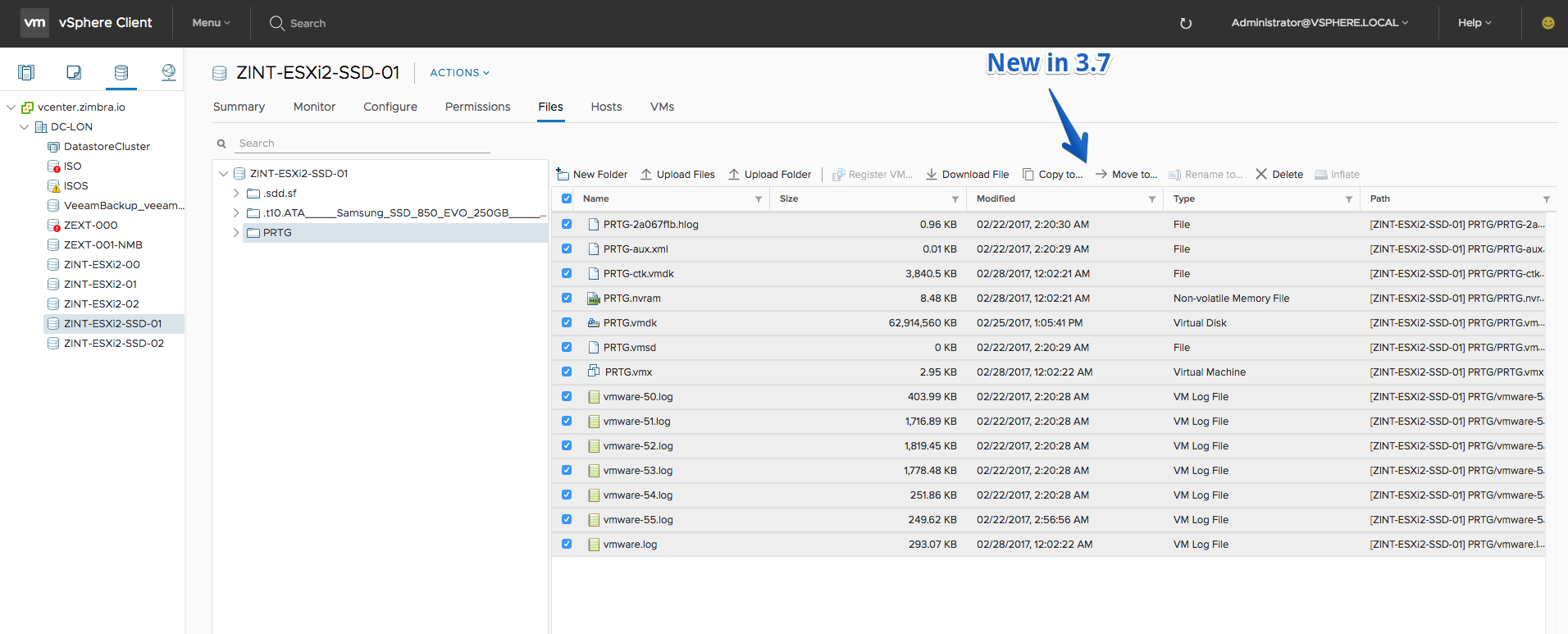
- Move files and folders between datastores in datastore file browser
Fling 3.6 – Build 5130996
New Features
- RDM Disk can be added to a VM

- Datastores can be moved between folders and datastore clusters
- Datastore cluster connectivity to clusters view
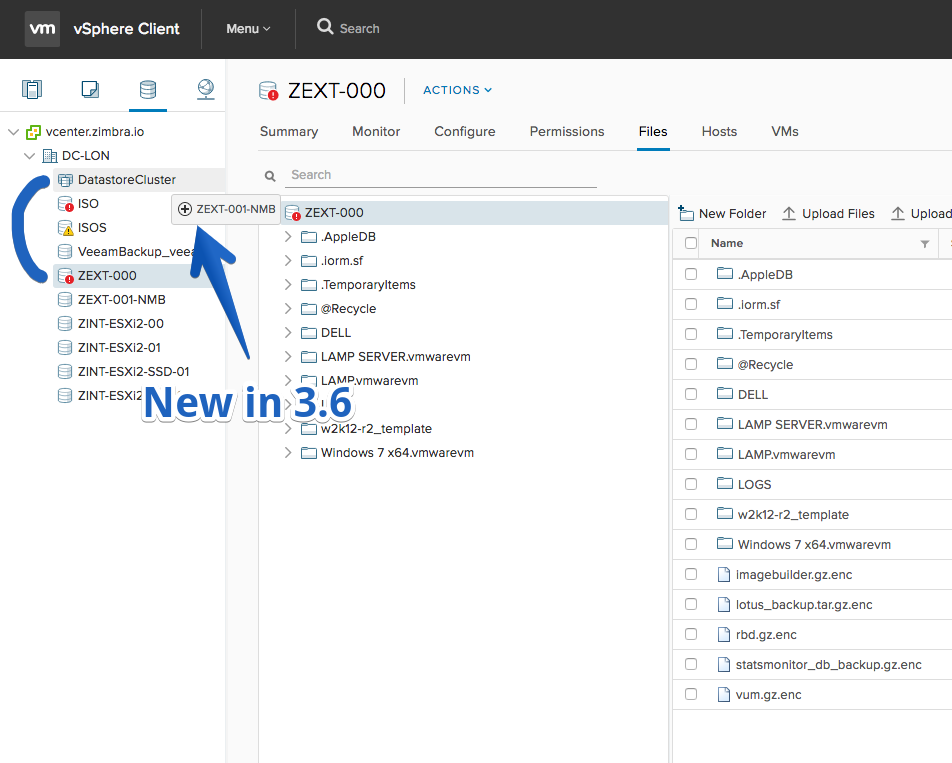
- Copy folders and files between datastores in datastore file browser
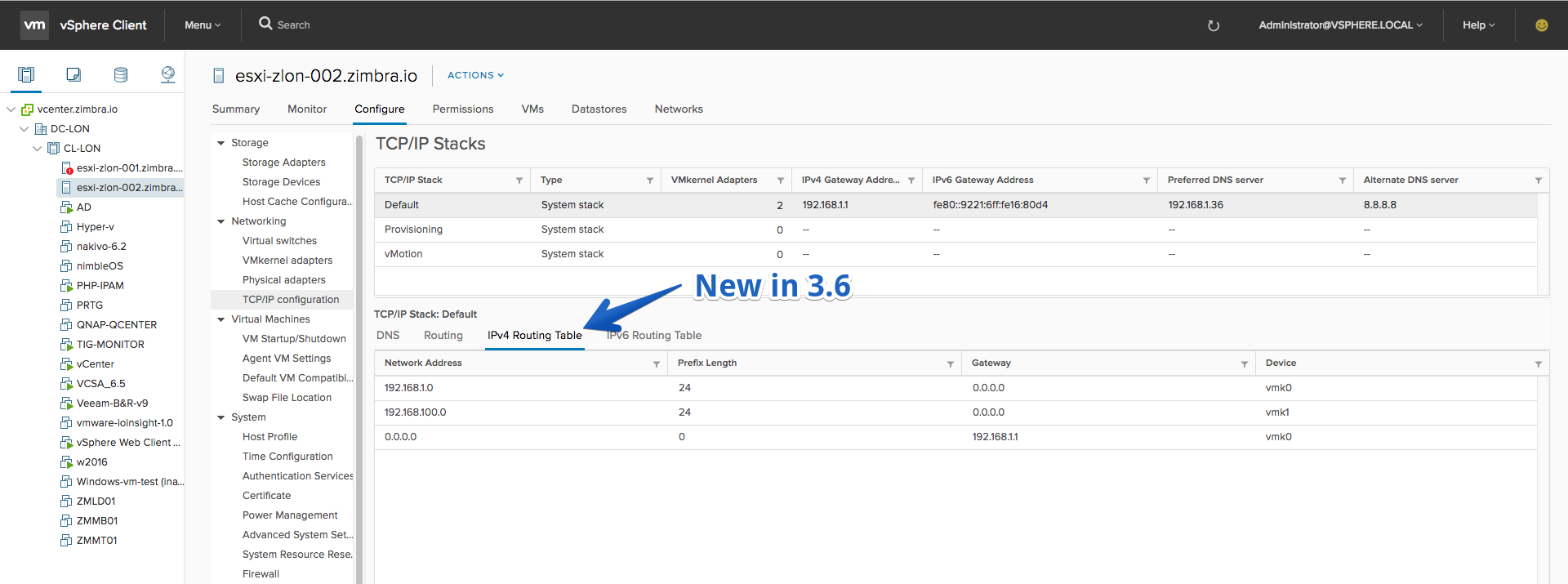
- View the IPv4 and IPv6 routing tables for TCP/IP stacks
Fling 3.5 – Build 5109609
El DARK THEME ha sido eliminado 🙁 ya que causaba algunas situaciones no esperadas, pero VMware lo integrará de nuevo pronto
New Features
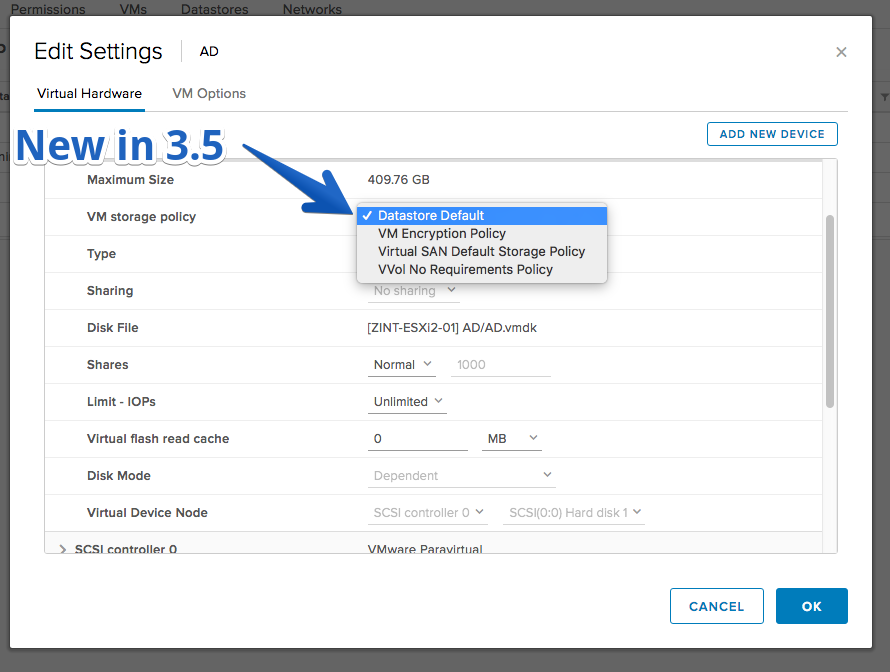
- VM Storage Policies view on VM’s Configure tab.
- View NetFlow settings of a Distributed Switch

- OSGi Sandboxing for HTML Client plug-ins – a feature that aims to achieve vSphere HTML Client plug-in isolation by re-using Virgo server’s scoping feature. More details are available in the HTML Client SDK Fling Documentation
Improvements
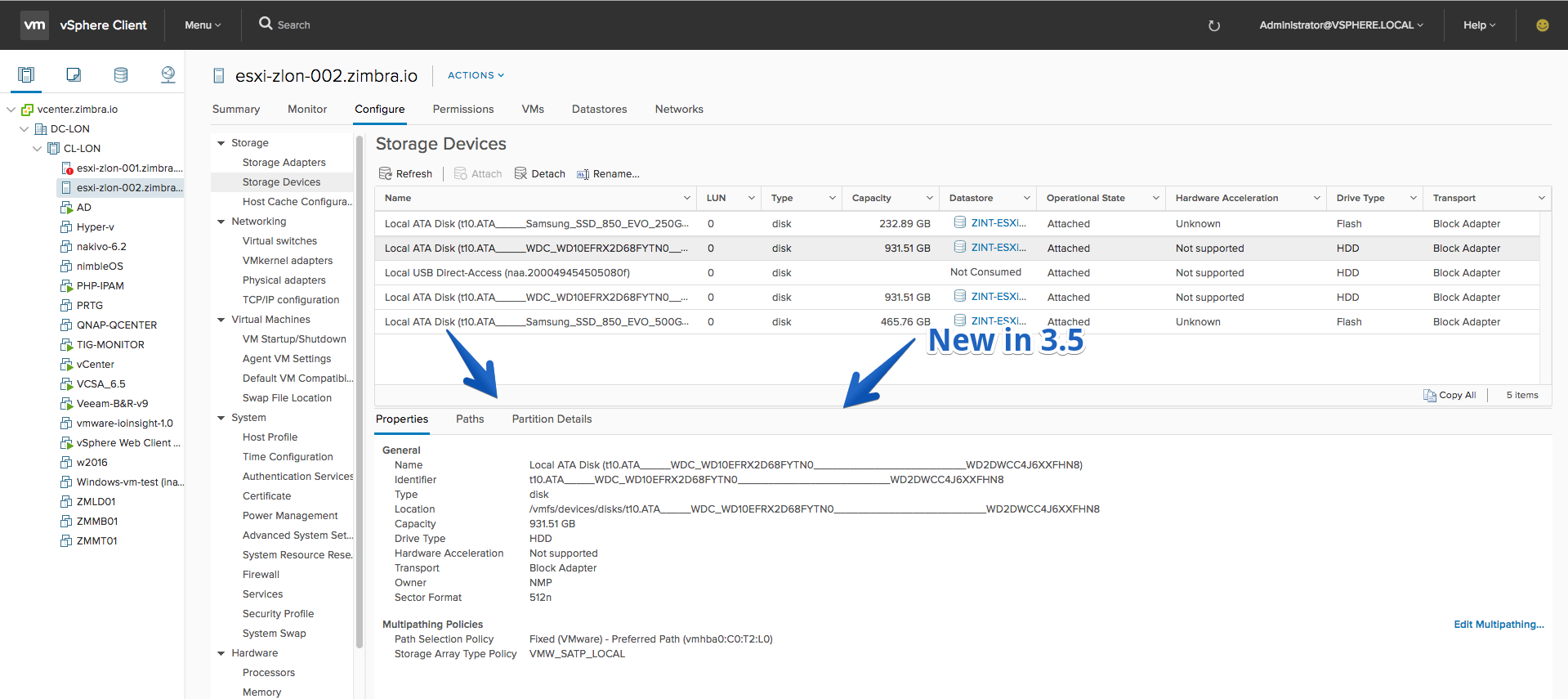
- Added horizontal splitters to Host’s Storage Adapters and Storage Devices views.
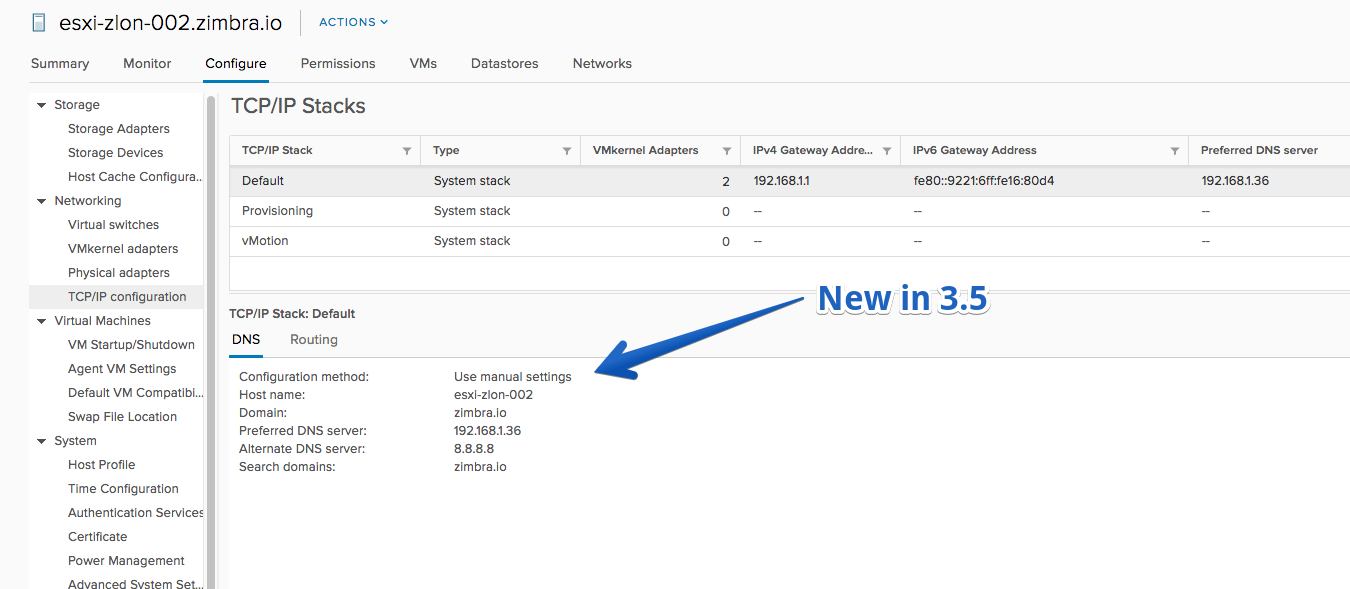
- Added details view on the TCP/IP Configuration page of Hosts
- Increased the maximum width of the inventory tree pane to allow displaying the full names of objects without trimming them
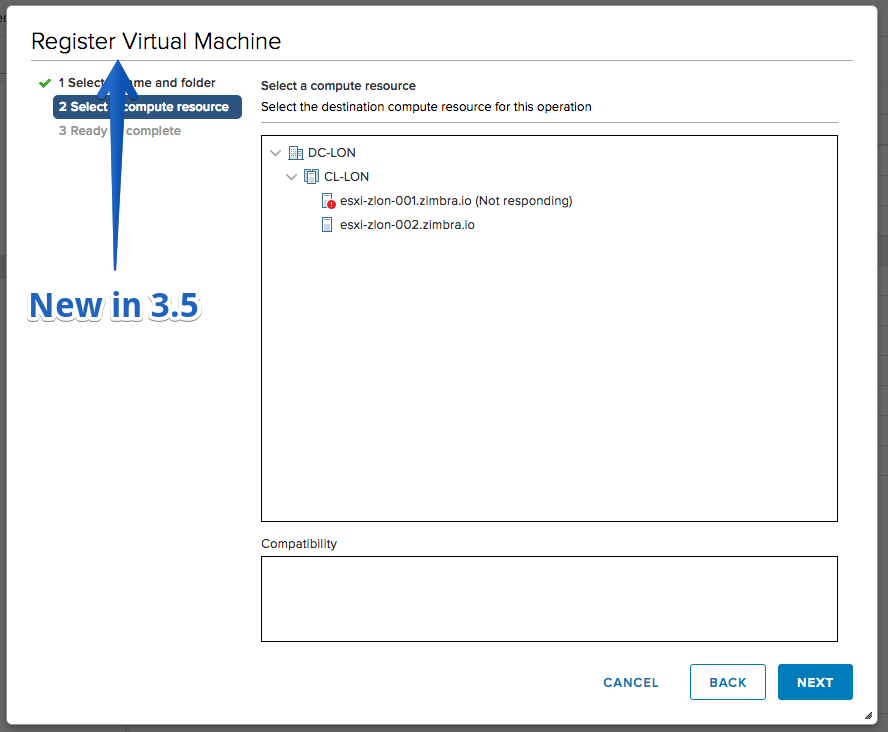
- Customized Register VM Template wizard
- Auto scroll on ‘Select storage’ page, when creating or cloning VM/template
Fling 3.4 – Build 5070500
New Features
-
- New Dark theme client! – You can now access the client with a dark theme by appending the URL with /?theme (ex: https://
;
- Download multiple files as a zip from the Files Browser (Available only in vSphere Client(HTML5))
- Check VM Storage Policy compliance
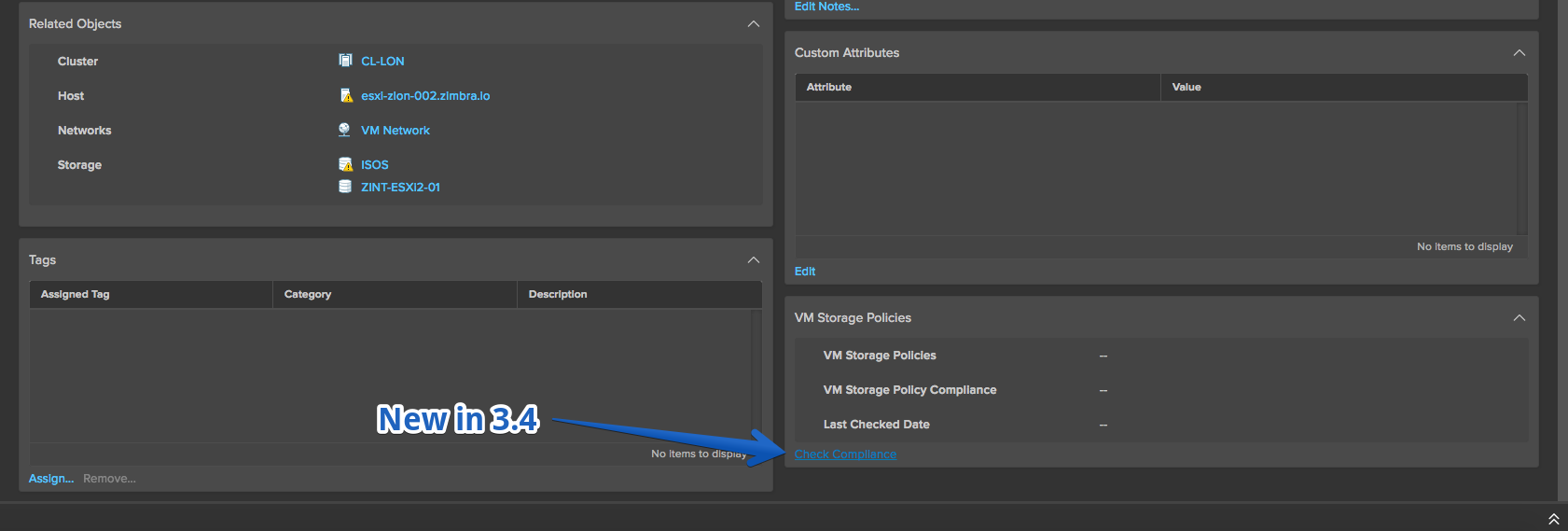
- Reapply Storage Policy of a VM
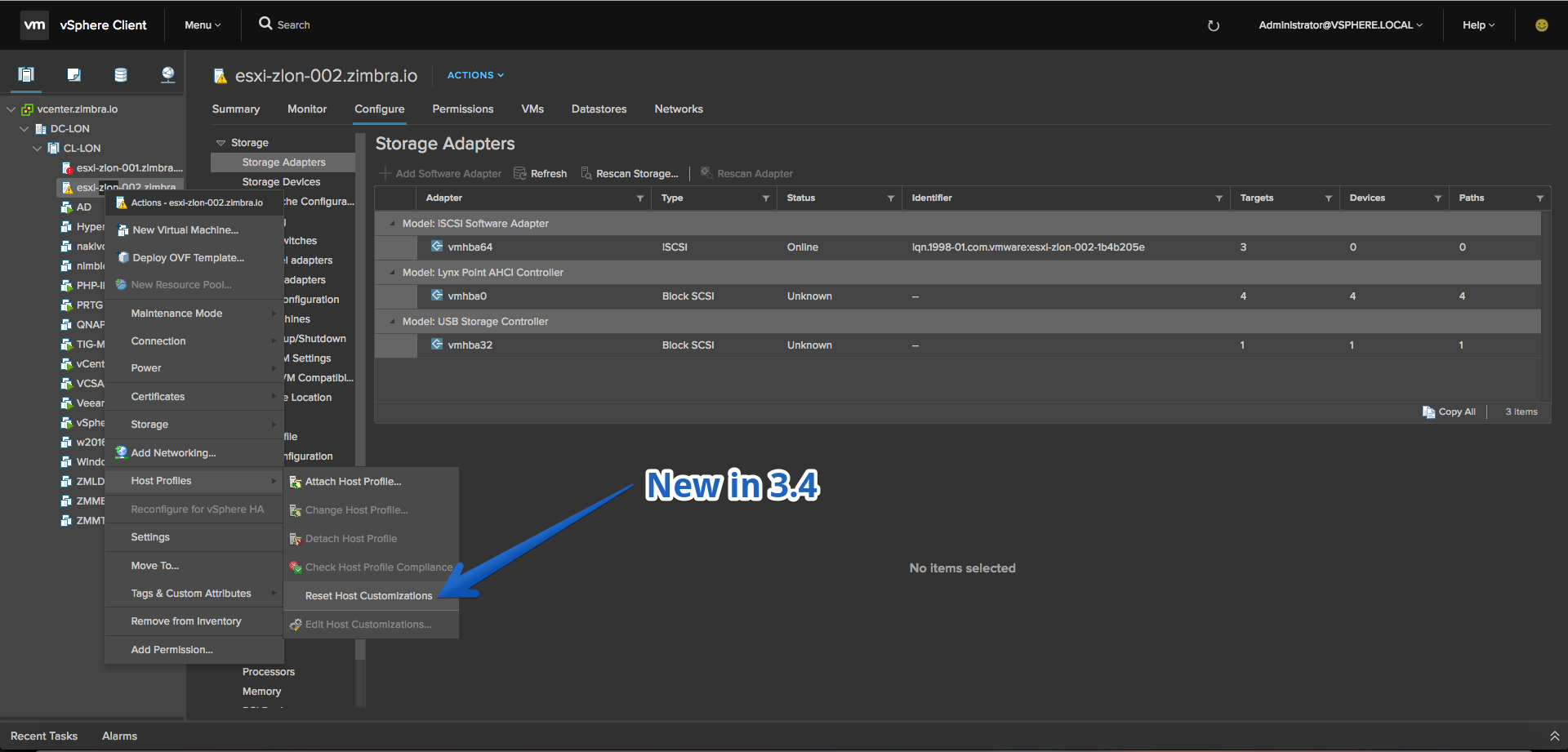
- Host profile customizations for a host can be reset
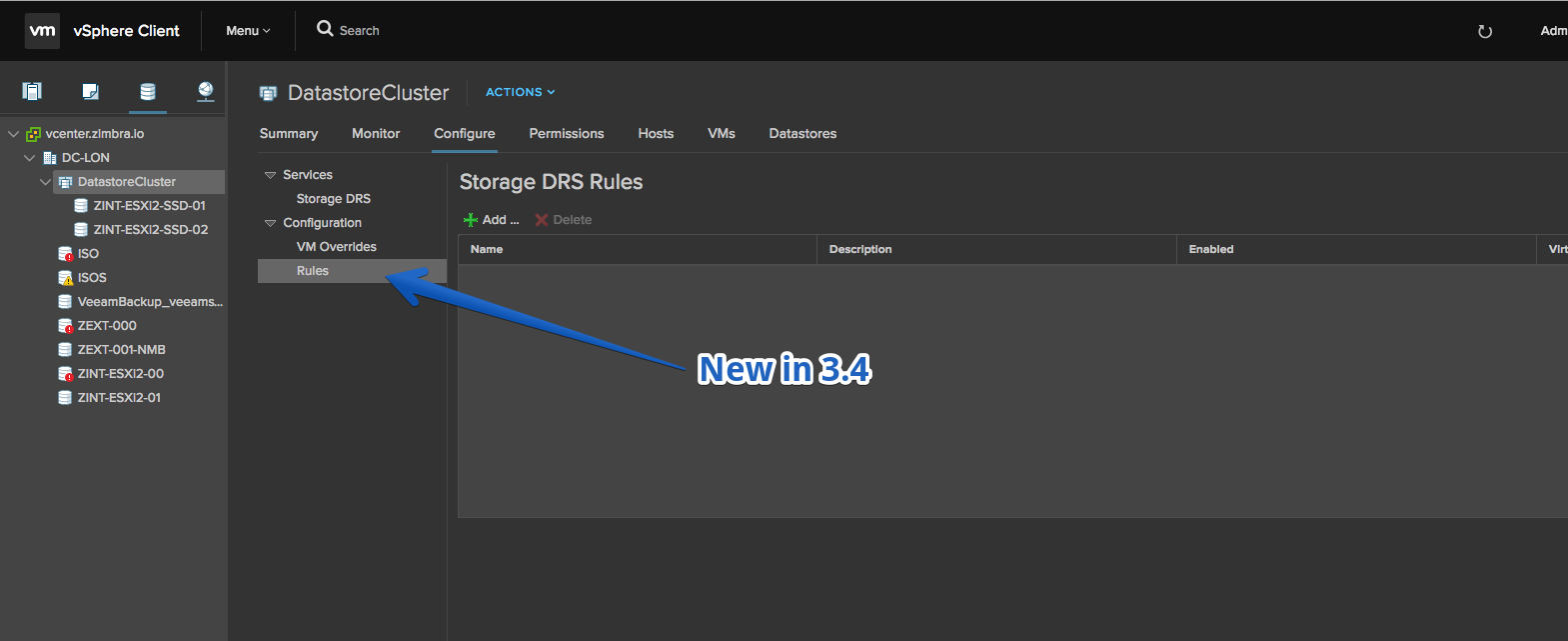
- Storage DRS rules can be added and removed
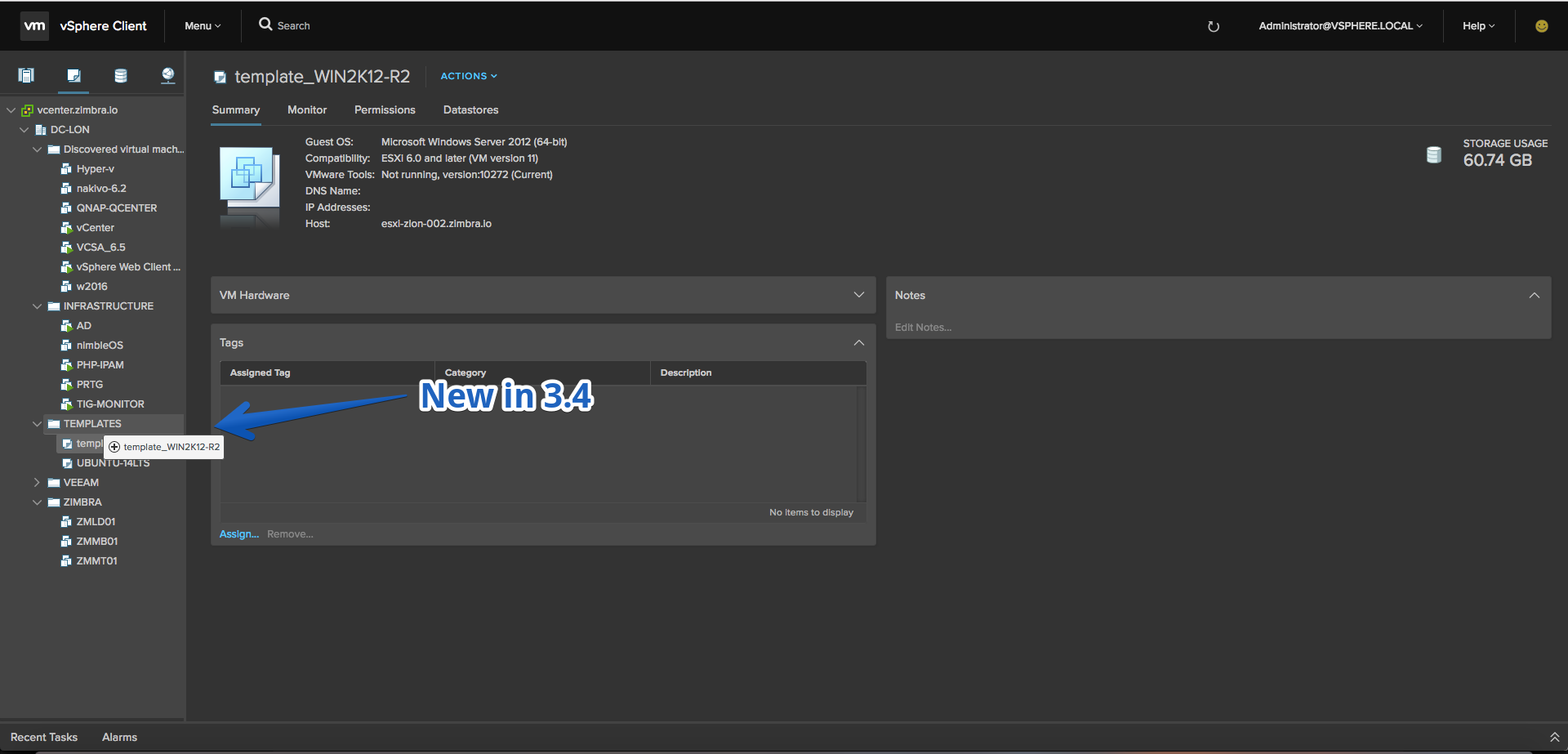
- Move VM template(s) to VM folder
Improvements
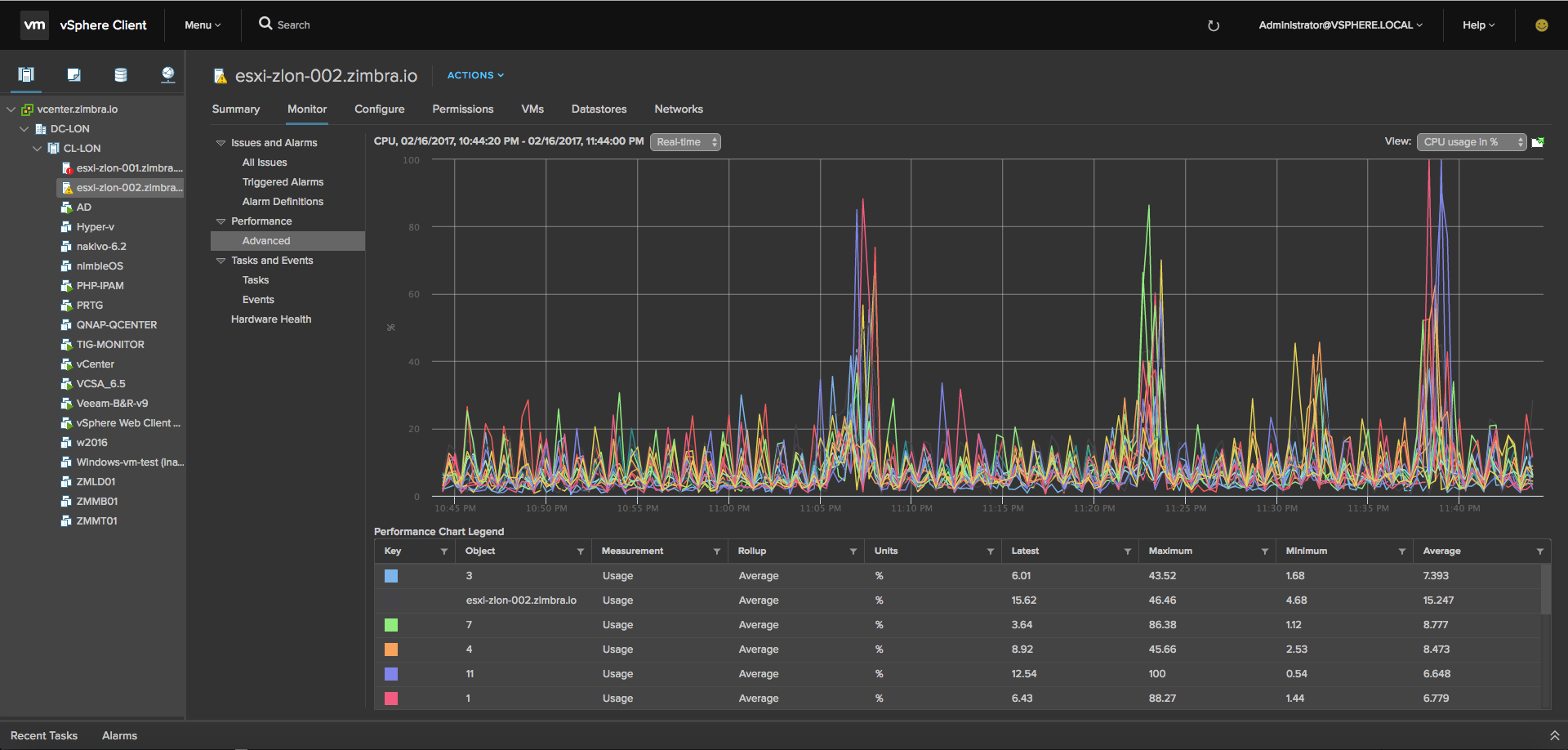
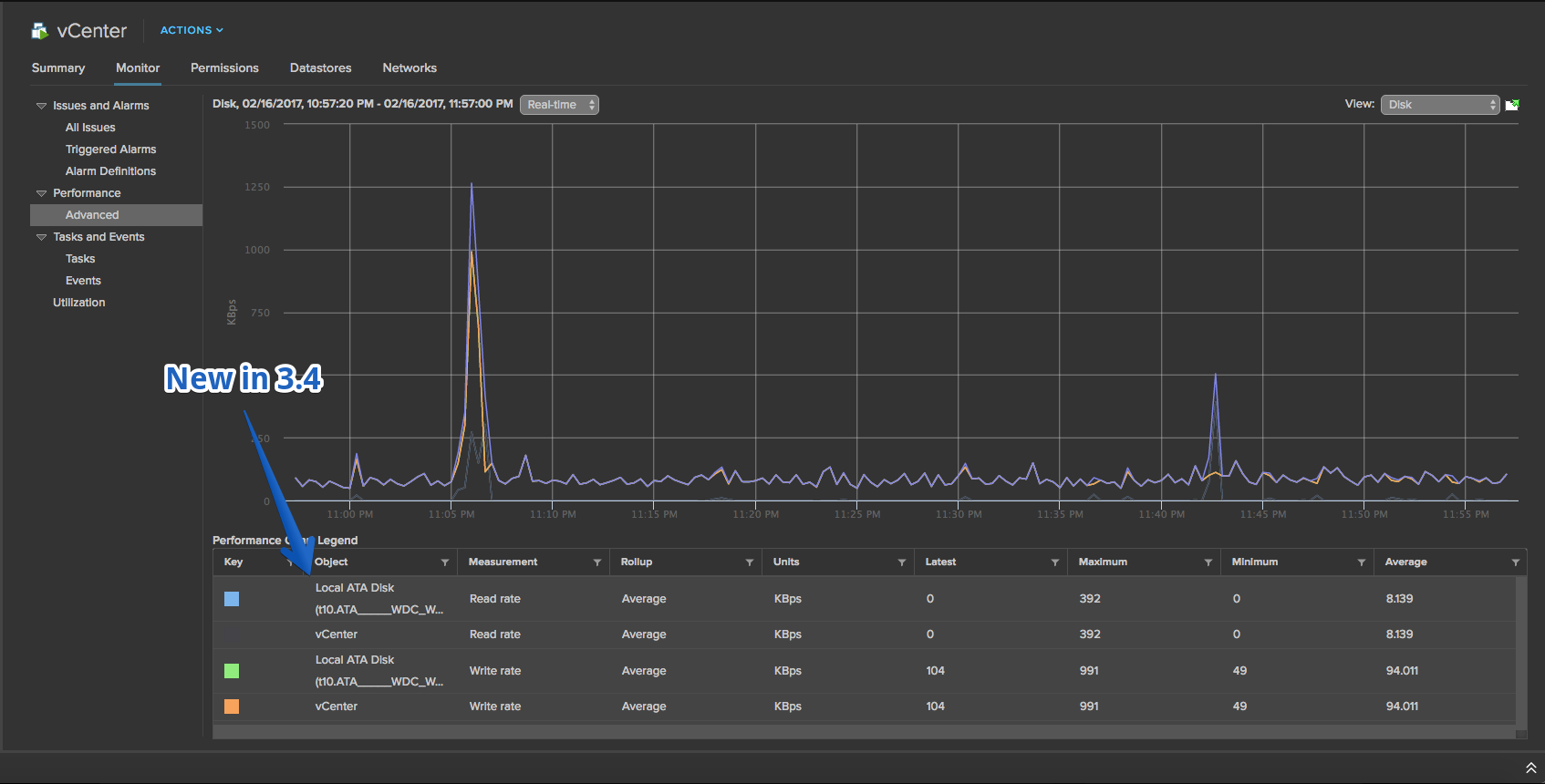
- Advanced performance charts for disk usage now display the user-friendly device name in the legend.
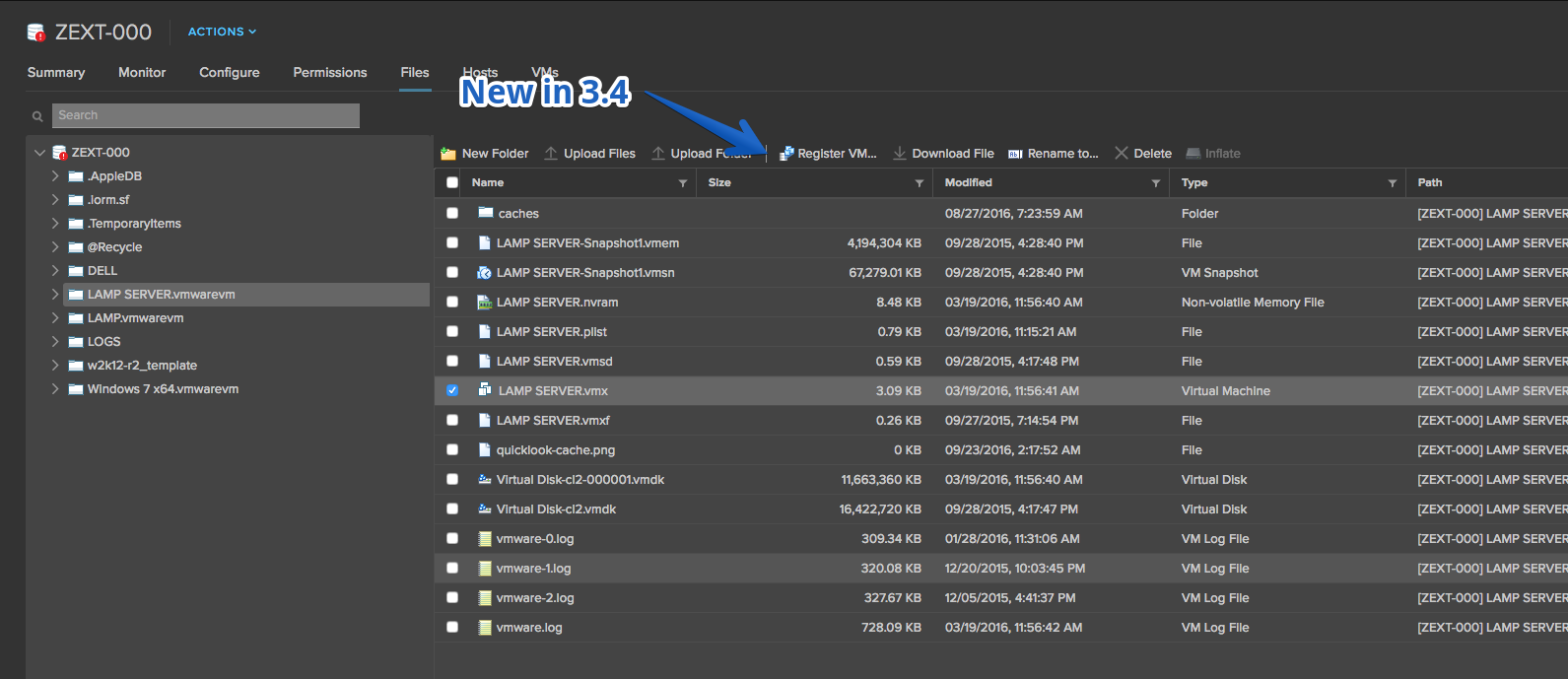
- Register VM from the Actions menu of a datastore
- Validations for invalid selections in Register VM wizard

Fling 3.3 – Build 5035928
New Features
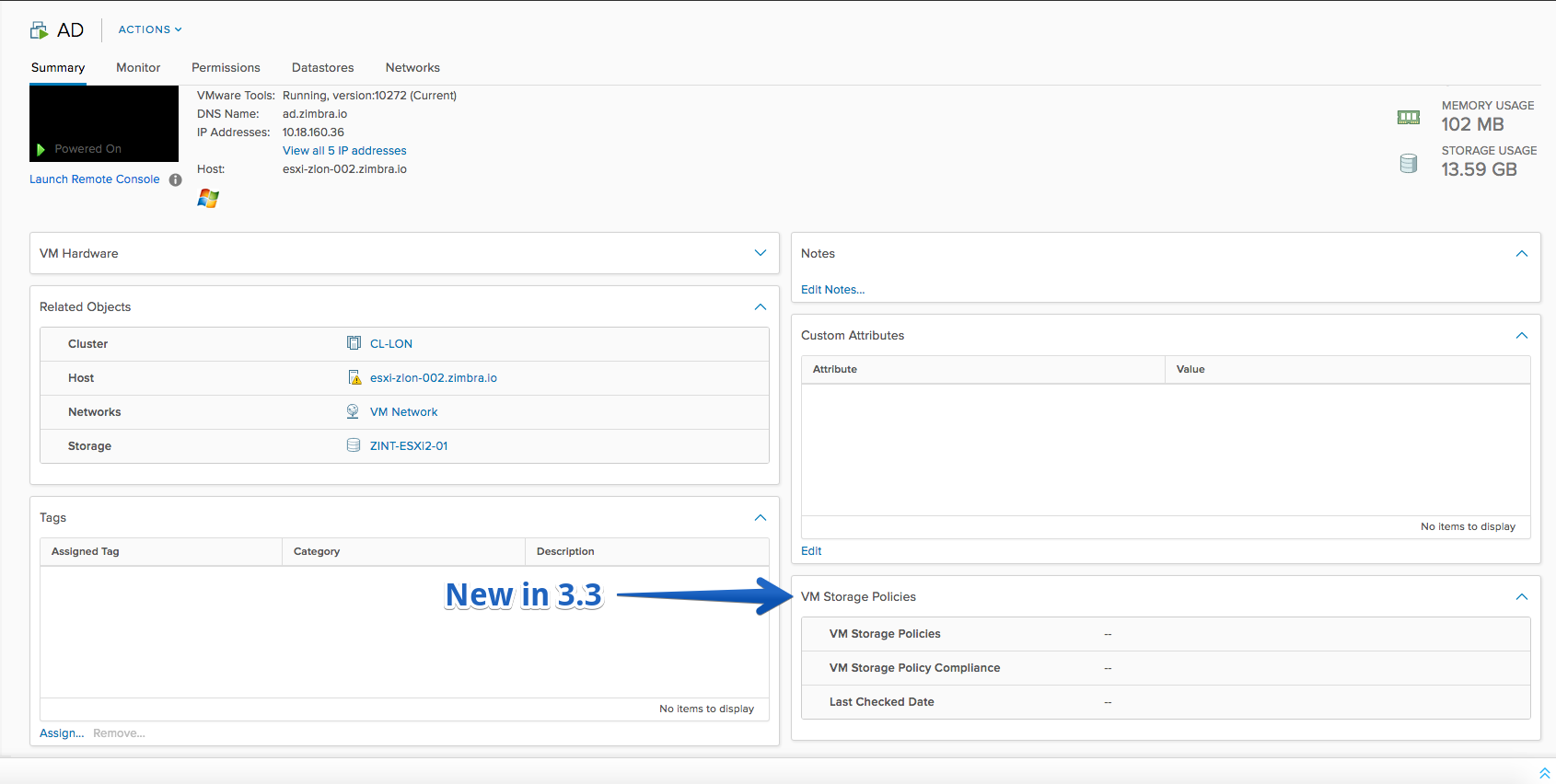
- VM Storage Policies portlet on the VM’s Summary
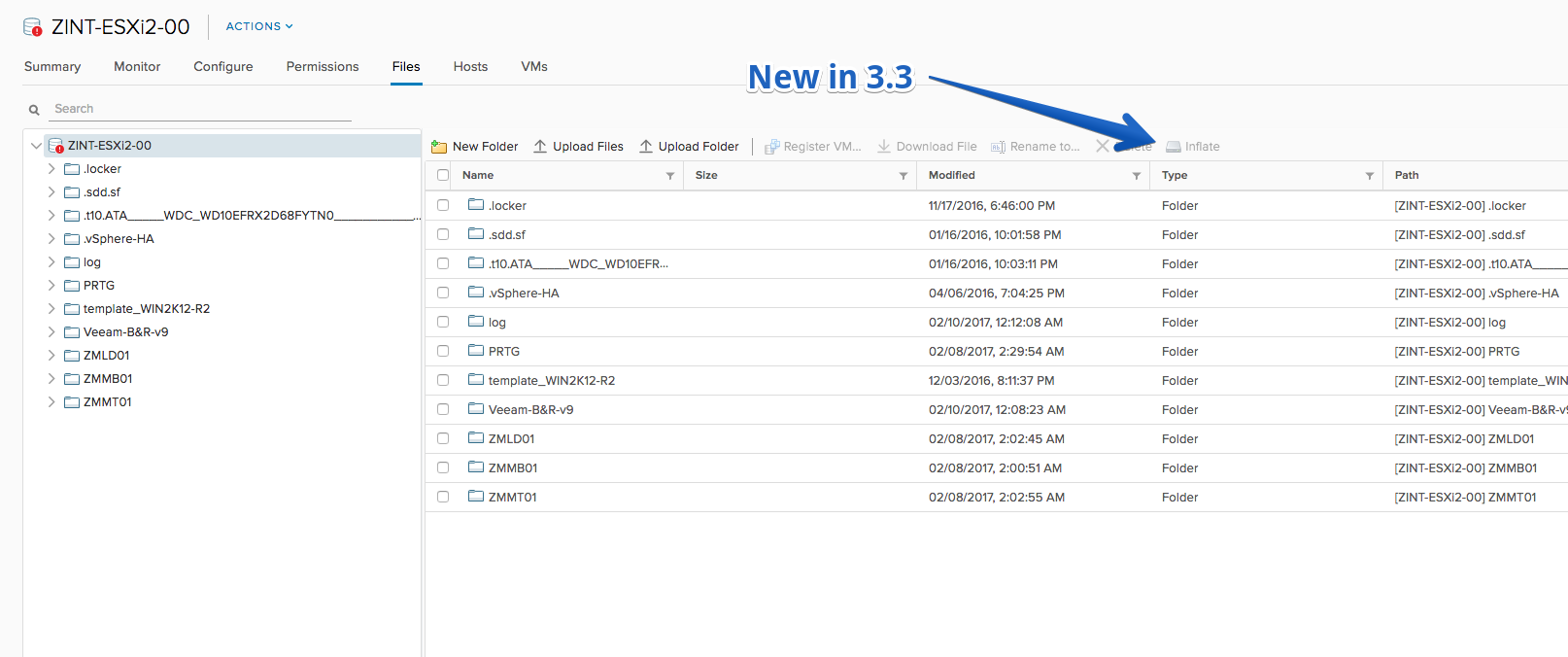
- Inflate disk action in Files Browser
- Remove from inventory multiple VMs/templates

- Move VM(s) to a VM folder or datacenter (Move To… option now available)
Improvements
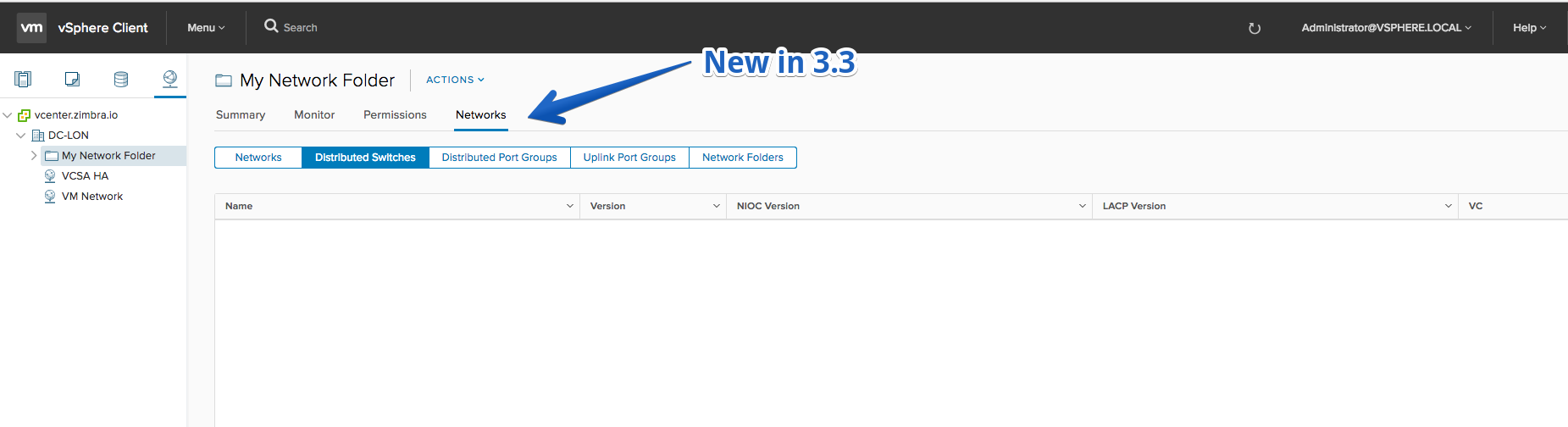
- Added Networks; Distributed Switches; and Network Folders lists for network folders
- Accept License page in Deploy OVF and Deploy VM from library workflows
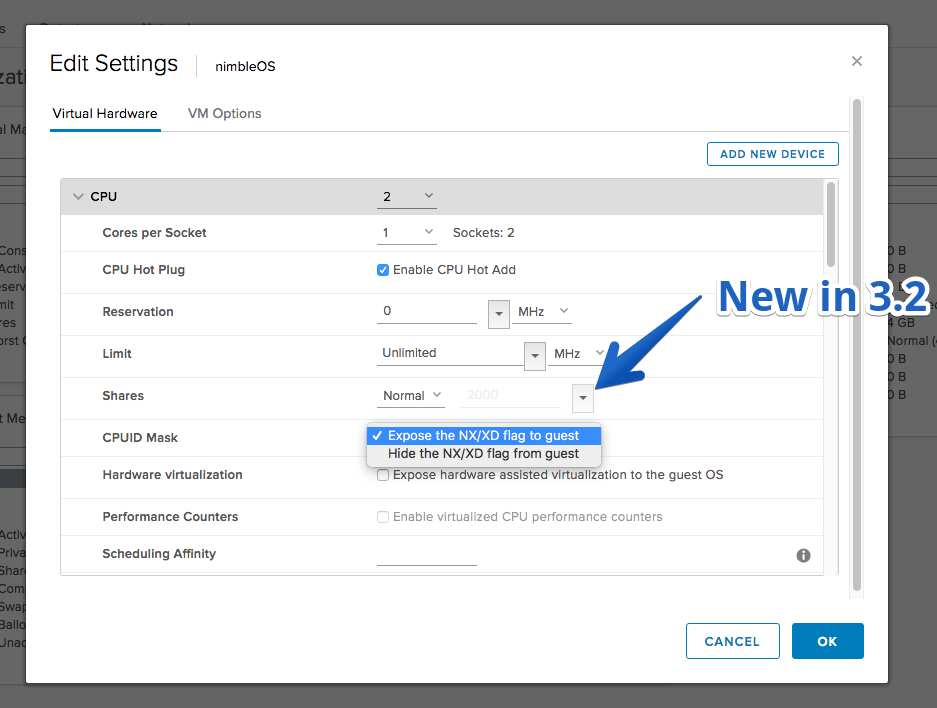
- Edit CPUID mask in VM edit settings
Fling 3.2 – Build 5016889
New Features
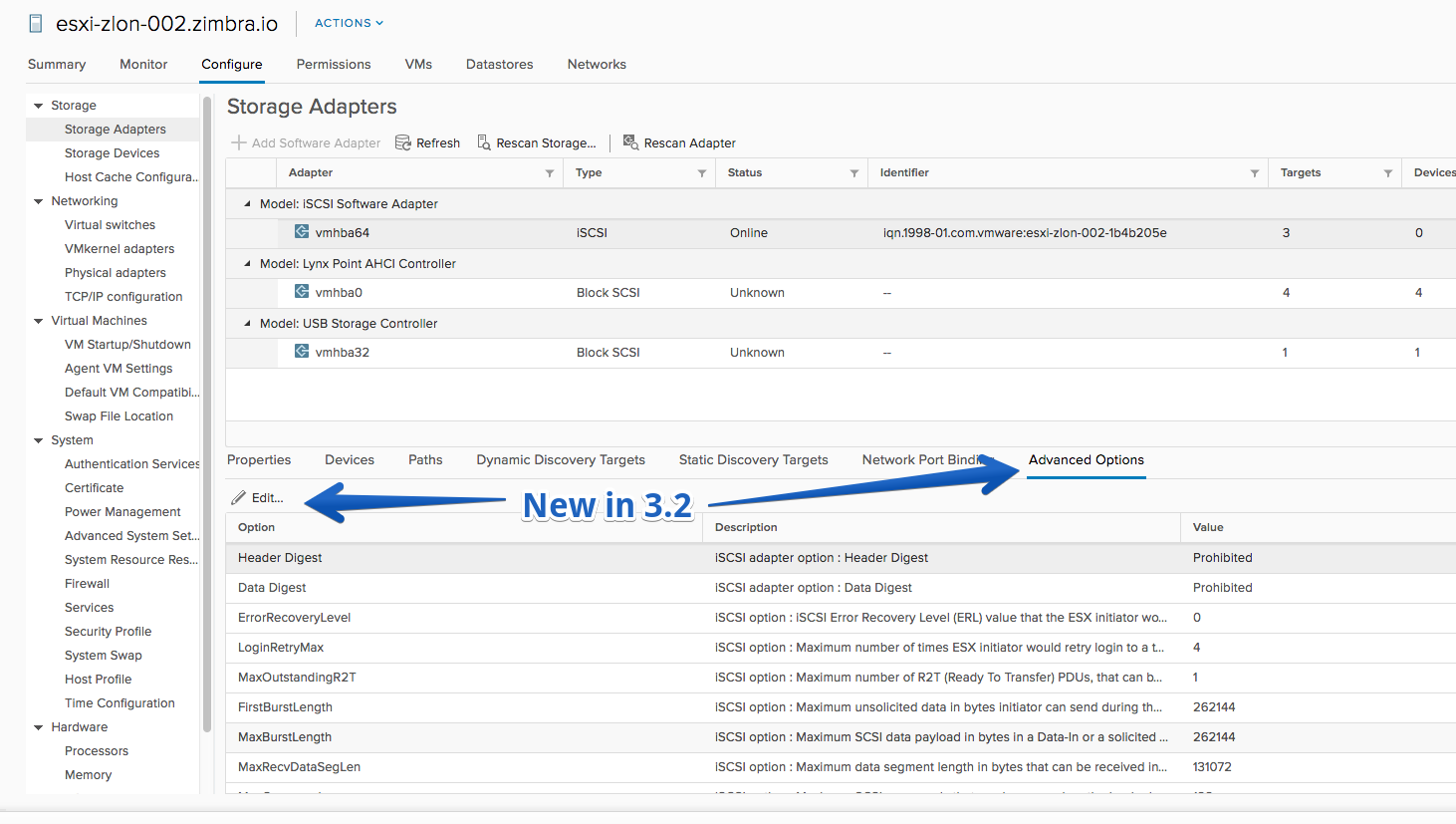
- Edit iSCSI Advanced Options
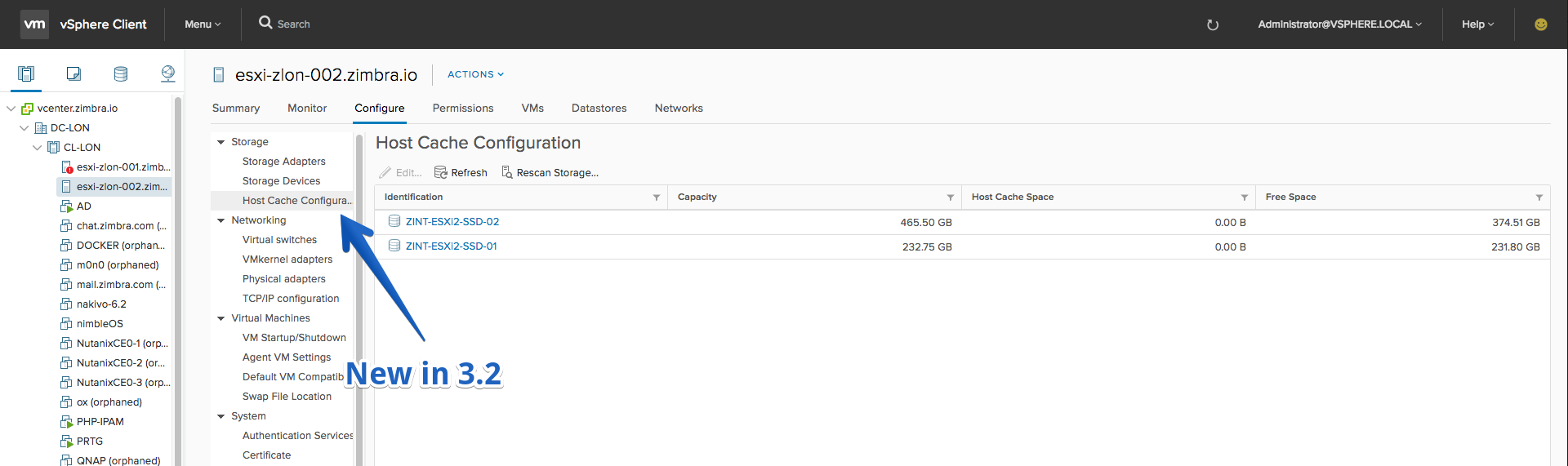
- Allocate space for host cache
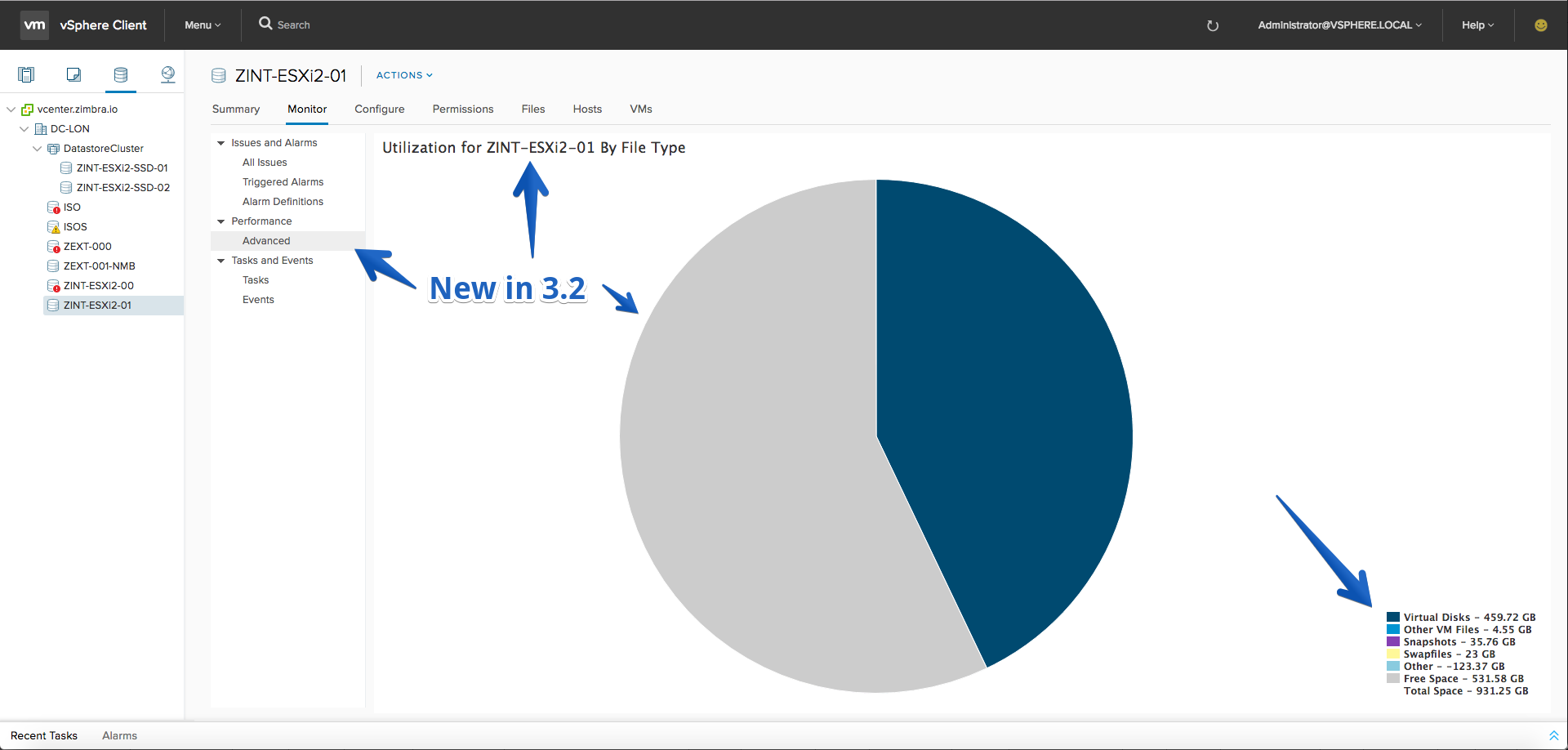
- Chart for datastore usage by file type
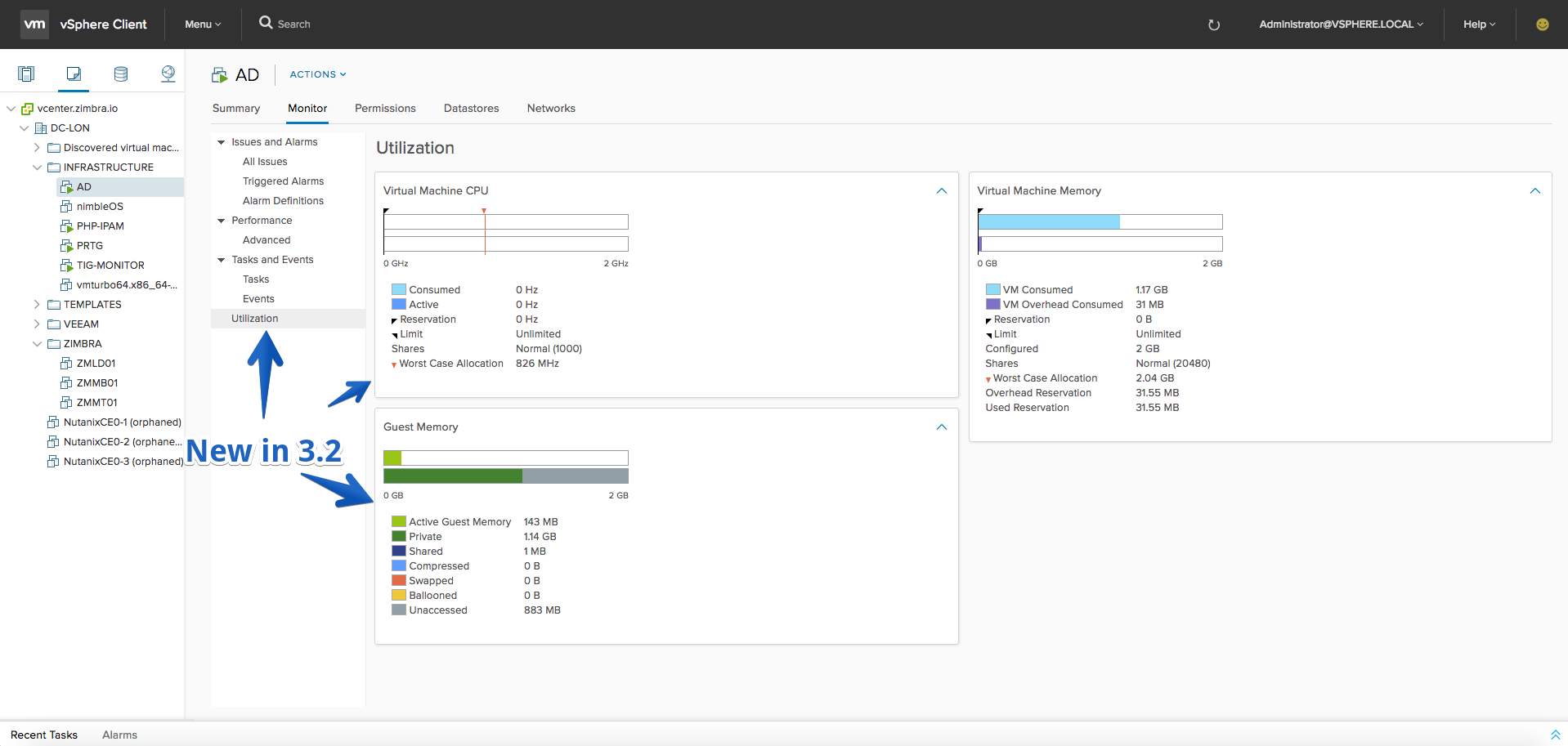
- Resource utilization charts for VMs, RPs and vApps
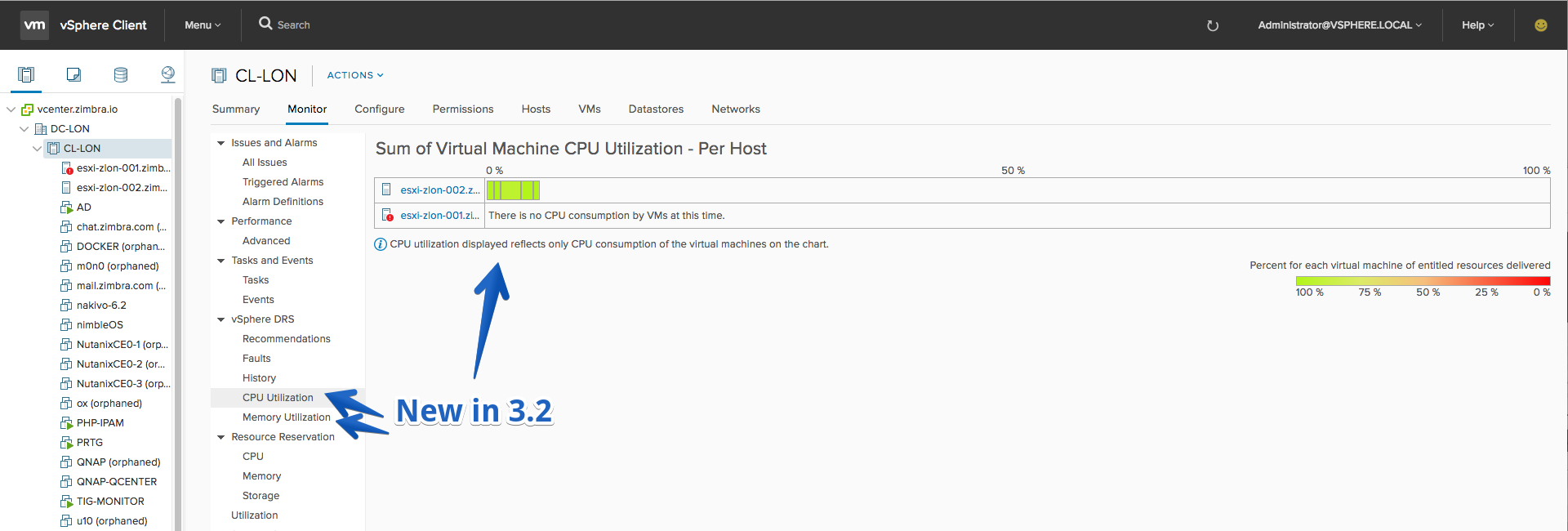
- DRS per-host utilization charts for CPU and Memory
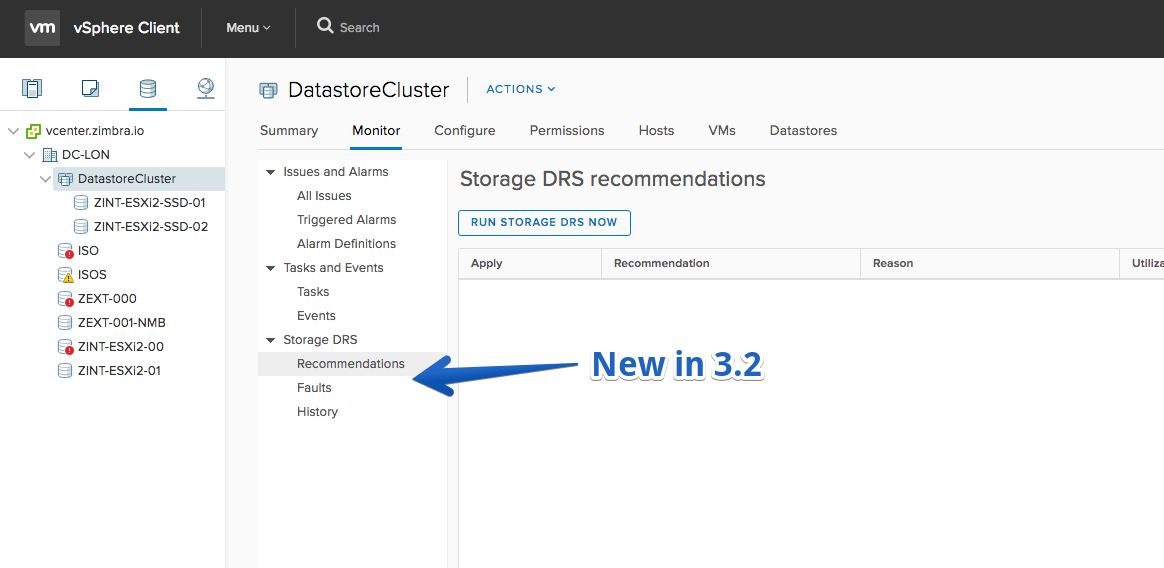
- Storage DRS recommendations, faults and action history
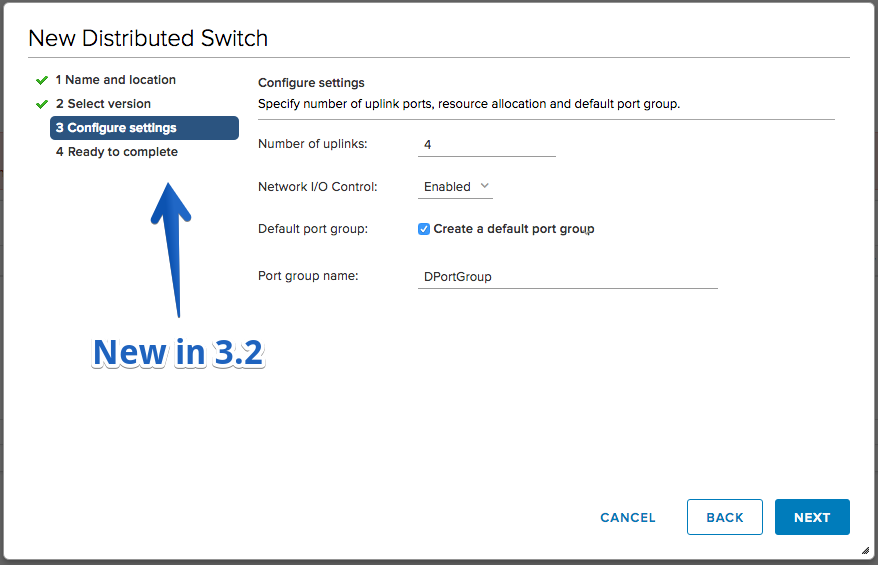
- ‘New Distributed Switch’ wizard
- Remove Distributed Switch
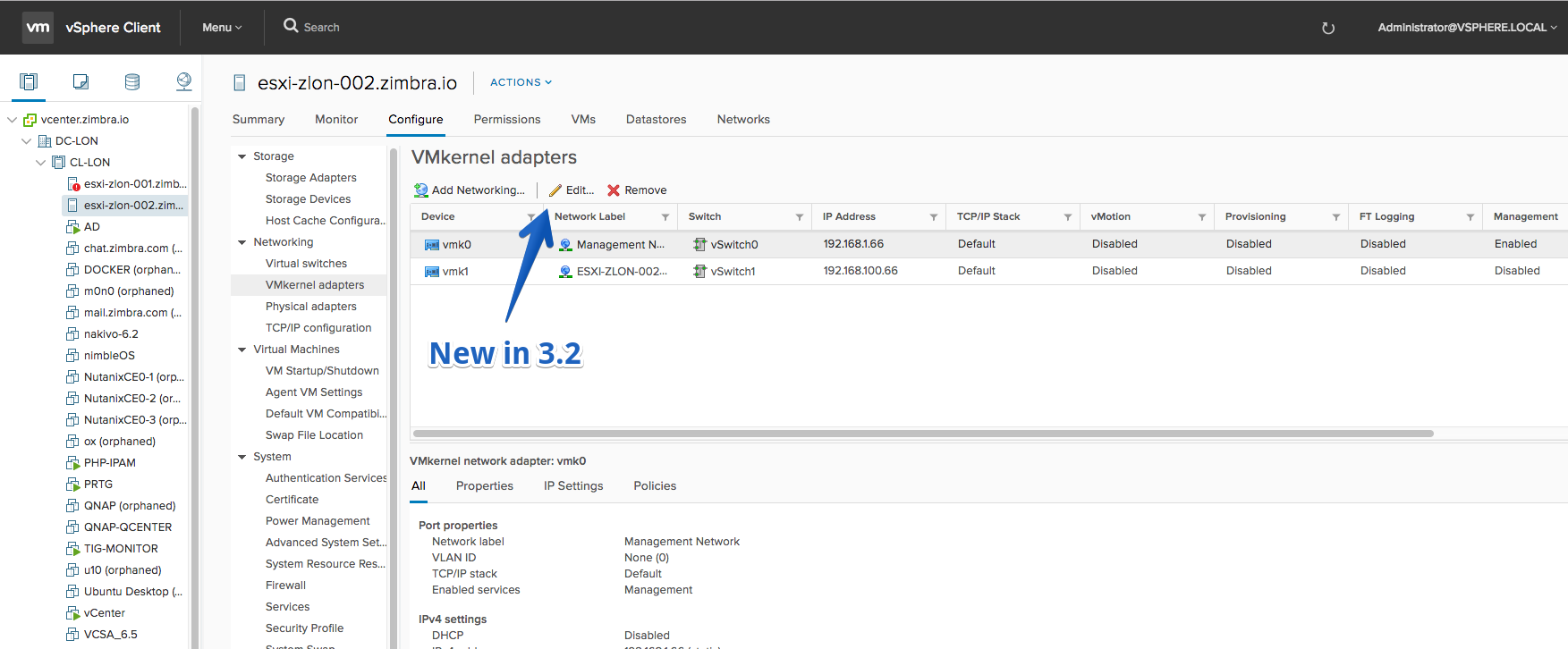
- Edit VMkernel adapter settings
- Migrate VM: Added ‘Change storage only’ option
- Migrate VM: When changing compute resource only, you can now migrate VM networking (‘Select networks page’)
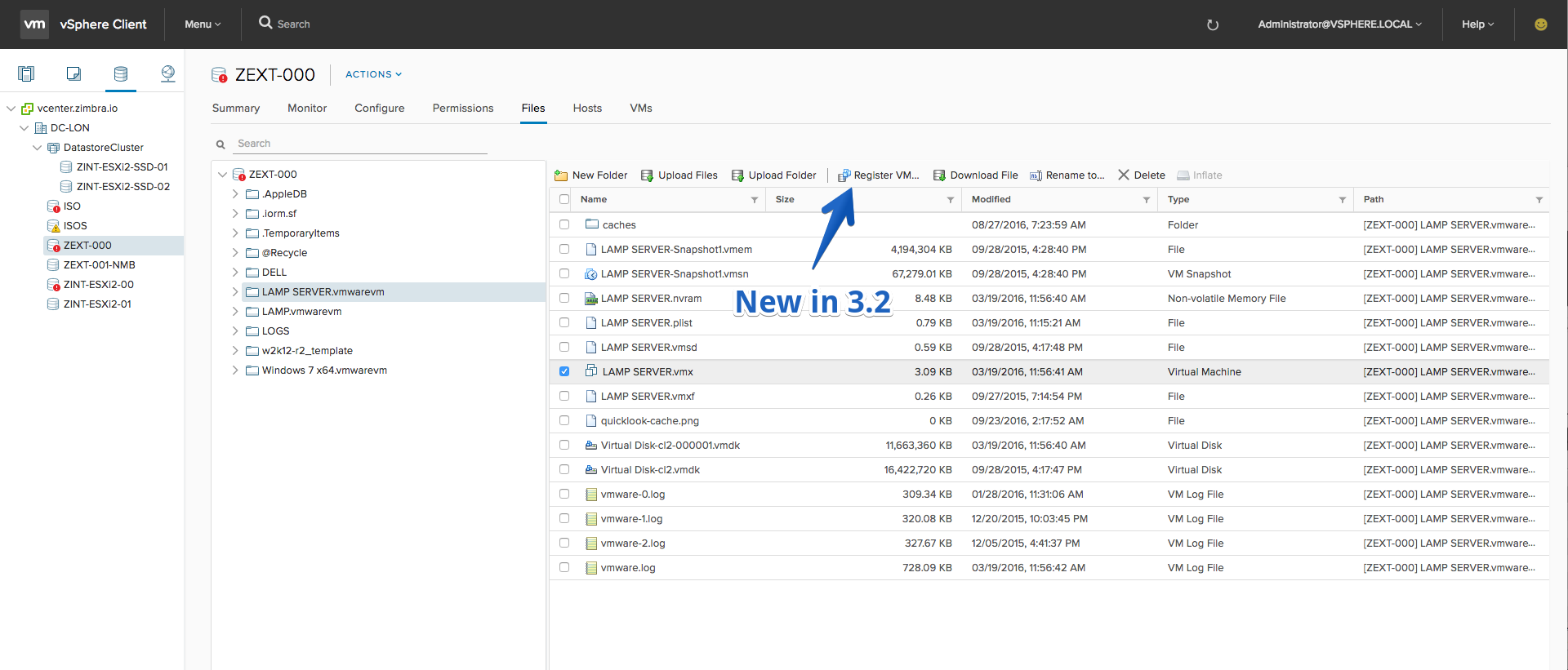
- Register VM or VM template (from a datastore’s File browser)
- Remove from inventory a VM or VM template
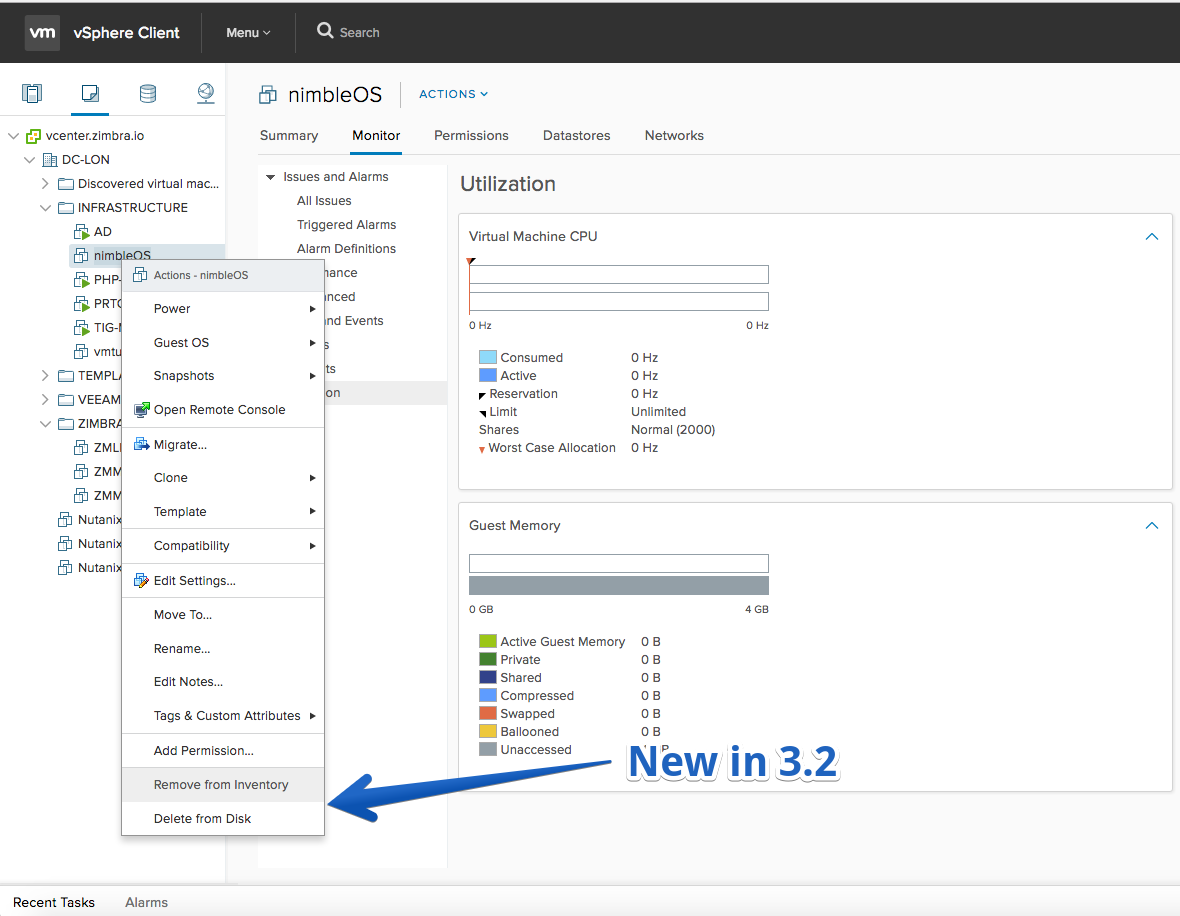
- Move a VM to a VM folder or datacenter using ‘Move to’ dialog
Improvements
- Unmount Datastore Warning appears when the HA heartbeat is going to be affected by the operation. It appears only when the datastore is going to be removed from all of the hosts in a HA Cluster (only in vSphere Client)
- Multi selection support for Datastore lists
- Batch operations in host lists (Maintenance mode, certificate operations, reconfigure for vSphere HA, rescan storage)
- Rename Distributed Switch and Distributed Port Group actions
- When creating new VM, any changes on the VM Options tab of Customize Hardware page will be applied to the VM
- Edit CPU ID mask
Fling 3.1 – Build 4979752
New Features
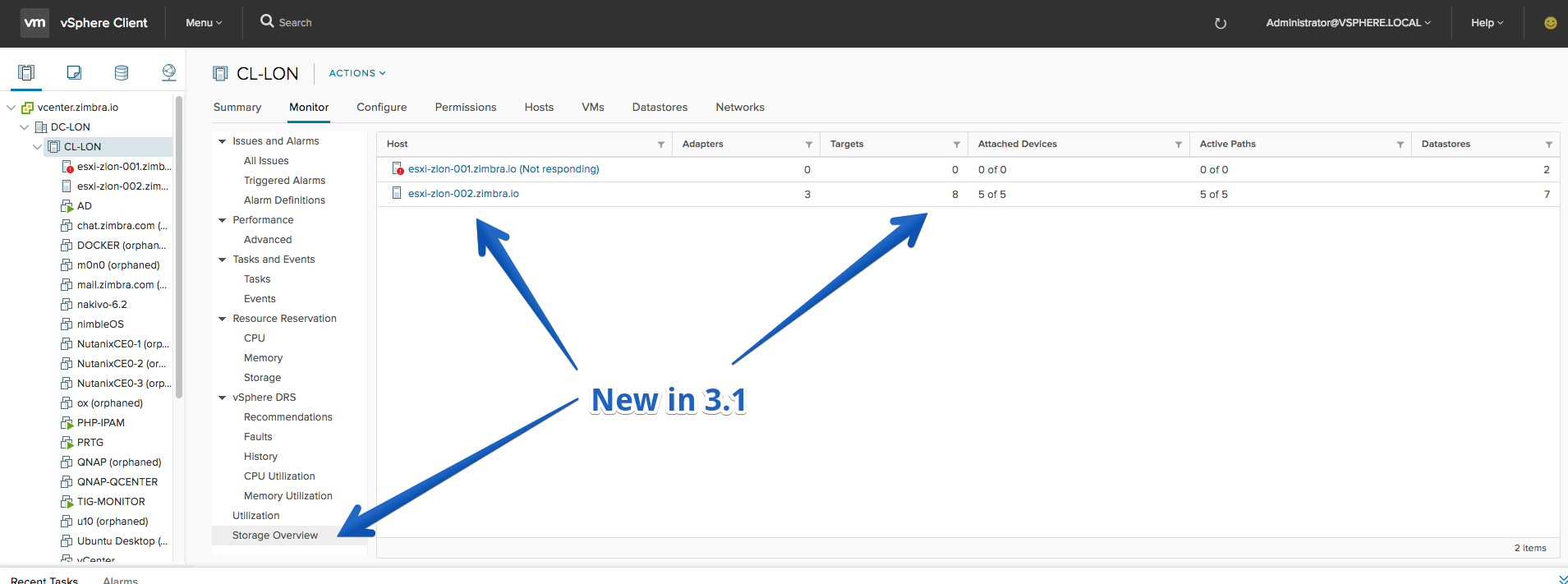
- Cluster > Monitor > Storage Overview (only in vSphere Client). It gives the aggregated storage overview of the hosts in a cluster. There it is easy to find if a host deviates from the standard configuration for that cluster.
- Host Cache Configuration read-only view

- Storage DRS runtime and advanced settings can be configured

- Drag and drop a VM to datacenter
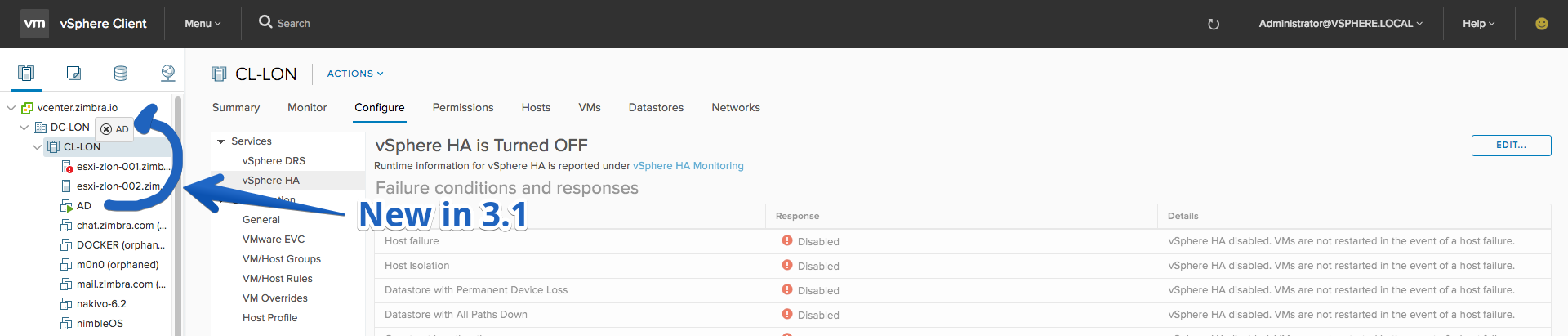
- Drag and drop a VM template to VM folder or datacenter
- Drag and drop of a VM/template works from a list in the central workspace to the inventory tree
- Delete global Tags and Categories
Improvements
- Mount/Unmount action on VMFS > Configure > Connectivity and Multipathing page

- The New VM wizard provides an additional option to clone an existing VM

- Can assign custom storage policy when cloning VM
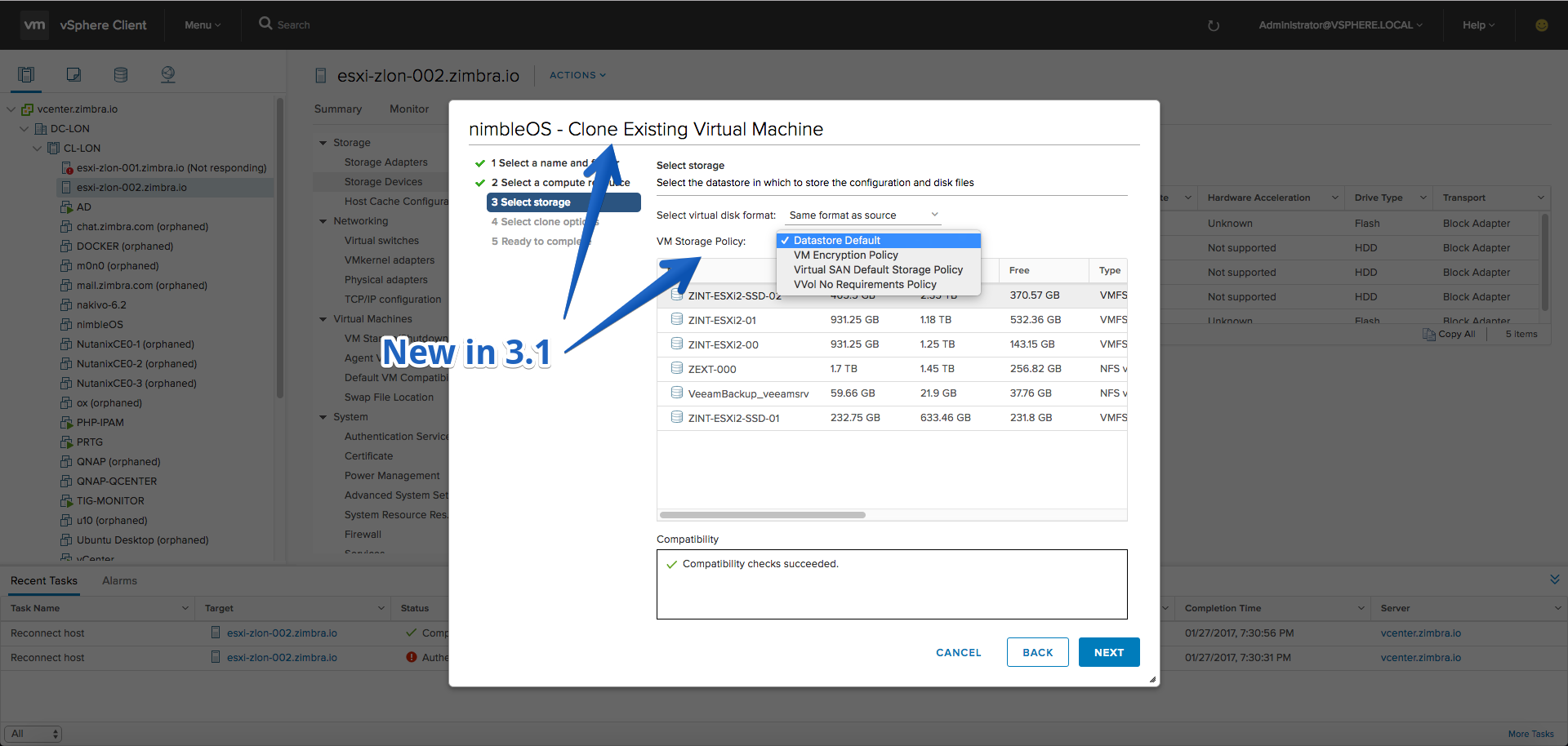
- Delete SCSI controller from VM if it is not in use by any devices
Fling 3.0 – Build 4906185
New Features
- Deploy VM from OVF template (Basic) – Deploy VM on a Host using OVF template URL for a vCenter 6.5 only
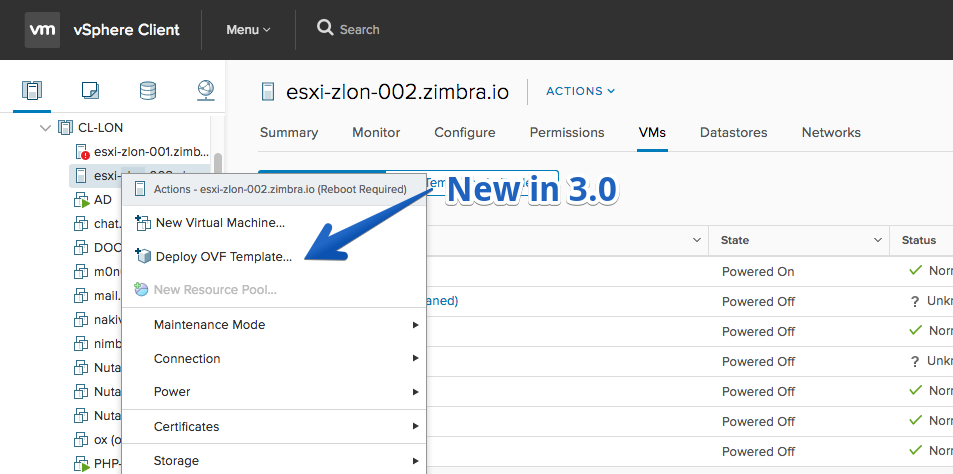
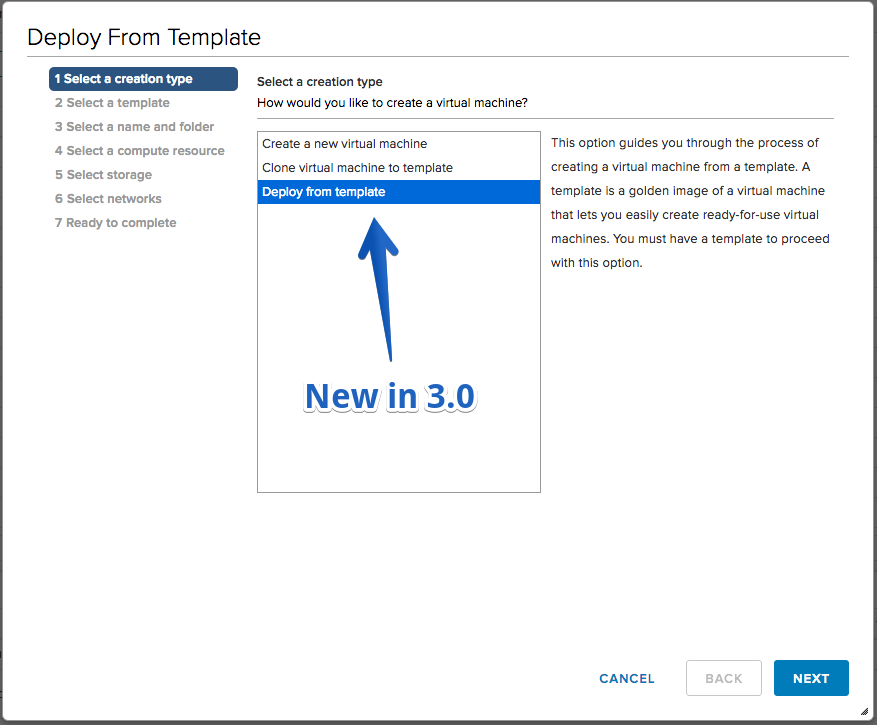
- Deploy VM from template in content library (Basic) – Deploy a VM from a template in content library. There is a change to invoke this workflow, Right click on Host (or cluster or folder) and select “New Virtual Machine…”, then select “Deploy from Template”. This works against vCenter 6.0 and 6.5
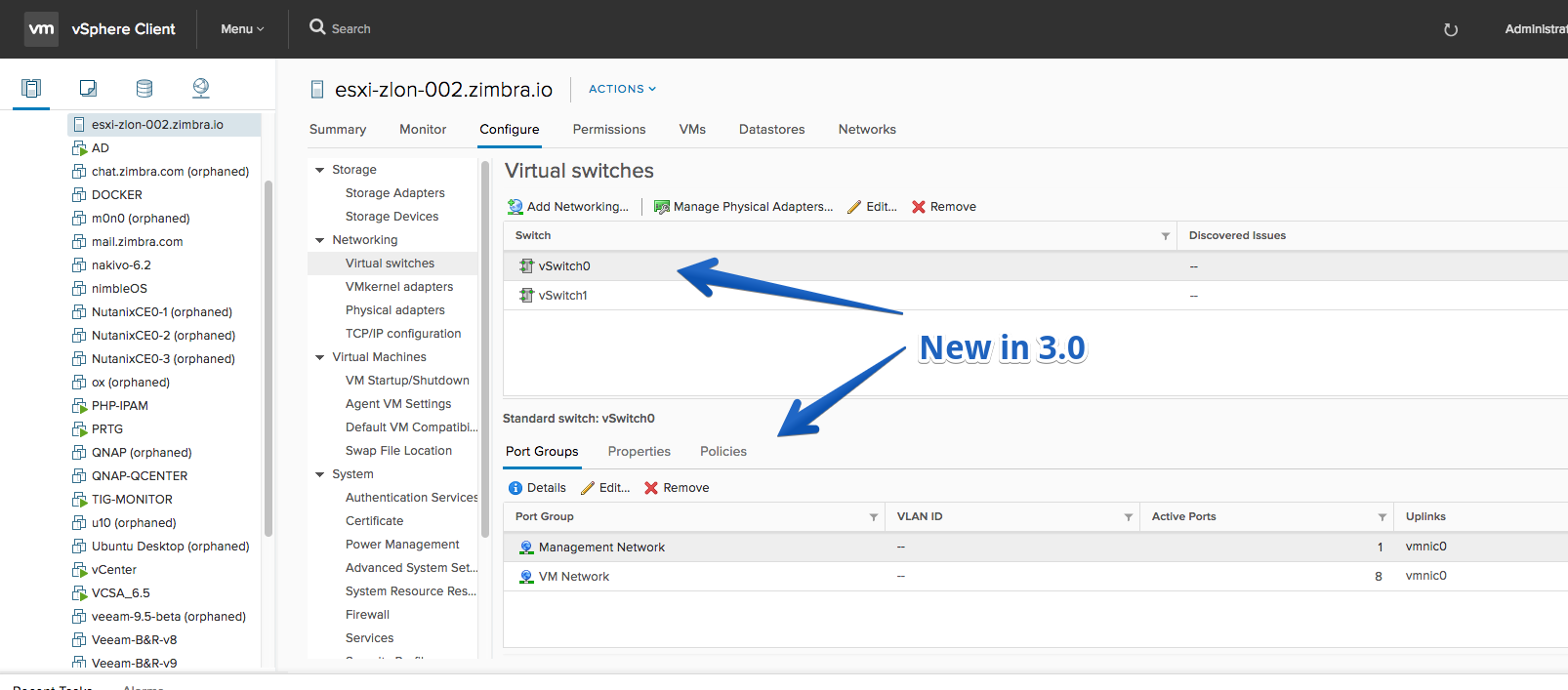
- Edit Settings of a Standard Switch
- Edit IPv4 settings for Hardware iSCSI
- Drag and drop a VM to VM folder in the ‘VMs and Templates’ inventory tree
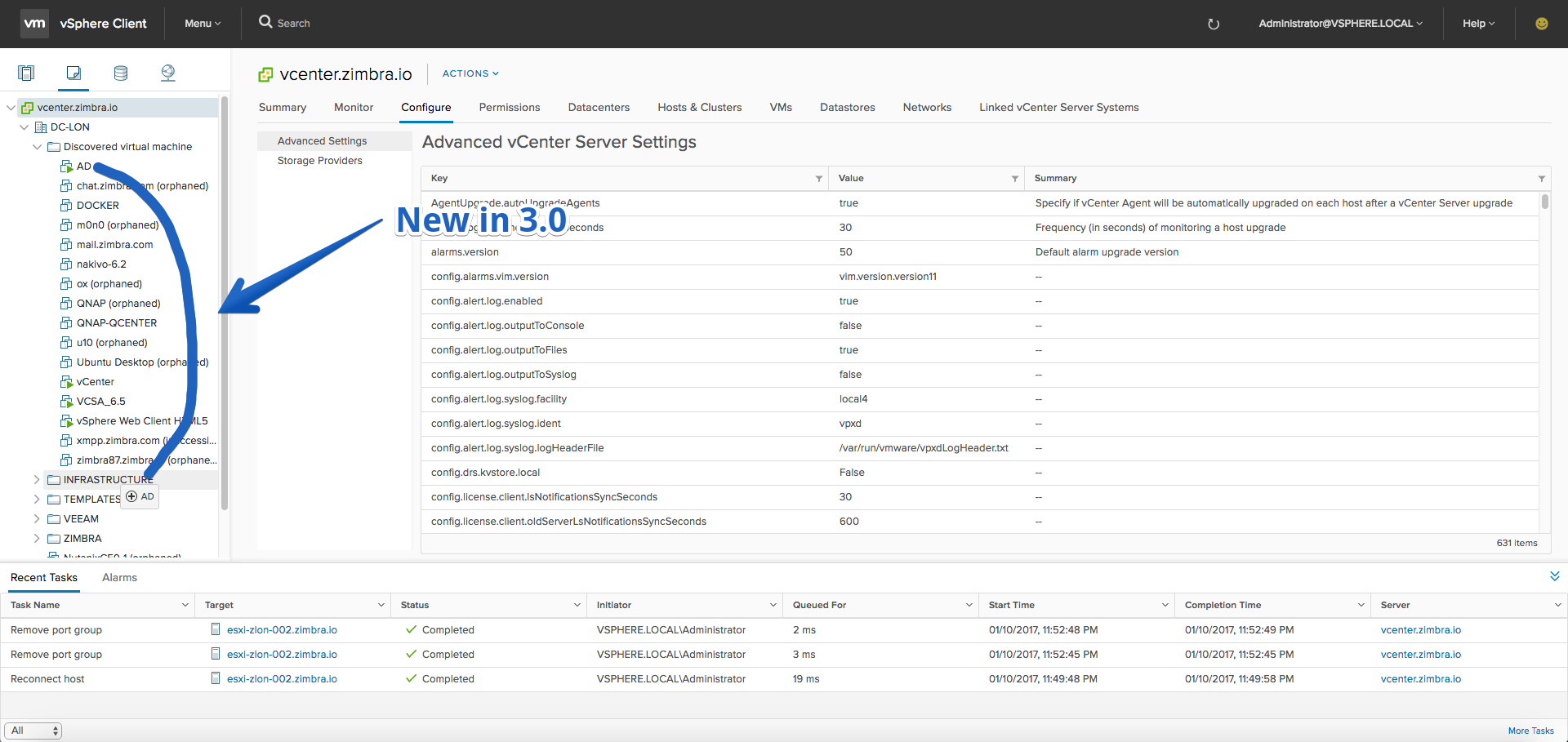
Improvements
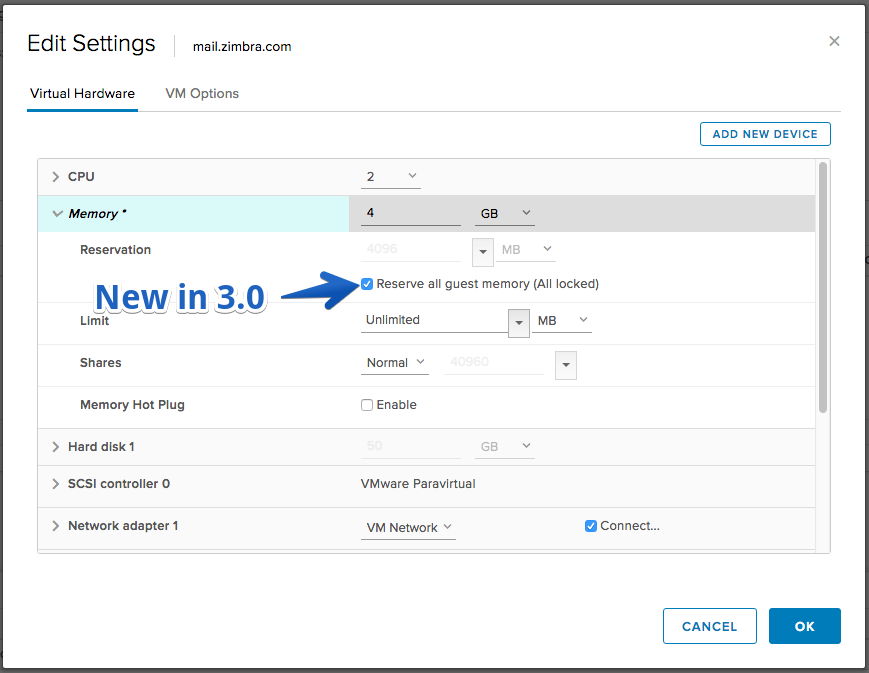
- Reserve all guest memory in VM edit settings
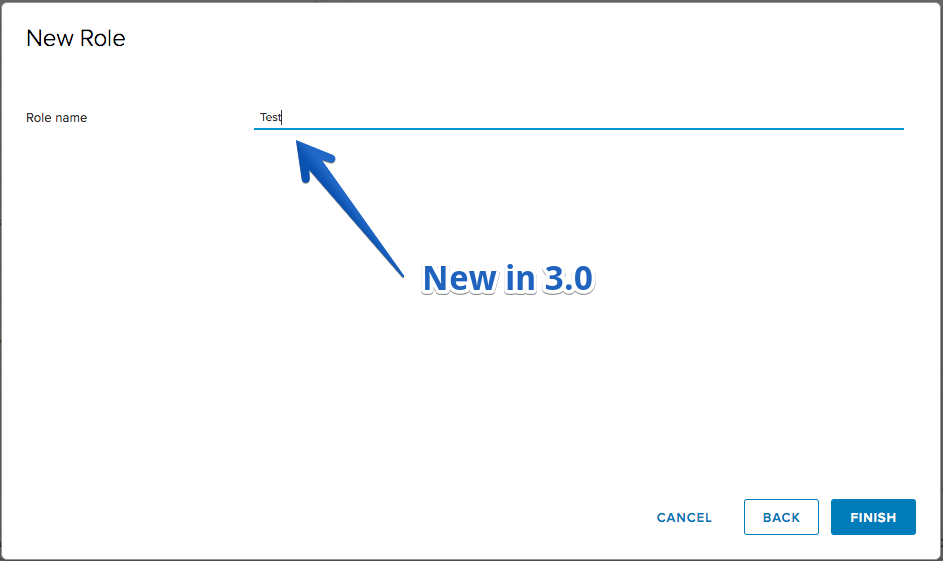
- Roles can be created with editable role name
Nota: Si no os aparecen las nuevas opciones de despliegue de OVF hacer lo siguiente:
mkdir /etc/vmware/vsphere-client/vsphere-ui/
vi /etc/vmware/vsphere-client/vsphere-ui/uiFeatures.cfg
h5uiOVFDeploy = enabled
h5uiContentLibrary = enabled
h5uiVmLibraryActionAddFlag = enabled
Y luego reiniciar
/etc/init.d/vsphere-client restartPuedes seguir viendo el historial de versiones changelog en la siguiente página:
Fling 2.20 – Build 4875797
New Features
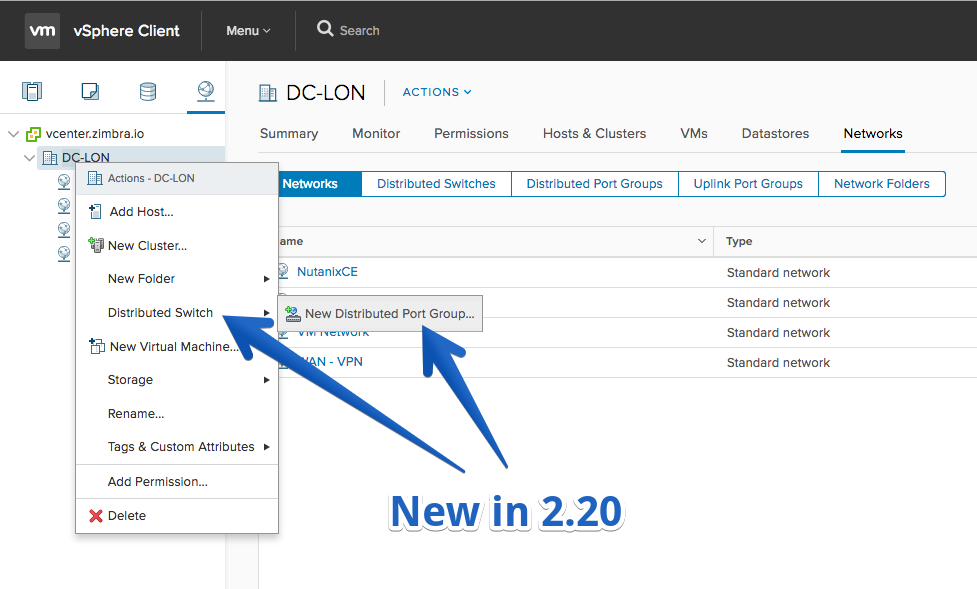
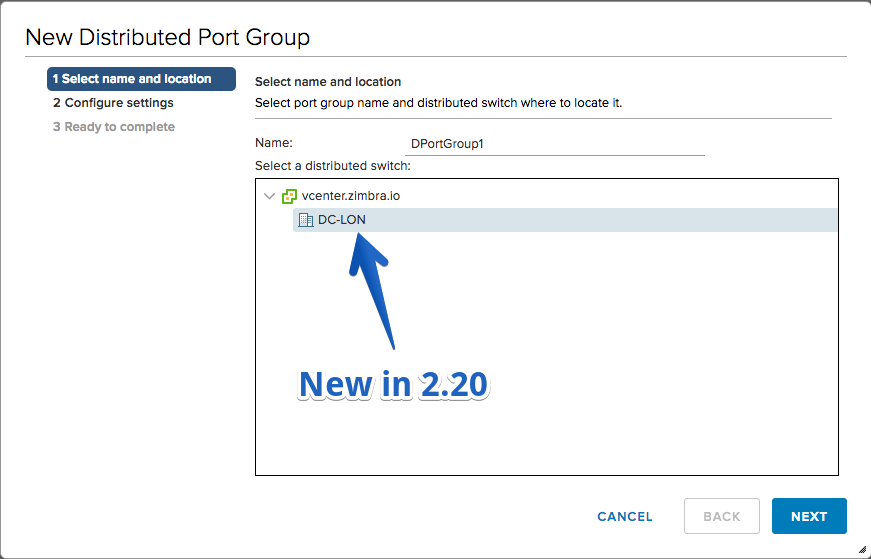
- ‘New Distributed Port Group’ wizard
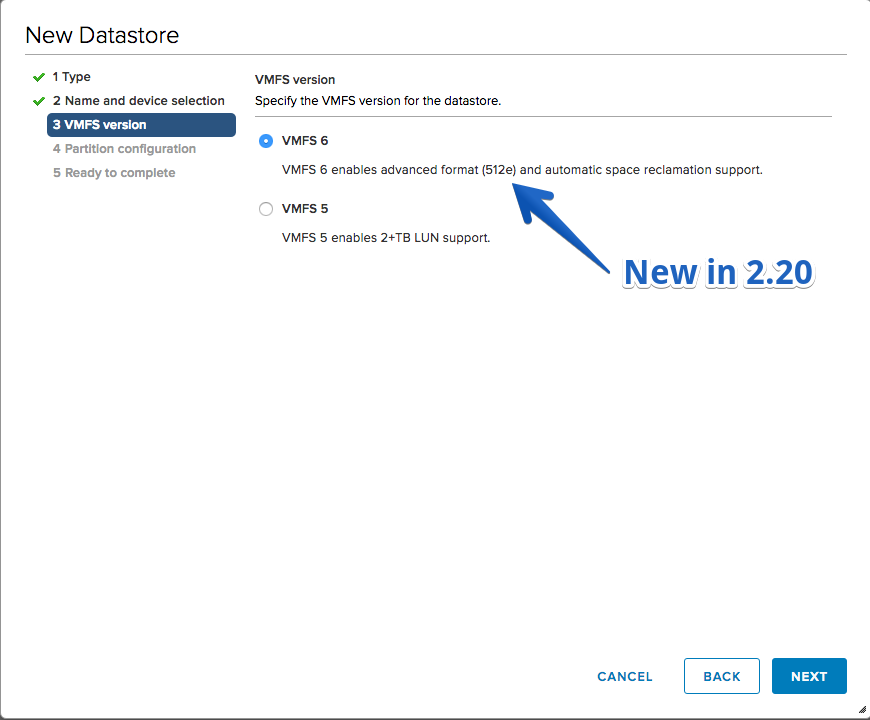
- Support for VMFS6 datastore creation through New Datastore wizard
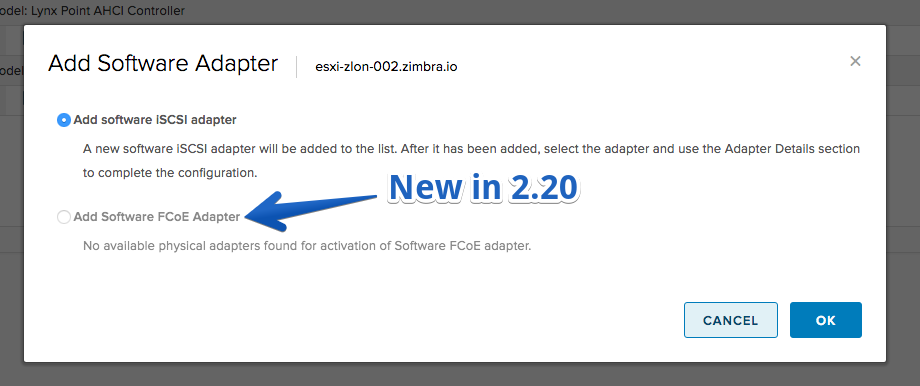
- Support for adding Software FCoE adapter
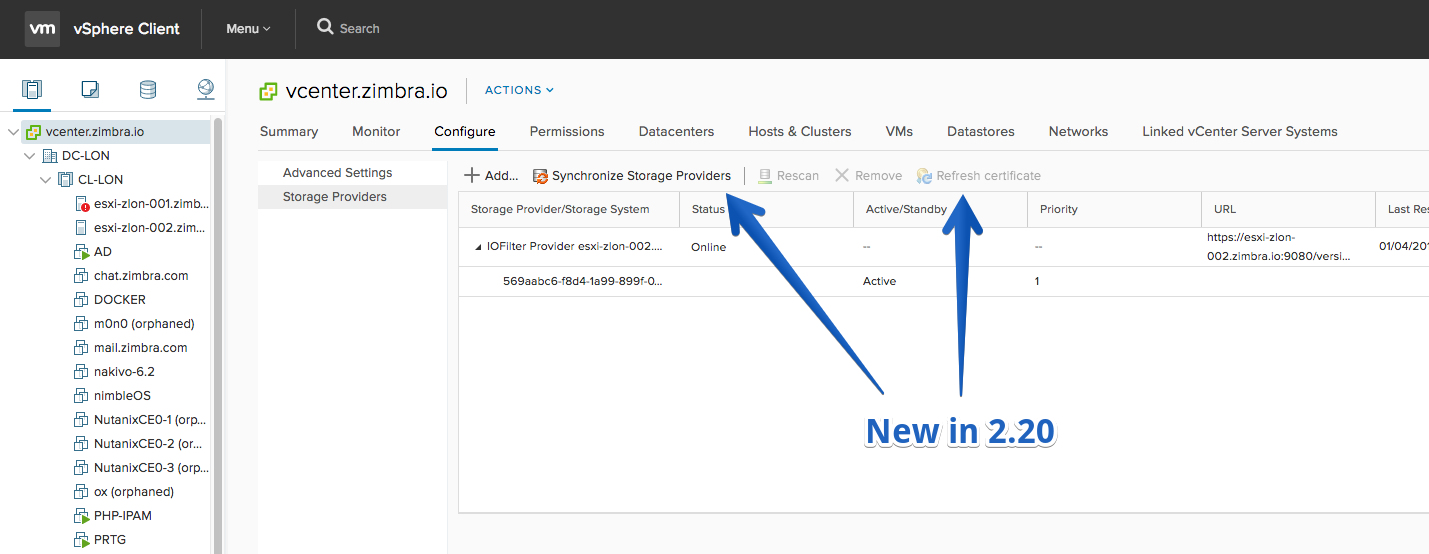
- Rescan/Unregister Storage Provider action
- Refresh Storage Provider’s certificate action
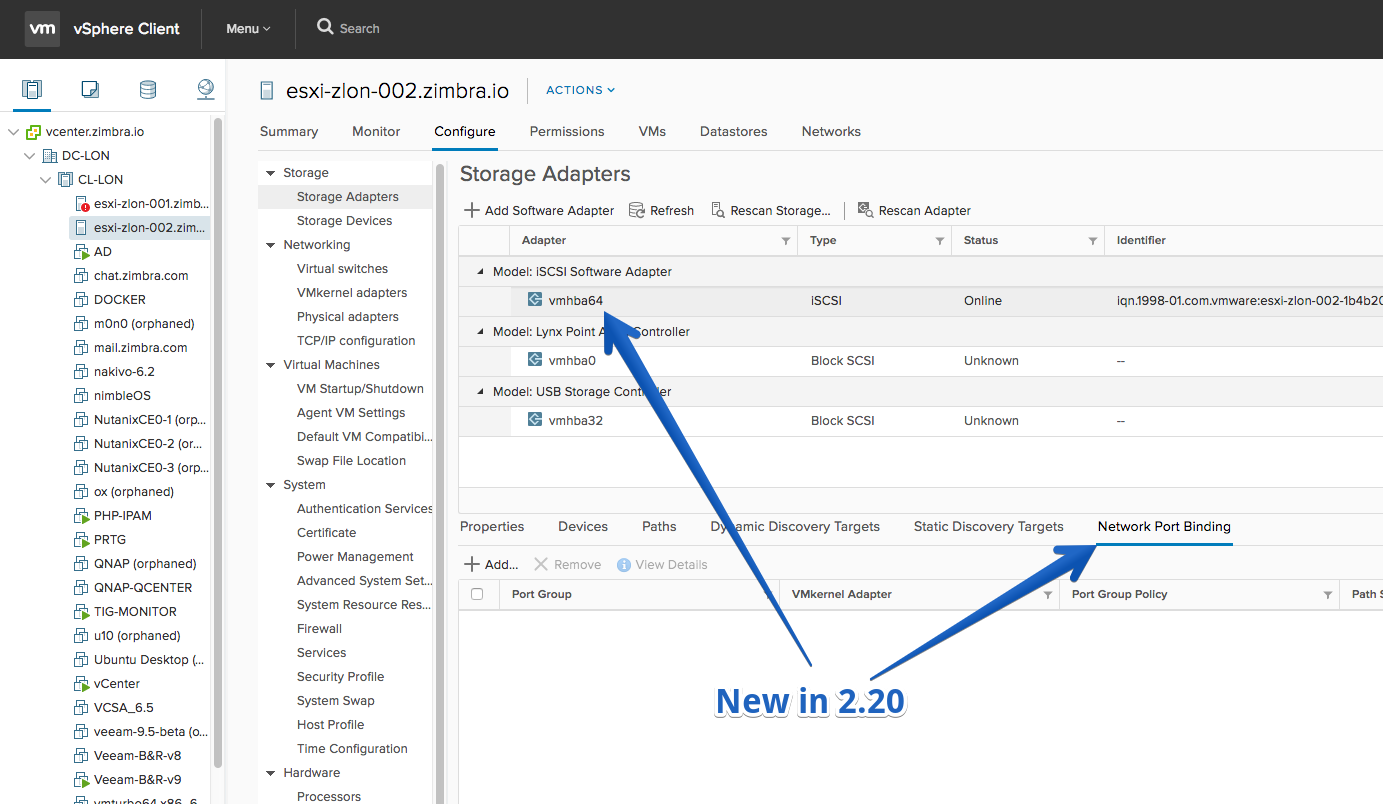
- Network Settings for Hardware iSCSI adapter
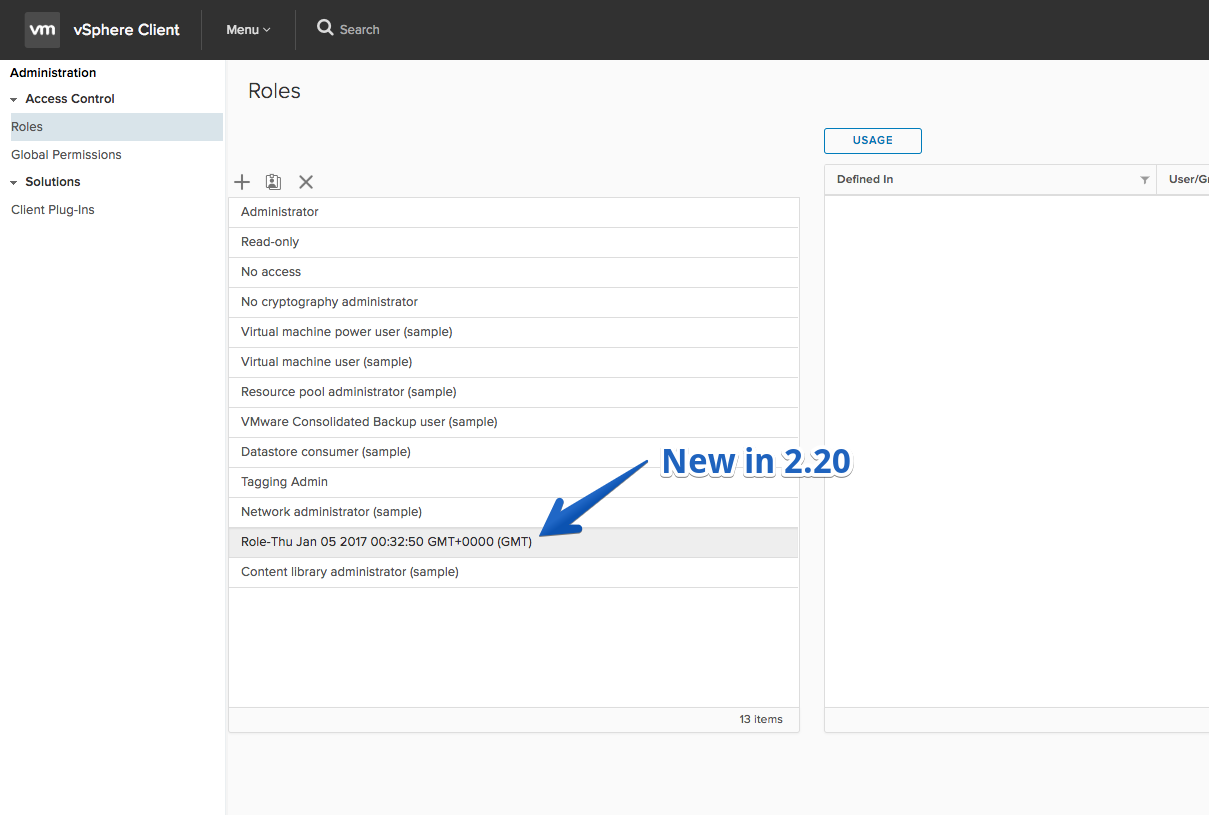
- Create new global role (takes a default role name)
Improvements
- Storage Devices’ lists now contain Datastore column showing the Datastore which consumes the device (available only in the new vSphere Client)
Fling 2.19 – Build 4810256
New Features
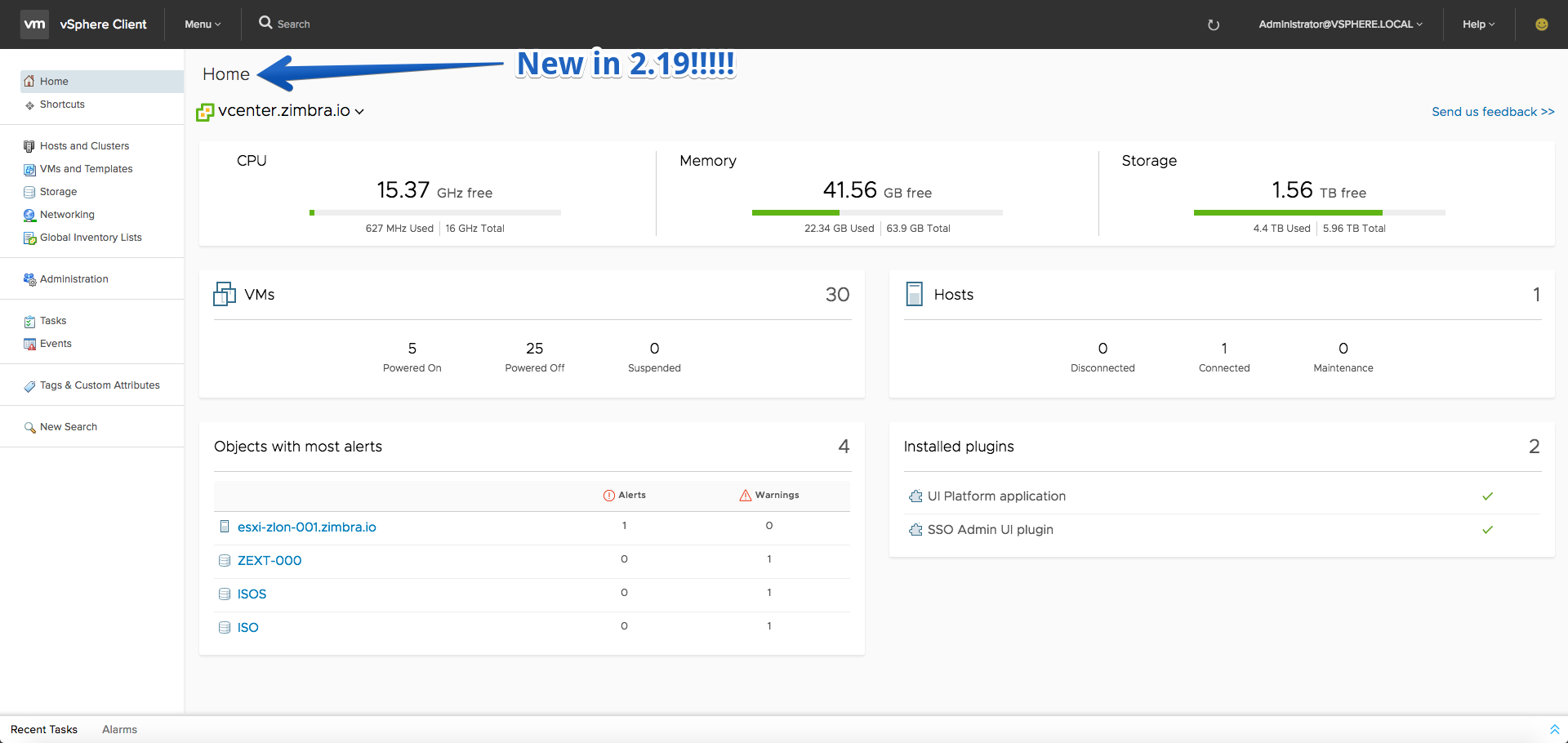
- New Dashboard style page! Now, navigation to the “Home Menu -> Home” page launches an experimental dashboard feature with some common administrative metrics. At a glance, a user can get high level statistics about vCenter capacity resources, top alerts, and more. This offering presents quick and informative statistics in an easy to use visual format. NOTE: As this is an experimental feature, live refresh of the data is not enabled, you can refresh the data in the dashboard by clicking on the global refresh icon inside the vSphere Client (HTML5) application. Also, the old Home screen is now moved to “Home Menu -> Shortcuts” in case you still need it. If you have feedback for us regarding the new dashboard (like, dislike, improvement requests, want the old Home brought back), please submit using the Feedback tool with “DASHBOARD:” in the text area. Note, that due to some quirks right now with the Feedback tool, taking a screenshot on this view will only show the Dashboard central area and not the lefthand side or tasks. This is expected.
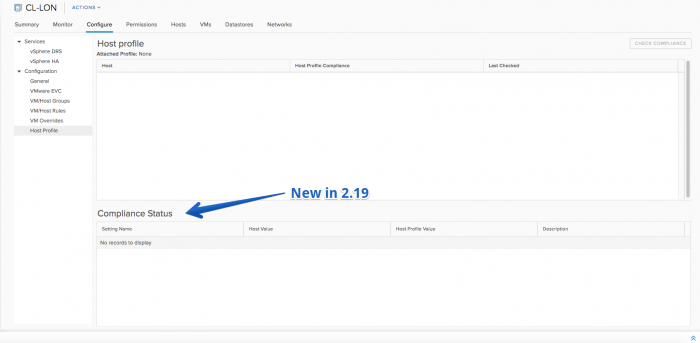
- Host profile compliance data can be seen for hosts and clusters.
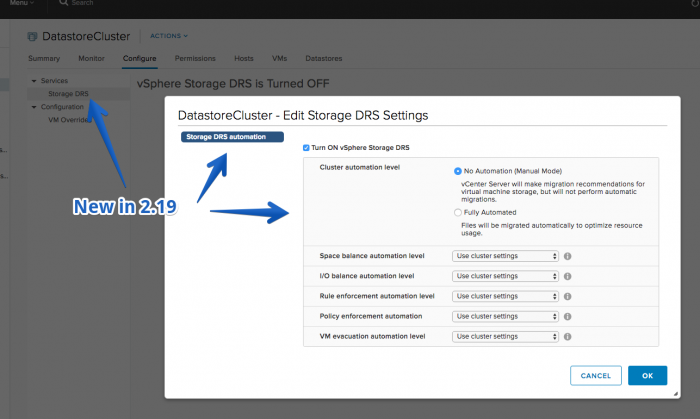
- SDRS automation settings can be configured.
- Edit settings of a Distributed Switch
- New Storage Provider action
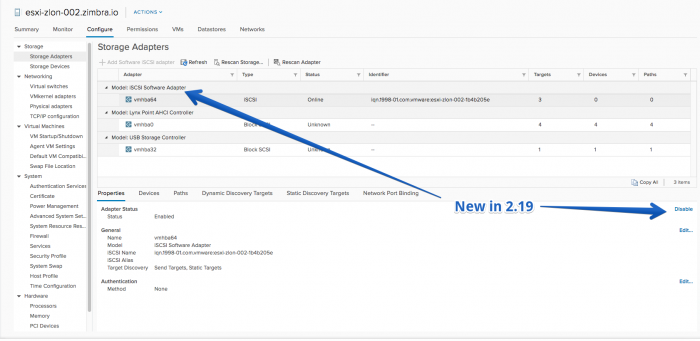
- Disable Software iSCSI/FCoE adapter action
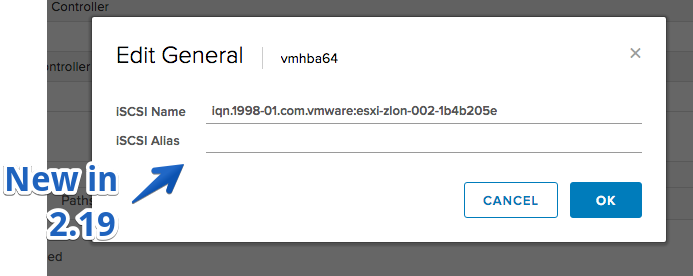
- Edit iSCSI name and alias action
- Edit the Space Reclamation configuration action
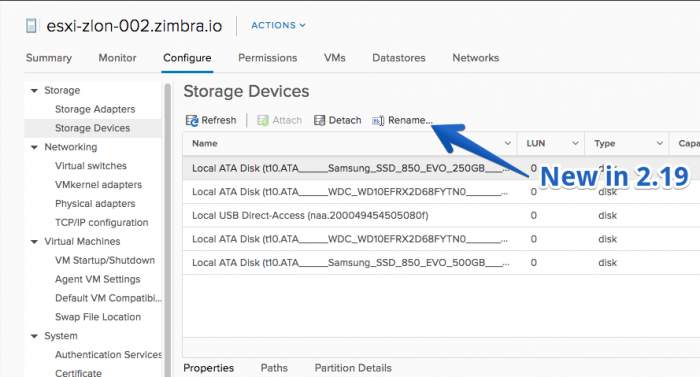
- Rename Storage Device action
Improvements
- Added VLAN ID, VMs, and a few other columns to the Distributed Port Groups list
- List multiple VMs in the ‘Power On Failures’ dialog
- When you create or clone a VM/template on a datastore cluster and you open the ‘Datastore Recommendations’ dialog on ‘Ready to complete’ page, your last selection is preserved
- The Memory reservation values on ‘Customize hardware’ page are preserved, when navigating back and forth in the VM provisioning wizards
Fling 2.18 – Build 4781476
New Features
- Space Reclamation read-only configuration for VMFS6 datastores
- Storage Providers view on VC level with all the details for Storage Providers and Storage System
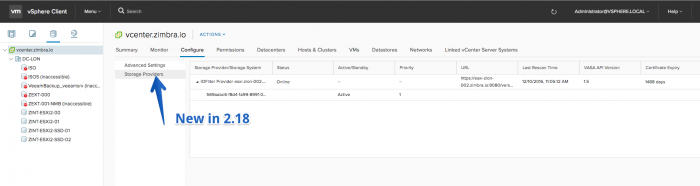
- Host profile customizations can be edited
- Manage physical network adapters of a standard switch
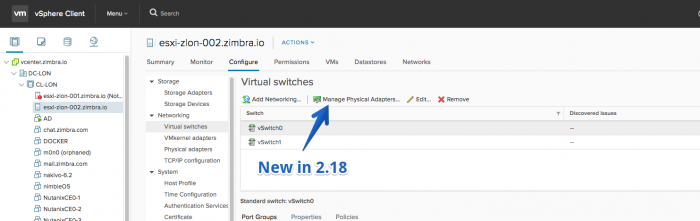
- Roles – You can view all the roles (with usage data), clone the role, delete role
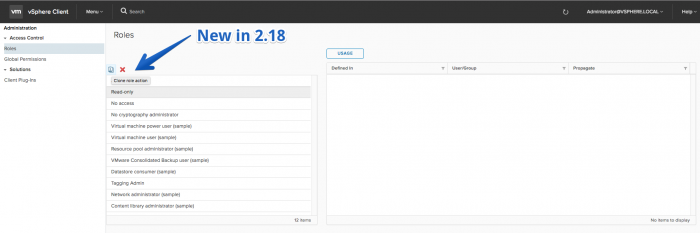
- Permissions – You can view all the global permission, add a global permission
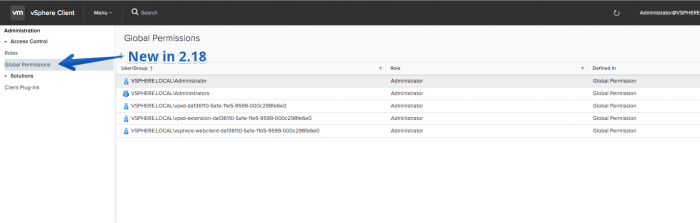
- Plugins – You can view list of plugins (read only) installed on your vSphere Client
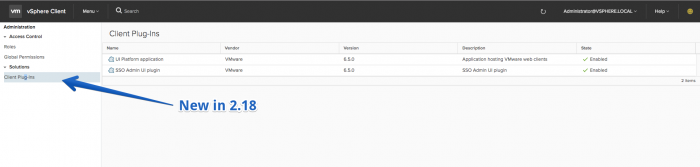
Improvements
- Delete multiple distributed port groups
- When you create or clone a VM/template on a datastore cluster, you can view faults generated by SDRS for the corresponding hard disks on ‘Ready to complete’ page
- When you create or clone a VM/template, you can view the full hard disk details on ‘Ready to complete’ page
- Unify the look and feel of VM power operations dialogs
Fling 2.17 – Build 4743245
New Features
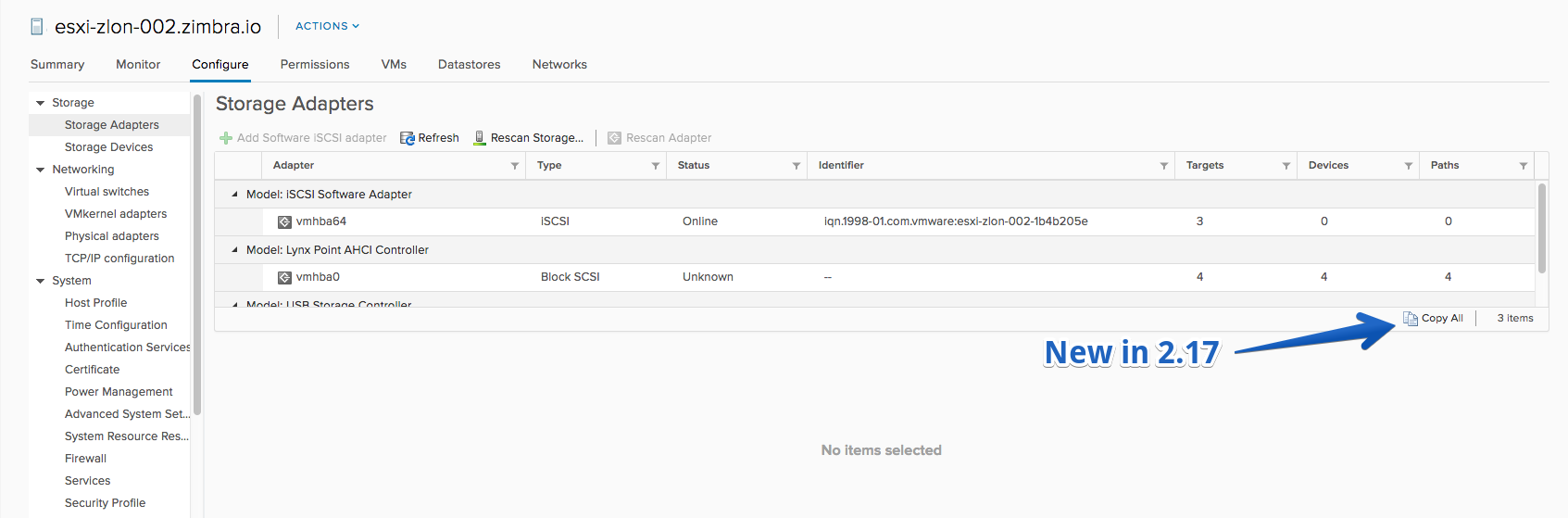
- Copy grid content for Storage Adapters, Storage Devices and Storage Paths
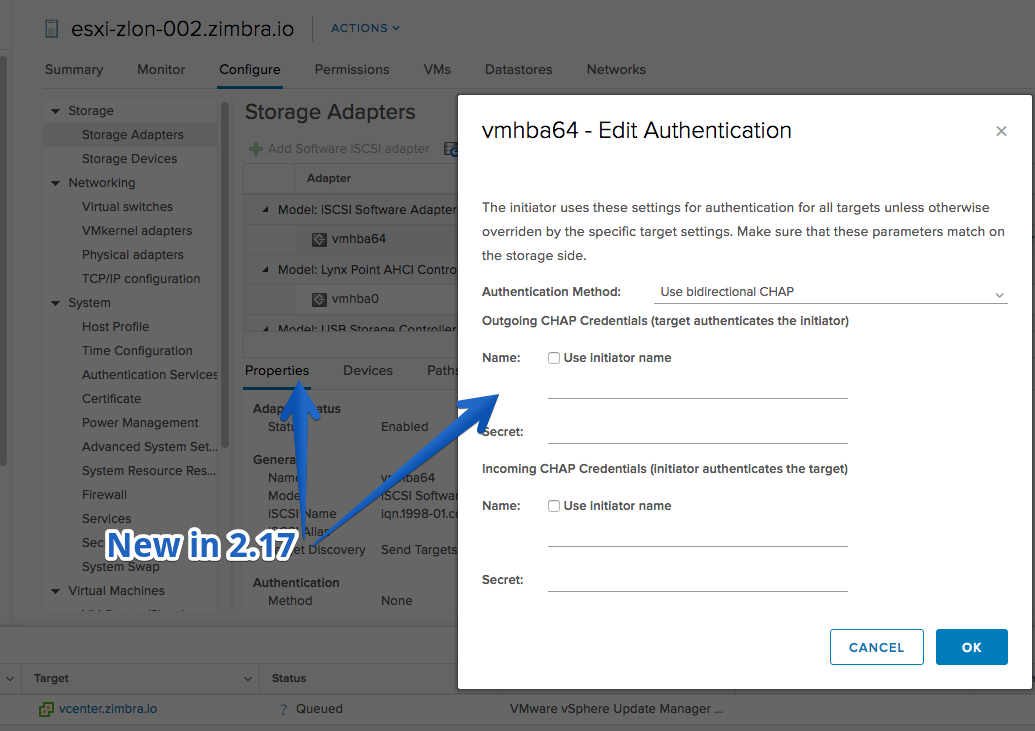
- Override CHAP configuration for Dynamic/Static Discovery Targets
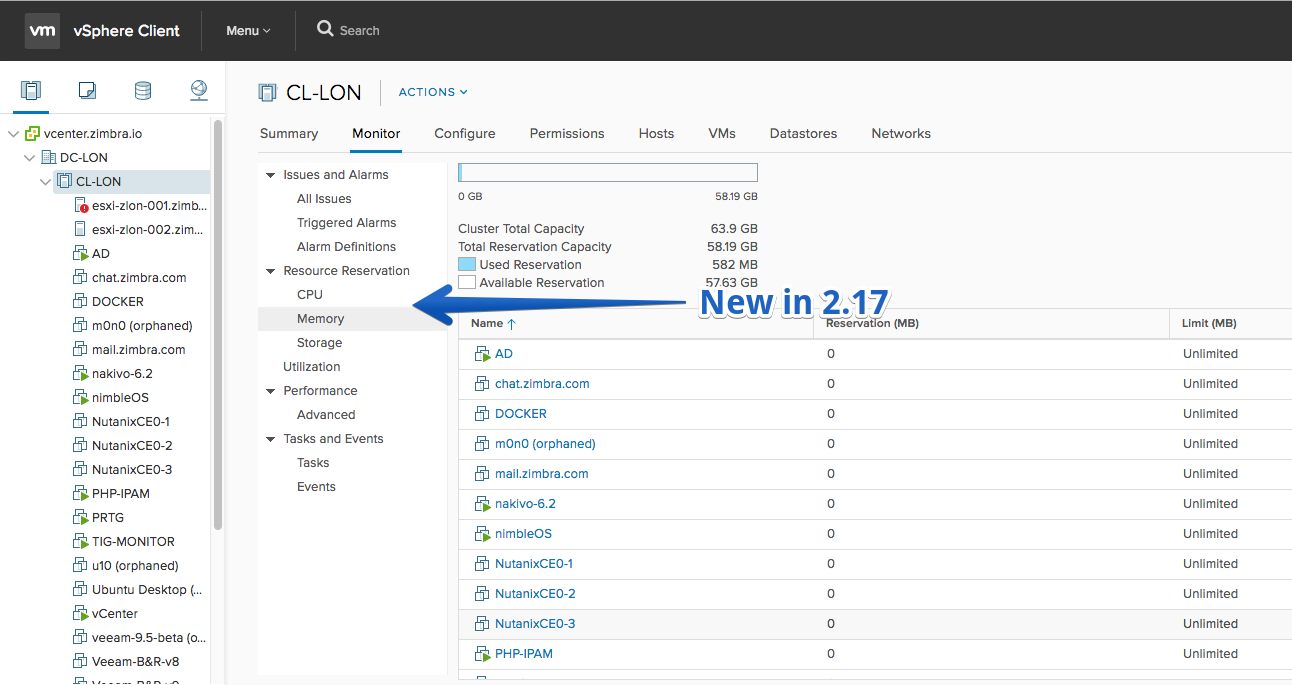
- Utilization and resource reservation monitoring views for clusters and hosts.
- Storage DRS overall configuration can be seen.
Improvements
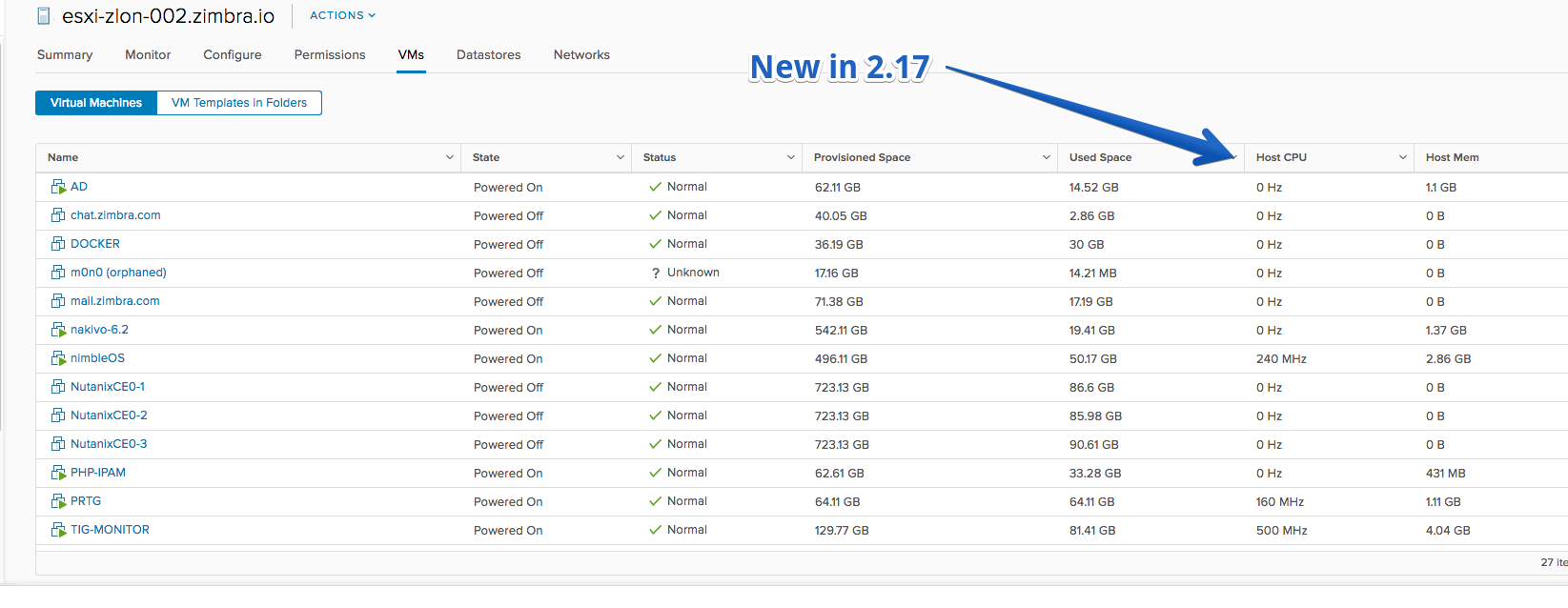
- Sort ‘Host CPU’, ‘Host Memory’ and ‘Guest Memory – %’ columns in the VM lists on host, cluster and resource pool level
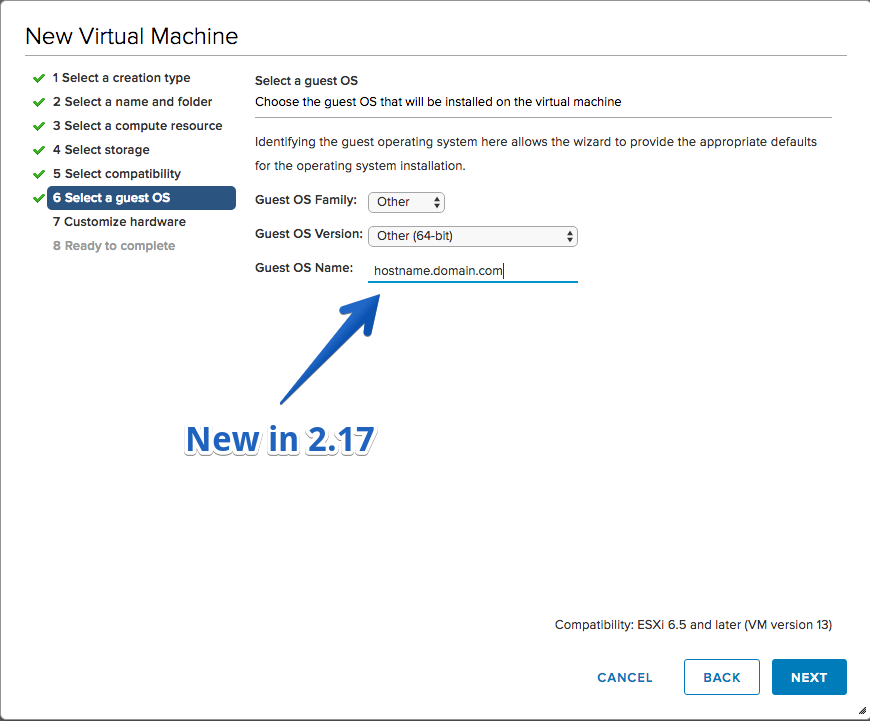
- Provide custom Guest OS name in New VM wizard (Other Guest OS family > Other version)
- Improvements when navigating back and forth in the VM provisioning wizards and changing existing selections
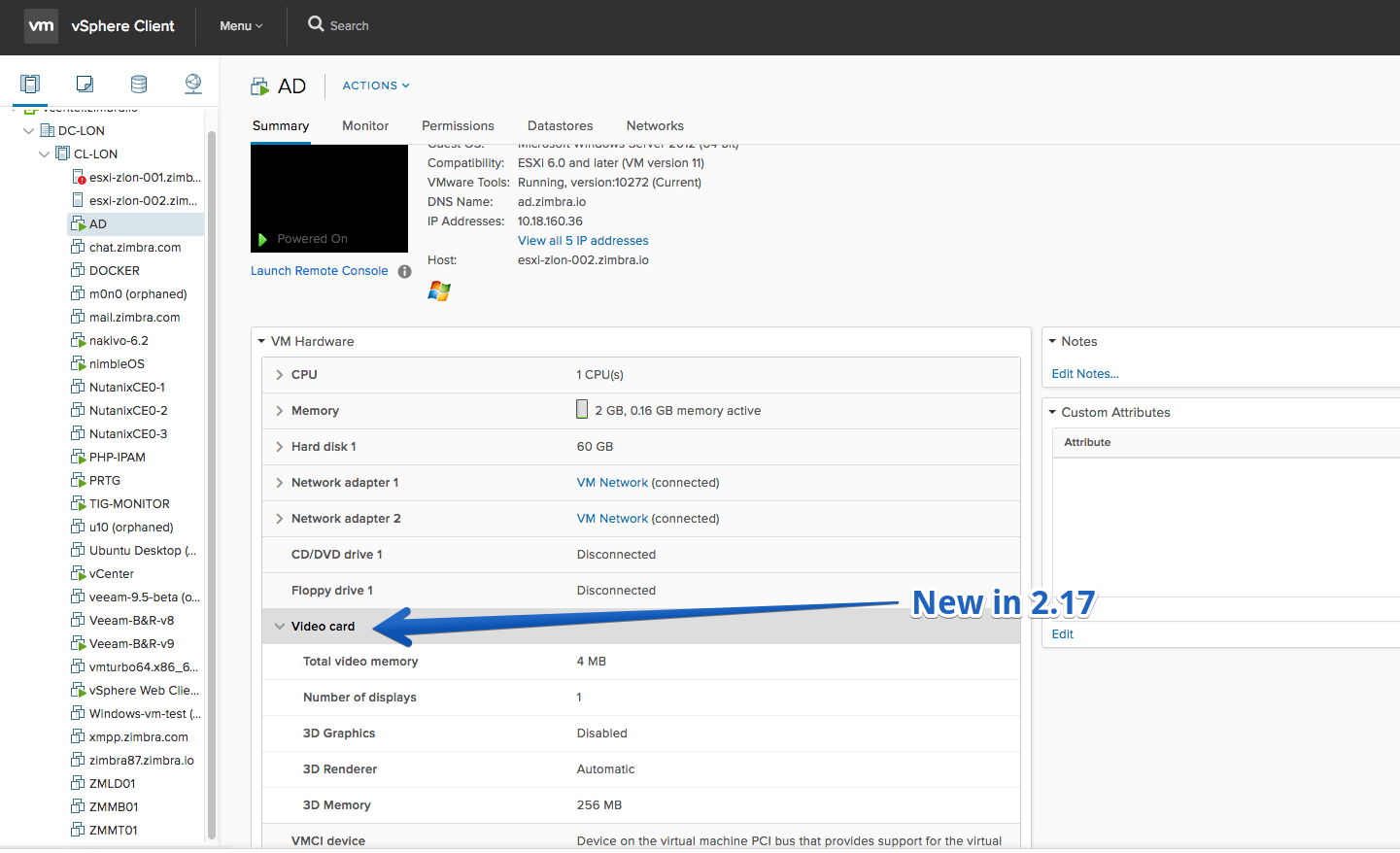
- Additional video card information is displayed in the VM summary portlet
Fling 2.16 – Build 4721081
New Features
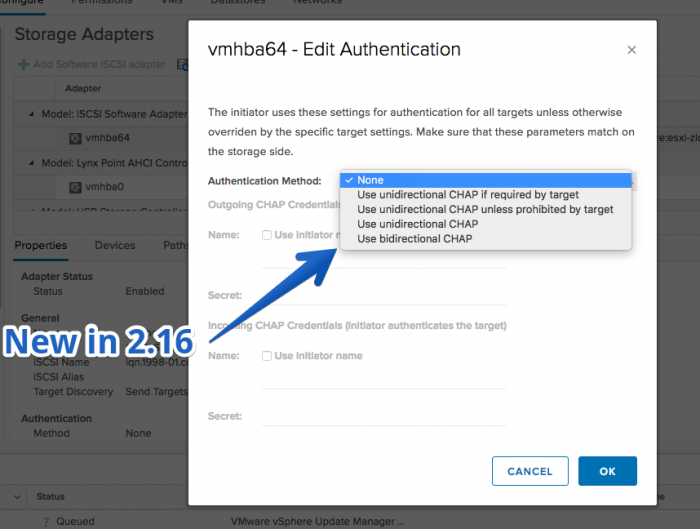
- Configuring CHAP Parameters for iSCSI Adapters
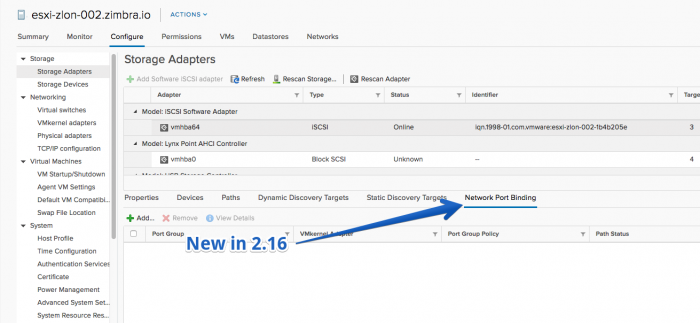
- Network details for Software iSCSI port bindings
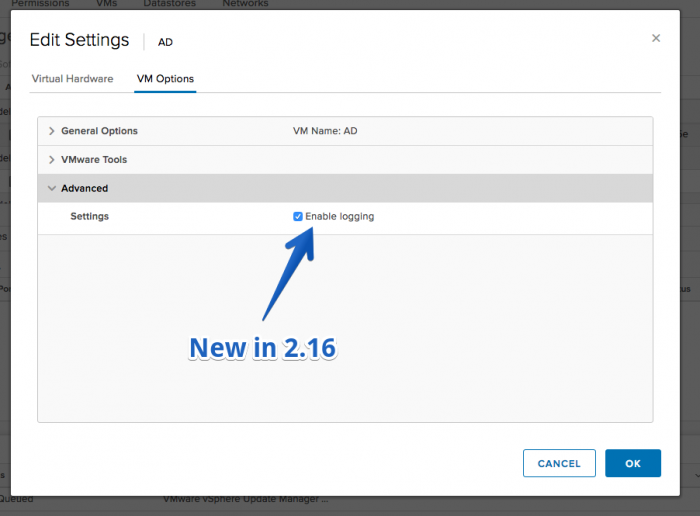
- Enable/disable logging for VMs in the edit settings
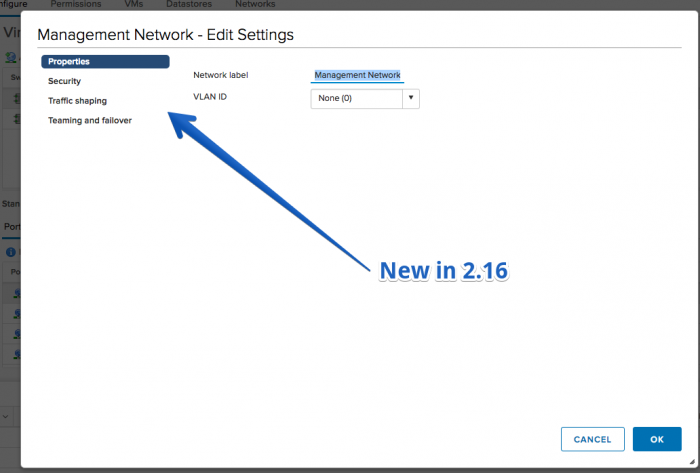
- Edit properties and policies of Standard Port Groups
- View the properties of a Distributed Switch
- Hosts can be moved in the inventory (including drag and drop).
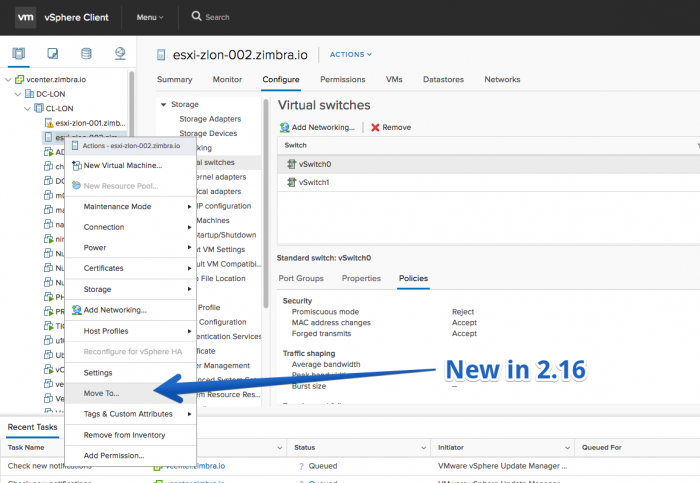
- Delete multiple VMs from disk
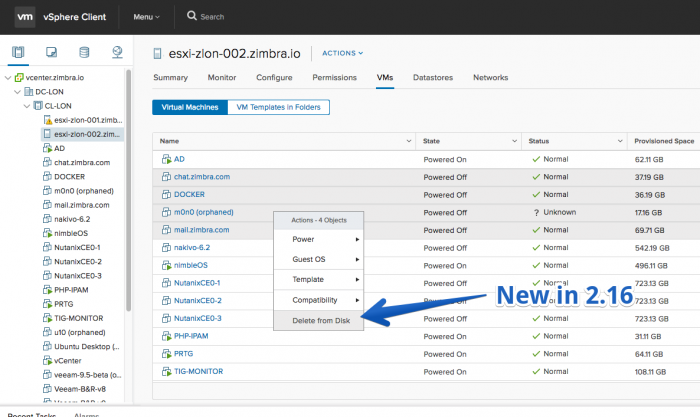
- Delete single and multiple VM templates from disk
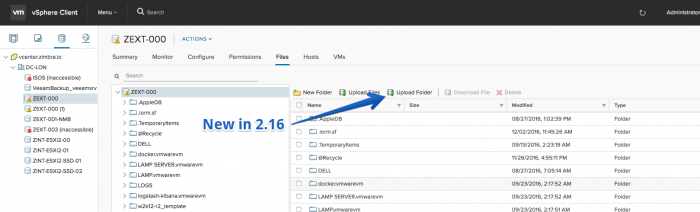
- Upload Folder to datastore action for File Browser (Available only for Chrome, Edge and Firefox 50 and above)
Improvements
- New Switch Details and Features portlets on the Summary page of a Distributed Switch
- View and edit notes on the Summary page of a Distributed Port Group
- Resized VM provisioning wizards to accommodate more content
- The storage policy selection is preserved when going back and forth in the VM provisioning wizards
- More informative compatibility messages for incompatible datastores in VM provisioning wizards
- Multi-files selection when uploading files to a datastore
Fling 2.15 – Build 4685753
New Features
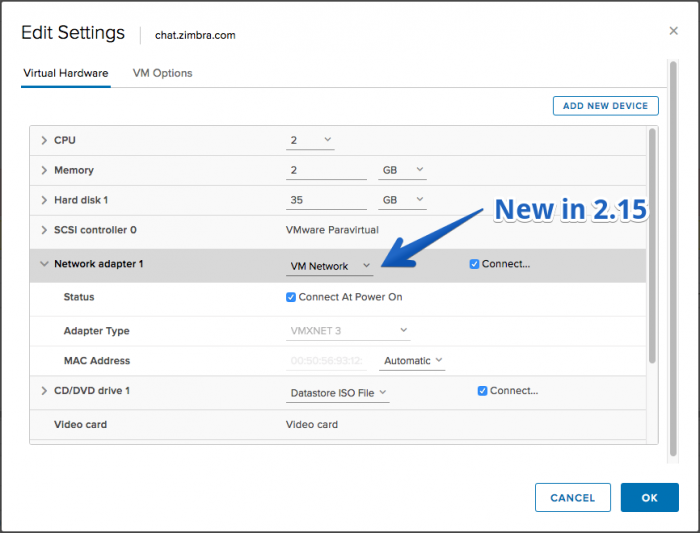
- Users can edit the network type for a new network adapter in VM edit settings
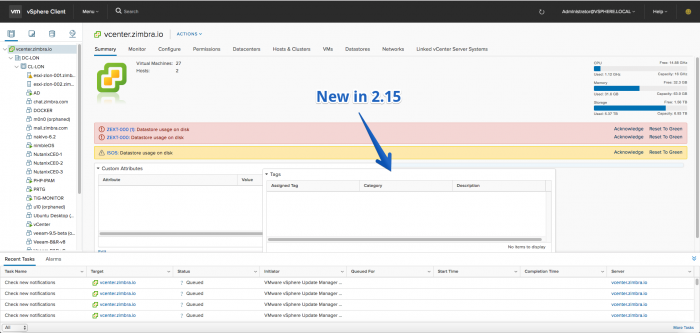
- Portlets in the summary page can be dragged and dropped
- Upgrade to VMFS5 file system action
- Partition Layout chart in Create datastore and Increase datastore capacity workflows
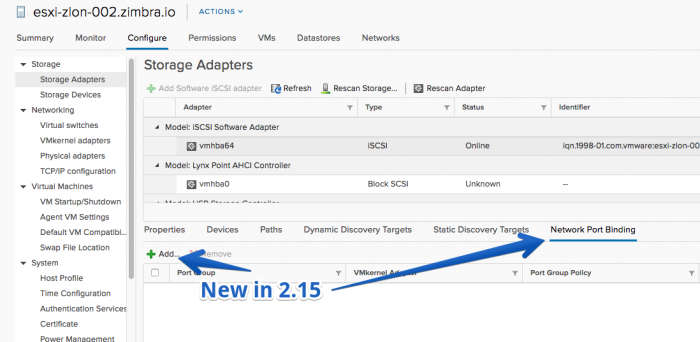
- Network Port Binding view for Software iSCSI adapter
- Add/Remove network port binding to Software iSCSI adapter
Improvements
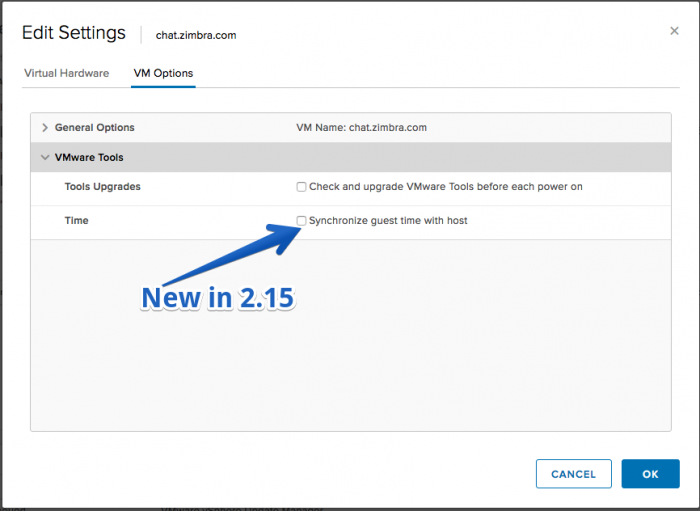
- Users can synchronize the guest time with the host time in the VM edit settings
- Can provision new VM/template on an incompatible storage (storage that doesn’t match the current VM policy).
- Can change the disk format successfully when cloning a VM/template.
Fling 2.14 – Build 4655617
New Features
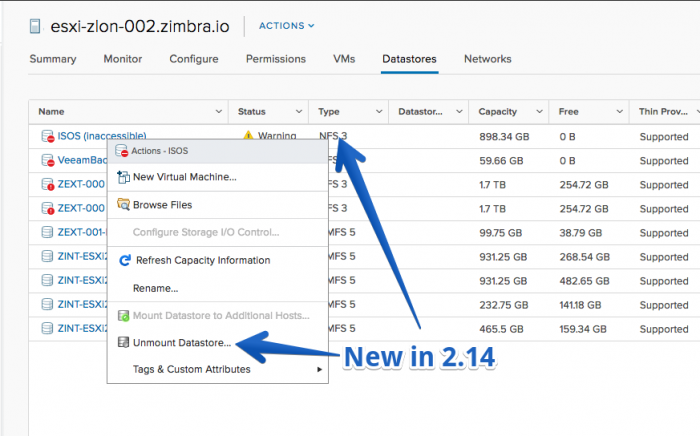
- Mount/Unmount NFS datastore
- Edit properties and policies of Distributed Port Groups
- Add physical network adapters to Standard and Distributed Switch
- View properties and policies of Standard Switch
Improvements
- The VM memory and disk size values are preserved when going back and forth in the New VM wizard
- Added all validations for the VM/template name in the New/Deploy/Clone wizards. Now an error appears when the provided name is too long or already in use.
- Power state validations in VM edit settings dialog
Fling 2.13 – Build 4616630
New Features
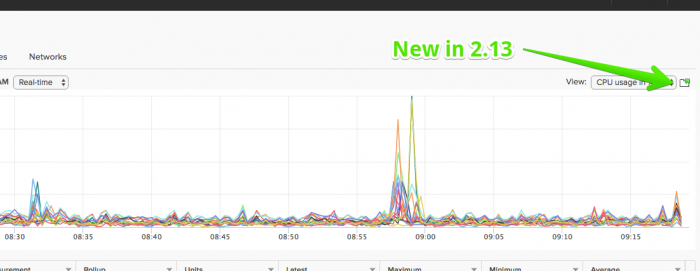
- Performance charts can be popped out in a new browser window.
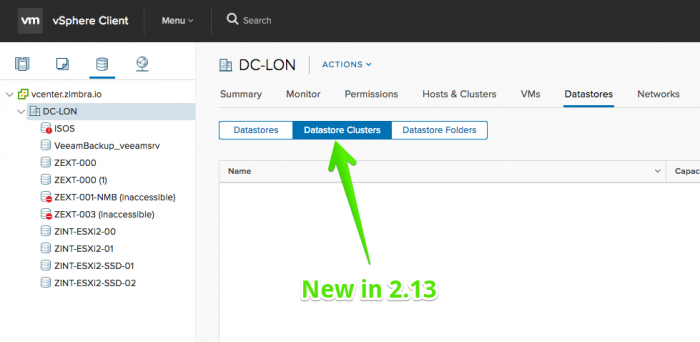
- Datastore clusters can be created and deleted.
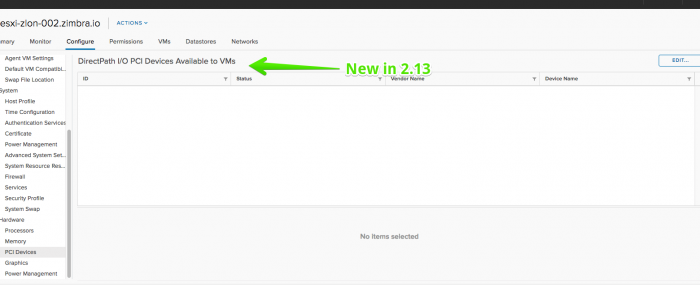
- ESXi PCI devices can be enabled for passthrough
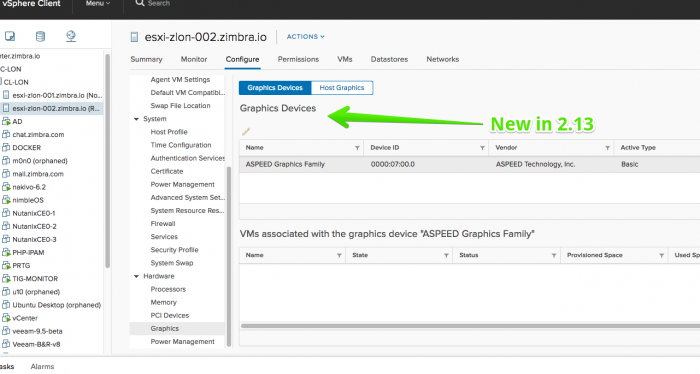
- ESXi usage of GPUs by VMs can be seen.
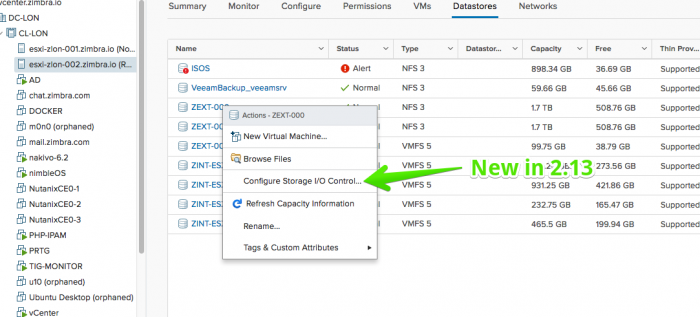
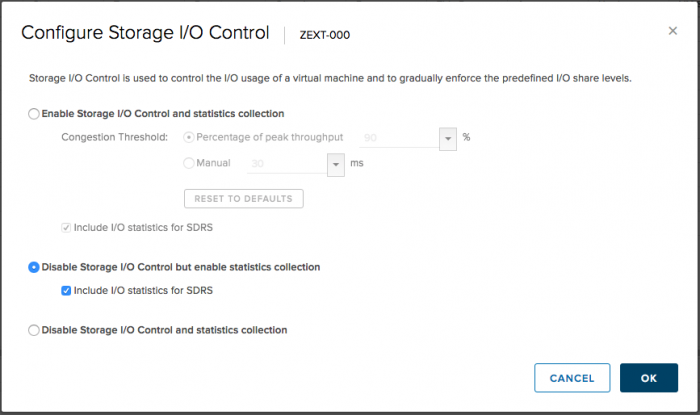
- Configure Storage I/O Control
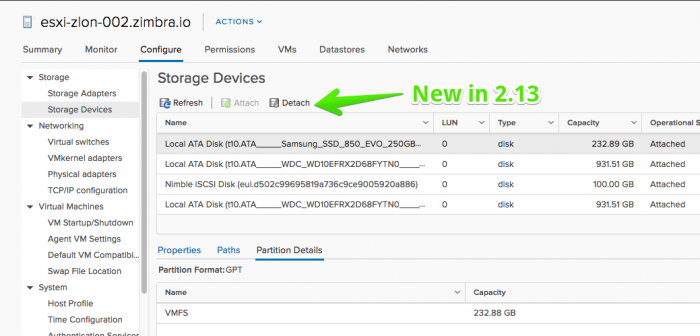
- Attach/Detach devices from Host Storage Devices page
Improvements
- Datastore Files browser is a top-level tab
- Edit Multipathing is available on VMFS Datastore > Connectivity and Multipathing page
- Disconnected VMs cannot be edited
- User can pick a different storage from the edit settings for new harddisks
Fling 2.12 – Build 4587215
New Features
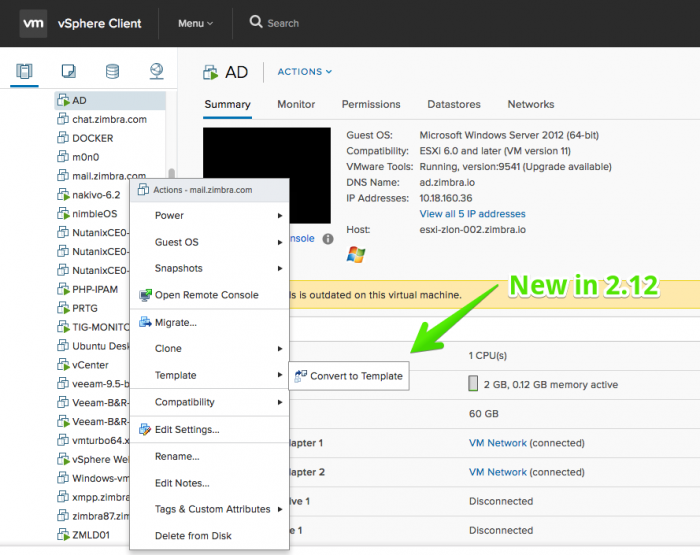
- Convert virtual machine(s) to template
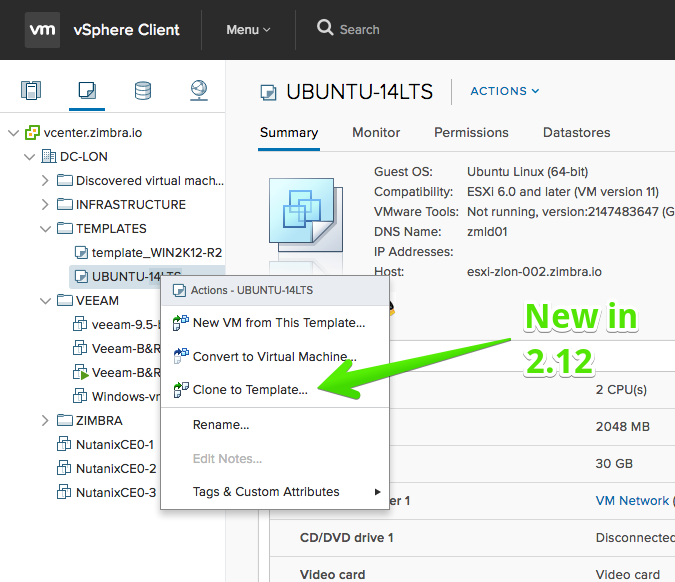
- Clone template to template
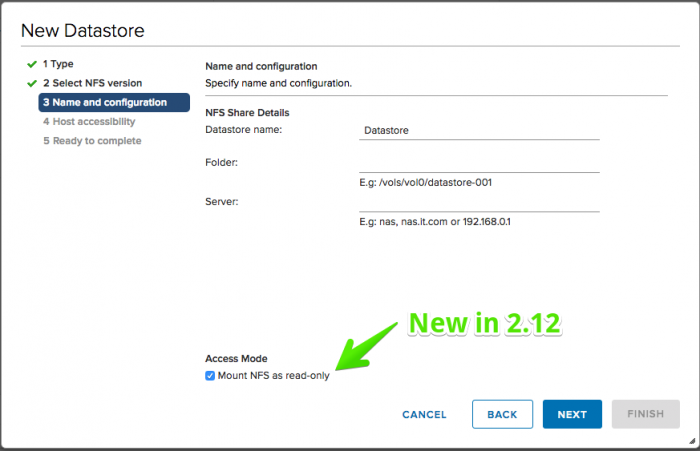
- Creation of Read-only NFS3 / NFS4.1 datastores
- MEdit Multipathing Policies for Host Storage Devices
Improvements
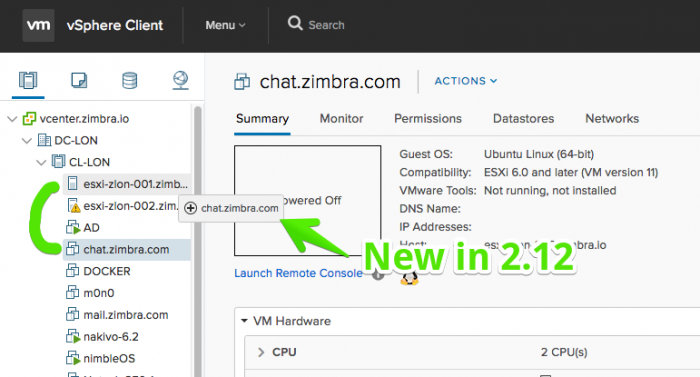
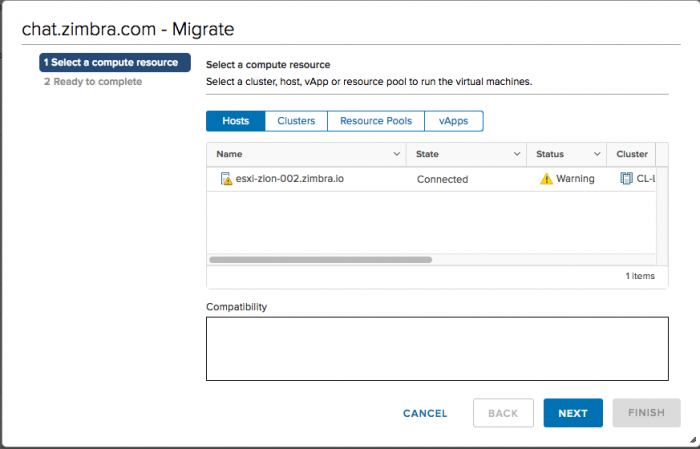
- Drag and drop virtual machine to a host that has the same datastore and network
- Launch New Virtual Machine wizard from vApp
- Show active filters in the header of grid columns
- Navigating back in a wizard and changing existing selection invalidates next wizard pages
- Device type is now available under VMFS Datastore > Configure > Device Backing
Fling 2.11 – Build 4553575
New Features
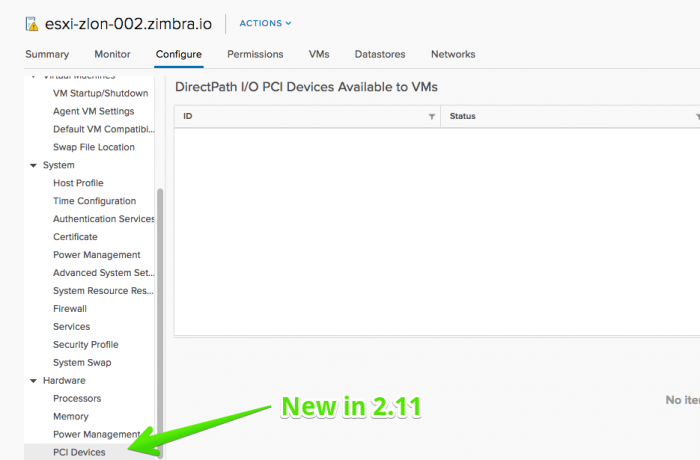
- Host PCI devices available passthrough to VMs and their details are listed.
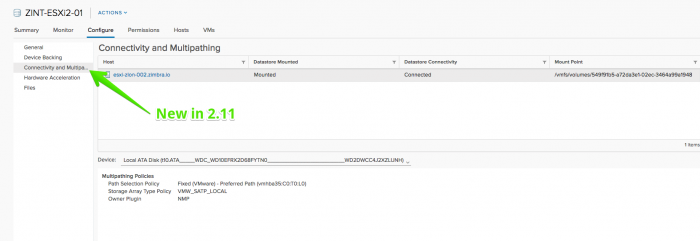
- Multipathing Device Details for host (VMFS > Configure > Connectivity and Multipathing)
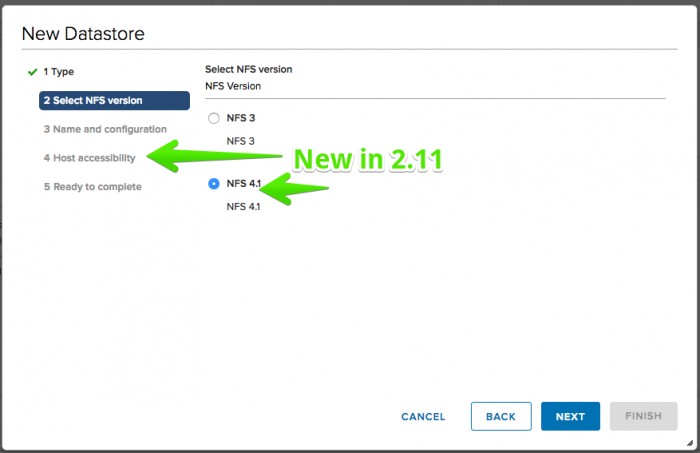
- Create new NFS4.1 datastore (multiple servers)
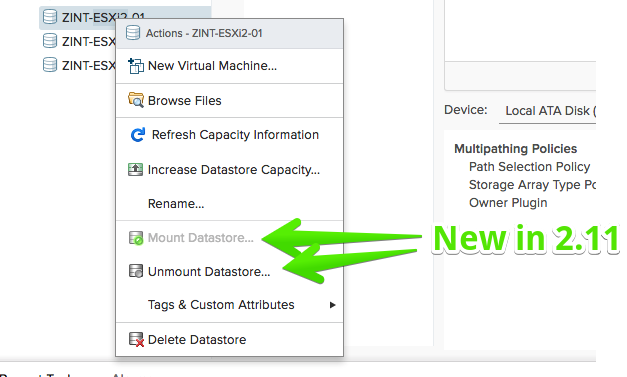
- Mount/Unmount VMFS datastore
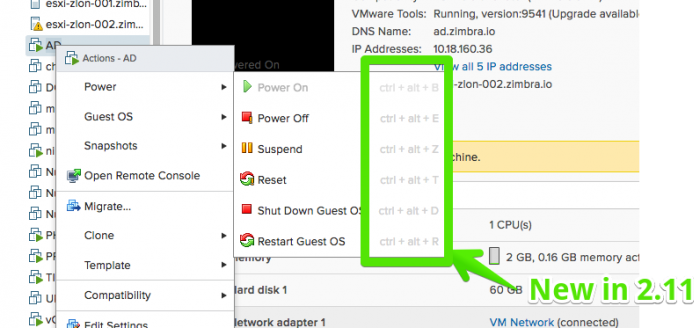
- Keyboard shortcuts for power operations on virtual machines
Improvements
- Launch New Virtual Machine wizard from datastore and datastore cluster
- Edit settings dialog of VM shows Tools Upgrade option for Power on
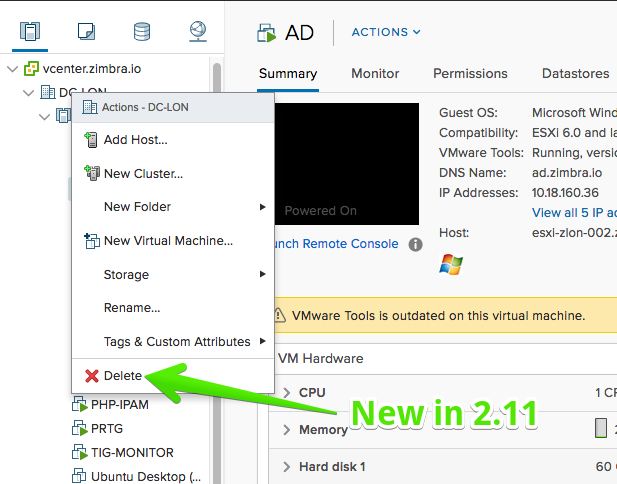
- Delete datacenter from inventory
Fling 2.10 – Build 4530788
New Features
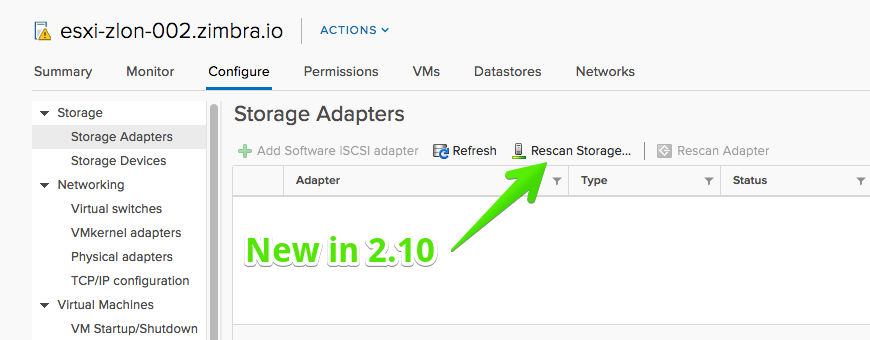
- Rescan storage (rescan for new VMFS volumes/new Storage Devices)
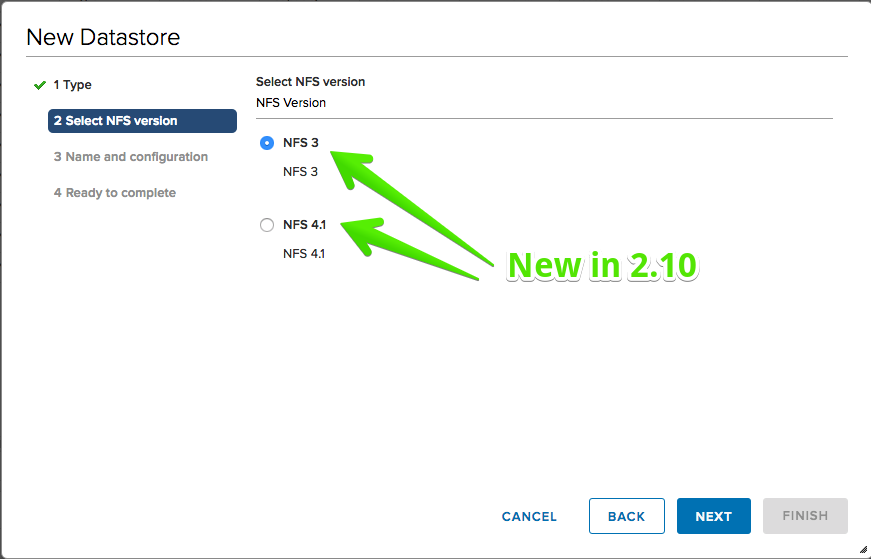
- Create new NFS3 datastore
- Create new NFS4.1 datastore (single server only)
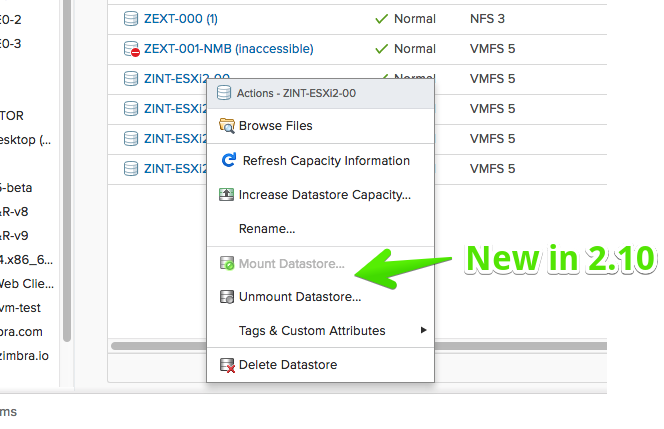
- Mount/Unmount VMFS datastore
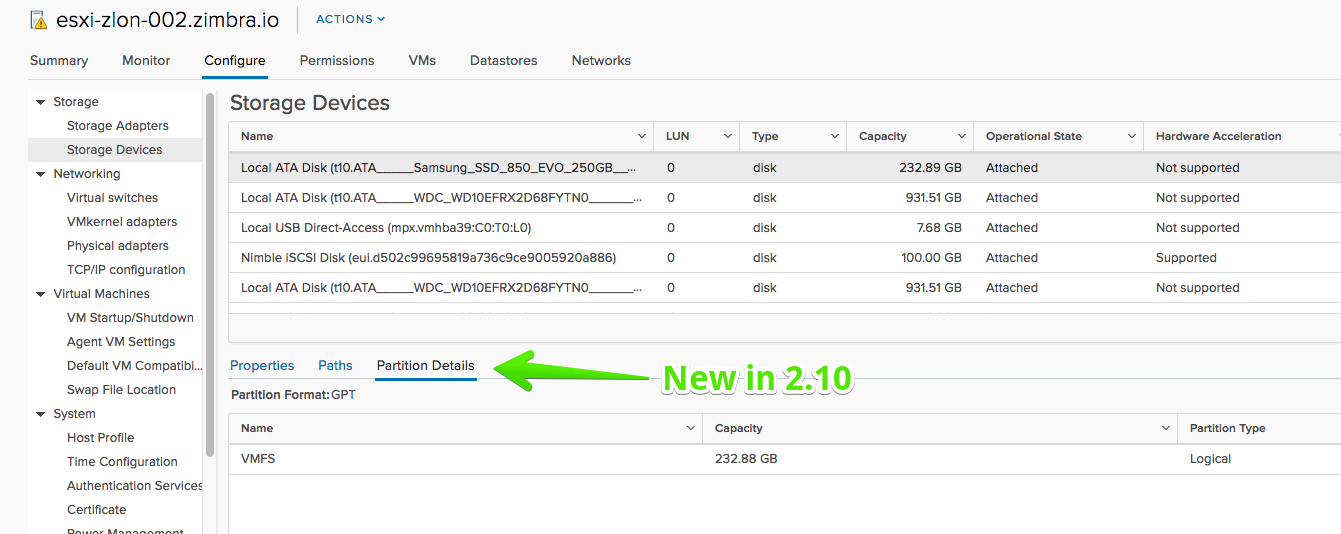
- Partition Details view for Host Storage Devices (Host > Configure > Storage Devices)
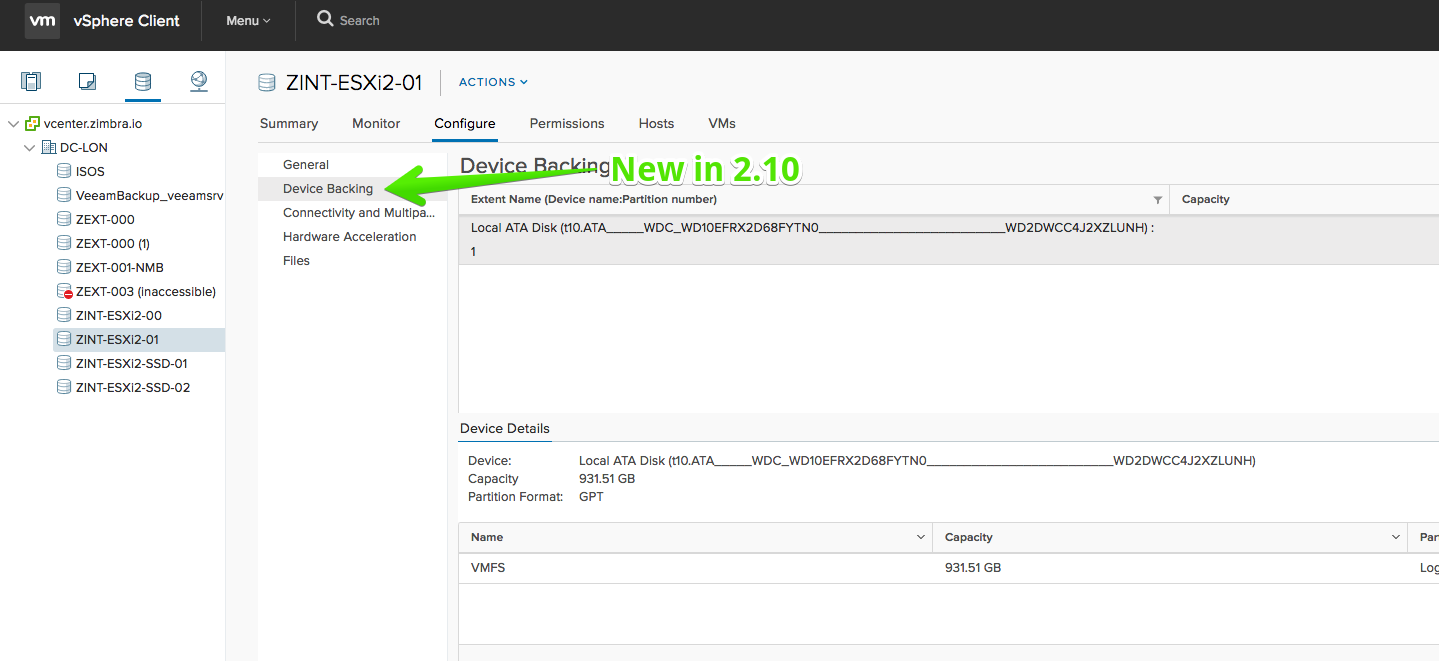
- Device Details view for VMFS backing device (Datastore > Configure > Device Backing)
- Enable/Disable storage device’s path
- Remove Dynamic/Static Discovery Targets from Storage iSCSI adapter
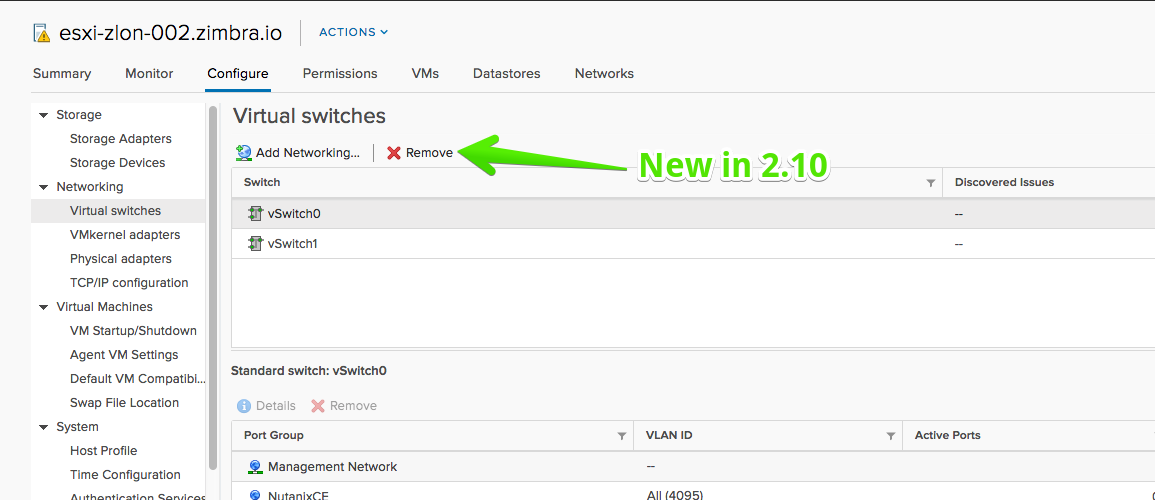
- Remove Standard Switch
- Lockdown mode can be edited for ESXi hosts
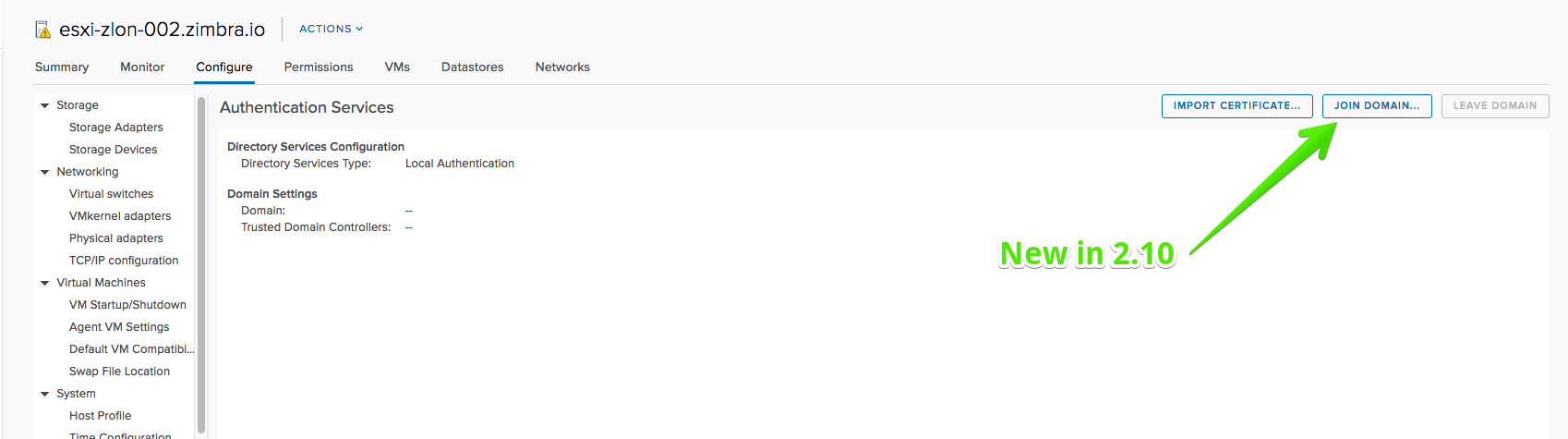
- ESXi hosts can be joined to domain
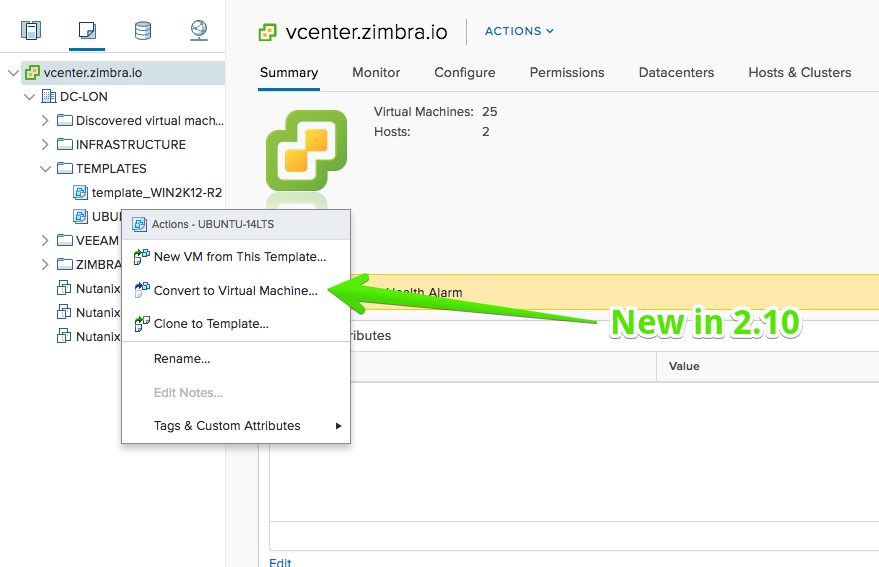
- Convert VM template to VM
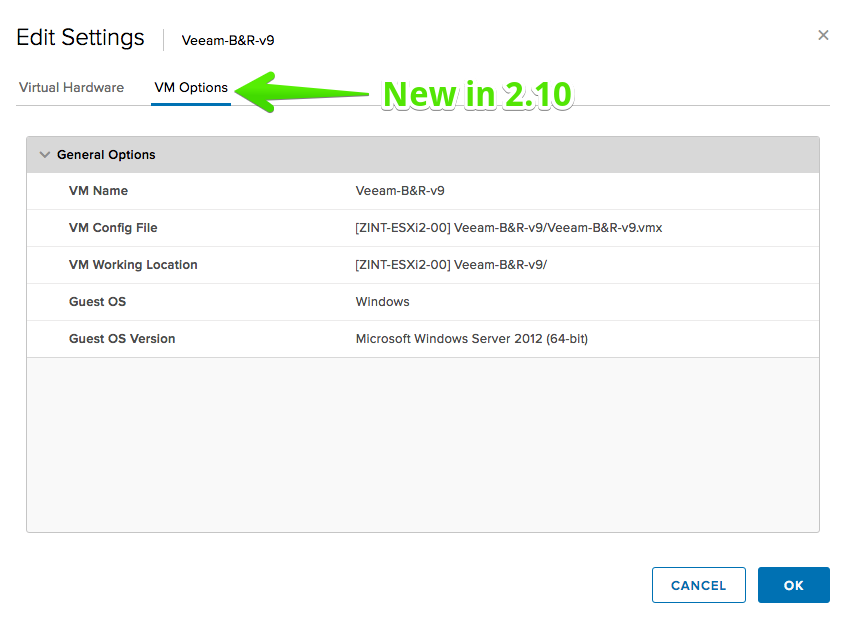
- VM options in edit settings dialog will show general options
- Create new global categories for tags
- Search will return the results for tags
Improvements
- Validation messages for incorrect input when adding Dynamic/Static discovery targets
Fling 2.9 – Build 4495439
New Features
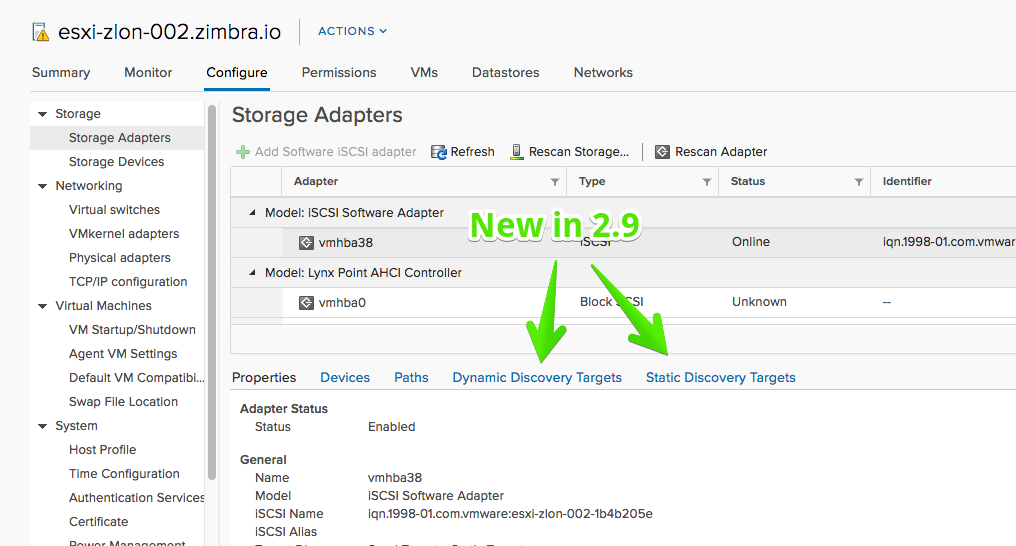
- Adding Dynamic/Static Discovery Targets to Storage iSCSI adapte
- Rescan selected adapter on Host Storage Adapters view
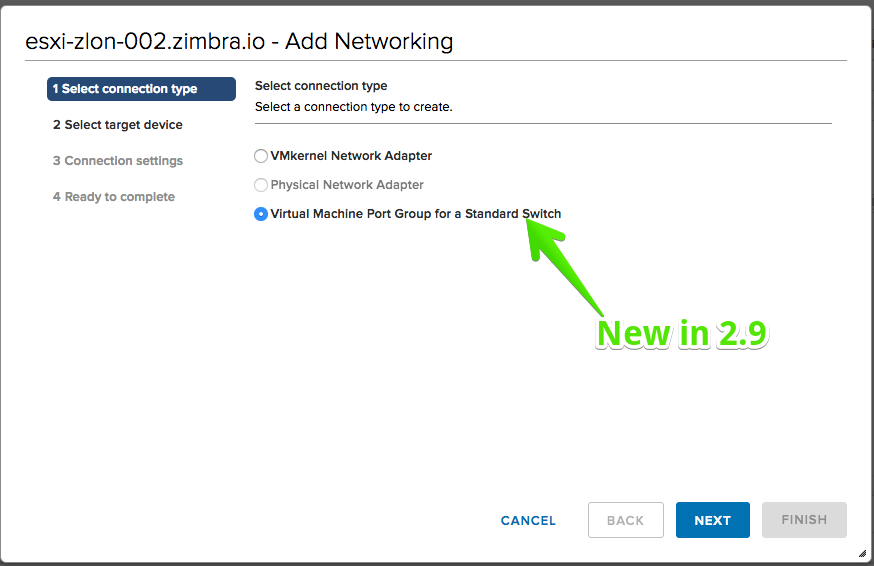
- Add Port Groups to Standard Switches
- Create new Tags for existing categories
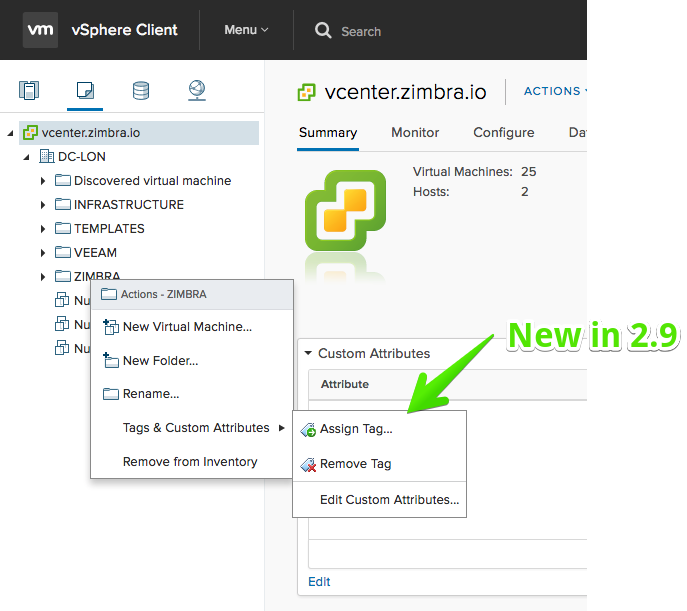
Improvements
- VMware Tools operations on multiple VMs (install/upgrade, unmount)
- Performance enhancements on edit VM settings dialog particularly for VMs with multiple devices
Fling 2.8 – Build 4468521
New Features
- Expand and collapse recent tasks panel

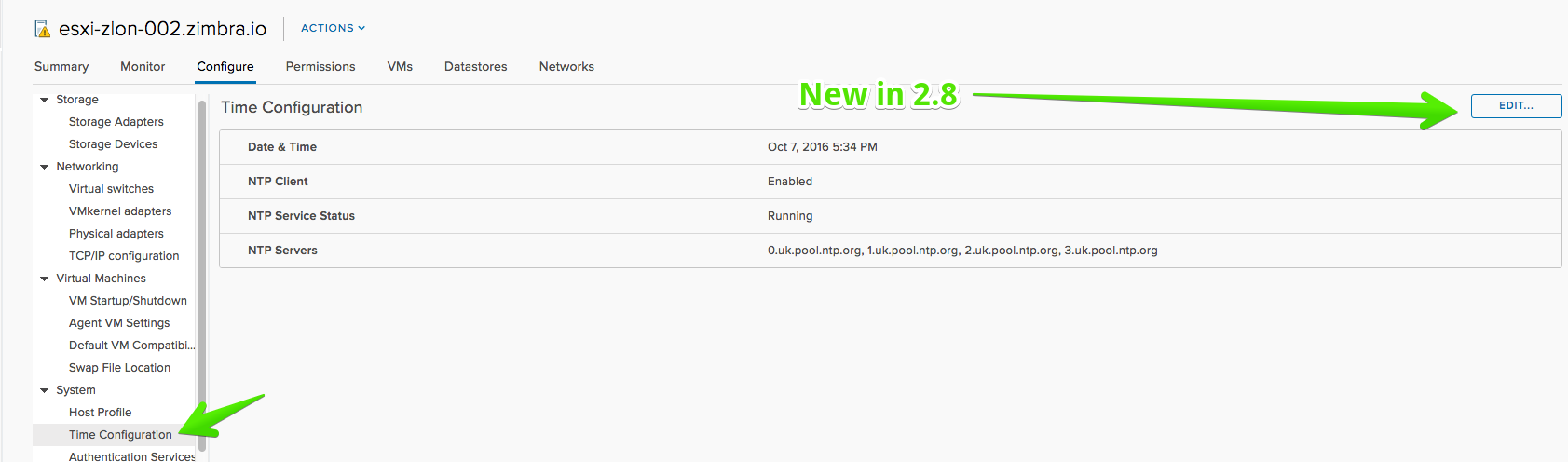
- ESXi time/NTP can be configured
- DRS affinity rules can be added and removed
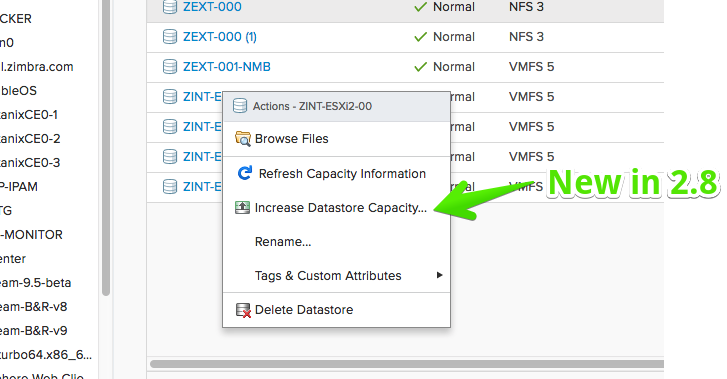
- Increase datastore capacity action
- Add Software iSCSI adapter action on Host Storage Adapters view
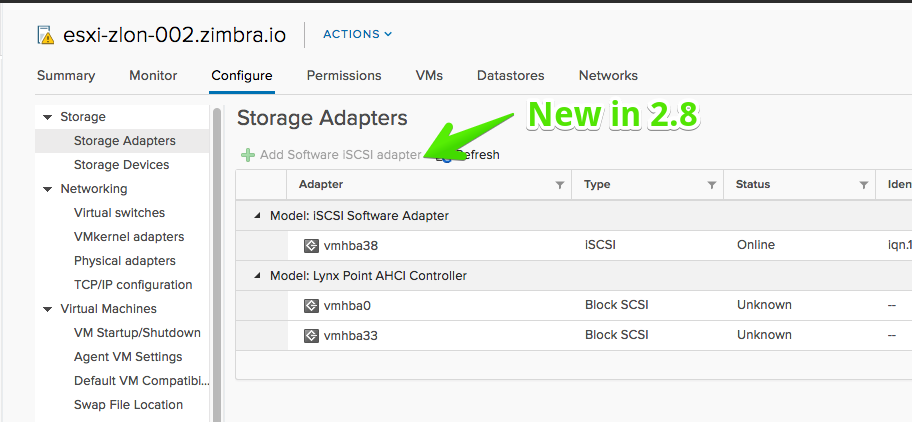
- Refresh host storage information on Host Storage Adapters view
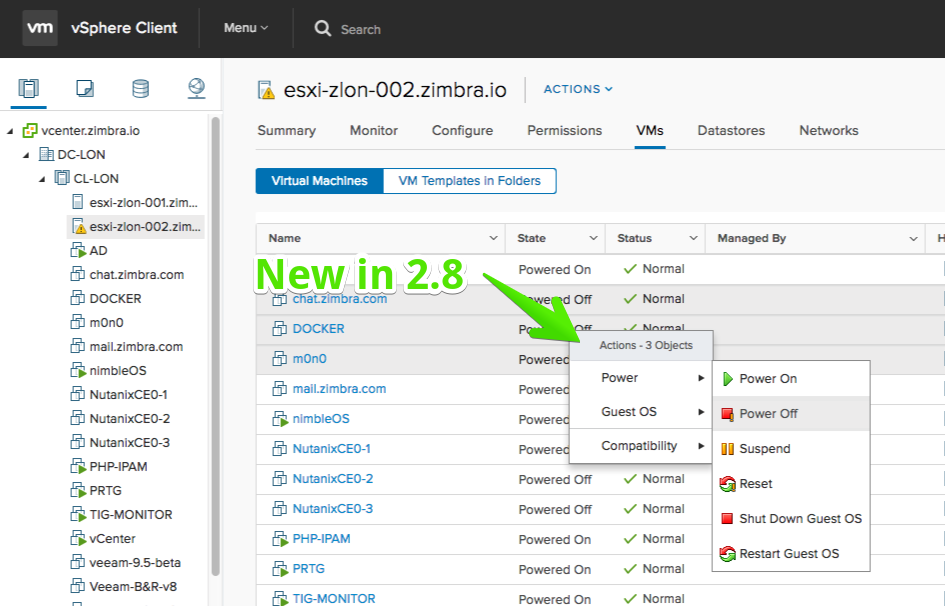
- Power operations on multiple VMs
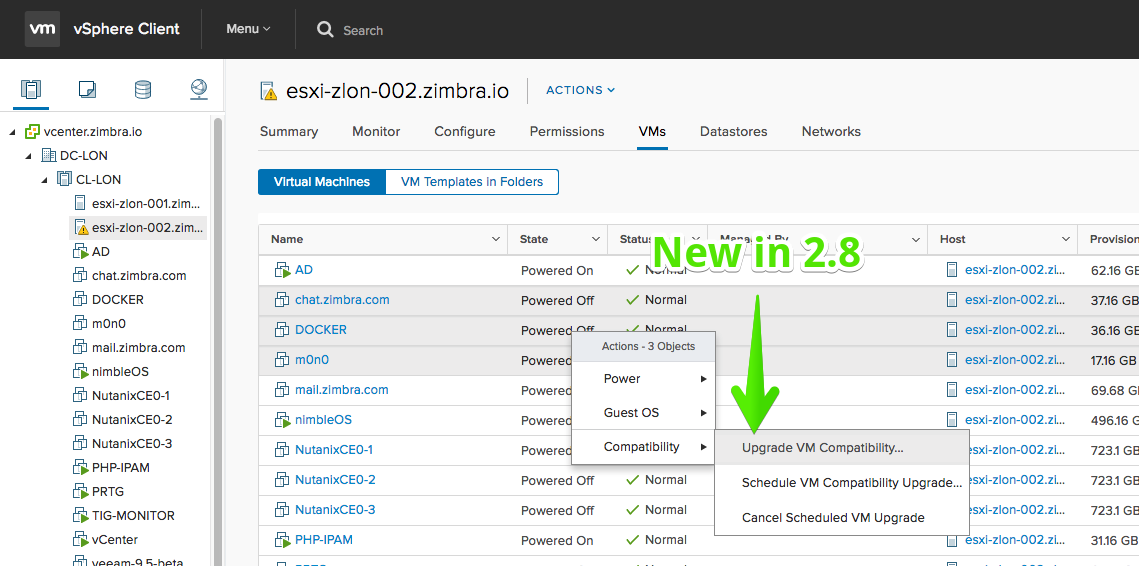
- VM Hardware Compatibility version upgrade on single and multiple VMs
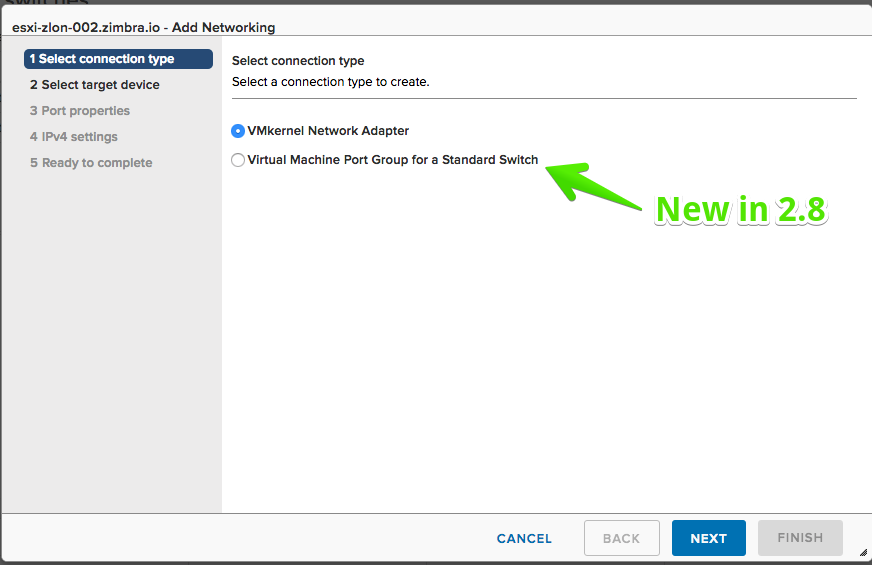
- Create new port groups on standard switches
- View settings of distributed port groups
Improvements
- Edit shares and provisioning type for a VM
- The VM Templates in Folders list shows full details for the VM templates
- FAMI now shows build numbers